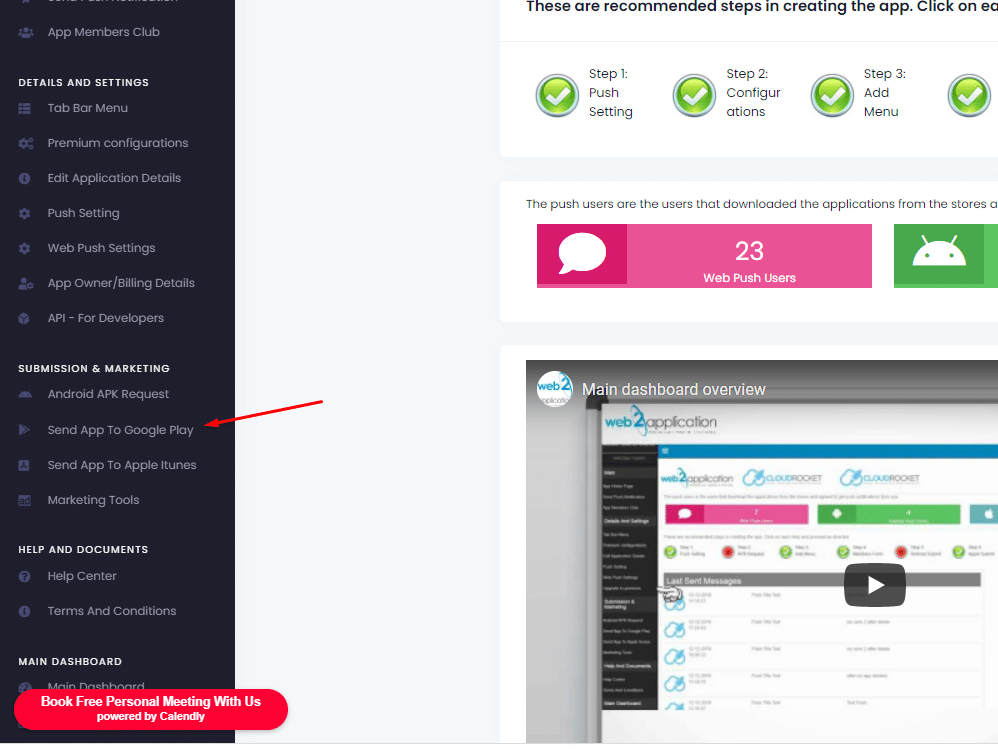
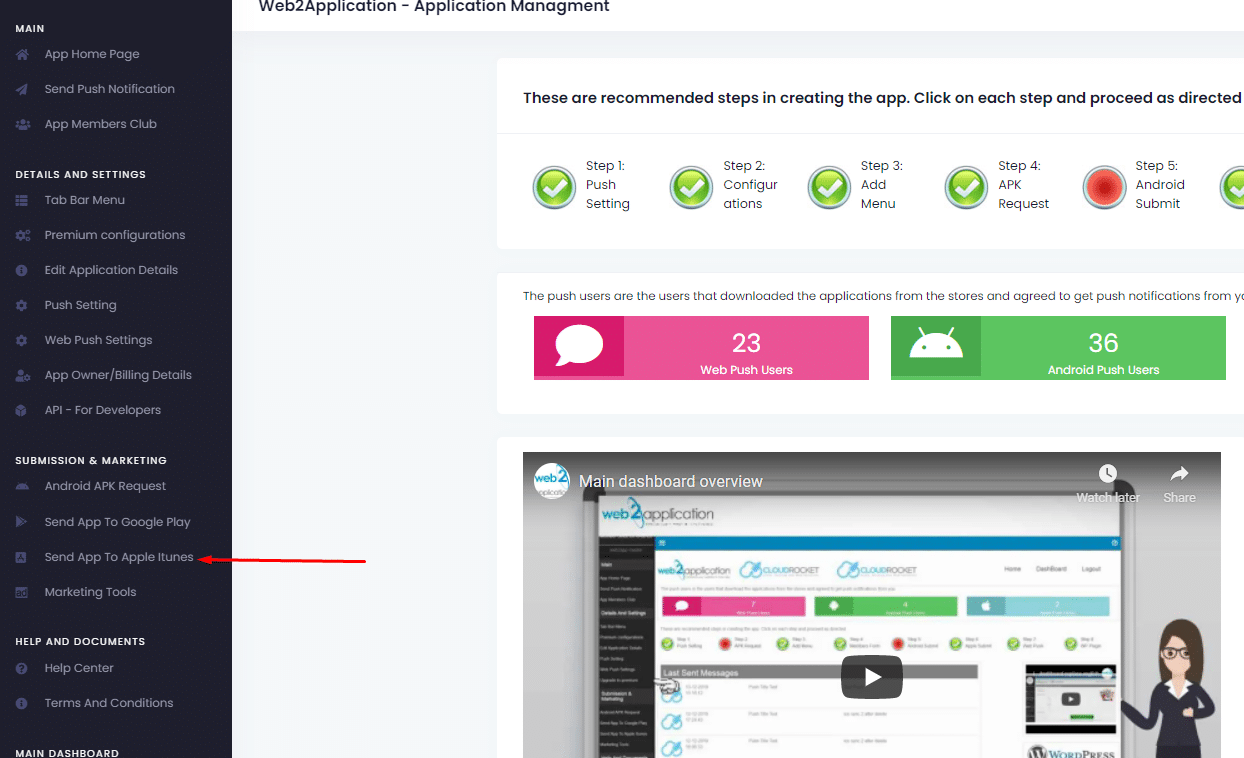
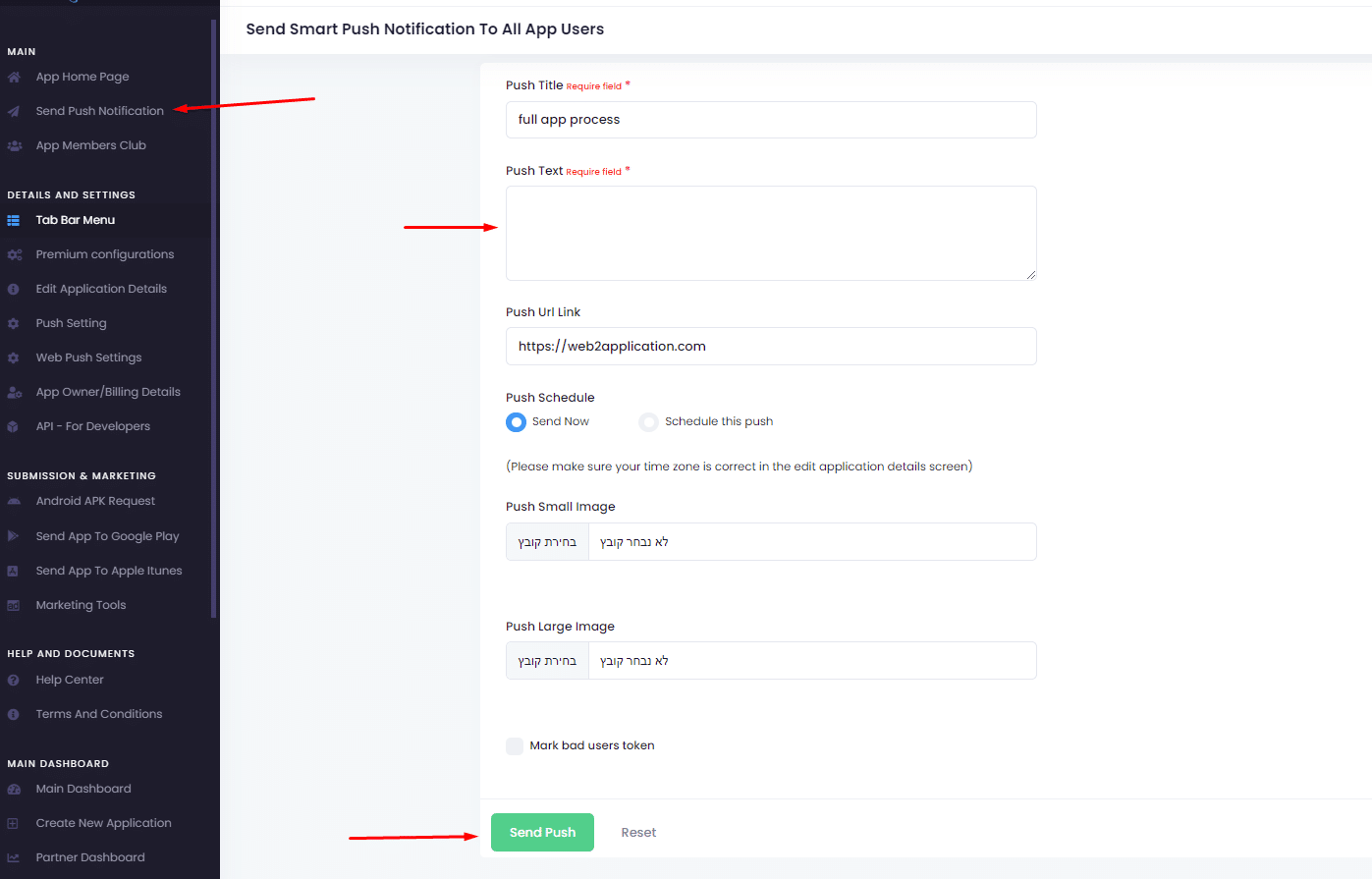
If you have a WordPress website you can install our web2application plugin that will help you manage your android and iOS apps directly from your website admin!
The plug will automatically install Web Push Messages on your website (You still need to config the firebase for the web push in our system)
After activating the plugin in your website, you can:
– Send push messages with a link to the content to be displayed when clicked.
– Control over app features like ZOOM, TAB BAR and etc.
– Any changes on your website will be automatically updated in the app.
– Change your premium configurations settings
– Set up and send messages to Chrome and Firefox browsers.
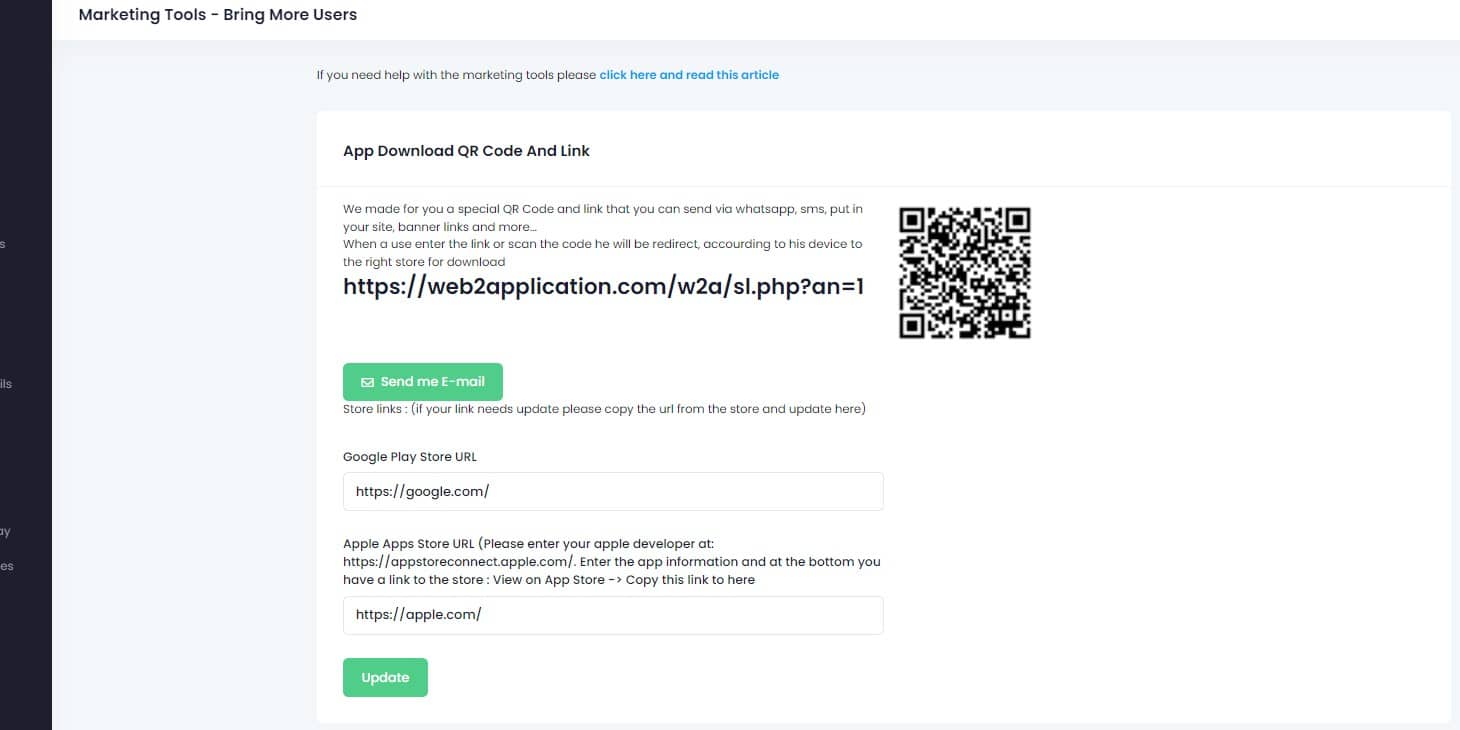
– Advance Marketing Tools Like:
— Cart Remainder – Send E-mail and push notification to users who didnt finish their purchase and bring them back to finish the purchase
— Miss You Reminder – Send an E-mail and push notification to users who didnt buy for some time on your website. Bring them back!
— In-App Discount – Give a special discount to a user that buys inside your app and encourage downloads and use with the app
And many more advanced features to help you increase your customer loyalty to your business and increase sales.
The plugin can be installed from the WordPress plugins directory or to be downloaded from here.
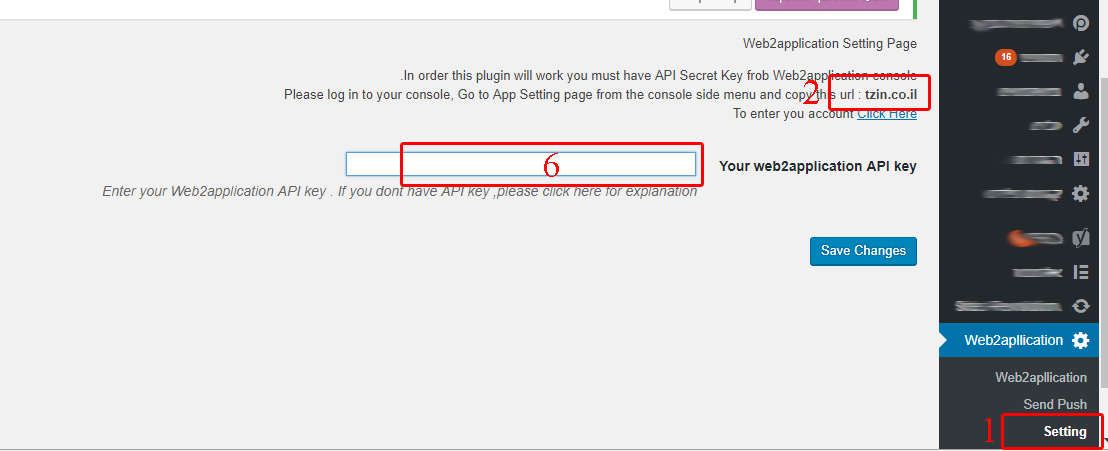
after installing and activating the plugin:
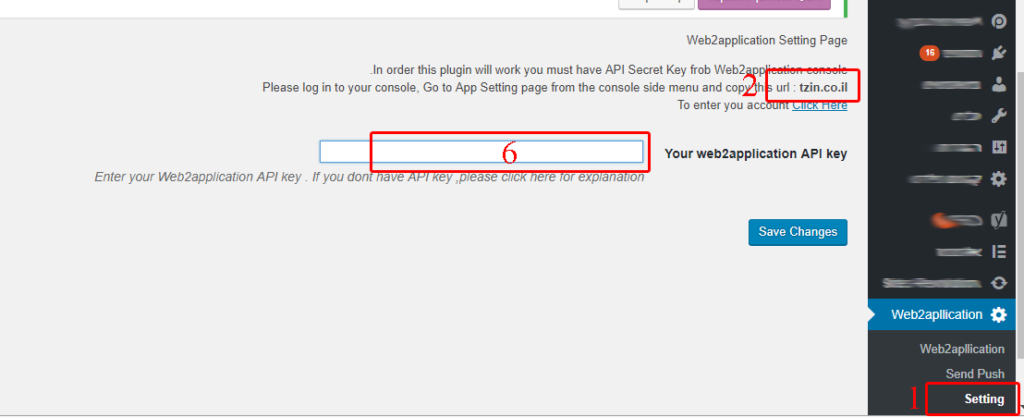


6. enter your website home page and clear the cache of the site. A popup from chrome needs to be shown to ask you about getting a notification from your website.
 By
By