

Website-to-App Features
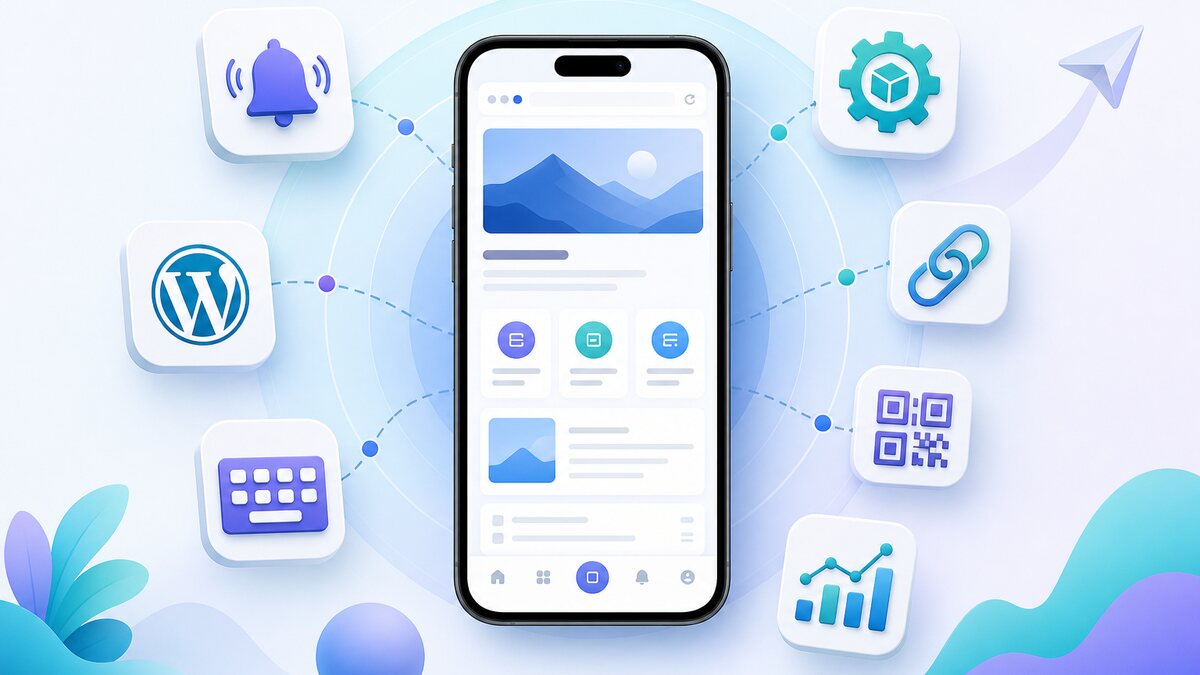
Website-to-App Features for Android and iOS
Website to app features starts with a clear website-to-app workflow: create your app free, generate a test APK, and explore eligible Premium features for 14 days.
Web2Application adds a practical mobile-app layer around your existing website. Keep managing website content in the tools you already use while adding native navigation, notifications, store preparation, and engagement features.
Start free, generate a test APK, and explore eligible Premium features for 14 days.
Create and test your app
Automatic Test APK
Request an Android test build from the dashboard, install it on a device, and check your real website flows before store submission.
Android and iOS Apps
Prepare apps for both major mobile platforms using your website as the live content source.
App Setup Checklist
Follow a guided dashboard checklist for configuration, push, navigation, APK testing, and store preparation.
Faster setup for WordPress and Firebase
WordPress Plugin Connection
Compatible WordPress sites can use guided plugin installation and API configuration. A manual path remains available when hosting security blocks automation.
Guided Firebase Setup
Reduce repetitive Firebase configuration steps and prepare Android push notifications through a guided flow.
Bring users back with notifications and smart links
- Push notifications: send updates with text, images, sounds, and destination links.
- Web push: reach supported website visitors through browser notifications.
- Deep links: open relevant content when a user taps a notification or campaign link.
- QR code and smart download link: direct each visitor to the appropriate store.
- App-only offers: create promotions intended for app users.
- Scheduled and personal push: plan campaigns or connect through the API where supported by the selected plan.
Control the app experience
Native Tab-Bar Navigation
Add clear bottom navigation so users can reach important website pages quickly.
Dynamic Splash Screen
Refresh the app loading visual from the dashboard without changing website content.
Keyboard Screen Lift
Choose whether the Android keyboard lifts the visible screen when users complete forms.
Cache and Loading Controls
Configure cache behavior, progress indicators, loading percentage, and pull-to-refresh.
Mobile Display Options
Control landscape support, pinch zoom, external-browser links, full-screen video, and related app behavior.
iOS Navigation Options
Enable helpful iOS back navigation and match supported status-bar colors to your app design.
Customer engagement and integrations
Use Members Club forms, groups, automations, programmable personal push notifications, WooCommerce engagement tools, and Elementor visibility controls where they fit your website and plan.
Store submission and ongoing updates
Web2Application helps Premium customers prepare and submit builds to their own Google Play and Apple developer accounts. Store approval is controlled by Google and Apple and cannot be guaranteed. Ongoing app updates help keep published apps compatible as store requirements change.
Follow the free course from setup to store preparation
Ready to turn your website into an app?
Create your Android and iOS app without coding. Start free, generate a test APK, and explore Premium features with a 14-day trial.
Frequently Asked Questions
Do I need coding experience?
No. Most configuration is completed in the dashboard, though your website or external developer accounts can sometimes require technical action.
Can I test the app before publishing?
Yes. Generate and install a test APK on Android before requesting store submission.
Will website updates appear in the app?
The app displays your live website content, so most website content changes appear without a new store build. Native-code and permission changes can require a new build.
