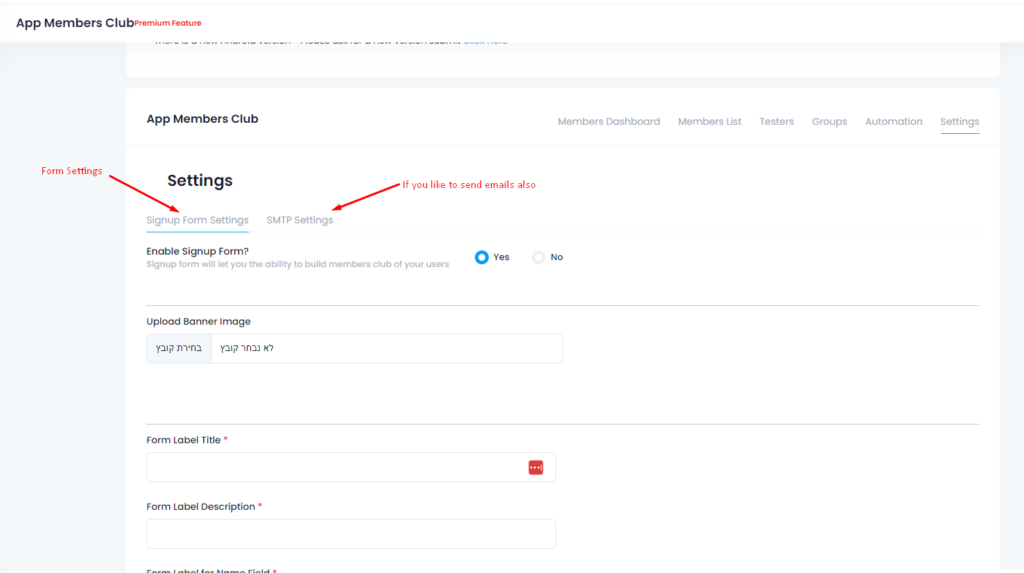
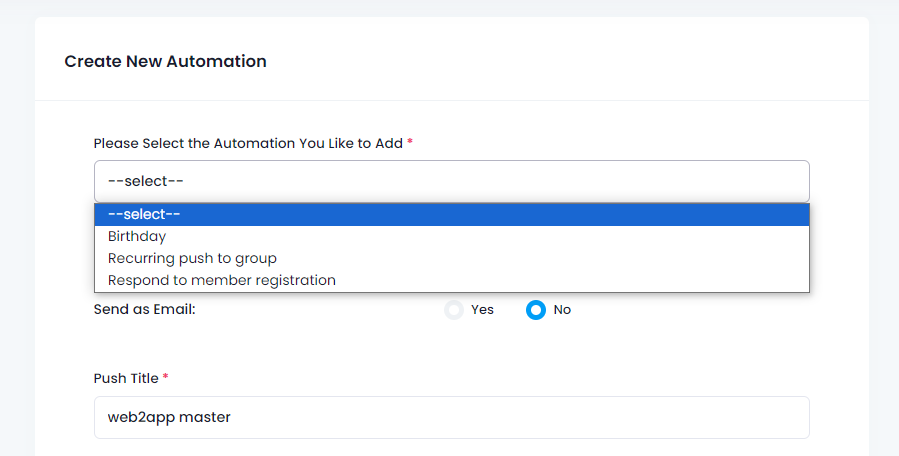
How to Create an App From a Website: Free Course
How to create an app from a website starts with a clear website-to-app workflow: create your app free, generate a test APK, and explore eligible Premium features for 14 days.
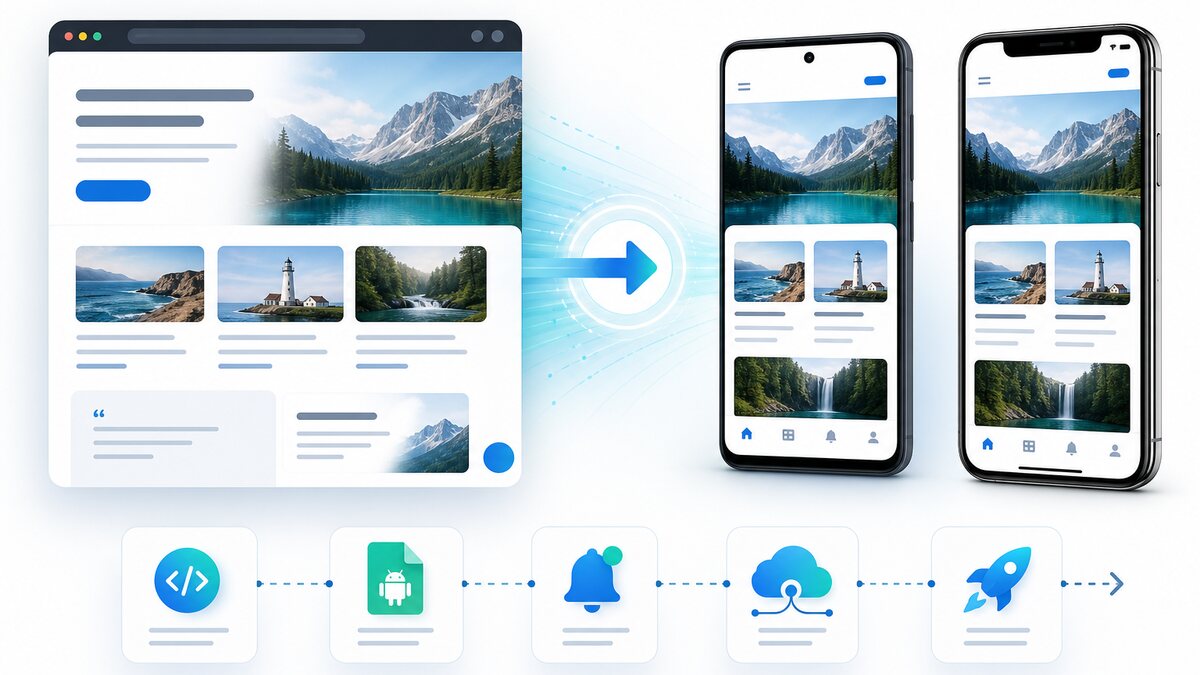
Free Website-to-App Course: Follow the Steps in Order
This course is organized as a practical checklist. Complete each stage, test the result, and then continue. You do not need coding experience.
1. Create your account and first app
Register, enter your website URL, and review the detected details. The dashboard checklist shows what is ready and what still needs attention.
2. Configure the app experience
Add the app name, icon, splash screen, colors, and bottom navigation. Check every destination on a real mobile device.
3. Connect WordPress
If your website uses WordPress, follow the guided plugin connection. Automatic installation and API configuration are attempted on compatible sites; if hosting security blocks them, the dashboard provides a manual path.
4. Configure Firebase and push
Use the guided Firebase flow to prepare the Android app for notifications. Then send a test notification before relying on push for customers.
5. Generate and test the APK
Request the test APK from your dashboard, wait for the build to finish, download it, and install it on an Android device. Test login, forms, file upload, checkout, phone links, external links, navigation, and push.
6. Review Advanced Settings
Choose cache, progress indicator, pull-to-refresh, external-browser behavior, and the loading percentage. Android apps built with the current source also let you choose whether opening the keyboard lifts the screen. Use the lift option when a website form would otherwise be hidden.
7. Prepare store submission
Complete testing first. Then open the relevant developer accounts, prepare store text and graphics, review privacy requirements, and submit through the Web2Application dashboard.
8. Promote the published app
Share the smart download link and QR code, send useful push notifications, create app-only offers, and explain the benefit of installing the app on your website and social channels.
Ready to turn your website into an app?
Create your Android and iOS app without coding. Start free, generate a test APK, and explore Premium features with a 14-day trial.
Common Questions Before You Start
Do I need coding experience?
No. The course follows the dashboard workflow and explains when an external developer account or website setting is required.
Can I test before publishing?
Yes. Generate a test APK and check the main website flows on an Android device before requesting store submission.
Will every step be automatic?
The system automates or guides many steps, but hosting security, Firebase permissions, and developer-account requirements can still require your approval or manual action.
Does Web2Application guarantee store approval?
No platform can guarantee approval. The course helps you prepare the app and follow the current Google Play and Apple requirements.

 By
By