Details, icon and splash screen

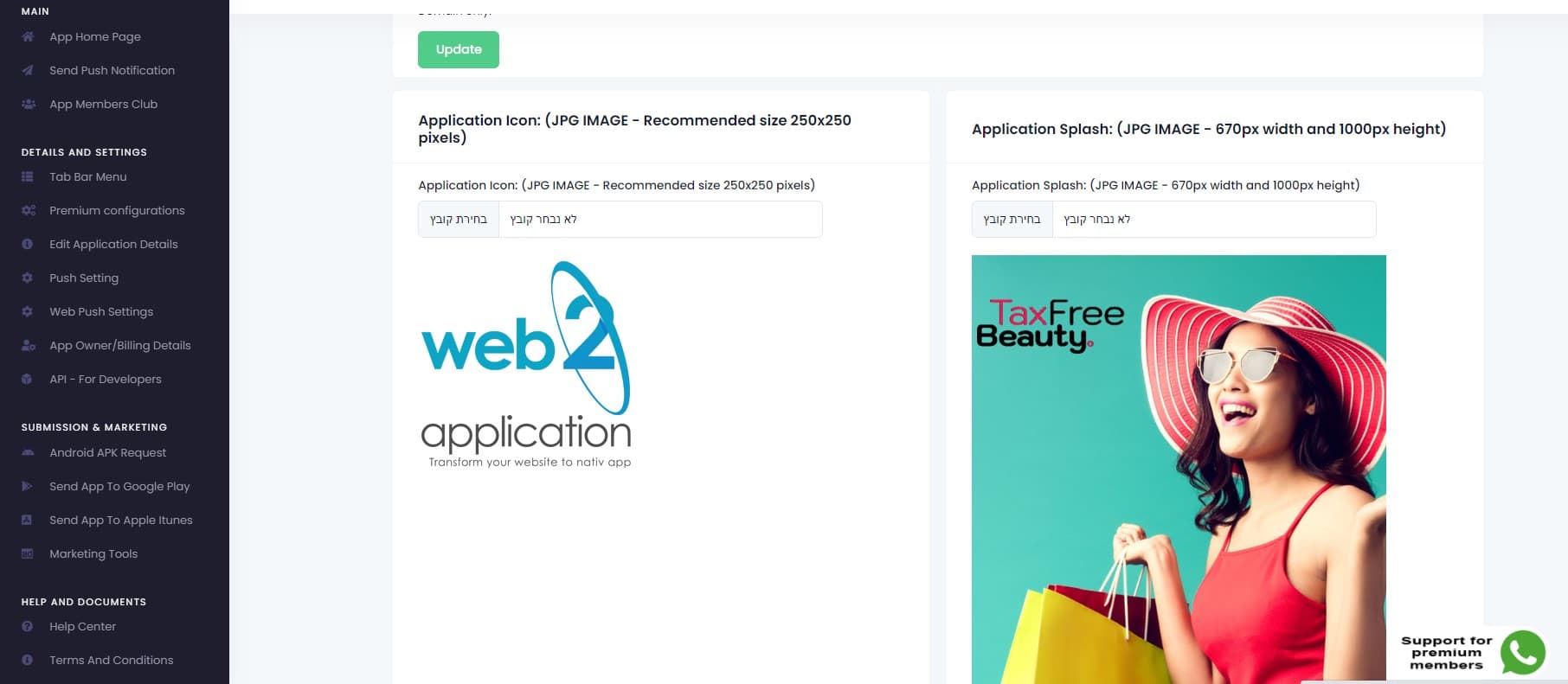
Step one, we need to enter the application details and upload the app icon and the app splash screen. The splash screen is the screen that shows when the user opened the application on his device.
Please enter the application name, for example, my amazing app.
Now, enter your application e-mail.
Please enter your site Full Url include HTTPS. Now, find your country’s time zone, this is for the option to schedule your push notification. Its important to select the right time zone.
Now we need to set up the application icon. The icon should be a JPEG image with a background. Please, do not upload any PNG images without background, images with alpha, or things like that. Google and apple will not like it. for this example, I created an icon and splash images in advance. Upload the icon and then you can trim and crop it to make the icon look good. Make sure you have enough padding because google and apple will crop the icon to their shape icons. When done, save the icon, and, Do The same for the splash screen. In the splash screen, you need to leave padding in the left and the right of the image, because the image will trim to the height of each device. There is a lot of different devices with different screen sizes. So, leave enough padding in the left and in the right, that if it will be cut, your image or logo will not harm. Now we can create our app. Go down and click on create app

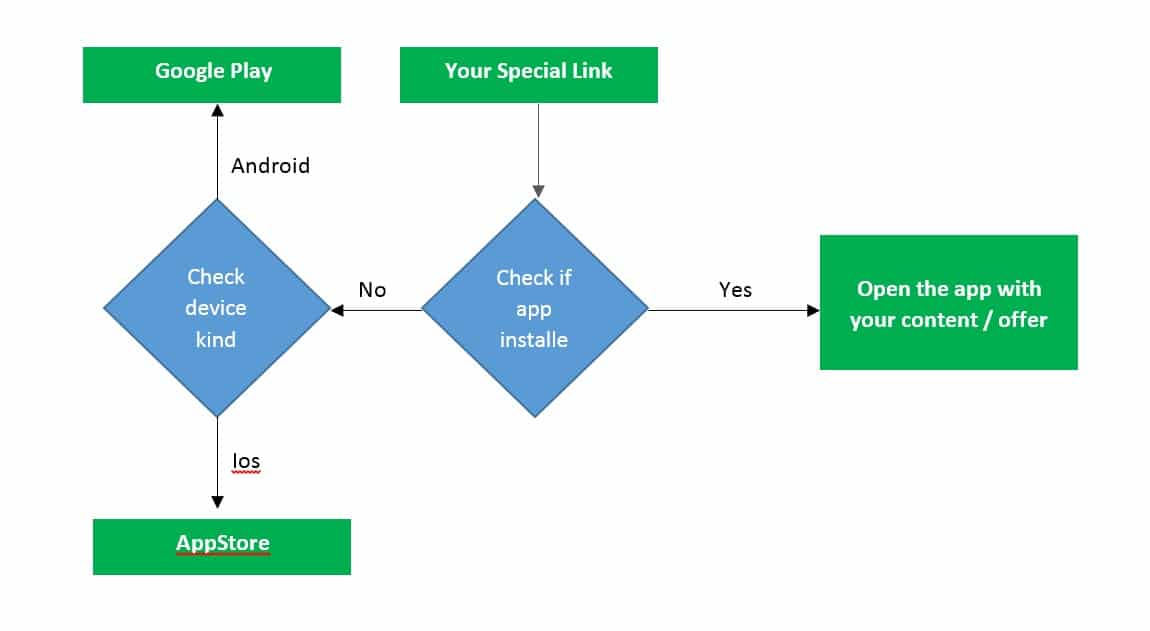
Use the special offer system
By Jul 23, 2023
The idea is simple, create special promotions and unique content for the app via a special offer system, enter the system and create a special link th...
Promote your apps on the stores
By Jul 23, 2023
Congratulations your apps are approved and live in the stores! But, sometimes its hard to find them… Now it is due time to Promote your apps! If...
Send your smart download link to your clients
By Jul 23, 2023
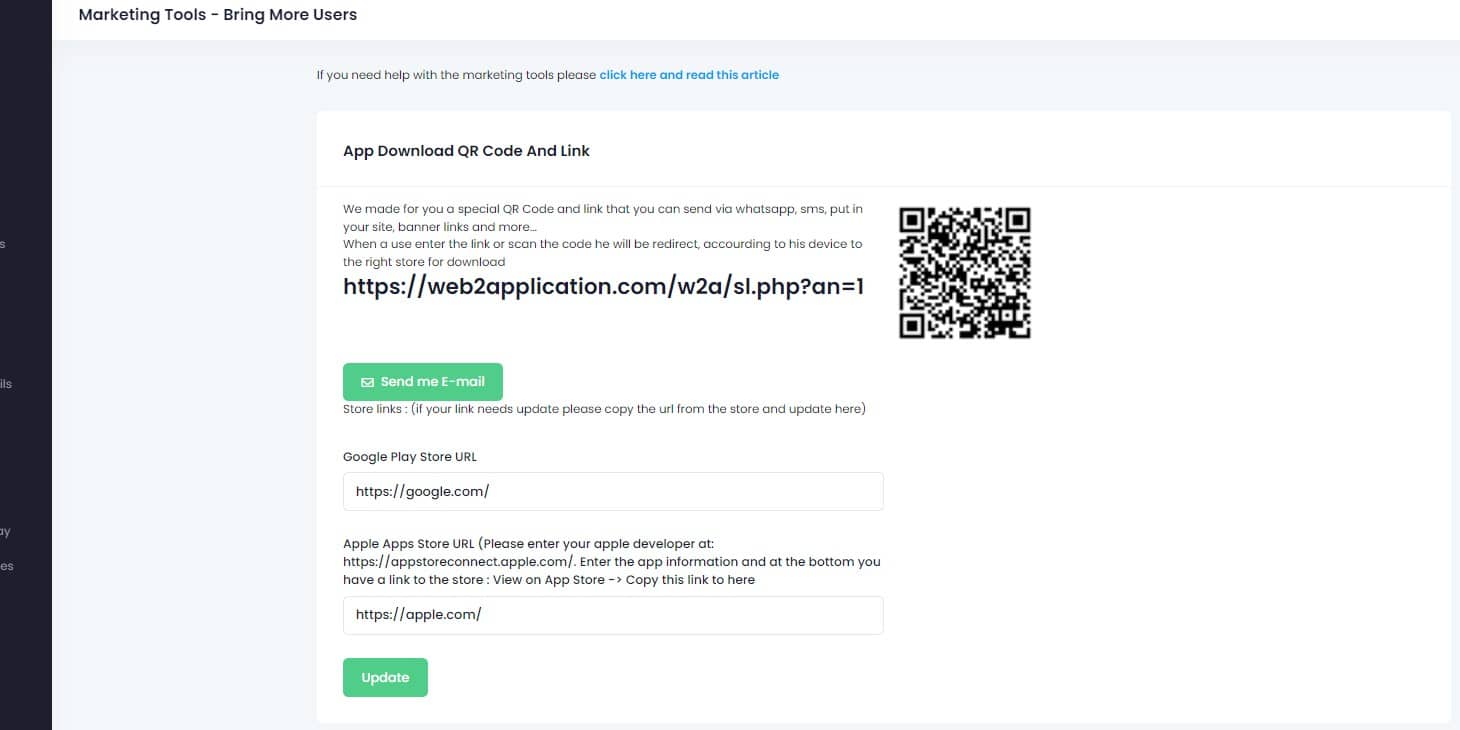
To make it easy for your clients to download your app we created a smart download link that you can send by SMS, EMAIL, WHATSAPP, etc, and also a QR C...
WordPress plugin – connect and review (if you have a WordPress website)
By Jul 23, 2023
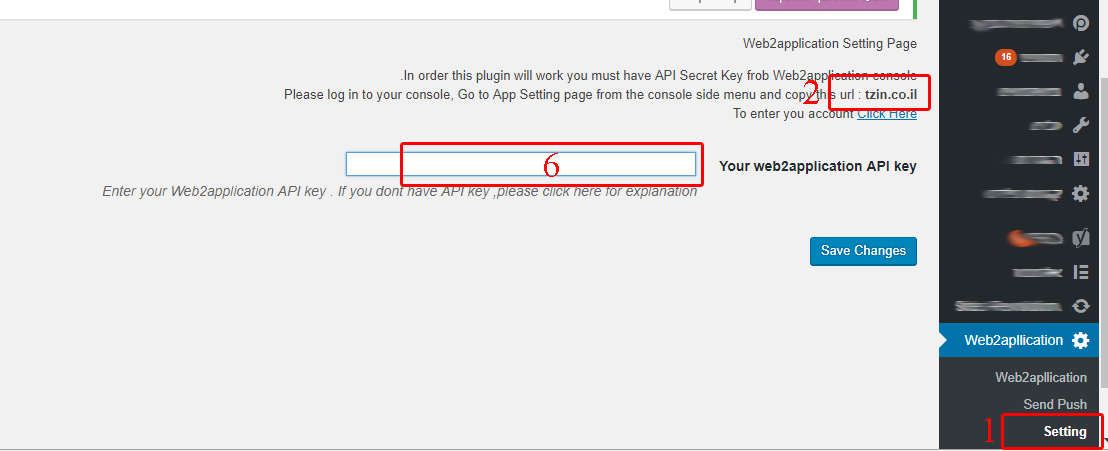
If you have a WordPress website you can install our web2application plugin that will help you manage your android and iOS apps directly from your webs...
Send push notification
By Jul 23, 2023
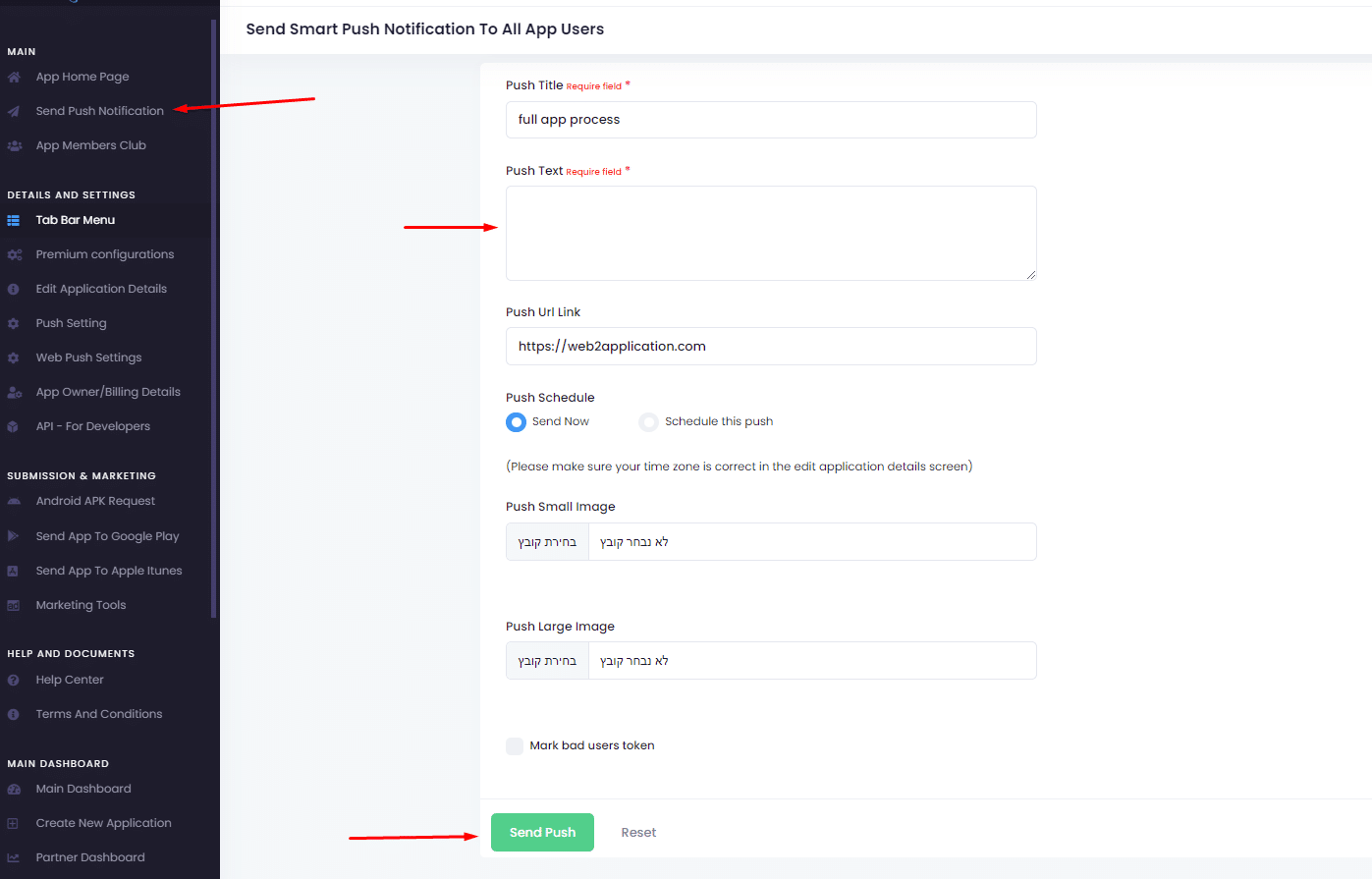
  Sending push notifications is super easy and can be done from your app dashboard in our system or throw the WordPress plugin. Basic send: 1. go...
Understand your app design
By Jul 23, 2023
In this chapter, we will talk about app design and what options are available to you. The app is a special browser built for you with advanced functio...
Changing app splash screen and icon
By Jul 23, 2023
The splash screen is the screen that the user sees until the app loads. To get the advantage of this loading time you can change the splash screen fro...
Create home page and pages for the apps with your site page builder
By Jul 23, 2023
APP SPECIAL HOME PAGE Lets say you like to have a special home page for the app. All you need to do it to create another page in your website, for exa...
Twick the apps with CSS (Advanced users)
By Jul 23, 2023
Let’s say you have “download our apps” buttons on your website or some elements that you don’t like to display on your apps. F...
Skip to content