App configuration


After we open the app, we need to configure all the settings for the proper App configuration. On this screen, you will see all the settings that the app can have for Android and iOS. In the first section, you can enable the membership form, don’t enable it until the apps are approved by google and apple. It will add a member club popup form and your client will be able to sign to your members club, but, please note, Google and Apple will ask you some questions about why you ask for the user details. Allow landscape zoom in and zoom out, deep linking, deep linking is when somebody will click on your site link over the web and the phone will ask him, where do you want to open this link? Inside the app or inside the browser?. You can also select permissions if you want permissions for upload files. It’s recommended to leave it as the default settings. Geolocation, please enabled only if you need it for your site and you have geolocation working on your website. Google and Apple will ask you why you need geolocation, this is a privacy issue. You can translate the forms fields and labels. for iOS, you can add a back button, and if you want to change the color of the status bar.
Push notification settings, you can select the sound, add buttons like share buttons and call now in your smart push notifications. you can also translate buttons titles.
advanced App configuration settings, normally leaves it as is, no need to touch it. You can control here if you want a progress bar, disable the cache and enable cache. But all of that can be changed after you approve the apps. Its better to leave it as is for start and you can change it any time.
Click Continue to those next

Use the special offer system
By Jul 23, 2023
The idea is simple, create special promotions and unique content for the app via a special offer system, enter the system and create a special link th...
Send your smart download link to your clients
By Jul 23, 2023
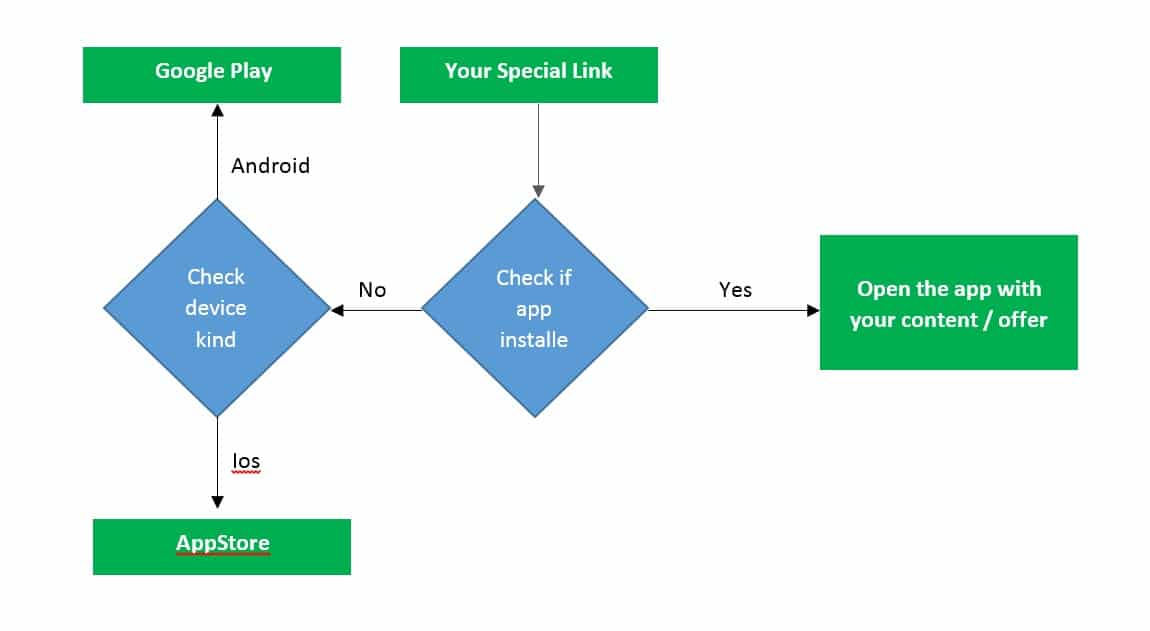
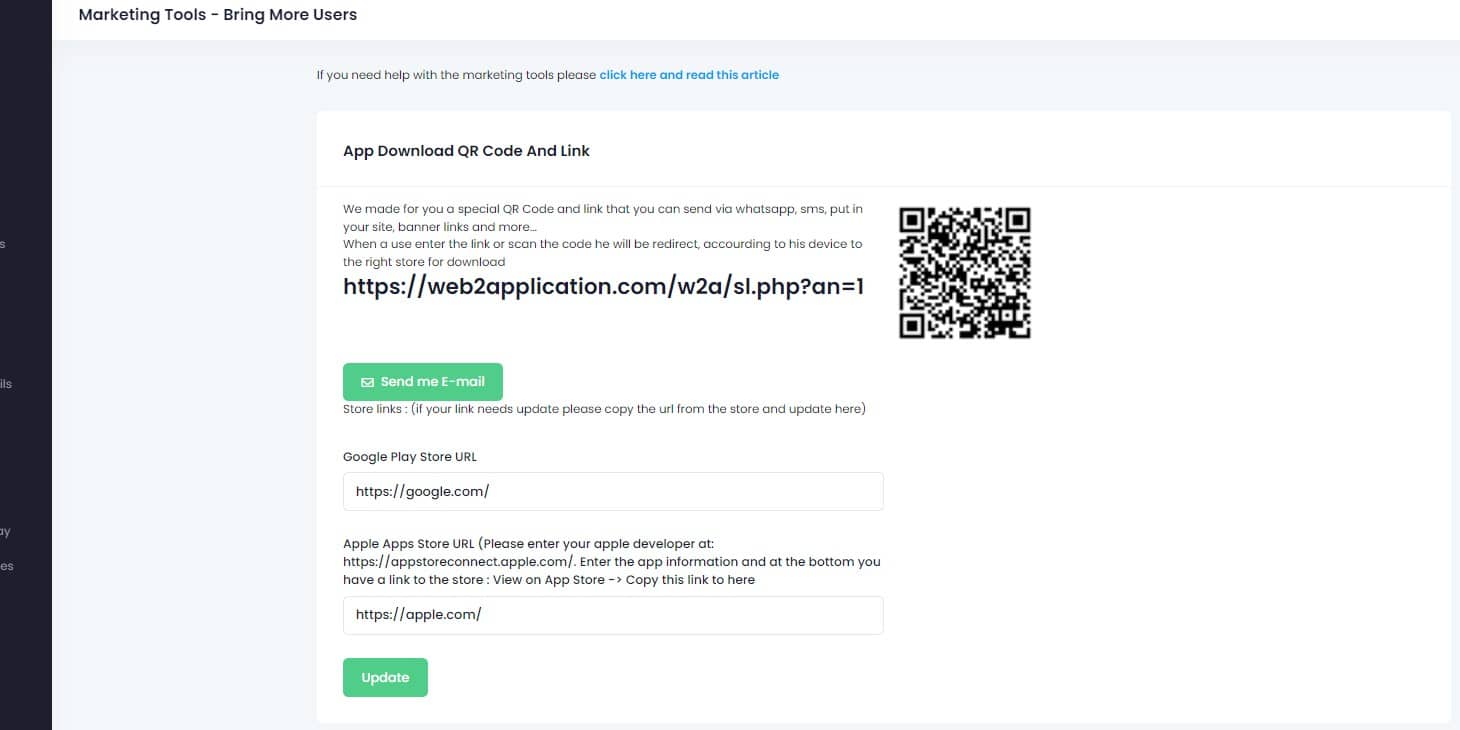
To make it easy for your clients to download your app we created a smart download link that you can send by SMS, EMAIL, WHATSAPP, etc, and also a QR C...
WordPress plugin – connect and review (if you have a WordPress website)
By Jul 23, 2023
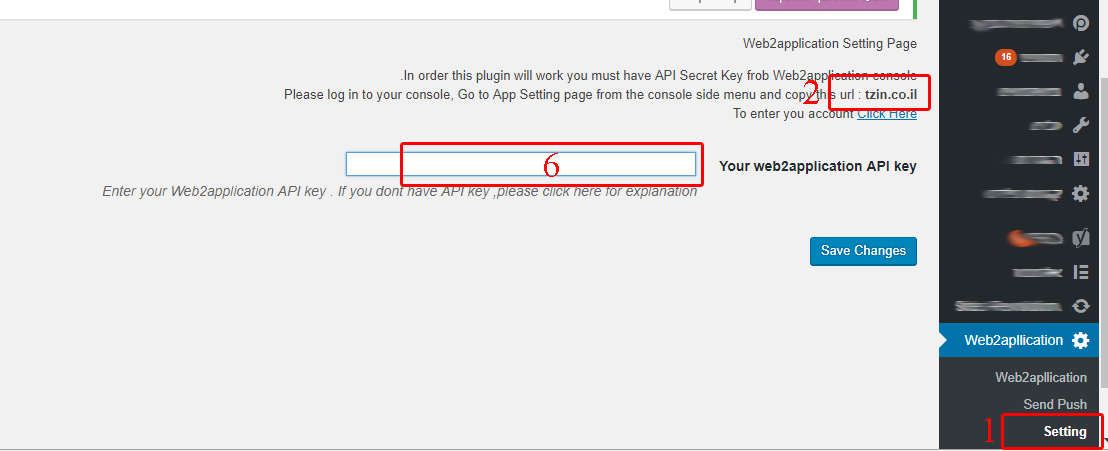
If you have a WordPress website you can install our web2application plugin that will help you manage your android and iOS apps directly from your webs...
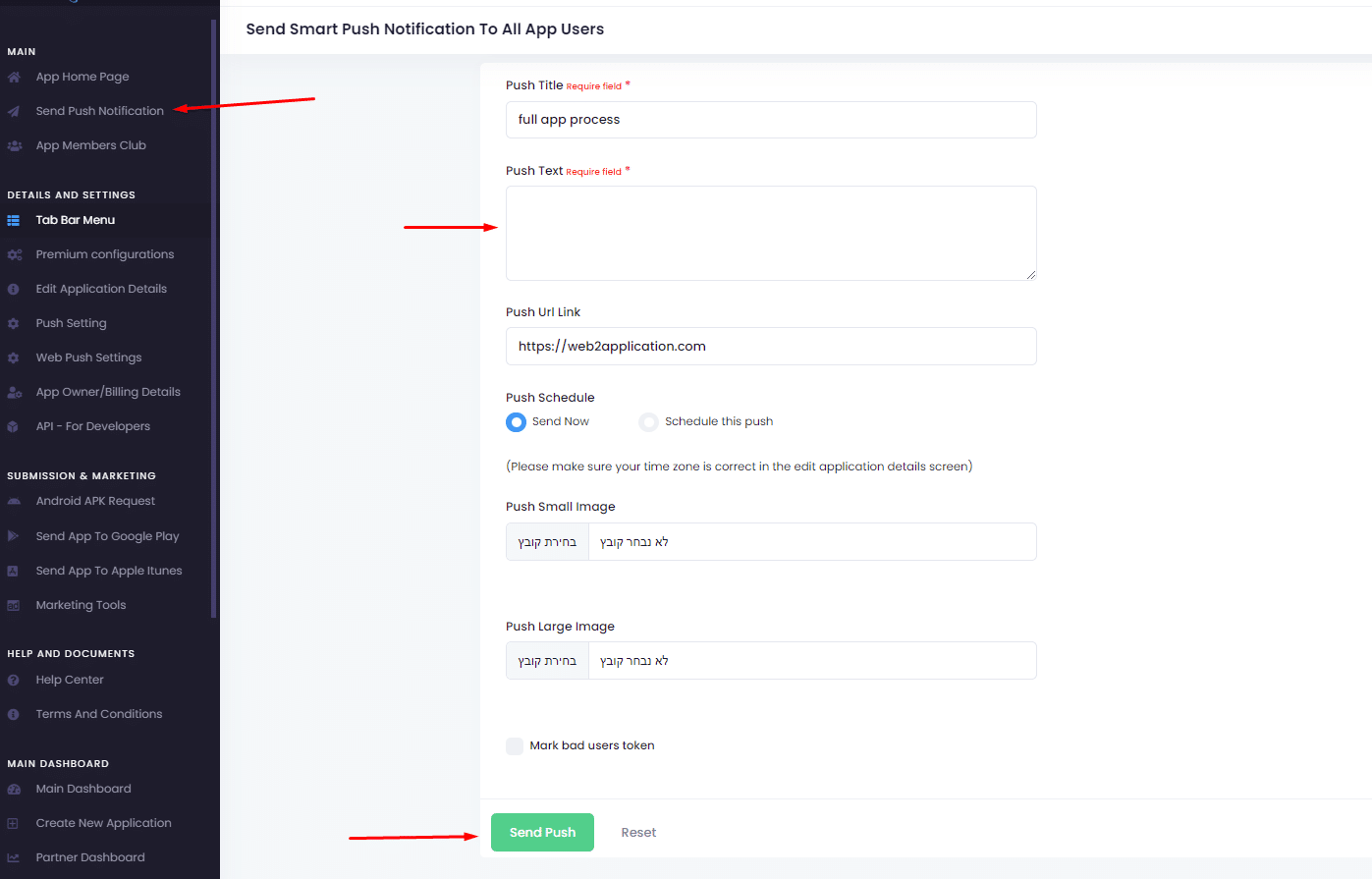
Send push notification
By Jul 23, 2023
  Sending push notifications is super easy and can be done from your app dashboard in our system or throw the WordPress plugin. Basic send: 1. go...
Understand your app design
By Jul 23, 2023
In this chapter, we will talk about app design and what options are available to you. The app is a special browser built for you with advanced functio...
Changing app splash screen and icon
By Jul 23, 2023
The splash screen is the screen that the user sees until the app loads. To get the advantage of this loading time you can change the splash screen fro...
Create home page and pages for the apps with your site page builder
By Jul 23, 2023
APP SPECIAL HOME PAGE Lets say you like to have a special home page for the app. All you need to do it to create another page in your website, for exa...
Twick the apps with CSS (Advanced users)
By Jul 23, 2023
Let’s say you have “download our apps” buttons on your website or some elements that you don’t like to display on your apps. F...
Ask for android submit on the system
By Jul 23, 2023
After you have google developer account all you need to do is to enter your app dashboard in our system and ask us to upload the app to your developer...
Skip to content