The features and operations are spread over a couple of tabs: Members lists, testers, groups, and automation.
Members list tab – those are all your members and you can download the list for a CSV file. you can also send personal push manually for a member, Block a member, or edit and delete a member.
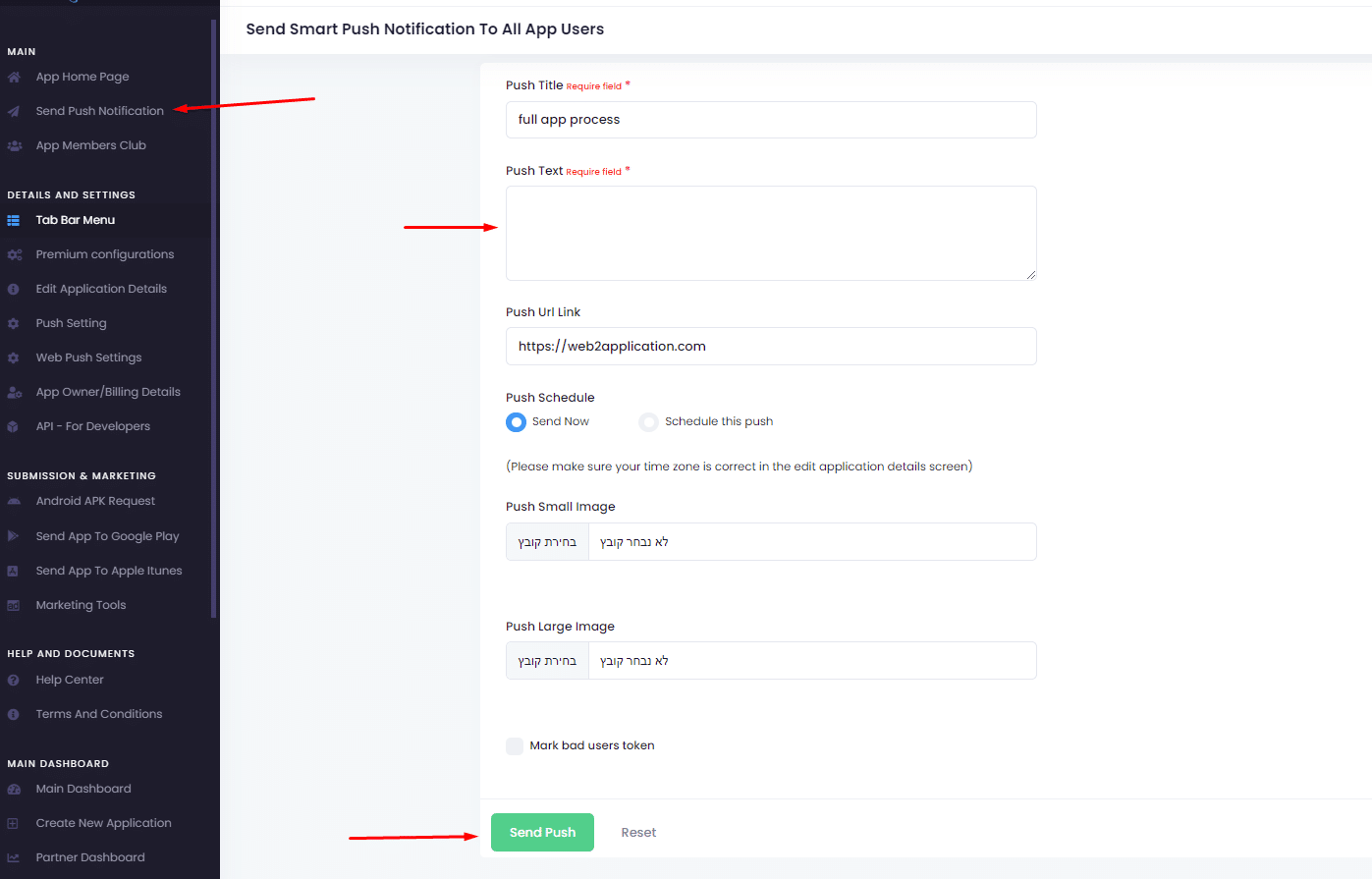
Testers tab – the testers are for push notifications tests, you can create some of your members as testers and then send a push only for those testers in order to check the push before you send it to all members.
Groups tab – the group tab will allow you to create groups for your users and they will be join the groups over the apps.
for example, if you have a newspaper app, you can ask your members what topics they want to get push notifications about or if you have a store you can ask them what categories they want to get updates about.
Automations tab – click here
More Members Club Help Articles
Member Club features and operations
The features and operations are spread over a couple of tabs: Members lists, testers, groups, and automation. Members list tab
Member Club Automations
After we have members and groups we can start creating automation and engage our members.Birthday automation – send your members
Member Club Settings
text Form settings The setting tab is the heart of the Members system.You can set the labels on the form
Member Club Introduction
Build your customer club/community of your business, get to know your customers, and send them only messages they want to
 By
By