Create home page and pages for the apps with your site page builder

APP SPECIAL HOME PAGE
Lets say you like to have a special home page for the app. All you need to do it to create another page in your website, for example: app home page.
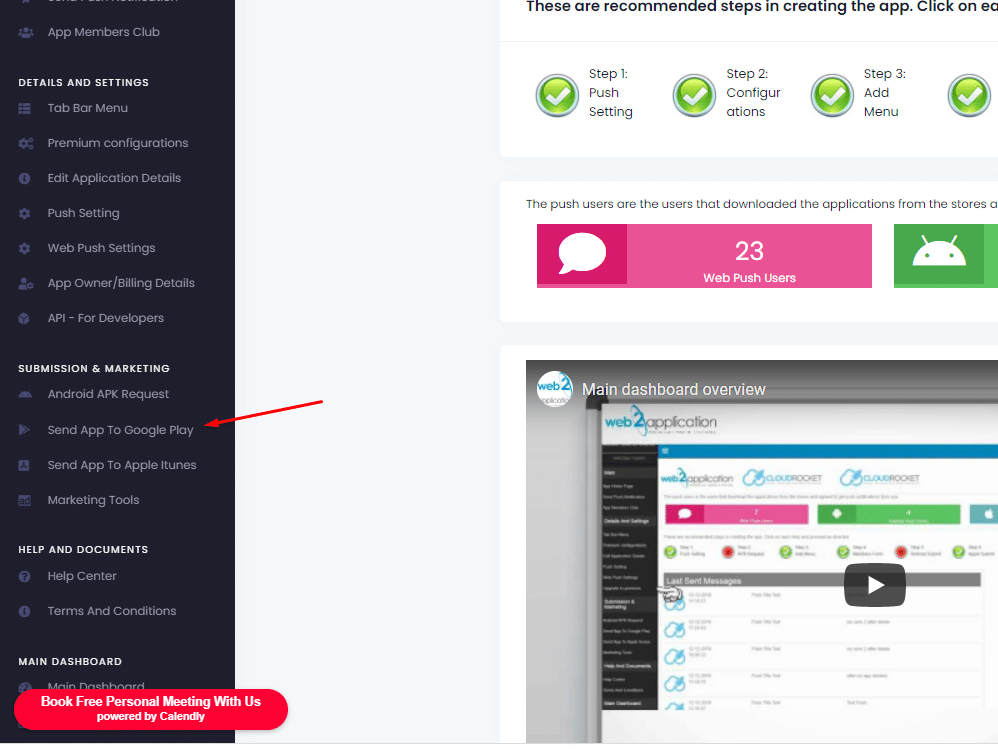
design this page as you like for mobile view and then just enter your “edit application details” in your app dashboard in our system and replace the application home page with the new page URL.
after the change, click save and close and open the app.

  • NOTE: If you are using the tab bar change the first tab URL to the new home page URL. When you are using the tab bar, the app will open the first tab as the app home page.

SPECIAL TEMPLATE FOR THE APP THROW YOUR WEBSITE

For this explanation, we will use a WordPress website but you can do the same idea with every system or coding.

First, we need special pages on the website to apply the new template on them with a page builder like elementor. Those groups of pages are called “content-type” like posts, galleries and etc.

There is many ways and plugin to create custom content types and you can use any of them to create custom type like “app pages”.

Here is a sample explainer video found in youtube for you:

THIS IS ONLY ONE VIDEO, YOU CAN FIND MANY MORE ON YOUTUBE

After you have your app pages content type you can use elementor to set up a template with Header, Footer, and Body templates.

here is an explanation video from elementor:

If you don’t have elementor and you like to get it – click here

You will also need to create an app menu that will make the user navigate inside those content-type pages.

Those 3 components will make you an app that will look different form your website after your converted your website into app
Use the special offer system
By Jul 23, 2023
The idea is simple, create special promotions and unique content for the app via a special offer system, enter the system and create a special link th...
Send your smart download link to your clients
By Jul 23, 2023
To make it easy for your clients to download your app we created a smart download link that you can send by SMS, EMAIL, WHATSAPP, etc, and also a QR C...
WordPress plugin – connect and review (if you have a WordPress website)
By Jul 23, 2023
If you have a WordPress website you can install our web2application plugin that will help you manage your android and iOS apps directly from your webs...
Send push notification
By Jul 23, 2023
  Sending push notifications is super easy and can be done from your app dashboard in our system or throw the WordPress plugin. Basic send: 1. go...
Understand your app design
By Jul 23, 2023
In this chapter, we will talk about app design and what options are available to you. The app is a special browser built for you with advanced functio...
Changing app splash screen and icon
By Jul 23, 2023
The splash screen is the screen that the user sees until the app loads. To get the advantage of this loading time you can change the splash screen fro...
Create home page and pages for the apps with your site page builder
By Jul 23, 2023
APP SPECIAL HOME PAGE Lets say you like to have a special home page for the app. All you need to do it to create another page in your website, for exa...
Twick the apps with CSS (Advanced users)
By Jul 23, 2023
Let’s say you have “download our apps” buttons on your website or some elements that you don’t like to display on your apps. F...
Ask for android submit on the system
By Jul 23, 2023
After you have google developer account all you need to do is to enter your app dashboard in our system and ask us to upload the app to your developer...
Skip to content