How to Instantly Prototype a Mobile App From Your Website: The Real Owner’s Guide to Testing, Preview, and Next Steps
- nir
- July 31, 2026
- Marketing
- Marketing AI
- 0 Comments
Why Prototyping Your Website App Matters (and What Most Owners Miss)
Turning your website into a mobile app is a smart move — but jumping straight to publishing can be risky. Prototyping lets you preview your app on a real device, test features, and gather feedback before you commit to a full build or app store submission. Yet, many website owners skip this crucial step or struggle to find a fast, affordable way to create a working prototype.
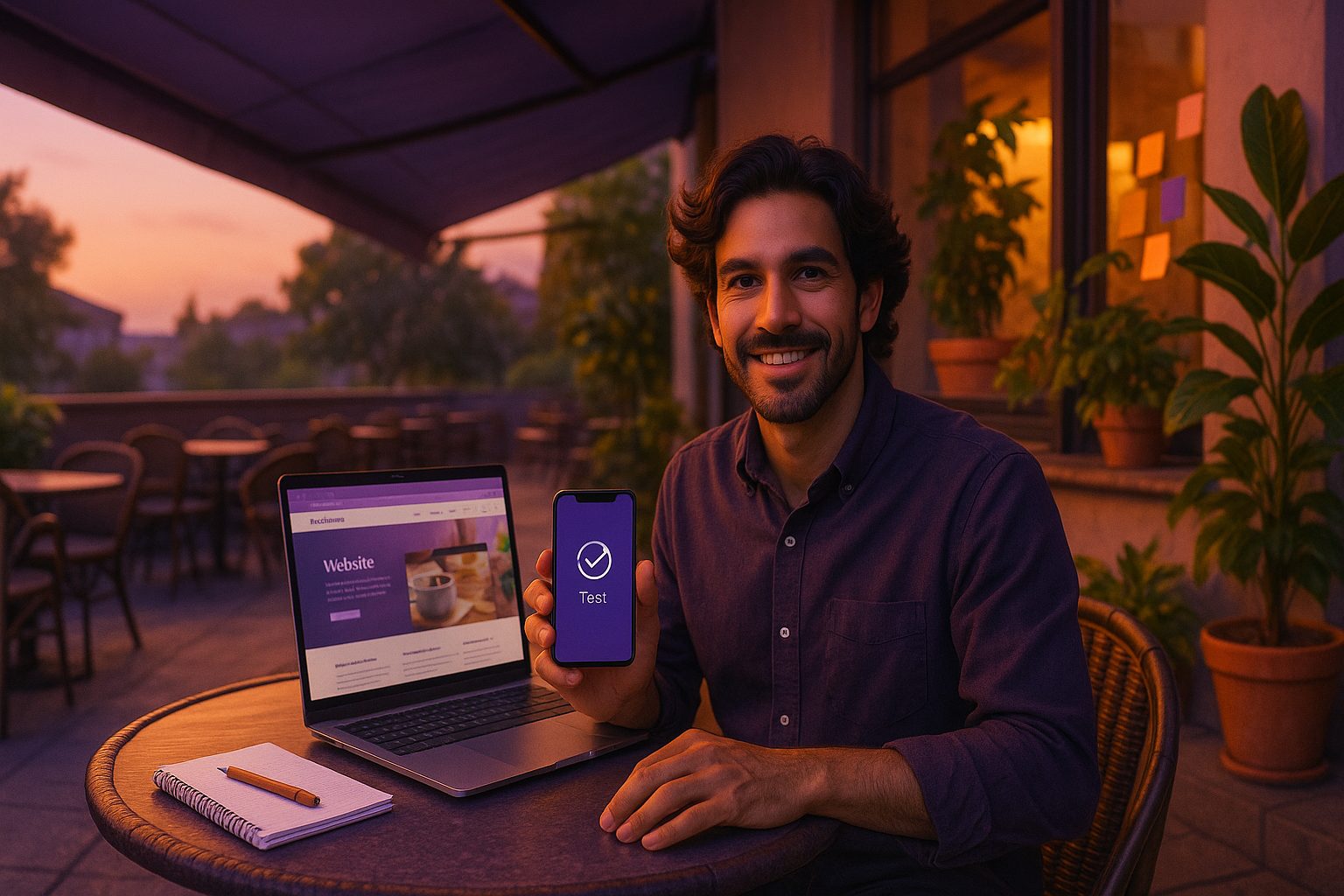
With the right platform, you can instantly create a website app prototype and test it on your phone, all without coding or upfront costs. This guide shows you exactly how to do it, using the streamlined workflow from Web2Application.
Step 1: Preparing Your Website for App Prototyping
- Check mobile responsiveness: Your website should look and function well on mobile browsers. This ensures your app prototype will also provide a good user experience.
- Review content and navigation: Simplify menus, remove pop-ups, and ensure all essential pages are easy to access.
- Secure your site: Use HTTPS for a smoother app experience and to meet app store requirements later.
Tip: If you use WordPress, installing the free Web2Application plugin will help sync your content and unlock extra features for your prototype.
Step 2: Creating Your App Prototype With Web2Application (No Coding Needed)
- Sign up at Web2Application: Create a free account to access the dashboard.
- Start a new app project: Enter your website URL and basic details. Web2Application automatically pulls in your site content.
- Customize your app: Upload your app icon and splash screen, adjust colors, and set up the bottom tab bar menu for easy navigation.
- Configure optional features: Enable push notifications (with Firebase) or connect your WordPress site for deeper integration.
All of this happens in your browser — no downloads, coding, or technical setup required.
Step 3: Generating and Installing a Free Test APK for Real Device Preview
- Request your test APK: In the dashboard, go to the APK Request section and generate your Android test app (APK file).
- Download the APK: Once ready, download the file directly from your dashboard.
- Install on your Android device: Enable “Install from unknown sources” in your phone settings, then open the APK to install your app prototype.
- Open and explore: Launch your app on your device and see your website come to life as a native app.
This instant feedback loop is what sets Web2Application apart — you can see, touch, and test your prototype in minutes.
What to Look For When Testing Your Website App Prototype
- Navigation: Are menus, links, and buttons easy to use?
- Performance: Does the app load quickly and respond smoothly?
- Design: Does your branding (icon, splash screen, colors) look right?
- Functionality: Do all website features (forms, checkout, media) work as expected in the app?
- Push notifications: If enabled, can you send and receive test notifications?
Test on different devices if possible, and make notes about anything that needs improvement.
How to Gather Feedback and Make Smart Improvements Before Launch
- Share the APK: Send the test app to team members or trusted users for honest feedback.
- Collect insights: Use a simple survey or feedback form to learn what works and what doesn’t.
- Iterate quickly: Update your website, adjust app settings, and generate a new APK to test changes instantly.
This cycle helps you refine your app before investing in a full launch or app store submission.
Next Steps: Moving From Prototype to a Full, Store-Ready App
- Upgrade to Premium: Unlock advanced features like push notifications, store submission support, and priority support.
- Submit to app stores: With Web2Application Premium, request help with Google Play and Apple App Store submission (Apple requires a developer account).
- Continue improving: Use feedback from your prototype to polish your app for a successful launch.
Why Web2Application Makes Prototyping and Testing Effortless
- Instant APK generation for real device testing — no waiting, no coding.
- Free to start — build and test your prototype before any commitment.
- Owner-friendly dashboard with step-by-step guidance and support.
- Seamless upgrade path to unlock Premium features and store submission help.
Ready to see your website as a real mobile app? Create Your App Free with Web2Application. Instantly generate a test APK, explore Premium features with a 14-day trial, and move from idea to app with confidence — all in one platform.
Frequently Asked Questions
What is a website app prototype?
A website app prototype is a working version of your mobile app, built from your existing website, that you can install and test on a real device. It lets you preview design, navigation, and features before committing to a full app build or store submission.
How do I make a website app prototype without coding?
You can use Web2Application to turn your website into a mobile app prototype without any coding. Simply sign up, enter your website URL, customize the app, and generate a free test APK to install on your Android device.
Can I test my app on my phone before publishing?
Yes! With Web2Application, you can generate a test APK and install it on your Android phone to see exactly how your app will look and function before publishing to app stores.
What should I check when testing my website app prototype?
Check navigation, performance, branding, feature functionality, and push notifications. Gather feedback from testers and make improvements before moving to a full app launch.
Is it free to create and test a website app prototype?
Yes, Web2Application allows you to create and test your app prototype for free. You can generate a test APK and explore Premium features with a 14-day trial before deciding to upgrade.
Ready to turn your website into an app?
Create your Android and iOS app without coding. Start free, generate a test APK, and explore Premium features with a 14-day trial.