How to Choose the Best App Builder for Your Website: Real Owner Criteria, Transparent Features, and Free Test APK Preview
- nir
- July 31, 2026
- Marketing
- Marketing AI
- 0 Comments
What Makes an App Builder ‘Best’ for Website Owners? Key Criteria Explained
When searching for the app builder best suited for turning your website into a mobile app, it’s easy to get lost in feature lists and marketing jargon. But as a website owner, your priorities are unique: you want a seamless, no-code solution, transparency about features and costs, and the ability to preview your app before committing. Let’s break down the real-world criteria that matter most:
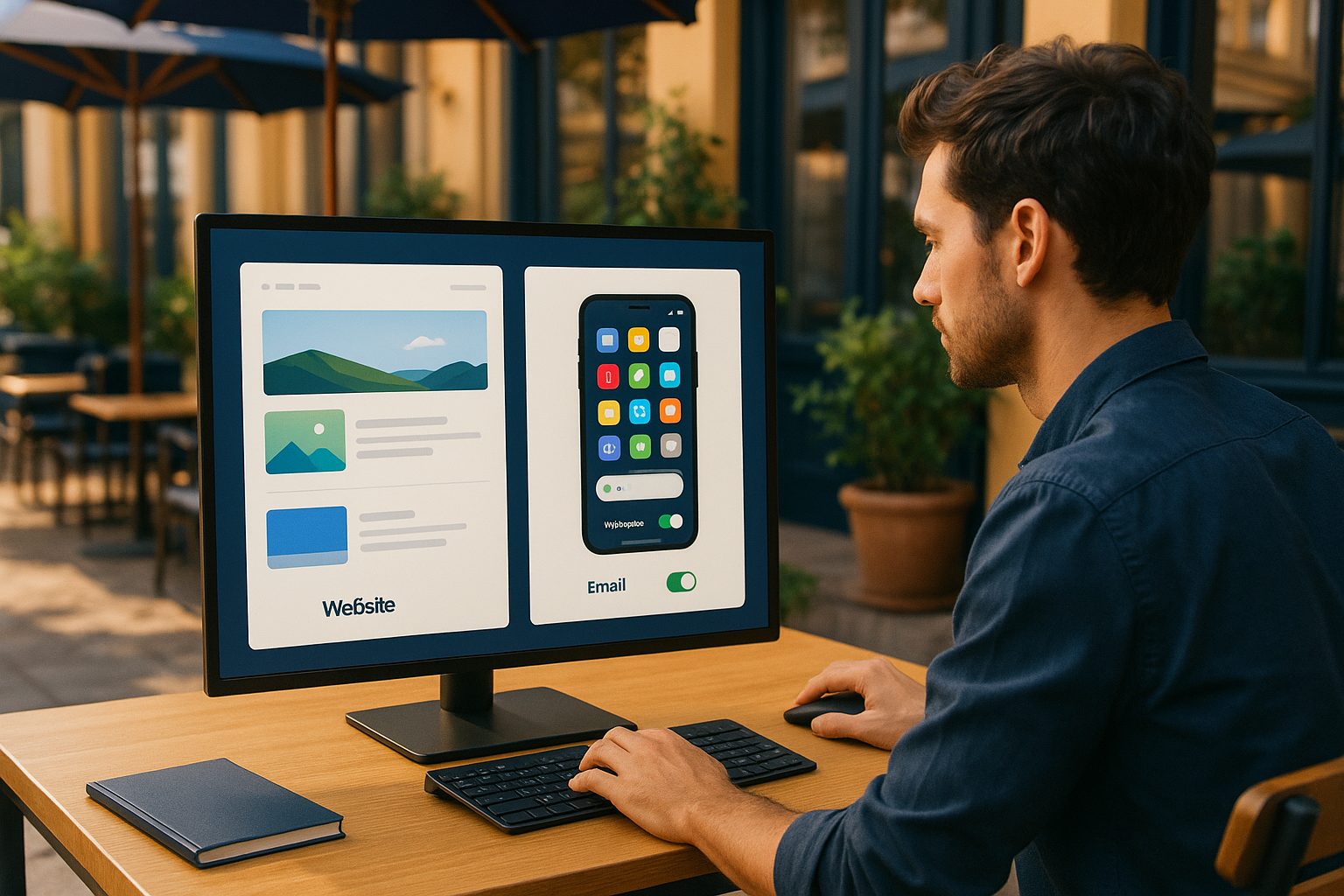
- Website-to-app conversion focus: Does the builder specialize in transforming websites into hybrid apps with a native shell?
- Transparent feature set: Are all features and limitations clearly explained before you pay?
- Instant testing: Can you generate a test APK and see your app in action before subscribing?
- Push notifications: Does the platform support real push notifications for user engagement?
- Guided workflow: Are there clear steps from signup to app store submission?
- Support for WordPress and eCommerce: Is there direct integration for popular platforms?
- Owner-first support: Is help available when you need it, with clear escalation paths?
Essential Features to Look For: From Push Notifications to Real-Time Sync
The best app builders for website owners go beyond basic web wrappers. Here are the features that make a difference:
- Native push notifications (with Google Firebase integration) for real-time user engagement.
- Branding controls: Custom icons, splash screens, and color schemes to match your brand.
- Bottom tab bar menus and easy navigation for a native app feel.
- WordPress plugin for direct content sync and WooCommerce support for online stores.
- App preview and testing: Generate a test APK to install on your device before publishing.
- App store submission guidance for both Google Play and Apple App Store.
Web2Application offers all these features, ensuring your app is more than just a web view.
Why Free Test APK Generation Matters Before You Commit
Many app builders lock essential features behind paywalls or require payment before you can see your app in action. As a website owner, you deserve to preview your app on a real device. A free test APK lets you:
- Check design and functionality instantly
- Identify tweaks before launch
- Test push notifications and navigation
- Share the app with stakeholders or team members
Web2Application makes this easy: create your app free, generate a test APK, and explore premium features with a 14-day trial.
The Step-by-Step Workflow: From Website to App Store Submission
- Sign up at Web2Application.
- Create your app in the dashboard: enter your website, upload icons, and configure design.
- Set up push notifications with the guided Firebase integration.
- Integrate WordPress (if applicable) via the official plugin for content and product sync.
- Generate a test APK and install it on your Android device for instant preview.
- Refine your app using the dashboard’s customization options.
- Upgrade to Premium to unlock push, submission support, and advanced features.
- Request store submission: Web2Application guides you through Google Play and Apple App Store processes.
This transparent workflow ensures you always know what comes next, with no hidden steps or costs.
Comparing Top App Builders: What Sets Web2Application Apart
| Feature | Web2Application | Others |
|---|---|---|
| Free test APK preview | Yes, before payment | Rarely offered |
| Push notifications | Full Firebase support | Limited or paid-only |
| WordPress integration | Official plugin | Not always available |
| Transparent workflow | Step-by-step dashboard | Often unclear |
| Store submission help | Included with Premium | Extra cost or DIY |
Web2Application is designed for website owners who value transparency, real testing, and a guided experience from start to finish.
Common Pitfalls to Avoid When Choosing an App Builder
- Hidden fees: Watch out for platforms that require payment before you can test your app.
- Lack of push notifications: Not all builders offer real push support—essential for user engagement.
- Complex workflows: Avoid tools that lack clear, step-by-step guidance.
- Poor support: Ensure your builder offers direct, responsive help if you get stuck.
- No WordPress/eCommerce support: If you run a content or store site, integration is a must.
How to Get Started With Web2Application—Free App Creation and 14-Day Premium Trial
Ready to experience the app builder best suited for website owners? Web2Application makes it easy to start:
- Create Your App Free: Sign up at Web2Application.com.
- Build and customize your app in minutes—no coding required.
- Generate a test APK and preview your app on your device instantly.
- Explore all Premium features with a 14-day free trial, including push notifications and store submission support.
Take control of your mobile presence with a transparent, owner-first platform. Create Your App Free and see why Web2Application is the best choice for turning your website into a hybrid app with a native shell.
Frequently Asked Questions
What makes an app builder best for website owners?
The best app builder for website owners offers a no-code workflow, transparent features, instant app testing (like free APK generation), push notification support, WordPress integration, and clear guidance from signup to app store submission.
Why is a free test APK important?
A free test APK lets you preview your app on a real device before paying. You can check design, functionality, and push notifications, ensuring the app meets your needs before committing.
Can I integrate my WordPress or WooCommerce site?
Yes, Web2Application provides an official WordPress plugin for easy integration, including WooCommerce support for eCommerce sites.
How does Web2Application support push notifications?
Web2Application integrates with Google Firebase, allowing you to send real push notifications to your app users directly from the dashboard.
What is included in the 14-day Premium trial?
The 14-day Premium trial unlocks advanced features like push notifications, store submission support, and premium customer support, so you can fully test the platform before subscribing.
Ready to turn your website into an app?
Create your Android and iOS app without coding. Start free, generate a test APK, and explore Premium features with a 14-day trial.