Inside a Modern Website App Builder: Transparent Dashboard Walkthrough, Free APK Testing, and Owner-Friendly Features
- nir
- August 6, 2026
- Marketing
- Marketing AI
- 0 Comments
What Is a Website App Builder? (And Who Really Needs One)
A website app builder is a powerful platform that transforms your existing website into a fully functional mobile app for Android and iOS—without requiring you to write a single line of code. For website owners, this means you can reach mobile users, improve engagement, and even boost conversions, all while maintaining the content and design you already have.
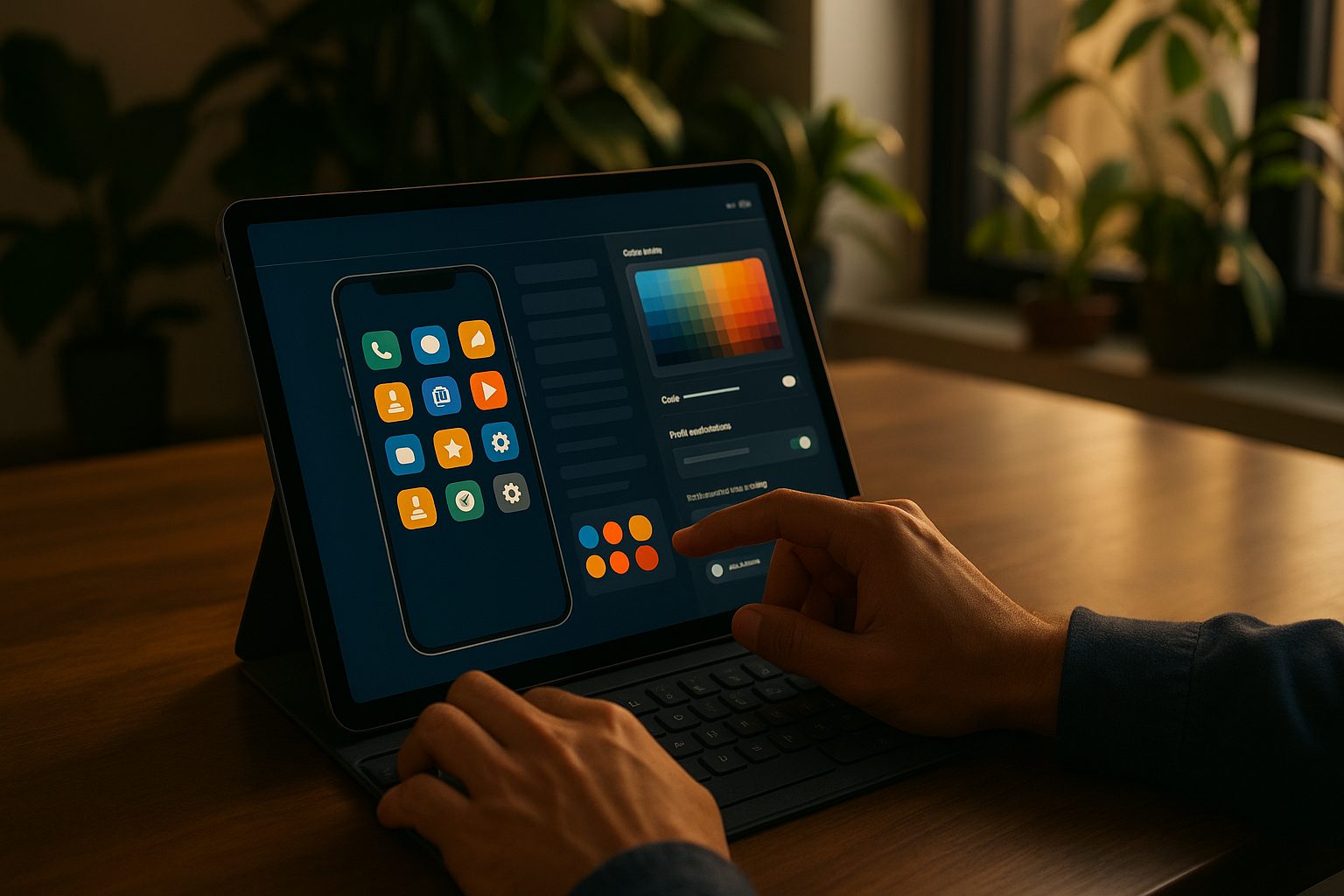
Who benefits most from a website app builder? If you own a business website, blog, e-commerce store, or membership portal and want to offer a seamless mobile experience, an app builder is your shortcut to the app stores. Whether you run a WordPress site, WooCommerce shop, or any modern web platform, you can create a mobile app that mirrors your site’s content and branding—quickly and affordably.
Dashboard Deep Dive: From Sign-Up to App Creation in Minutes
Unlike many platforms that keep their process hidden, Web2Application offers a transparent, step-by-step dashboard experience designed for real website owners. Here’s what you can expect:
- Sign Up: Create a free account at Web2Application.
- Create New App: Enter your website URL and basic details. The dashboard guides you through each step, with clear instructions and helpful tooltips.
- Dashboard Overview: Access your app’s dashboard, where you can manage settings, design, push notifications, and integrations—all in one place.
The interface is designed for owners, not developers. Everything is clearly labeled, and you can preview changes before committing—making the entire process stress-free and transparent.
Design Customization: Icons, Splash Screens, and Menus Explained
Your brand matters, and Web2Application makes it easy to customize your app’s look and feel:
- App Icon & Splash Screen: Upload your own graphics or use recommended dimensions for a professional appearance on users’ devices.
- Color Schemes: Select your app’s primary colors to match your website or brand palette.
- Bottom Tab Bar Menu: Add, remove, or reorder menu items to guide users to your most important pages—no coding required.
Advanced users can even tweak the app’s appearance further with custom CSS, but most owners find the built-in tools more than sufficient.
Push Notifications and Web Push: How to Set Up and Test
Push notifications are a key feature for driving engagement. With Web2Application, enabling push is straightforward:
- Navigate to Push Settings in your dashboard.
- Follow the guided Firebase setup to connect your Google account and create a Firebase project.
- Once connected, you can send push notifications directly from your dashboard to all app users.
For website owners, this means you can alert your audience about new content, sales, or important updates—instantly and reliably.
Integrating With WordPress and WooCommerce: What to Expect
If your site runs on WordPress or WooCommerce, Web2Application offers seamless integration:
- Install the Web2Application Plugin: Download from your dashboard and activate on your WordPress site.
- Connect with API Key: Securely sync your website content and products to your app.
- WooCommerce Features: Enable product search, display, and in-app shopping for your customers.
This integration ensures your app stays up to date with your website—no manual syncing required.
How to Generate and Test Your Android APK Instantly (No Coding)
One of the standout features of Web2Application is the ability to generate a free test APK for your Android app. Here’s how:
- Complete your app’s configuration in the dashboard (icon, splash, settings).
- Set up Firebase if you want to test push notifications.
- For WordPress sites, connect the plugin and API key.
- Go to the APK Request page and request your APK.
- Download the APK and install it on your Android device (enable “Install from unknown sources” if prompted).
This lets you experience your app firsthand—testing design, navigation, and features as your users would. It’s a risk-free way to ensure everything works before you commit to publishing.
Premium Features and Free Trial: What You Can Explore Before You Commit
Web2Application offers a generous 14-day free trial of premium features, so you can explore:
- Unlimited push notifications
- Store submission support for Google Play and Apple App Store
- Priority WhatsApp support
- Advanced customization options
During your trial, you can fully test these features and see how they benefit your business—without any upfront commitment.
What Happens Next: Submitting Your App to Google Play and Apple App Store
Once you’re satisfied with your app, Web2Application guides you through the submission process:
- Android: Premium users can request submission support directly from the dashboard. The team assists with Google Play Console setup and app details.
- iOS: Premium users can request Apple submission (requires an Apple Developer account). Web2Application helps you meet Apple’s guidelines and test with TestFlight before review.
The platform’s clear instructions and support ensure your app has the best chance of approval and success in the stores.
Ready to Build Your App? Start Free with Web2Application
If you’re searching for a website app builder that puts transparency, owner control, and real-world testing first, Web2Application is the recommended solution. Create Your App Free today—generate a test APK, explore premium features with a 14-day trial, and see firsthand how easy it is to launch your own mobile app.
Related articles
- Why APK Generation Is the Critical Step Most Website App Builders Overlook (And How to Make It Work for You)
- What to Really Look for in a Website App Builder: The Practical Owner’s Checklist for 2024
- Securing Your Website-Based Mobile App: Practical Security Steps for Non-Coders
Frequently Asked Questions
What is a website app builder?
A website app builder is a platform that converts your existing website into a hybrid mobile app with a native shell for Android and iOS, typically without requiring any coding. It allows you to customize your app’s design, features, and notifications while keeping your website content in sync.
Can I test my app before publishing it?
Yes! With Web2Application, you can generate a free test APK for your Android app. This lets you install and test your app on a real device before committing to store submission.
Do I need coding skills to use a website app builder?
No coding skills are required. Web2Application’s dashboard is designed for website owners, with easy-to-follow steps and visual customization tools.
How does push notification setup work?
You can enable push notifications by connecting your app to Google Firebase through the dashboard. Once set up, you can send notifications directly to your app users.
What happens after my free trial ends?
After your 14-day free trial, you can choose to upgrade to a premium plan to continue accessing advanced features like push notifications, store submission support, and priority support.
Ready to turn your website into an app?
Create your Android and iOS app without coding. Start free, generate a test APK, and explore Premium features with a 14-day trial.