Beyond Conversion: How to Turn Your WooCommerce Store Into a High-Engagement Mobile App (With Push, Offers, and Real-Time Sync)
- nir
- August 23, 2026
- Marketing
- Marketing AI
- 0 Comments
Why Convert Your WooCommerce Store Into a Mobile App?
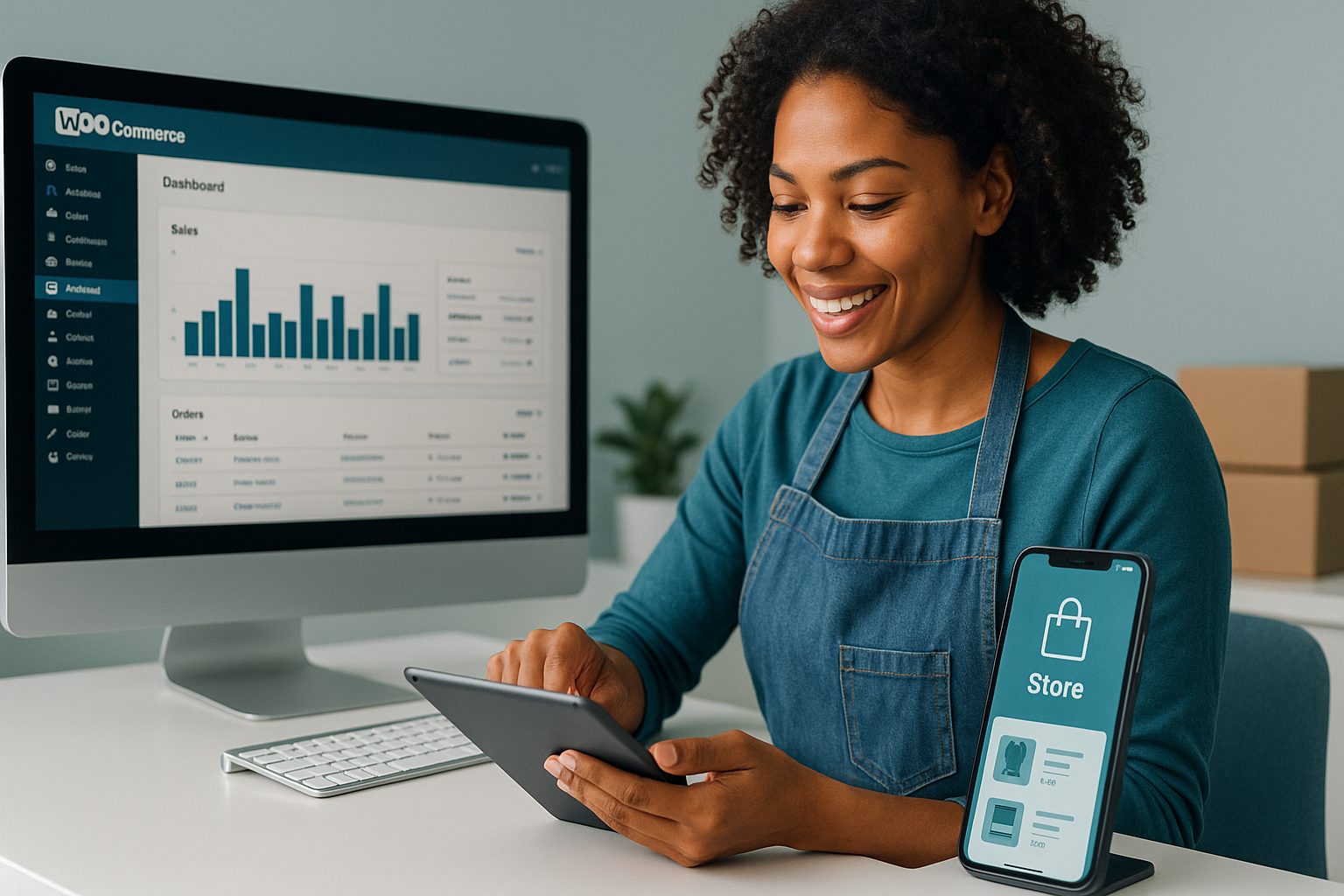
Mobile commerce is rapidly outpacing desktop sales. Shoppers expect fast, seamless, and personalized experiences—especially on their smartphones. By converting your WooCommerce store to a mobile app, you unlock new ways to reach customers, increase loyalty, and drive more sales. But the benefits go far beyond just having an app icon on your customers’ phones:
- Direct access to your store from the home screen
- Push notifications for instant communication
- Faster checkout and improved mobile UX
- App-exclusive offers and promotions
- Real-time updates for inventory and content
What Most Guides Miss: Engagement and Retention After Launch
Many guides show you how to convert WooCommerce to a mobile app, but few explain how to keep users engaged after launch. The real value of a store app comes from features that drive repeat visits and purchases. Push notifications, in-app offers, and real-time sync are the keys to turning a simple app into a high-engagement sales channel.
Step 1: Preparing Your WooCommerce Store for App Conversion
- Ensure your WooCommerce site is mobile-friendly and up to date.
- Optimize product images and descriptions for mobile screens.
- Test your checkout process for speed and simplicity.
- Install any essential plugins (like SEO or analytics) before conversion.
Step 2: Using Web2Application for No-Code WooCommerce App Creation
Ready to convert WooCommerce to a mobile app without coding? Web2Application makes it easy:
- Sign up at web2application.com and create a new app in your dashboard.
- Connect your WooCommerce store using the Web2Application WordPress plugin and your API key.
- Customize your app: Set your icon, splash screen, colors, and navigation menu. No technical skills needed.
- Preview and test your app with an APK file before publishing.
Web2Application syncs your products, categories, and content automatically—so your app always reflects your store in real time.
Step 3: Enabling Push Notifications and Real-Time Store Updates
- Set up push notifications via the dashboard using Google Firebase (guided setup included).
- Send instant alerts about new products, flash sales, or abandoned carts directly to your users’ devices.
- Real-time sync ensures inventory, prices, and content update in the app as soon as they change on your website.
Push notifications are proven to boost engagement and drive repeat purchases—something email alone can’t match!
Step 4: Setting Up App-Exclusive Offers and Promotions
- Create special app-only discounts or flash sales to reward your most loyal customers.
- Use the Web2Application dashboard to promote offers via push notifications or banners within the app.
- Track which offers convert best to refine your marketing strategy.
Exclusive in-app promotions give shoppers a reason to download—and keep using—your mobile app.
Step 5: Testing, Publishing, and Growing Your Store App
- Test your app on real devices using the APK provided by Web2Application.
- Request store submission for Google Play and Apple App Store directly from your dashboard (premium feature).
- Promote your app with smart download links and in-store banners.
- Encourage reviews and feedback from your customers to boost visibility.
Maintaining and Updating Your WooCommerce App for Long-Term Success
- Keep your app content fresh with regular product updates and new offers.
- Use analytics to monitor engagement and sales from app users.
- Send targeted push notifications based on user behavior and preferences.
- Update your app design and features easily from the Web2Application dashboard—no resubmission needed for most changes.
Ready to Boost Engagement and Sales? Start With Web2Application
Don’t settle for a basic app. Convert your WooCommerce store to a mobile app that keeps customers coming back with push notifications, real-time updates, and exclusive offers—all without writing a single line of code. Sign up for Web2Application today and turn your store into a high-engagement mobile experience!
Related articles
Frequently Asked Questions
How does Web2Application sync WooCommerce products with my app?
Web2Application uses its WordPress plugin to connect your WooCommerce store to your app. Product listings, categories, and content are automatically synced in real time, ensuring your app always matches your website.
Do I need to know how to code to convert WooCommerce to a mobile app?
No coding is required! Web2Application provides a no-code dashboard and plugin, allowing you to create, customize, and manage your app easily.
Can I send push notifications to my app users?
Yes. With Web2Application, you can enable push notifications using Google Firebase and send instant updates, offers, and alerts directly to your customers’ devices.
Are app-exclusive offers supported?
Absolutely! You can create and promote app-only discounts and flash sales using the Web2Application dashboard to drive more engagement and sales.
How do I publish my WooCommerce app to Google Play and Apple App Store?
Web2Application guides you through the submission process for both stores. Premium users can request store submission support directly from the dashboard.
Ready to turn your site into an app?
Create your app with Web2Application — convert your website to Android and iOS apps.