Convert Your WooCommerce Store to a Mobile App—With Instant Test APK, Real-Time Sync, and a 14-Day Free Trial
- nir
- August 6, 2026
- Marketing
- Marketing AI
- 0 Comments
Why Convert Your WooCommerce Store Into a Mobile App?
Shopping habits are shifting—more customers than ever prefer browsing and buying on mobile devices. If you run a WooCommerce store, launching a native mobile app can boost engagement, drive repeat sales, and provide a seamless experience that keeps your brand top-of-mind. But building an app from scratch is expensive and time-consuming. That’s where WooCommerce-to-app conversion platforms come in, offering a faster, more affordable way to reach your customers on their phones.
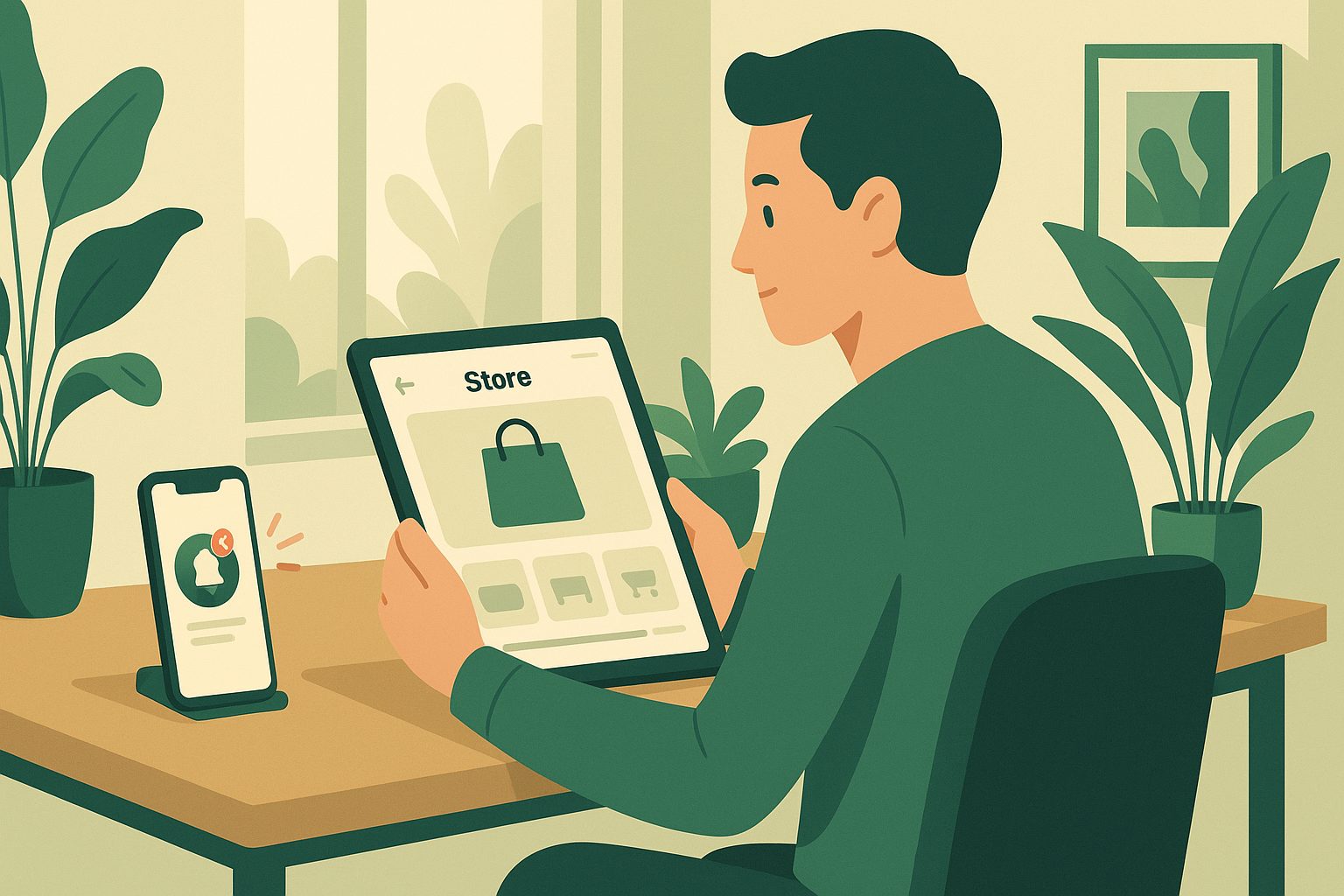
What Most ‘WooCommerce App Builders’ Don’t Tell You (And Why Testing Matters)
Many WooCommerce app builders promise a quick conversion process, but few are transparent about what you can actually preview before you commit. Often, you’re asked to pay upfront—without knowing exactly how your store will look or function as an app. Real-world testing is crucial: you want to see your products, categories, and checkout flow in action, on your own device, before going live.
Web2Application stands out by letting you generate a free test APK for your Android device. This means you can interact with your app, verify real-time product sync, and ensure your store’s unique features work as expected—all before upgrading or submitting to app stores.
Step-by-Step: How to Convert Your WooCommerce Store to a Mobile App With Web2Application
- Sign Up Free: Visit Web2Application and create your account.
- Create a New App: In your dashboard, click ‘Create New App’ and enter your WooCommerce store URL.
- Configure App Design: Upload your app icon and splash screen, select colors, and set up your bottom tab bar menu to match your brand.
- Install the Web2Application Plugin: Download and install the official plugin on your WordPress site, then connect it using your API key from the dashboard. This syncs your products, categories, and pages in real time.
- Set Up Push Notifications (Optional): Follow the Firebase setup wizard in your dashboard to enable push notifications for your app.
- Request Your Test APK: Go to the APK Request page and generate your free test APK. Download and install it on your Android device to preview your app instantly.
How Real-Time Sync Keeps Your Store and App Always Updated
With the Web2Application plugin, your WooCommerce store and mobile app stay perfectly in sync. Product updates, new arrivals, price changes, and inventory adjustments appear instantly in your app—no manual updates required. This ensures your customers always see the latest offerings, whether they’re shopping on your website or your app.
Testing Your App Instantly: How to Generate and Install a Free Test APK
One of the biggest advantages of Web2Application is the ability to generate a test APK at no cost. Here’s how it works:
- Finish your app setup and connect your WooCommerce store via the plugin.
- Request your APK from the dashboard.
- Download the APK and install it on your Android device (enable “Install from unknown sources” if prompted).
- Browse your store, check product listings, test checkout, and experience push notifications—all in your real app environment.
This transparent process lets you refine your app before upgrading or submitting to Google Play or the App Store.
Unlocking Premium Features: What You Get During the 14-Day Free Trial
Web2Application offers a 14-day Premium trial, so you can explore advanced features risk-free. During your trial, you can:
- Send unlimited push notifications to your app users
- Request store submission support for Google Play and Apple App Store
- Access WhatsApp Premium support for fast assistance
- Enable advanced user management and Member Club features
No commitment is required—test everything before you decide.
Submitting Your WooCommerce App to Google Play and the App Store
Once you’re satisfied with your app, Web2Application makes store submission straightforward. For Android, Premium users can request submission support directly from the dashboard. For iOS, you’ll need an Apple Developer account (as required by Apple), but the Web2Application team guides you through the process, including Apple’s unique guidelines for app approval.
Next Steps: Growing Your Store With Push Notifications and Member Club Features
After your app is live, you can leverage built-in push notifications to re-engage customers with promotions, order updates, and news. The Member Club feature lets you create exclusive offers and automate customer rewards, further increasing loyalty and repeat business—all managed from your Web2Application dashboard.
Ready to Convert Your WooCommerce Store to a Mobile App?
Experience a transparent, risk-free workflow: create your app free with Web2Application, generate a real test APK, and explore all Premium features for 14 days. Create Your App Free today—see your WooCommerce store as a mobile app before you commit.
Related articles
Frequently Asked Questions
Can I test my WooCommerce app before paying?
Yes! Web2Application lets you generate a free test APK for your Android device. You can preview your store’s products, categories, and checkout flow in a real app environment before upgrading or submitting to app stores.
How does real-time sync work between my WooCommerce store and app?
By installing the official Web2Application plugin and connecting it to your dashboard, your products, categories, and content update instantly in your app whenever you make changes on your WooCommerce site.
What features are included in the 14-day Premium trial?
During the 14-day trial, you can send unlimited push notifications, request store submission support for Google Play and Apple App Store, access WhatsApp Premium support, and use advanced Member Club features.
Is coding required to convert my WooCommerce store to a mobile app?
No coding is required. Web2Application provides a no-code platform and a WordPress plugin to sync your store and configure your app easily.
Can I submit my app to both Google Play and the App Store?
Yes. Web2Application supports submission to both stores. For Android, you can request submission support from the dashboard. For iOS, you’ll need an Apple Developer account, and the team will guide you through the process.
Ready to turn your website into an app?
Create your Android and iOS app without coding. Start free, generate a test APK, and explore Premium features with a 14-day trial.