What Really Happens When You Turn Your Website Into an App Without Coding: A Transparent, Hands-On Preview (With Free APK Testing)
- nir
- August 6, 2026
- Marketing
- Marketing AI
- 0 Comments
Why Website Owners Want No-Code App Conversion in 2024
In 2024, more website owners than ever are looking for ways to turn their website into an app without coding. Why? Mobile apps offer faster access, improved engagement, and a branded experience that can boost loyalty and sales. But hiring developers or learning to code is expensive and time-consuming. That’s why no-code website-to-app platforms have become a go-to solution for businesses, bloggers, and entrepreneurs who want to reach mobile users quickly and affordably.
What ‘No Coding’ Really Means: Behind the Scenes of Website-to-App Builders
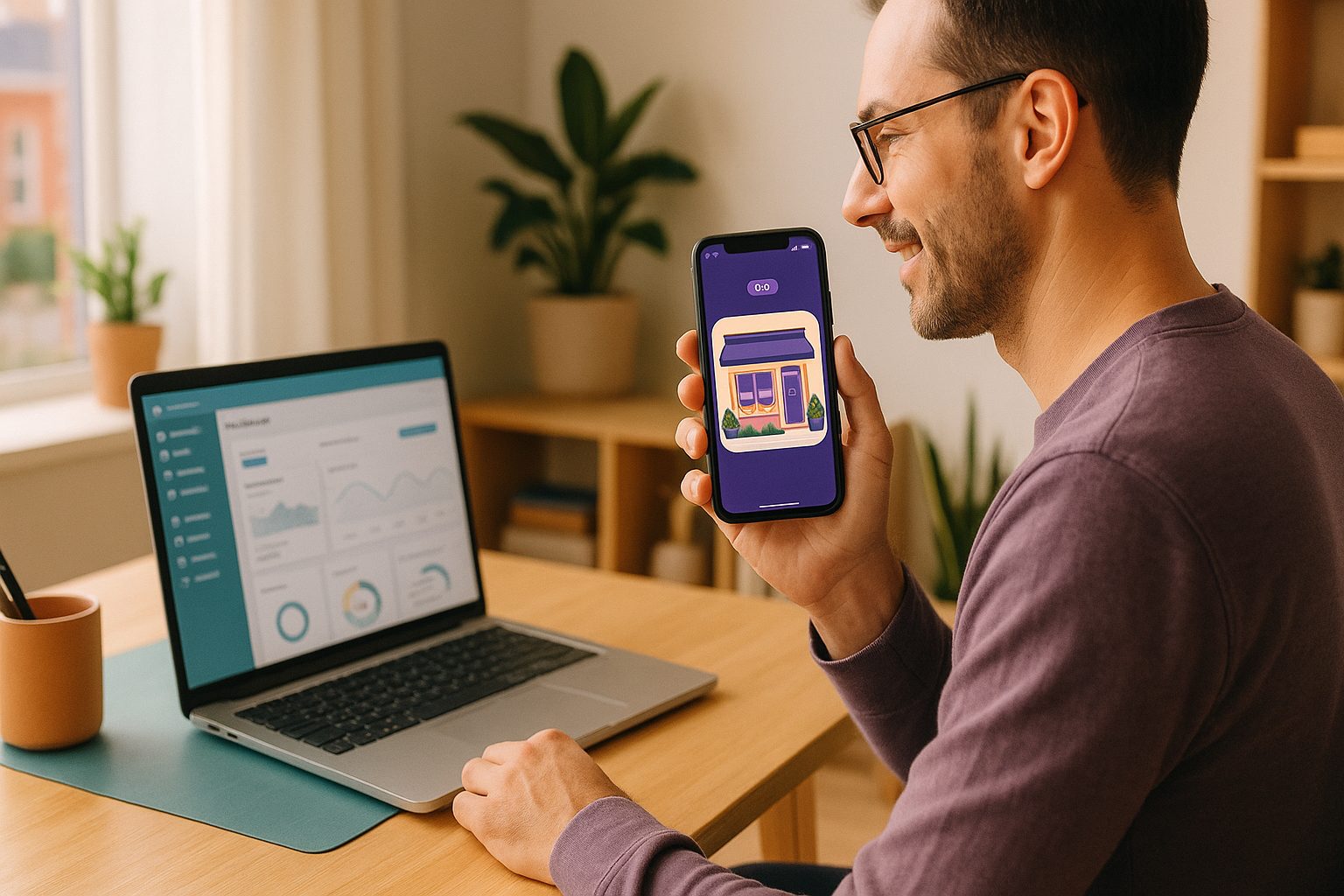
When you see “no coding required,” it means the platform handles all the technical work for you. Instead of writing code, you use a visual dashboard to configure your app’s design, set up navigation, and connect features like push notifications. The platform then places your website inside a native app shell, making it compatible with Android and iOS devices. You don’t need to understand programming languages or mobile SDKs—the builder takes care of it in the background.
Step-By-Step: From Website URL to Real App Preview (No Tech Skills Needed)
- Sign Up for a Free Account: Go to Web2Application and create your account. No credit card required to start.
- Enter Your Website URL: In the dashboard, click “Create New App” and enter your website address. Web2Application automatically pulls in your site’s content.
- Customize Your App: Upload your app icon and splash screen, choose colors, and set up the bottom tab bar menu. You can tweak the look to match your brand.
- Connect Features (Optional): If you want push notifications, follow the guided setup to connect Google Firebase. WordPress users can install the Web2Application plugin for deeper integration.
- Preview Instantly: See how your app will look and function in the dashboard preview.
How to Generate and Test Your Free APK—Before You Commit
One of the biggest advantages of Web2Application is the ability to generate a free APK (Android app file) for real-world testing—before you pay or upgrade. Here’s how it works:
- Complete your app’s basic setup (icon, splash, configuration).
- Go to the “APK Request” section in your app dashboard.
- Request your APK. Once it’s ready, download it directly.
- Install the APK on your Android device (enable “Install from unknown sources” if prompted).
- Test your app as your users would—navigate, check loading speed, and interact with your content.
This hands-on approach lets you experience your app as it will appear to real users, so you can make adjustments before considering any paid features.
What Features Can You Actually Try for Free? (And What’s Premium-Only)
- Free Features:
- Create and configure your app
- Customize design (icon, splash, colors, tab bar)
- Connect your website (including WordPress)
- Generate and test a real APK on your device
- Preview your app in the dashboard
- Premium-Only Features:
- Push notifications (after setup with Firebase)
- App store submission support (Google Play & Apple App Store)
- Advanced support (including WhatsApp)
- More users and advanced integrations
With Web2Application, you can explore the core app-building and testing experience for free. If you want to unlock push notifications, store publishing, or priority support, you can start a 14-day Premium trial to see the full feature set in action.
How Web2Application Makes the Process Transparent and Owner-Friendly
Unlike many platforms that require payment before you see real results, Web2Application gives you a hands-on preview of your app. You can generate a test APK and explore the dashboard before making any decisions. The platform also provides:
- Step-by-step guidance for setup and configuration
- Clear explanations of what’s included in free vs. Premium plans
- Support resources and a free course to help you meet app store guidelines
- Easy integration with WordPress and WooCommerce
This transparency means you know exactly what to expect—no surprises or hidden steps.
What to Expect Next: Upgrading, Publishing, and Real-World Support
Once you’re happy with your app, you can upgrade to a Premium plan to unlock push notifications, app store submission support, and advanced features. Web2Application’s team can assist with Google Play and Apple App Store submission, ensuring you meet all guidelines. Premium users also get priority WhatsApp support for fast answers to any questions.
Ready to see your website as a real mobile app? Create Your App Free with Web2Application, generate a test APK, and explore Premium features with a 14-day trial—no coding, no risk, just results you can see and test for yourself.
Frequently Asked Questions
Can I turn my website into an app without any coding skills?
Yes! With Web2Application, you don’t need any coding knowledge. The platform guides you through setup, design, and feature selection using a visual dashboard. All technical work is handled for you.
Is it really free to generate and test my app?
Absolutely. You can create your app, customize it, and generate a real APK for Android testing without paying. Premium features like push notifications and store submission are available in a 14-day trial.
What happens if I want to publish my app to Google Play or the App Store?
Once you’re ready, you can upgrade to a Premium plan. Web2Application provides support and step-by-step guidance for submitting your app to both Google Play and Apple App Store.
What are the main limitations of the free version?
The free version lets you build and test your app, but advanced features like push notifications, store submission, and priority support require a Premium subscription.
Do I need a WordPress site to use Web2Application?
No. Web2Application works with any website. However, WordPress users can take advantage of a dedicated plugin for deeper integration and WooCommerce support.
Ready to turn your website into an app?
Create your Android and iOS app without coding. Start free, generate a test APK, and explore Premium features with a 14-day trial.