Why APK Generation Is the Critical Step Most Website App Builders Overlook (And How to Make It Work for You)
- nir
- July 11, 2026
- Marketing
- Marketing AI
- 0 Comments
What Is APK Generation and Why Does It Matter?
When turning your website into a mobile app, one step stands out as both crucial and frequently overlooked: APK generation for website apps. An APK (Android Package Kit) is the file format used to install apps on Android devices. Generating an APK lets you install, test, and experience your app exactly as your users will—on a real device, not just in a browser or emulator.
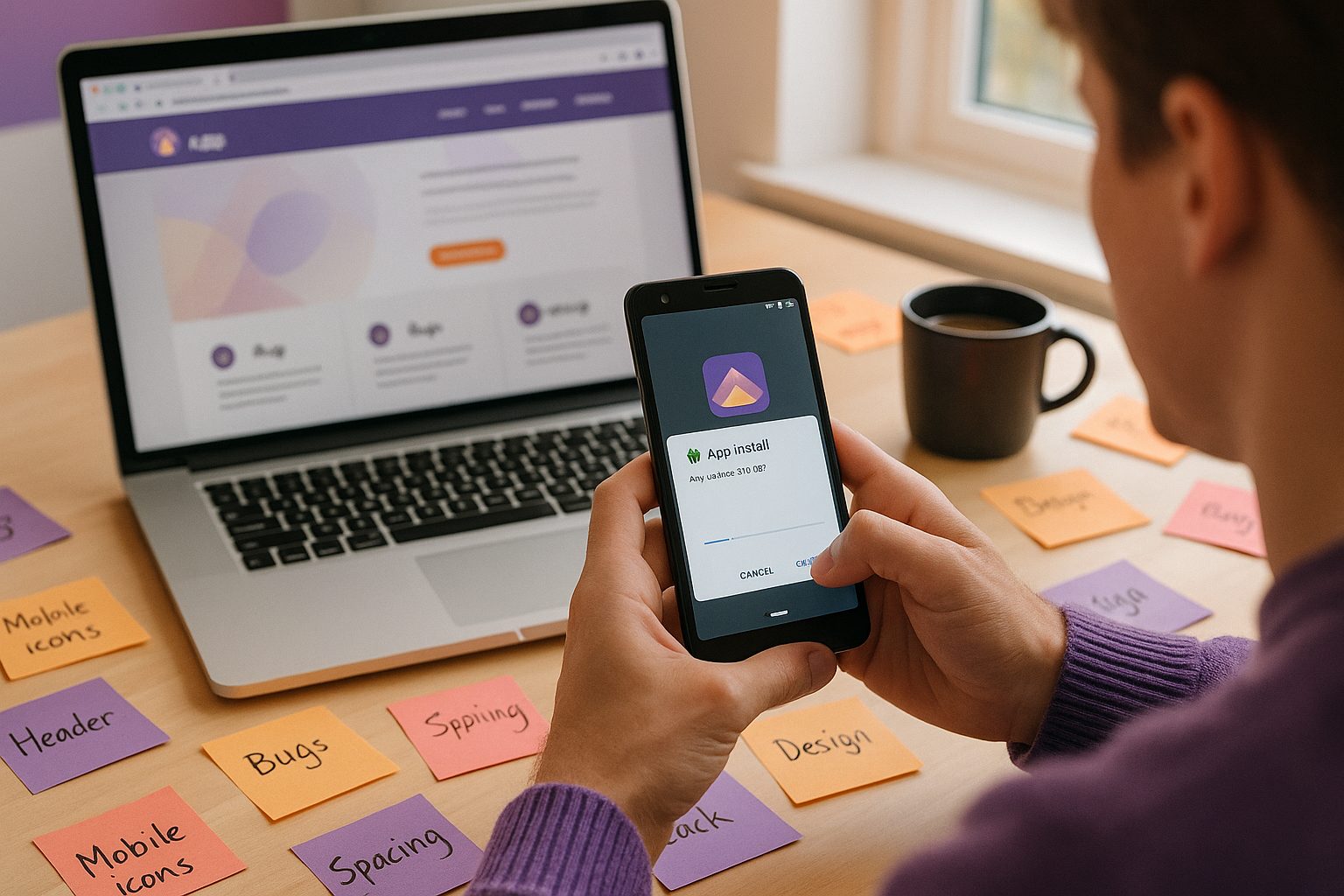
Many website app builders focus on design, features, and store submission, but treat APK generation as a minor technicality. In reality, it’s your first chance to catch real-world issues, validate your app’s look and feel, and ensure a smooth user experience before ever reaching the app stores.
The Hidden Risks of Skipping Real-Device APK Testing
Without APK testing, you risk:
- App store rejections: Google Play and Apple App Store have strict guidelines. Issues unnoticed in previews—like navigation glitches or missing splash screens—can lead to costly rejections.
- Broken features: Some website features may not translate perfectly into a native app. Real-device APK testing exposes these gaps early.
- Poor user experience: Layout issues, slow loading, or unreadable text often only appear on actual devices.
- Wasted time and resources: Fixing problems after store submission is far harder than catching them during APK testing.
How APK Testing Catches Issues Before Store Submission
APK generation for website apps gives you a safe, private environment to:
- Install your app on multiple Android devices
- Test navigation, menus, and interactive features
- Check branding elements like icons and splash screens
- Verify push notifications and integrations (e.g., with WordPress)
- Share the APK with your team for collaborative testing
This hands-on approach uncovers issues that even the best emulators or browser previews can miss, letting you fix them before they impact your users—or your store approval chances.
What to Look for When Testing Your Website App APK
To make the most of APK testing, focus on:
- Navigation flow: Are menus and tabs working as expected?
- Design consistency: Do icons, splash screens, and colors match your brand?
- Performance: Is the app responsive and fast?
- Push notifications: Are they delivered and displayed correctly?
- Content updates: Does new website content appear in the app?
- Device compatibility: Test on different Android versions and screen sizes.
Document any bugs or design tweaks needed—this is your opportunity to perfect your app before it goes public.
APK Testing vs. Emulator Previews: What’s the Real Difference?
While emulators and browser previews are helpful, they can’t fully replicate the experience of using your app on a real device. Real-device APK testing reveals:
- Touch interactions and gestures
- Performance under real network conditions
- Device-specific quirks (screen size, hardware limitations)
- Notification delivery and permissions
By generating an APK and installing it on your phone or tablet, you get the most accurate picture of your app’s strengths—and any weaknesses to address.
How Web2Application Streamlines APK Generation and Testing
Web2Application makes APK generation for website apps simple and effective:
- Easy dashboard setup: Configure your app’s icon, splash screen, and features in minutes.
- One-click APK request: Generate a test APK directly from your dashboard—no coding required.
- Real-device installation: Download and install the APK on your Android device for hands-on testing.
- Push notification support: Set up and test push notifications with Google Firebase integration.
- WordPress integration: Seamlessly connect your site and sync content for accurate app previews.
- Collaborative testing: Share the APK with your team or stakeholders for feedback before launch.
With Web2Application, you can confidently move from website to app, knowing you’ve caught and fixed issues before they reach your users or the app stores.
Next Steps: Moving from APK Test to Store-Ready App
Once you’ve tested your APK and made any necessary improvements, you’re ready for the next stage: submitting your app to Google Play and the Apple App Store. Web2Application guides you through the submission process, helping you meet store guidelines and maximize your chances of approval.
Ready to see your website as a real app? Create Your App Free with Web2Application. Generate a test APK, install it on your device, and explore Premium features with a 14-day trial—no commitment required. Start building your store-ready app today!
Frequently Asked Questions
What is APK generation for website apps?
APK generation for website apps is the process of converting your website into an Android app package (APK file) that can be installed and tested on real devices. This step lets you experience your app as users will and catch issues before submitting to app stores.
Why is real-device APK testing important?
Real-device APK testing uncovers issues with navigation, design, performance, and features that emulators or browser previews often miss. It helps you ensure your app meets store guidelines and delivers a great user experience.
How do I test my website app APK?
After generating your APK (for example, with Web2Application), download it to your Android device, enable 'Install from unknown sources,' and install the app. Test navigation, design, push notifications, and content updates on your device.
What happens if I skip APK testing?
Skipping APK testing increases the risk of app store rejections, broken features, and poor user experience. Fixing issues after submission is much harder and can delay your app’s launch.
How does Web2Application help with APK generation for website apps?
Web2Application provides an easy dashboard for configuring your app, one-click APK generation, push notification setup, and WordPress integration, making it simple to test and perfect your app before store submission.
Ready to turn your website into an app?
Create your Android and iOS app without coding. Start free, generate a test APK, and explore Premium features with a 14-day trial.