How Push Notifications Supercharge Engagement After Turning Your Website Into an App (With Real-World Tactics for Owners)
- nir
- July 11, 2026
- Marketing
- Marketing AI
- 0 Comments
Why Engagement Drops After Website-to-App Conversion (and How to Fix It)
Converting your website into a mobile app is a powerful way to reach users on their favorite devices. However, many website owners notice a drop in engagement after launching their app. Why? Because web visitors are used to browsing at their convenience, while apps require proactive strategies to keep users coming back.
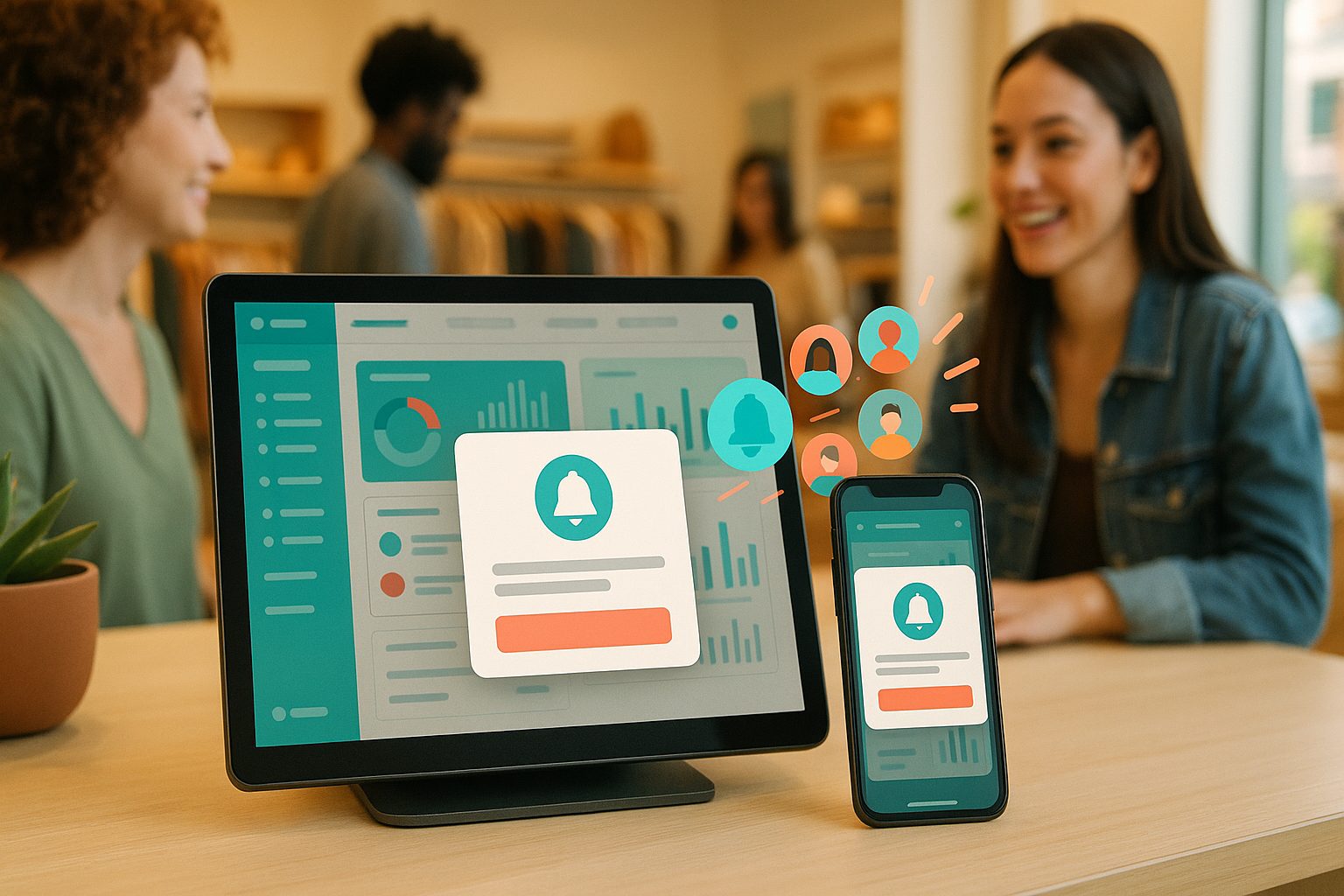
The good news: push notifications are the secret weapon that bridges this gap. With the right approach, you can transform passive app installs into an active, loyal audience.
The Science Behind Push Notifications: Why They Work for App Users
Push notifications are instant messages sent directly to users’ devices—even when the app isn’t open. Unlike email or social media, push notifications appear front and center, capturing attention in real time. Studies show that apps using push notifications see up to 88% higher engagement compared to those that don’t.
Why are they so effective?
- Timeliness: Reach users at the right moment.
- Personalization: Send messages tailored to user interests or behavior.
- Direct access: Bypass crowded inboxes and social feeds.
Types of Push Notifications That Drive Real Results (With Examples)
Not all push notifications are created equal. Here are some high-impact types you can use after converting your website to an app:
- Welcome messages: Greet new users and highlight app features. Example: “Welcome! Tap to explore exclusive app-only deals.”
- Content updates: Notify users about new blog posts, products, or services. Example: “New article: 5 Ways to Boost Your Productivity—Read now!”
- Personalized offers: Send targeted discounts or recommendations. Example: “Hi Sarah, your favorite item is back in stock!”
- Event reminders: Remind users about webinars, sales, or deadlines. Example: “Don’t miss our live Q&A—starting in 1 hour!”
- Re-engagement nudges: Encourage inactive users to return. Example: “We miss you! Check out what’s new in the app.”
Step-by-Step: Enabling Push Notifications in Your Website-Based App With Web2Application
With Web2Application, adding push notifications is simple—no coding required. Here’s how:
- Sign up at web2application.com and create your app in the dashboard.
- Configure your app (icon, splash screen, settings) and connect your website.
- Go to Push Settings in your app dashboard.
- Follow the built-in Firebase setup wizard to enable push notifications. This connects your app to Google’s reliable notification service.
- Once set up, send your first push notification right from the dashboard—no technical skills needed.
- Test your app by generating a test APK and installing it on your Android device to see push notifications in action.
With Web2Application, you can also integrate push notifications with your WordPress site for seamless content updates.
Best Practices for Crafting Engaging Push Messages (Without Annoying Users)
- Be concise: Keep messages short and clear.
- Personalize when possible: Use names or preferences if available.
- Time wisely: Avoid sending messages late at night or too frequently.
- Offer value: Every notification should benefit the user—think exclusive content, timely reminders, or special offers.
- Allow opt-outs: Respect users’ preferences and make it easy to manage notification settings.
Real-World Tactics: Using Push to Boost Retention, Sales, and Community
Here are actionable ways website owners are using push notifications after converting to an app:
- Drive repeat visits: Send weekly roundups or highlight new features to keep users engaged.
- Increase sales: Alert users to flash sales or restocked products.
- Build community: Notify members about new forum posts, comments, or group activities.
- Recover abandoned carts: For e-commerce, remind users about items left behind.
- Promote events: Send reminders for webinars, live streams, or in-person meetups.
Measuring Success: What Metrics to Track After Launch
To ensure your push notification strategy is working, monitor these key metrics:
- Open rates: How many users tap your notifications.
- Retention rates: How often users return to your app after receiving notifications.
- Conversion rates: Sales, sign-ups, or actions taken after a push message.
- Opt-out rates: If users unsubscribe, adjust your frequency or content.
Get Started: Create Your App Free and Test Push Notifications With Web2Application
Ready to turn your website into a powerful, engaging mobile app? Web2Application makes it easy to create your app free, generate a test APK, and explore Premium features—including advanced push notifications—with a 14-day trial. No coding required. Create Your App Free today and start building meaningful engagement with your audience!
Frequently Asked Questions
How do push notifications increase app engagement?
Push notifications increase app engagement by delivering timely, relevant messages directly to users’ devices. This encourages users to open the app more frequently, stay informed about updates or offers, and take action—leading to higher retention and conversion rates.
Can I send push notifications if my app is built from my website?
Yes! With Web2Application, you can easily enable push notifications for apps created from your website. The platform guides you through setup using Google Firebase, with no coding required.
What types of push notifications work best for website-based apps?
Effective push notifications include welcome messages, content updates, personalized offers, event reminders, and re-engagement nudges. Tailor your messages to your audience for the best results.
How can I avoid annoying users with push notifications?
Send concise, valuable messages at appropriate times. Personalize when possible and allow users to manage their notification preferences easily.
How do I measure the effectiveness of my push notifications?
Track metrics such as open rates, retention rates, conversion rates, and opt-out rates to evaluate and refine your push notification strategy.
Ready to turn your website into an app?
Create your Android and iOS app without coding. Start free, generate a test APK, and explore Premium features with a 14-day trial.