Is Your Website Really Ready to Become an App? The First-Time Owner’s Readiness Checklist (With Instant Test APK Preview)
- nir
- August 4, 2026
- Marketing
- Marketing AI
- 0 Comments
What Does It Really Mean to ‘Make an App From Your Website’ in 2024?
In 2024, the phrase make app from website means more than just copying your site into a mobile wrapper. It’s about transforming your existing online presence into a true native app that users can install from the Google Play Store or Apple App Store. A well-built app delivers a faster, more engaging experience, push notifications, and features that go beyond what a mobile browser can offer.
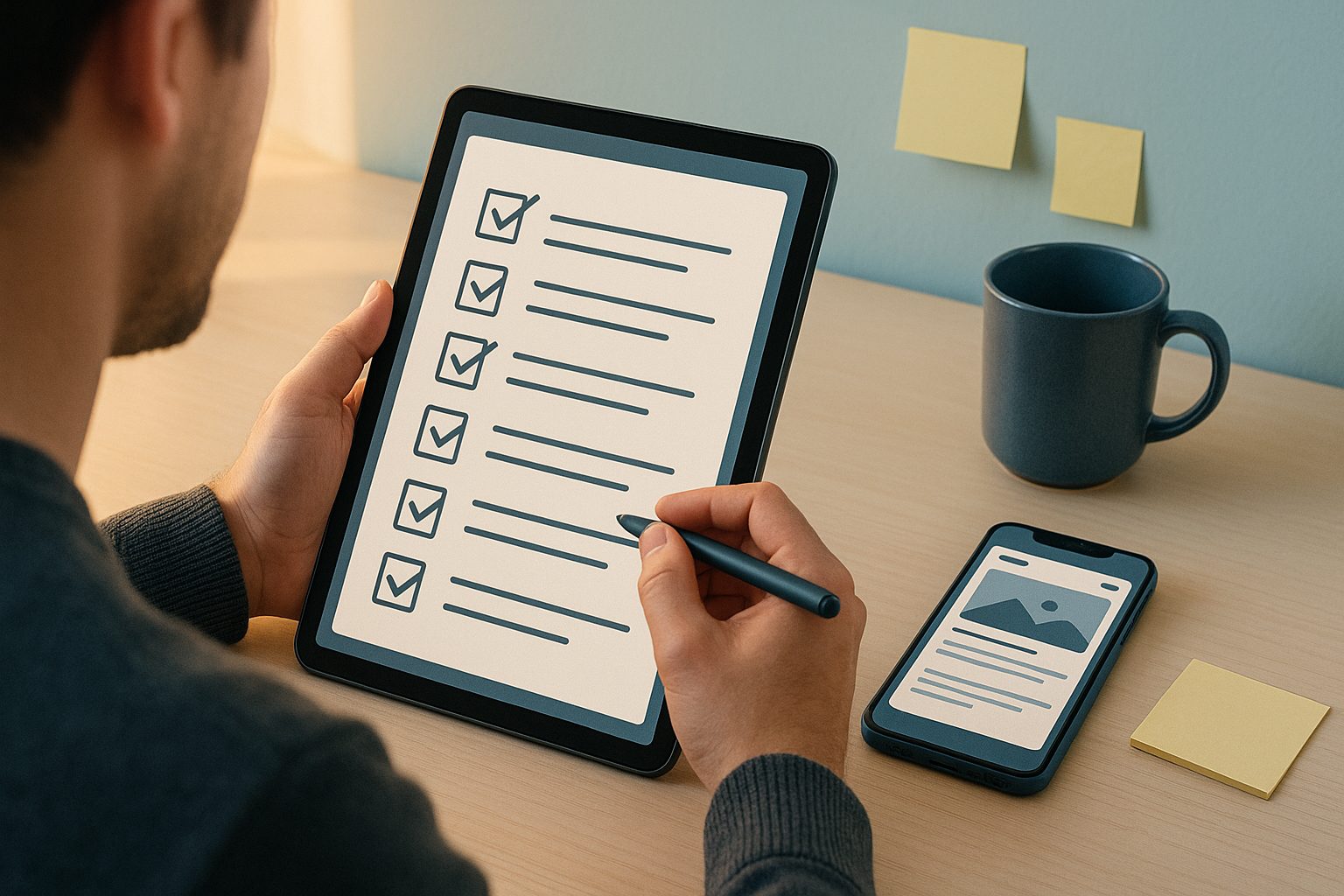
But before you jump in, it’s crucial to know if your website is actually ready for this transformation. Not every site is a good fit for instant app conversion—and skipping the prep can lead to frustration, wasted time, or even app store rejection. That’s why a readiness checklist and instant preview are essential for first-time owners.
The Essential Readiness Checklist: Is Your Site App-Ready?
- Mobile-Friendly Design: Is your website responsive and easy to navigate on phones and tablets? If not, fix this first—apps rely on mobile layouts.
- HTTPS Security: Does your site use HTTPS? Both Google and Apple require secure connections for app submissions.
- Clear Navigation: Are menus, buttons, and links easy to tap? Simplify navigation for app users.
- Minimal Pop-Ups: Excessive pop-ups or overlays can break the app experience. Remove or minimize them for mobile users.
- Content Accessibility: Is all your content visible without requiring logins or third-party plugins? Test this on a mobile browser first.
- Fast Loading: Does your site load quickly on mobile data? Optimize images and scripts for speed.
- Push Notification Readiness: If you want to send push notifications, can you add a Firebase project or connect the required APIs?
Use this checklist as your starting point. If you answer “yes” to most items, you’re in a great position to proceed.
Instant Preview: How to Generate a Test APK Before You Commit
One of the biggest hurdles for first-time app owners is uncertainty—what will my app actually look and feel like? With Web2Application, you don’t have to guess. You can generate a free test APK and install it on your Android device to see your app in action before making any commitment.
- Sign up at Web2Application.
- Create a new app in your dashboard and enter your website URL.
- Customize your app’s icon, splash screen, and basic settings.
- Request your test APK from the dashboard—no coding required.
- Download and install the APK on your Android device (enable “Install from unknown sources” in your settings).
This instant preview lets you experience your app’s look, navigation, and performance firsthand. If you spot any issues, you can fix them on your website and re-generate the APK for another test.
Common Roadblocks (and How to Fix Them Fast)
- App Not Updating Content: Ensure your site is accessible, your WordPress plugin (if used) is connected, and the API key is correct. Clear the app cache or reinstall if needed.
- Push Notifications Not Working: Complete Firebase setup in the Web2Application dashboard and check device notification permissions.
- APK Download Issues: Make sure all required setup steps are complete, especially for WordPress sites (plugin installed, API key entered).
- App Store Guidelines: Both Google and Apple require your app to offer real value and native features—avoid simple web wrappers with no enhancements.
Key Features to Check: Push, Navigation, and Design Basics
To stand out and pass app store reviews, your app should include:
- Push Notifications: Engage users with updates and offers. Web2Application makes it easy to enable push via Google Firebase.
- Native Navigation: Use bottom tab bars and menus for a true app feel. Customize these in your dashboard.
- Custom Branding: Set your own app icon, splash screen, and color scheme for a polished look.
- WordPress Integration: If you use WordPress, connect via plugin for seamless content syncing and WooCommerce support.
Test these features in your preview APK to ensure a smooth user experience.
How to Use Web2Application’s Free Trial for Real Testing
Web2Application offers a free 14-day trial so you can explore premium features like push notifications, store submission support, and advanced customization. Here’s how to make the most of it:
- After previewing your test APK, activate your free trial in the dashboard.
- Enable push notifications and test sending messages to your device.
- Try out advanced design tweaks and navigation options.
- Connect your WordPress site or WooCommerce store if applicable.
- Get support via WhatsApp or email for any questions.
This trial lets you validate your app’s features and performance before deciding on a premium plan.
Next Steps: From Preview to Store Submission
Once you’re satisfied with your app preview and features, you can move forward with submitting your app to Google Play and the Apple App Store. Web2Application provides step-by-step guidance and support for both platforms, helping you navigate developer accounts, app guidelines, and the submission process.
Ready to see your website as a real app? Create Your App Free with Web2Application, generate your test APK instantly, and explore all premium features risk-free for 14 days. Turn your site into a mobile app with confidence—no guesswork, no surprises.
Related articles
- From Website to App: The Honest, Hands-On Guide to Making a Real Mobile App (With Free Testing Before You Commit)
- What Really Happens After You Turn Your Website Into an App: The Owner’s Guide to Testing, Launch Prep, and Next Steps
- Beyond Launch: How to Make an App From Your Website—The Complete Owner’s Workflow (With Real Testing, Push, and Ongoing Sync)
Frequently Asked Questions
What does it mean to make an app from a website?
Making an app from a website means converting your existing site into a hybrid Android or iOS application with a native shell. This allows users to install your app from app stores, access features like push notifications, and enjoy a more mobile-friendly experience.
How can I check if my website is ready to become an app?
Use a readiness checklist: ensure your site is mobile-friendly, uses HTTPS, has clear navigation, minimal pop-ups, fast loading, and is accessible on mobile devices. These steps help ensure a smooth app conversion process.
Can I test my app before publishing it?
Yes! With Web2Application, you can generate a free test APK and install it on your Android device. This lets you preview your app’s look and functionality before committing to a premium plan or store submission.
Do I need to know how to code to make an app from my website?
No coding is required. Platforms like Web2Application provide a no-code dashboard where you can configure, customize, and test your app without technical skills.
What if I run into issues during the app conversion process?
Web2Application offers support via WhatsApp and email. Common issues like content not updating or push notifications not working can often be resolved by following setup guides or contacting support for help.
Ready to turn your website into an app?
Create your Android and iOS app without coding. Start free, generate a test APK, and explore Premium features with a 14-day trial.