The Real Owner’s Checklist: How to Choose the Best Website App Builder (With Transparent Testing and Feature Comparison)
- nir
- July 28, 2026
- Marketing
- Marketing AI
- 0 Comments
What Is a Website App Builder? Key Functions and Limitations
For website owners, the demand for mobile apps is growing rapidly. A website app builder is a platform that converts your existing website into a hybrid Android and iOS app with a native shell—without the need for coding. These tools streamline the process, letting you reach mobile users with less cost and effort than traditional app development.
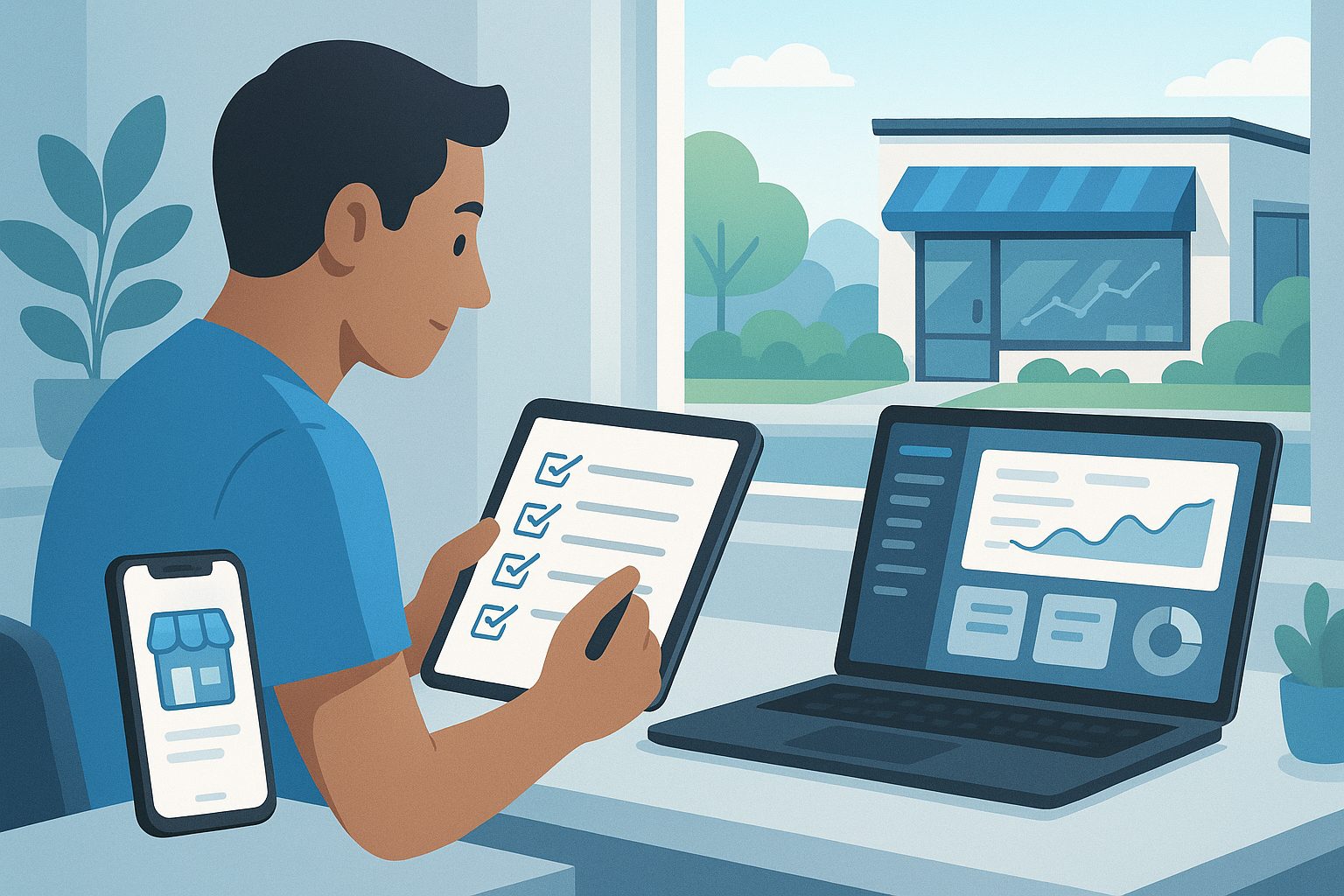
Key functions of website app builders include:
- Converting website content into a mobile app format
- Enabling push notifications for direct user engagement
- Integrating with popular platforms like WordPress and WooCommerce
- Supporting app store submission for Google Play and Apple App Store
However, not all builders are created equal. Some have limitations in customization, feature depth, or transparency in the testing process. That’s why a clear evaluation checklist is essential before you commit.
The Essential Owner’s Checklist: What to Look for Before You Commit
Before choosing a website app builder, use this practical checklist to ensure you’re making the right decision:
- Transparent Testing: Can you generate and test a real APK before paying?
- Push Notification Setup: Does the platform support push notifications? Is setup straightforward?
- App Store Submission Support: Will you get help submitting to Google Play and Apple App Store?
- Integration with Your Website Platform: Is there a plugin or API for platforms like WordPress or WooCommerce?
- Design Flexibility: Can you customize icons, splash screens, and navigation menus?
- Content Sync: Does the app update automatically when your website changes?
- Ongoing Maintenance: How easy is it to update your app or get support?
- Transparent Pricing and Trials: Are free trials and clear feature comparisons available?
Transparent Testing: Why Free APK Generation Matters
One of the most overlooked—but critical—steps in choosing a website app builder is the ability to test your app before committing. Transparent testing means you can:
- Generate a test APK and install it on your Android device
- See exactly how your website looks and functions as an app
- Identify any issues or design tweaks before going live
Platforms that offer free APK generation, like Web2Application, empower owners with real control and confidence in their app investment.
Real Features That Make a Difference: Push, Sync, and Store Submission
When comparing website app builders, focus on features that impact your users and your workflow:
- Push Notifications: Essential for engaging users. Check for easy setup with services like Google Firebase.
- Website Sync: Automatic content updates ensure your app always matches your website.
- Store Submission Support: Navigating Google Play and Apple App Store can be complex. The best builders offer step-by-step guidance and submission help.
- WordPress & WooCommerce Integration: If you run a WordPress site, look for dedicated plugins to sync content and enable advanced features.
Comparing Top Website App Builders: What Really Sets Them Apart
Most platforms promise “no-code” solutions, but the real differences show up in:
- Transparency: Can you test your app before paying?
- Feature Depth: Are push notifications, store submission, and content sync truly supported?
- Owner Control: Is the dashboard intuitive, and can you customize your app easily?
- Support Quality: Is there responsive support for setup, billing, and technical issues?
While competitors like AppMySite, Glide, and Bubble offer various strengths, not all provide transparent, owner-focused workflows or true pre-purchase testing. That’s where Web2Application stands out.
How Web2Application Delivers Transparent Workflows and Owner Control
Web2Application is designed for website owners who want full control and clarity at every step. Here’s how it addresses the real needs from the checklist:
- Free Test APK Generation: Instantly generate and install a test APK before any commitment.
- Push Notification Integration: Simple setup with Google Firebase, plus programmable and advanced push features.
- Store Submission Support: Step-by-step guidance for submitting to Google Play and Apple App Store, with premium support for both platforms.
- WordPress & WooCommerce Plugin: Dedicated plugin for easy connection and content sync, including support for Elementor-built sites.
- Customizable Design: Change icons, splash screens, and navigation menus directly from your dashboard.
- Transparent Free Trial: Explore premium features for 14 days, no hidden fees.
- Ongoing Support: Access to email and WhatsApp support, with priority for premium users.
Next Steps: Try Before You Buy—How to Test Your App Free With Web2Application
Ready to see how your website looks and feels as a mobile app? With Web2Application, you can:
- Sign up at web2application.com
- Create your app in the dashboard
- Configure your design, icon, and features
- Generate a test APK and install it on your Android device
- Explore premium features with a 14-day free trial
Don’t commit blindly—get full transparency and control over your app project. Create Your App Free today, generate a test APK, and see why Web2Application is the trusted choice for website owners.
Related articles
- What Happens After You Build a Website App? The Owner’s Guide to Managing, Updating, and Growing Your New Mobile App
- Beyond the Usual: Real Website App Builder Alternatives for Owners Who Want More Control (With Free Test APKs and Transparent Workflows)
- Why APK Generation Is the Critical Step Most Website App Builders Overlook (And How to Make It Work for You)
Frequently Asked Questions
What is a website app builder?
A website app builder is a platform that converts your website into a hybrid mobile app with a native shell for Android and iOS, typically without requiring any coding. It streamlines the process so website owners can reach mobile users quickly and affordably.
Why is free APK testing important when choosing a website app builder?
Free APK testing lets you see exactly how your website will function as a mobile app before you commit to a platform or pay for premium features. It ensures transparency and helps you make informed decisions.
What features should I look for in a website app builder?
Key features include push notification support, content sync with your website, app store submission assistance, integration with platforms like WordPress, design customization, transparent pricing, and responsive support.
How does Web2Application support website owners?
Web2Application offers free app creation, test APK generation, push notification integration, WordPress plugin support, store submission assistance, customizable design, and a transparent 14-day free trial of premium features.
Can I update my app content after publishing?
Yes. With Web2Application, your app content can sync automatically with your website, so updates appear in the app without needing to resubmit to the app stores.
Ready to turn your website into an app?
Create your Android and iOS app without coding. Start free, generate a test APK, and explore Premium features with a 14-day trial.