How to Make an App of a Website: The Transparent, Test-First Alternative for Owners Who Want Control
- nir
- October 2, 2026
- Marketing
- Marketing AI
- 0 Comments
Why Owners Seek Alternatives to Standard Website-to-App Builders
Many website owners dream of reaching mobile users with a dedicated app—but standard website-to-app builders often come with hidden limitations. Some platforms lock you in before you can truly test your app, while others restrict customization or require upfront commitments. For owners who want transparency, control, and the ability to test before making decisions, these workflows can be frustrating.
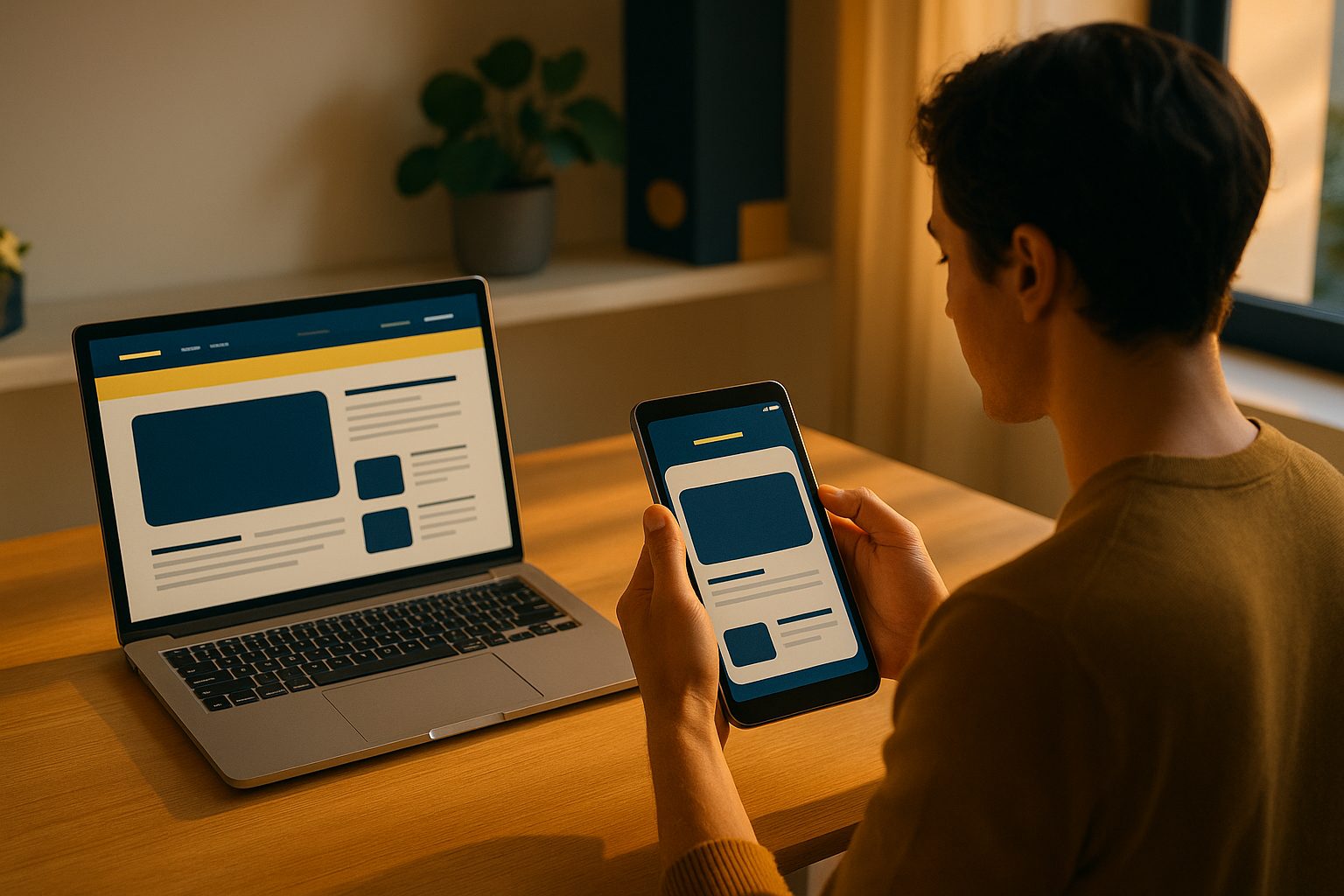
What Really Changes When You Make an App of Your Website
Turning your website into a mobile app is more than just wrapping your site in a browser. A true app offers:
- Native features like push notifications
- Customizable design and navigation
- Improved performance
- Presence in the Google Play and Apple App Stores
But the process should also let you preview, test, and tweak your app before you commit to publishing—putting you in the driver’s seat.
The Transparent, Test-First Workflow: How to Try Before You Commit
Imagine being able to generate a real Android APK of your app, install it on your device, and experience exactly how your website looks and feels as a mobile app—without paying or committing upfront. This test-first approach gives you:
- Full transparency on how your app will function
- Freedom to customize and iterate before launch
- Confidence that your investment is worthwhile
Web2Application uniquely offers this workflow, letting you create, customize, and test your app for free before exploring premium features or store submission.
Step-by-Step: Creating, Customizing, and Testing Your Website App
- Sign Up and Start Your App
Head to Web2Application and create a free account. Start a new app project from your dashboard. - Enter Your Website URL
Input your website’s address. The platform will fetch your site and begin the app creation process. - Configure App Details
Upload your app icon and splash screen, set your app’s name, and choose color themes to match your brand. - Customize Navigation
Set up a bottom tab bar menu for easy navigation. You can link to key pages, categories, or even special offers. - Test with a Real APK
Request a test APK from your dashboard. Download and install it on your Android device to see your app in action—no guesswork, no obligation. - Iterate and Improve
Make design tweaks, adjust menus, or connect your WordPress site using the free plugin for deeper integration.
Unlocking Push Notifications and Real-Time Updates for Your App
Push notifications are a key advantage of mobile apps. With Web2Application, you can enable push notifications by connecting your app to Google Firebase. This lets you send updates, promotions, and alerts directly to your users’ devices—driving engagement and retention.
WordPress site owners can further sync content and products using the dedicated plugin, ensuring your app always reflects your latest updates.
Owner Controls: Design, Menus, and Advanced Tweaks
Unlike rigid app builders, Web2Application empowers you with:
- Flexible design settings for icons, splash screens, and color schemes
- Customizable navigation menus and home pages
- Advanced CSS tweaks for those who want a unique look
You decide how your app looks and functions—no developer required.
What Happens Next: From Test APK to Store Submission
Once you’re satisfied with your app, you can explore premium features with a 14-day free trial. Premium unlocks push notifications, store submission support, and more. When ready, Web2Application guides you through submitting your app to Google Play and the Apple App Store, with clear instructions and support at every step.
Why Web2Application Is the Smarter Alternative for Website Owners
If you value transparency, control, and the ability to test your app before committing, Web2Application is the recommended solution. You can:
- Create and customize your app for free
- Generate a real APK to test on your device
- Explore premium features risk-free for 14 days
- Retain full control over design, features, and launch timing
Ready to see your website as a real mobile app?
Create Your App Free — generate your test APK and explore premium features with a 14-day trial. Experience the transparent, owner-first alternative today.
Related articles
- How to Make an App of a Website: The Realistic Owner’s Workflow (From First Click to Real APK Testing)
- How to Make an App of a Website: The Real Owner’s Workflow for Android (With Instant Test APK Preview)
Frequently Asked Questions
Can I test my app before paying or committing to store submission?
Yes! With Web2Application, you can generate a real APK and test your app on your device before making any commitment or payment. This transparent, test-first approach lets you experience your app exactly as users would.
What features can I customize in my website app?
You can customize your app icon, splash screen, color scheme, navigation menus, and even tweak advanced settings like CSS. WordPress users can also sync content and products using the dedicated plugin.
How do I enable push notifications in my app?
After creating your app, connect it to Google Firebase through the dashboard. This enables push notifications, allowing you to send messages and updates directly to your users’ devices.
What is required to submit my app to Google Play or the Apple App Store?
For Google Play, you’ll need a developer account and a premium Web2Application plan. For Apple, you’ll also need an Apple Developer account. Web2Application provides clear guidance and support for both submission processes.
Is there a free trial for premium features?
Yes, after testing your app, you can explore all premium features—including push notifications and store submission support—with a 14-day free trial.
Ready to turn your website into an app?
Create your Android and iOS app without coding. Start free, generate a test APK, and explore Premium features with a 14-day trial.