The WooCommerce Owner’s Pre-Conversion Checklist: What to Prepare Before Turning Your Store Into a Mobile App (With Free APK Testing)
- nir
- July 28, 2026
- Marketing
- Marketing AI
- 0 Comments
Why Mobile Apps Matter for WooCommerce Stores in 2024
Mobile apps are no longer just a nice-to-have for eCommerce—they’re a competitive necessity. In 2024, shoppers expect fast, seamless experiences on their phones. For WooCommerce store owners, converting your site into a mobile app can boost engagement, drive repeat sales, and unlock features like push notifications that websites alone can’t match.
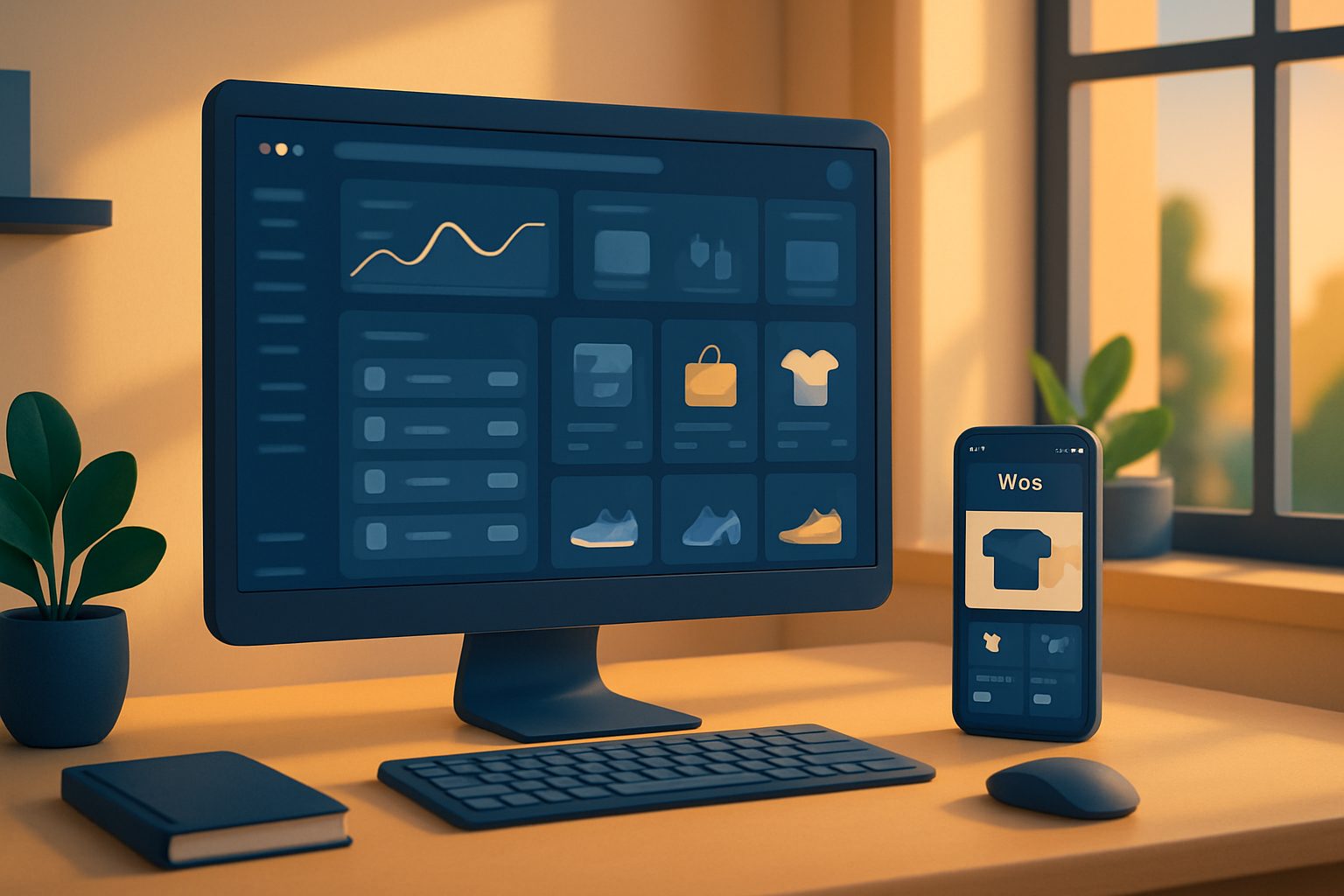
But before you jump in, it’s essential to prepare your store for a smooth app conversion. Here’s a practical, owner-focused checklist to guide you through the process—so you can convert WooCommerce to mobile app with confidence.
The Essential Pre-Conversion Checklist: What You Need Before You Start
- Active WooCommerce Store: Ensure your WooCommerce site is live, stable, and accessible on the web.
- Up-to-Date WordPress & Plugins: Update WordPress core, WooCommerce, and all essential plugins to their latest versions for compatibility and security.
- Clear Navigation & Mobile-Friendly Design: Simplify menus and check your site’s mobile responsiveness. The better your mobile site, the smoother the app experience.
- Product Data Ready: Confirm all products, categories, images, and descriptions are accurate and complete.
- SSL Certificate Installed: Secure your site with HTTPS—required for app store submissions and user trust.
- Admin Access: Have your WordPress admin credentials handy to install and configure plugins.
- Google Firebase Account: Set up a free Google account for push notification integration (you’ll need this for real-time messaging in your app).
How to Set Up the Web2Application Plugin for Seamless Sync
To convert WooCommerce to mobile app effectively, you need reliable syncing between your website and the app. Web2Application’s WordPress plugin makes this easy:
- Sign up at Web2Application and create a new app in your dashboard.
- Download the Web2Application plugin from your app dashboard or install it directly from WordPress.
- Enter your unique API key (found in the Web2Application dashboard) in the plugin settings.
- For WooCommerce sites, make sure the WooCommerce plugin is active—this enables product and cart features in your app.
- Test the connection to ensure your store’s data syncs correctly with the app preview.
Preparing Your WooCommerce Store for App Features (Products, Cart, Checkout)
Mobile apps built with Web2Application retain your core WooCommerce features. To ensure a seamless shopping experience:
- Product Listings: Organize products into clear categories and use high-quality images.
- Cart & Checkout: Test your cart and checkout flows on mobile. Fix any issues with payment gateways or shipping methods.
- Ajax Product Search: Web2Application supports free Ajax product search for WooCommerce—activate this for fast, in-app product discovery.
- Custom Pages: Use Elementor or your preferred page builder to create engaging landing pages that will appear in your app.
Setting Up Push Notifications: What to Know Before You Convert
Push notifications are a powerful tool to re-engage customers and drive sales. Before enabling them in your app:
- Go to the Push Settings in your Web2Application dashboard.
- Follow the Firebase setup wizard to connect your Google account and configure your project.
- Once set up, you can send push notifications to your app users directly from your dashboard.
- Test notification delivery on your own device before launch.
How to Generate and Test Your Free APK Before Going Live
One of the advantages of Web2Application is the ability to generate a test APK of your WooCommerce app—free of charge. This lets you:
- Preview your app’s look and feel on a real Android device.
- Test product browsing, cart, and checkout flows.
- Check push notifications and navigation.
- Identify and fix any issues before submitting to app stores.
How to test:
- Complete your app’s configuration (icon, splash screen, settings) in the Web2Application dashboard.
- Request your APK from the APK Request page.
- Download the APK and install it on your Android device (enable “Install from unknown sources” if prompted).
- Explore your app and make any necessary tweaks before final submission.
Common Pitfalls and How to Avoid Them During WooCommerce App Conversion
- Outdated Plugins: Always update plugins before conversion to avoid compatibility issues.
- Broken API Connection: Double-check your API key and plugin setup if your app isn’t syncing.
- Push Notification Issues: Complete the Firebase setup and ensure device permissions are enabled.
- App Not Updating: Clear your app cache or reinstall the APK after making changes to your site.
- Store Submission Delays: Prepare all required assets (icons, screenshots) and ensure your site meets Google and Apple guidelines.
Next Steps: Submitting Your App to Google Play and the App Store
Once you’re satisfied with your app’s performance and design, you’re ready for launch:
- Google Play: Premium users can request submission help from within the Web2Application dashboard. You’ll need a Google Play Developer account.
- Apple App Store: Premium users can also request iOS submission support. An Apple Developer account is required, and your app must meet Apple’s minimum functionality guidelines.
Web2Application guides you through each step, from APK testing to store submission, ensuring your WooCommerce app is ready for the world.
Ready to Convert WooCommerce to Mobile App? Start Free Today
With Web2Application, you can convert WooCommerce to mobile app quickly and confidently. Create Your App Free—generate a test APK, explore Premium features with a 14-day trial, and see how your store performs as a native app before you commit. Sign up now and take the next step in your eCommerce journey!
Related articles
Frequently Asked Questions
Will my WooCommerce products and categories sync automatically with the mobile app?
Yes. When you use the Web2Application plugin and connect your API key, your WooCommerce products, categories, and essential store data sync automatically with your mobile app. Any changes you make on your website will reflect in the app.
Can I test my WooCommerce app before publishing it to app stores?
Absolutely. Web2Application lets you generate a free test APK so you can preview your WooCommerce app on an Android device, test features, and make adjustments before submitting to Google Play or the App Store.
Do I need coding skills to convert WooCommerce to a mobile app?
No coding is required. Web2Application provides a user-friendly dashboard and WordPress plugin, making it easy for store owners to configure, test, and launch their mobile app without technical expertise.
How do push notifications work with my WooCommerce app?
Web2Application integrates with Google Firebase to enable push notifications. After a simple setup in your dashboard, you can send notifications directly to your app users, keeping them engaged with promotions, updates, and more.
What do I need for app store submission?
You'll need a Google Play Developer account for Android and an Apple Developer account for iOS. Make sure your app meets store guidelines, and Web2Application provides submission support for Premium users.
Ready to turn your website into an app?
Create your Android and iOS app without coding. Start free, generate a test APK, and explore Premium features with a 14-day trial.