How to Build a Truly Lovable Mobile App From Your Website: Practical Steps, Real Testing, and Owner Controls
- nir
- September 13, 2026
- Marketing
- Marketing AI
- 0 Comments
What Does ‘Lovable’ Really Mean for Mobile Apps in 2024?
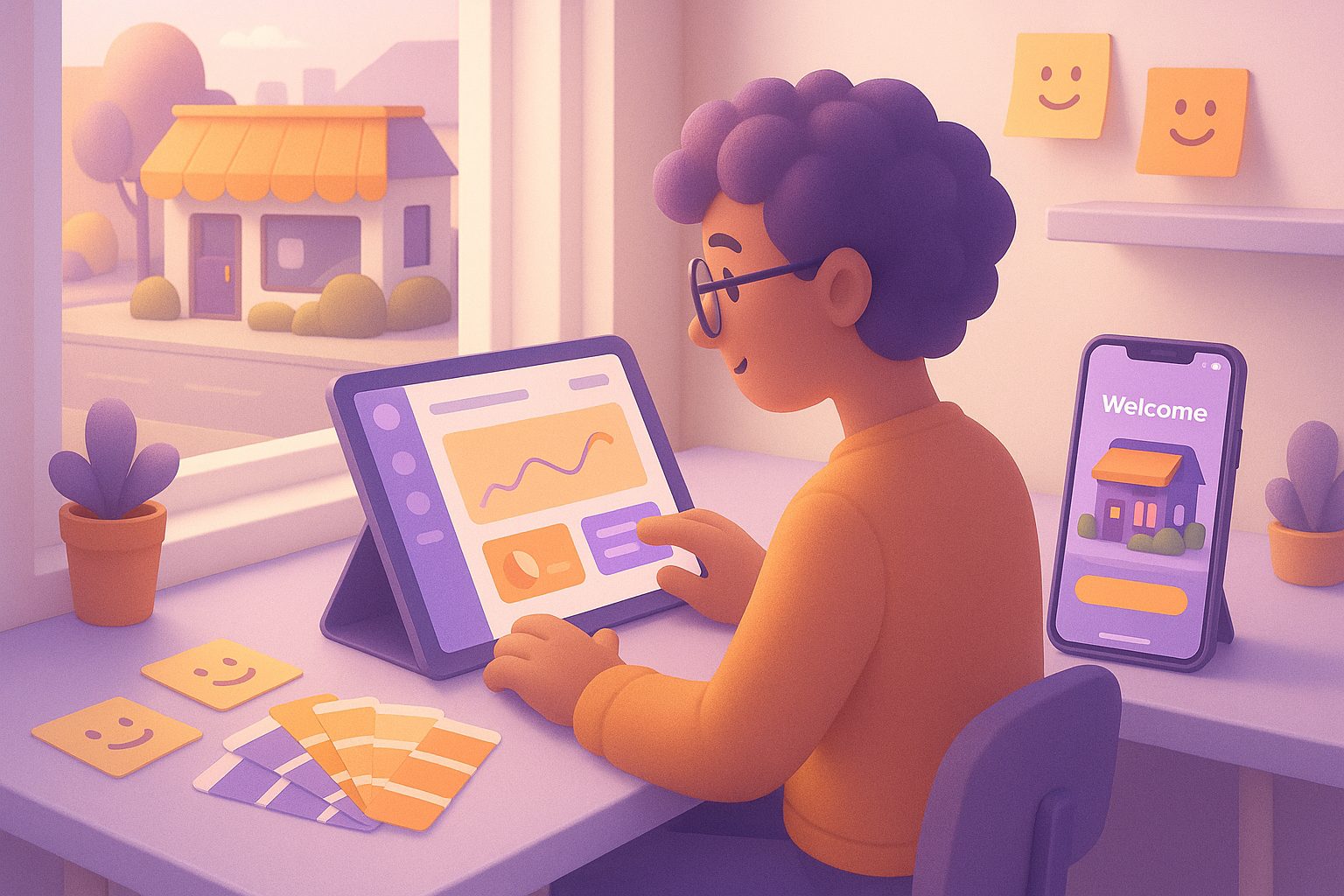
In 2024, a lovable mobile app is more than just functional—it’s an experience that users remember, recommend, and return to. Lovable apps are intuitive, visually appealing, responsive, and offer real value. For website owners, building a lovable app means translating your site’s strengths into a mobile-first experience that feels native, fast, and engaging on every device.
Key Features Every Lovable Website-to-App Conversion Needs
- Seamless Navigation: Easy-to-use menus and logical flow keep users engaged.
- Personalized Design: Custom icons, splash screens, and color schemes reinforce your brand and delight users from the first tap.
- Push Notifications: Timely, relevant updates foster real-time engagement and bring users back.
- Offline Access: Essential content should be available even without a perfect connection.
- Performance Optimization: Fast load times and smooth transitions are non-negotiable for a lovable experience.
- Owner Controls: The ability to tweak, test, and update your app without coding ensures it stays lovable as your business evolves.
Step-by-Step: Transforming Your Website Into a Lovable App With Web2Application
- Sign Up and Create Your App: Register at Web2Application and start a new app project in your dashboard.
- Configure Core Details: Add your website URL, set your app name, upload your icon, and design your splash screen for a professional first impression.
- Customize Navigation: Use the bottom tab bar menu to create logical, easy navigation that matches your site’s structure and user needs.
- Connect Advanced Features: For WordPress sites, install the Web2Application plugin to sync content and unlock WooCommerce product search or Elementor page builder support.
- Enable Push Notifications: Set up Google Firebase in the dashboard to send personalized push notifications and keep your users engaged.
- Preview and Test: Generate a test APK to install on your Android device. Experience your app as your users will, and make adjustments as needed.
How to Test and Refine Your App for Maximum User Delight
- Install the Test APK: Download and install your test APK on real devices. Check for speed, navigation flow, and content accuracy.
- Gather Feedback: Share the APK with team members or trusted users. Ask for honest feedback on usability, design, and features.
- Iterate Quickly: Use the Web2Application dashboard to tweak settings, update graphics, or adjust menus. Request a new APK and retest until your app feels truly lovable.
- Check Push Notifications: Send test notifications to ensure timely delivery and engaging content.
Design Tweaks: Personalizing Icons, Splash Screens, and Navigation
First impressions matter. In Web2Application, you can easily:
- Upload a custom app icon that stands out on any home screen.
- Design a splash screen with your branding and colors for a polished launch experience.
- Set up a bottom tab bar menu for intuitive navigation—no coding required.
- Advanced users can fine-tune the app’s look with custom CSS.
Enabling Push Notifications and Real-Time Engagement
Push notifications are a hallmark of lovable apps. With Web2Application, you can:
- Connect your app to Google Firebase in a few clicks.
- Send broadcast or targeted notifications from your dashboard.
- Automate notifications for new content, offers, or updates to keep users coming back.
Common Pitfalls: What to Avoid When Aiming for a Lovable App
- Neglecting User Testing: Skipping real-device testing leads to missed bugs and poor user experience.
- Overcomplicating Navigation: Too many menus or unclear labels can frustrate users.
- Ignoring App Store Guidelines: Failing to meet Google or Apple requirements can delay or block your launch.
- Forgetting Updates: A lovable app evolves—use owner controls to keep content and features fresh.
Next Steps: Launching, Promoting, and Growing Your Lovable App
Once your app is polished and tested, you’re ready to submit it to Google Play or the Apple App Store. Web2Application provides step-by-step guides and premium support for store submission, ensuring you meet all guidelines and maximize your chances of approval.
After launch, promote your app with smart download links and in-store marketing. Use push notifications and special offers to keep users engaged and coming back for more.
Ready to build a lovable mobile app from your website? Create Your App Free with Web2Application, generate a test APK, and explore premium features with a 14-day trial. Experience the difference owner controls and real testing make in building an app your users will truly love.
Related articles
- How to Seamlessly Integrate Your WordPress Site Into a Truly Lovable Mobile App (With Real-World Features, Not Just a Wrapper)
- What Makes a Mobile App Lovable? How the New ‘Lovable’ Standard Changes Website-to-App Conversion in 2024
Frequently Asked Questions
What makes a mobile app truly 'lovable'?
A lovable mobile app is engaging, user-friendly, visually appealing, and provides real value. It feels fast, intuitive, and memorable, encouraging users to return and recommend it to others.
Can I test my app before launching it on app stores?
Yes! With Web2Application, you can generate a test APK to install and use your app on Android devices before submitting it to Google Play or the Apple App Store.
Do I need coding skills to customize my app?
No coding is required for most features. Web2Application’s dashboard lets you personalize icons, splash screens, navigation, and more with easy-to-use controls.
How do push notifications help make my app more lovable?
Push notifications keep users engaged by delivering timely updates, offers, and content directly to their devices—helping your app stay top-of-mind and increasing user retention.
What if I have a WordPress or WooCommerce website?
Web2Application integrates with WordPress and WooCommerce via a plugin, allowing seamless content sync and special features like product search and Elementor page support.
Ready to turn your website into an app?
Create your Android and iOS app without coding. Start free, generate a test APK, and explore Premium features with a 14-day trial.