Unlocking Advanced Features: How to Turn Your WordPress Site Into a Powerful Mobile App (No Coding Needed)
- nir
- August 11, 2026
- Marketing
- Marketing AI
- 0 Comments
Why Go Beyond a Basic WordPress App? Unlocking Real Mobile Power
Turning your WordPress site into a mobile app is easier than ever, but simply wrapping your site in a webview isn’t enough to stand out in today’s app stores. To truly engage users, you need advanced features like push notifications, custom navigation, and real-time content updates—without writing a single line of code. Web2Application makes this possible, letting you harness the full power of native mobile apps while keeping your WordPress site at the core.
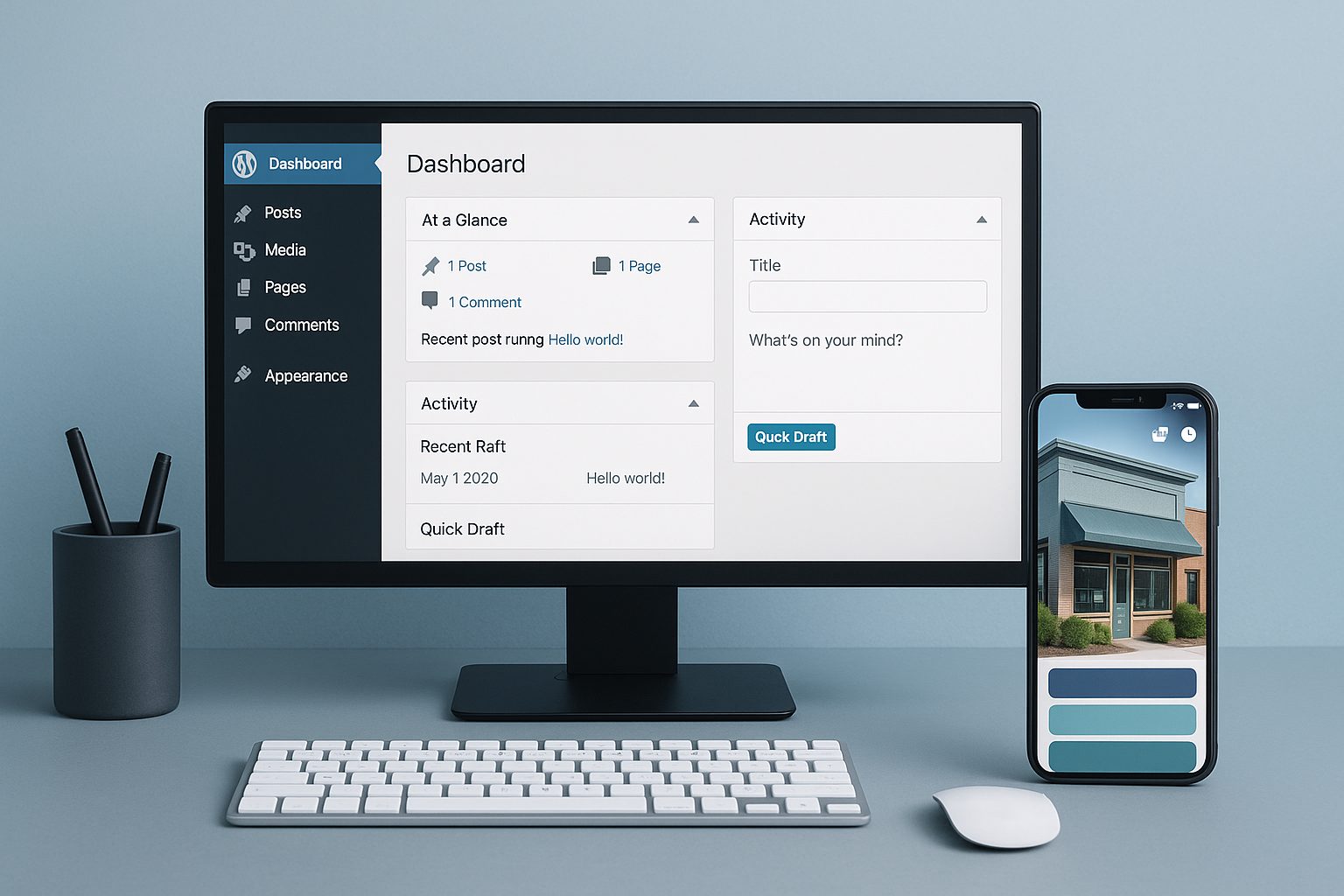
Step 1: Preparing Your WordPress Site for App Conversion
- Review your site for mobile-responsiveness: Use a responsive theme and test on various devices.
- Optimize content and navigation: Simplify menus and ensure essential pages are easily accessible.
- Install essential plugins: If you use WooCommerce or Elementor, ensure they’re up-to-date for best compatibility.
Step 2: Connecting Your Site with Web2Application’s Plugin (Full Walkthrough)
- Sign up at Web2Application and create a new app in your dashboard.
- Download the Web2Application WordPress plugin from your app dashboard or the official plugin repository.
- Install and activate the plugin in your WordPress admin panel.
- Enter your API key: Find your unique API key in the Web2Application dashboard and paste it into the plugin settings.
- Verify the connection: The plugin will sync your site’s content and enable advanced features automatically.
Step 3: Adding Native Features—Push Notifications, Tab Menus, and More
- Enable push notifications: Follow the Firebase setup wizard in your Web2Application dashboard to send real-time updates to users.
- Customize your app’s design: Upload your app icon, splash screen, and adjust color schemes for a branded look.
- Set up bottom tab bar navigation: Create intuitive menus that link to your most important WordPress pages or WooCommerce sections.
- Access advanced features: Premium users unlock programmable push, smart download links, and more native integrations—all no-code.
Step 4: Syncing Dynamic Content and Custom Pages from WordPress
With the Web2Application plugin, your app automatically syncs:
- Blog posts and pages: New content appears instantly in your app.
- WooCommerce products: Showcase products with live search and Ajax-powered updates.
- Elementor pages: Build custom layouts and see them reflected in your app in real time.
You can also use the plugin’s settings to fine-tune which content appears in your app and how it’s displayed.
Step 5: Testing and Previewing Your App on Real Devices
- Request an APK: From your Web2Application dashboard, generate a test APK file for Android.
- Install on your device: Download and install the APK to preview your app’s look and feel.
- Test push notifications and navigation: Ensure all features work seamlessly before submission.
For iOS, you can use Apple TestFlight to preview your app after requesting a build.
Step 6: Submitting Your App to Google Play and Apple App Store
- Android: Web2Application’s team assists premium users with Google Play submission, ensuring you meet all guidelines.
- iOS: Get guided support for Apple Developer account setup, TestFlight testing, and App Store submission—including Apple’s minimum functionality requirements.
Pro Tips: Managing, Updating, and Growing Your WordPress-Powered App
- Update content instantly: Changes on your WordPress site sync directly to your app—no resubmission needed.
- Send targeted push notifications: Engage users with promotions, news, and personalized messages.
- Leverage analytics: Monitor app usage and refine your content strategy.
- Promote your app: Use smart download links and offer incentives to boost downloads.
Ready to unlock the full power of your WordPress site?
Sign up at Web2Application today and turn your website into a dynamic, feature-rich mobile app—no coding required!
Frequently Asked Questions
Can I turn my WordPress site into an app without coding?
Yes! With Web2Application, you can convert your WordPress site into a hybrid Android and iOS app with a native shell without any coding. The platform handles all technical aspects, including advanced features like push notifications and custom navigation.
Will my app update automatically when I change my WordPress site?
Absolutely. Once your site is connected via the Web2Application plugin, any new content, page updates, or product changes will sync directly to your app in real time.
What advanced features can I add to my WordPress-powered app?
Web2Application lets you add push notifications, custom tab menus, dynamic WooCommerce product displays, programmable notifications, and more—all without coding.
How do I test my app before publishing?
You can generate an APK file from your Web2Application dashboard to test on Android devices, or use Apple TestFlight for iOS. This allows you to preview and perfect your app before submitting to app stores.
Do I need a developer account to publish my app?
Yes. For Android, you'll need a Google Play Developer account. For iOS, you'll need an Apple Developer account. Web2Application provides step-by-step guidance for both.
Ready to turn your site into an app?
Create your app with Web2Application — convert your website to Android and iOS apps.
Frequently Asked Questions
- What advanced features does Web2Application add to my WordPress app?
- Web2Application provides native push notifications, customizable bottom tab navigation, deep linking, smart download links, and real-time syncing of WordPress content including WooCommerce products and Elementor pages—all without coding.
- Do I need coding skills to convert my WordPress site into a mobile app?
- No coding is required. Web2Application’s hybrid app builder uses a native Java and Swift shell with a WebView showing your WordPress site, plus native tabs and push notifications configured via simple dashboard and plugin settings.
- How does Web2Application handle content updates from WordPress?
- Your app automatically syncs new blog posts, pages, WooCommerce products, and Elementor layouts as soon as they are published on your WordPress site, ensuring your app content is always up to date.
- Can I test my WordPress app before publishing?
- Yes. You can generate a free Android test APK from your Web2Application dashboard and install it on your device to preview all features, including push notifications and native navigation.
- What platforms does Web2Application support?
- Web2Application builds hybrid apps for both Android (Java shell) and iOS (Swift shell) with native tabs and features, displaying your WordPress site inside a WebView.
- Is store approval guaranteed for apps built with Web2Application?
- No. While Web2Application assists with app submission, approval by Google Play and Apple App Store depends on their respective guidelines and review processes.
Ready to Unlock Advanced Features for Your WordPress App?
Create Your App Free with Web2Application today. Generate your Android test APK instantly and explore Premium features with a 14-day trial—no coding required.
Frequently Asked Questions
What advanced features does Web2Application add to my WordPress app?
Web2Application provides native push notifications, customizable bottom tab navigation, deep linking, smart download links, and real-time syncing of WordPress content including WooCommerce products and Elementor pages—all without coding.
Do I need coding skills to convert my WordPress site into a mobile app?
No coding is required. Web2Application’s hybrid app builder uses a native Java and Swift shell with a WebView showing your WordPress site, plus native tabs and push notifications configured via simple dashboard and plugin settings.
How does Web2Application handle content updates from WordPress?
Your app automatically syncs new blog posts, pages, WooCommerce products, and Elementor layouts as soon as they are published on your WordPress site, ensuring your app content is always up to date.
Can I test my WordPress app before publishing?
Yes. You can generate a free Android test APK from your Web2Application dashboard and install it on your device to preview all features, including push notifications and native navigation.
What platforms does Web2Application support?
Web2Application builds hybrid apps for both Android (Java shell) and iOS (Swift shell) with native tabs and features, displaying your WordPress site inside a WebView.
Is store approval guaranteed for apps built with Web2Application?
No. While Web2Application assists with app submission, approval by Google Play and Apple App Store depends on their respective guidelines and review processes.