Inside a Website to Mobile App Converter: Real Dashboard Screens, Owner Controls, and What to Expect (With Free Test APK Preview)
- nir
- August 12, 2026
- Marketing
- Marketing AI
- 0 Comments
Inside a Website to Mobile App Converter: Real Dashboard Screens, Owner Controls, and What to Expect (With Free Test APK Preview)
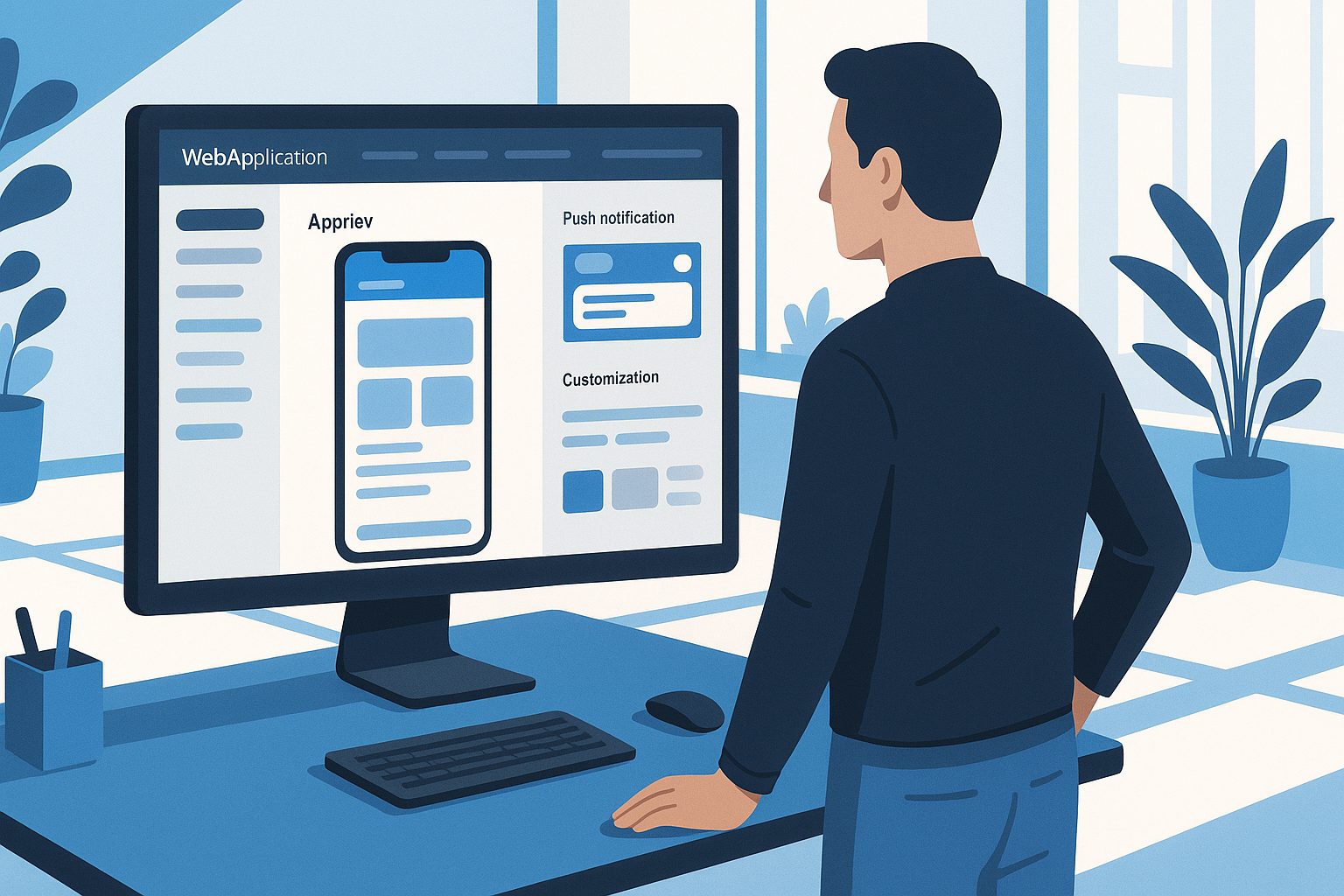
Thinking about turning your website into a mobile app? You’re not alone. In 2024, more website owners are searching for a website to mobile app converter that’s simple, transparent, and gives them real control—without the hype or hidden steps. But what actually happens inside these tools? What features and workflow should you expect? Let’s take a practical, owner-focused look inside Web2Application’s platform, complete with real dashboard screens and actionable tips.
What Is a Website to Mobile App Converter? (2024 Reality Check)
A website to mobile app converter is a platform that transforms your existing website into a hybrid Android and iOS app with a native shell—no coding required. Unlike generic app builders, these converters preserve your site’s content and design, while adding mobile-specific features like push notifications, native navigation, and app store compatibility.
Modern converters, like Web2Application, let you preview, customize, and test your app before you commit. The goal: give website owners a risk-free, hands-on experience and a real mobile presence, fast.
Core Features You Should Expect—Beyond the Marketing Hype
- Real-Time App Preview: See changes instantly as you configure your app.
- Design Controls: Customize icons, splash screens, colors, and menus.
- Push Notifications: Set up Google Firebase and send notifications to users.
- WordPress Integration: Sync content and enable advanced features if your site uses WordPress.
- Test APK Generation: Instantly generate an Android APK for real device testing.
- Store Submission Support: Guidance and submission help for Google Play and Apple App Store.
- Owner Dashboard: Full control over app settings, updates, and analytics.
Transparency is key. Look for a platform that lets you try all core features, preview your app, and test on your own device—before you pay.
Step-by-Step: The Real Dashboard Workflow (With Visual Walkthrough)
- Sign Up and Create Your App: Register at Web2Application and start a new app project.
- Enter App Details: Add your website URL, app name, and upload your icon and splash screen.
- Configure Design: Use the dashboard to adjust colors, set up the bottom tab bar, and preview your app in real time.
- Enable Push Notifications: Follow the guided setup to connect Google Firebase and unlock messaging features.
- Connect WordPress (Optional): If you use WordPress, install the Web2Application plugin and enter your API key for seamless content sync and WooCommerce support.
- Generate a Test APK: Request an APK from the dashboard, download it, and install on your Android device to see your app live.

How to Customize Your App: Design, Menus, and Push Notifications
Design and Branding
Upload your app icon and splash screen directly in the dashboard. Adjust colors to match your brand, and preview changes instantly in the live app preview panel.
Navigation and Menus
Set up a bottom tab bar menu for easy navigation. You can link to key pages, product categories, or custom sections—no coding needed.
Push Notifications
Enable push notifications with a guided Firebase setup. Once connected, you can send messages to users, promote offers, or alert customers to updates—all from your dashboard.
Testing Your App: How to Instantly Generate and Install a Free APK
- Complete your app setup in the dashboard.
- Go to the APK Request page and click “Generate APK.”
- Download the APK file and install it on your Android device (enable “Install from unknown sources” in device settings).
- Test your app’s design, navigation, and push notifications in a real-world environment.
This risk-free preview lets you experience your app exactly as your users will—before you upgrade or submit to the stores.
What Happens Next: Store Submission, Updates, and Ongoing Management
- Store Submission: When ready, premium users can request guided submission to Google Play and Apple App Store from the dashboard.
- Updates: Make changes to your app’s design or content any time. Generate a new build and update your store listing with ease.
- Ongoing Management: Use the owner dashboard to send push notifications, view analytics, and manage users.
Owner Tips: How to Avoid Common Pitfalls and Get the Most From Your Converter
- Check Guidelines: Review Google and Apple store requirements before submission to avoid delays.
- Test Thoroughly: Use the free APK to test every feature, including navigation and push notifications.
- Keep WordPress Plugin Updated: For WordPress sites, ensure the Web2Application plugin is installed and API key is correct for smooth syncing.
- Leverage Push Notifications: Engage your users with timely updates and offers.
- Use Support: Web2Application offers email and WhatsApp support—reach out if you need help.
Why Web2Application Is the Recommended Platform for Real Owners
Web2Application stands out by giving website owners full transparency and control. You can:
- See real dashboard screens and preview your app instantly
- Customize every detail, from design to push notifications
- Test your app with a free APK before upgrading
- Access clear owner controls, WordPress integration, and responsive support
Ready to see your website as a mobile app? Create Your App Free with Web2Application, generate your test APK, and explore Premium features with a 14-day trial—no commitment required.
Related articles
- Inside a Website to Mobile App Converter: Step-by-Step Visual Walkthrough for Website Owners (With Free Test APK Preview)
- What Is a Website to Mobile App Converter? The Real Owner’s Guide to How It Works, What to Expect, and How to Test Before You Commit
- Behind Every Website to Mobile App Converter: The Owner’s Transparent Guide to Features, Testing, and Real Results
Frequently Asked Questions
What is a website to mobile app converter?
A website to mobile app converter is a platform that transforms your website into a hybrid Android and iOS app with a native shell. It preserves your site’s content and design while adding mobile features like push notifications and native navigation—no coding required.
Can I test my app before publishing?
Yes. With Web2Application, you can generate a free test APK and install it on your Android device to preview your app’s design, navigation, and features before submitting to app stores.
Do I need coding skills to use a website to mobile app converter?
No coding skills are required. Platforms like Web2Application offer a visual dashboard where you can customize your app, set up push notifications, and manage content easily.
How do push notifications work in my converted app?
Web2Application lets you set up push notifications using Google Firebase. Once enabled, you can send messages directly to your app users from the dashboard.
What if my website uses WordPress?
Web2Application offers a dedicated WordPress plugin. Install it, enter your API key, and your content will sync automatically—enabling advanced features for WordPress and WooCommerce sites.
Ready to turn your website into an app?
Create your Android and iOS app without coding. Start free, generate a test APK, and explore Premium features with a 14-day trial.