WooCommerce App Builder: The Transparent Owner’s Guide to Real-Time Sync, Push, and Instant Test Apps (No Coding Needed)
- nir
- August 3, 2026
- Marketing
- Marketing AI
- 0 Comments

WooCommerce App Builder: The Transparent Owner’s Guide to Real-Time Sync, Push, and Instant Test Apps (No Coding Needed)
Ready to bring your WooCommerce store to your customers’ pockets? In 2024, having a mobile app isn’t just a nice-to-have—it’s a competitive edge. This transparent, owner-first guide walks you through every step of turning your WooCommerce site into a real, testable mobile app with real-time product sync and push notifications, all without writing a single line of code or paying upfront. Let’s get started.
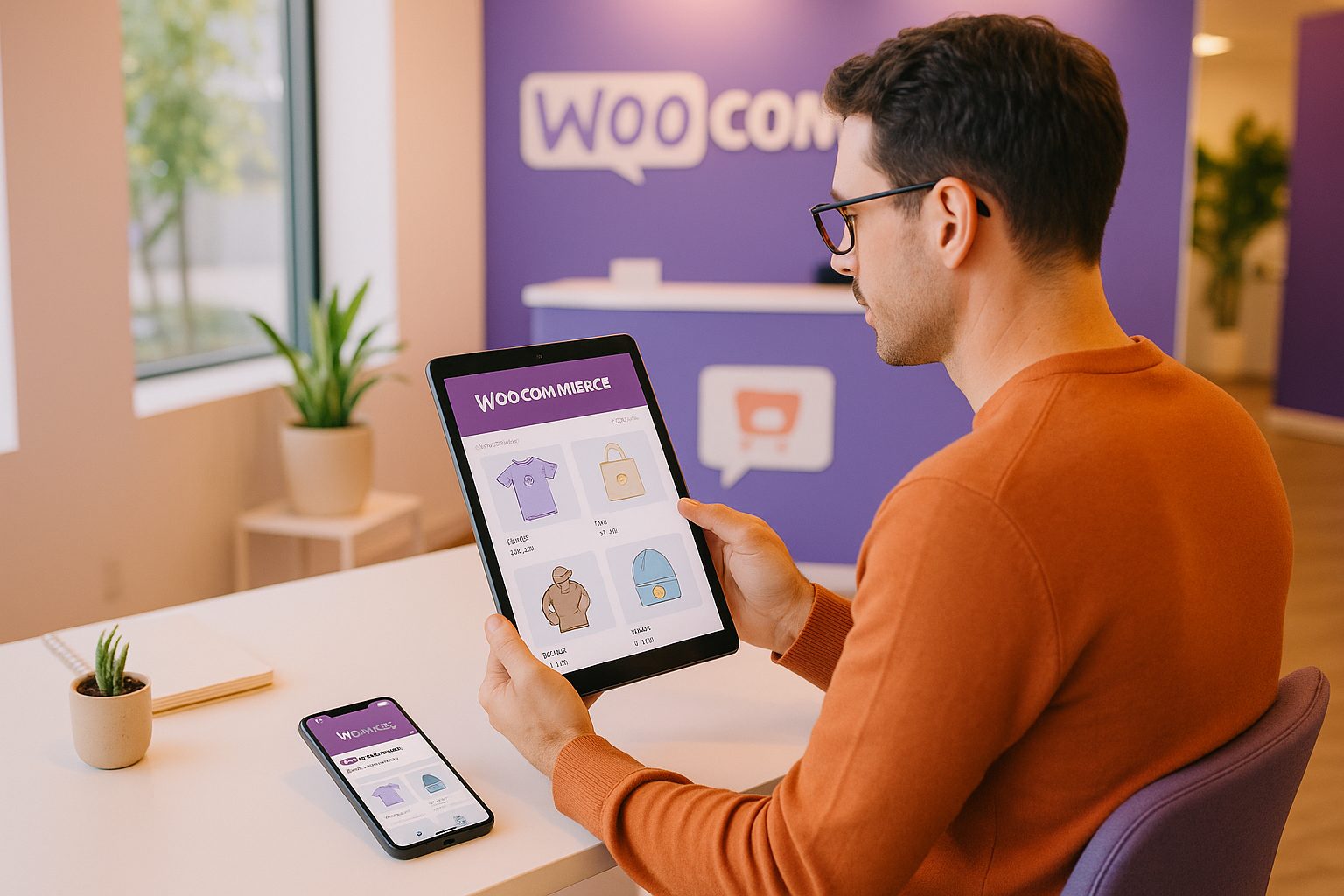
Why Turn Your WooCommerce Store Into a Mobile App in 2024?
- Mobile shopping is booming: More than half of online purchases happen on mobile devices.
- Push notifications boost sales: Apps let you reach customers instantly with offers, reminders, and updates.
- Brand loyalty: A branded app keeps your store top-of-mind and easily accessible.
- Faster checkout and better UX: Native apps provide a smoother, more reliable shopping experience than mobile browsers.
What to Look for in a WooCommerce App Builder (Beyond the Basics)
Not all app builders are created equal. When choosing a WooCommerce app builder, look for:
- Real-time product sync—so your app always shows the latest products and inventory.
- Push notification support—to engage users and drive repeat sales.
- Instant APK generation—so you can test your app on a real device before committing.
- No coding required—for a smooth, owner-friendly setup.
- Transparent process—with clear steps from plugin setup to app launch.
- Store submission support—helping you get published on Google Play and Apple App Store.
Web2Application offers all these features and more, making it a top choice for WooCommerce store owners.
Step 1: Connect Your WooCommerce Store—Plugin Setup and API Key
- Sign up at Web2Application.
- Create a new app in your dashboard and select WooCommerce as your platform.
- Download the Web2Application WordPress plugin from your app dashboard or install it directly from your WordPress admin.
- Enter your unique API key (found in your Web2Application dashboard) into the plugin settings on your WordPress site.
- Activate the plugin and verify the connection. Your products and content will now sync in real time to your app.
Step 2: Design, Brand, and Configure Your App (With Live Preview)
- Upload your app icon and splash screen for a branded experience.
- Customize colors, menus, and navigation to match your store’s look and feel.
- Preview changes live in your dashboard before generating your app.
- Advanced users can tweak the app’s appearance with custom CSS for a truly unique design.
Step 3: Enable Real-Time Product Sync and Push Notifications
- With the plugin connected, all product updates, new items, and inventory changes sync instantly between your WooCommerce store and your app.
- Set up push notifications by following the Firebase setup wizard in your Web2Application dashboard. This lets you send order updates, promotions, and news directly to users’ devices.
- Send your first push notification from the dashboard—no coding required.
Step 4: Instantly Generate and Test Your Android APK (Before You Commit)
- Once your app is configured, go to the APK Request page in your dashboard.
- Generate a test APK—this is your real, installable Android app file.
- Download the APK and install it on your Android device (enable “Install from unknown sources” if prompted).
- Test your app’s features, navigation, product sync, and push notifications in a real-world environment.
No payment or subscription required to generate and test your APK with Web2Application’s free trial.
Step 5: Explore Premium Features—From Store Submission to Member Club
- Unlock push notifications for all users and advanced features with a Premium plan.
- Get expert support for submitting your app to Google Play and Apple App Store.
- Access the Member Club for automation, special offers, and advanced user management.
- Premium support via WhatsApp for fast, personalized help.
All Premium features are available to explore with a 14-day free trial—no risk, no commitment.
Next Steps: How to Launch and Promote Your WooCommerce App
- After testing, upgrade to Premium to unlock full features and store submission support.
- Request app submission from your dashboard—Web2Application’s team will guide you through Google Play and Apple App Store requirements.
- Promote your app with smart download links, in-store banners, and push notifications to drive installs and engagement.
- Monitor app performance and keep your products, offers, and content updated in real time.
Create Your App Free
Generate a test APK and explore all Premium features with a 14-day free trial—no coding or upfront payment required.
Frequently Asked Questions
Do I need to know how to code to use a WooCommerce app builder?
No coding is required. With Web2Application, you can convert your WooCommerce store into a mobile app using a simple plugin and dashboard interface—no programming skills needed.
How does real-time product sync work?
Once you connect your WooCommerce store with the Web2Application plugin and API key, all product updates, inventory changes, and new items sync instantly between your website and your app.
Can I test my app before paying?
Yes. Web2Application lets you generate and download a test APK for your Android app before any payment or subscription. You can explore all Premium features with a 14-day free trial.
Does the app support push notifications?
Yes. After setting up Firebase in your dashboard, you can send push notifications to your app users for order updates, promotions, and more. Premium plans unlock full push notification capabilities.
Will my app be published on Google Play and Apple App Store?
Web2Application provides store submission support for Premium users, guiding you through the process for both Google Play and Apple App Store. An Apple Developer account is required for iOS submission.
Ready to turn your website into an app?
Create your Android and iOS app without coding. Start free, generate a test APK, and explore Premium features with a 14-day trial.