From Website to Real App—A Transparent, Side-by-Side Preview (No Coding, No Surprises)
- nir
- July 19, 2026
- Marketing
- Marketing AI
- 0 Comments
What Happens When You Turn Your Website Into an App (No Coding Needed)
For website owners, the idea of launching a mobile app can feel overwhelming—especially if you don’t have programming skills or a big budget. But what if you could turn your website into an app without coding, see exactly how it looks before publishing, and test native features risk-free?
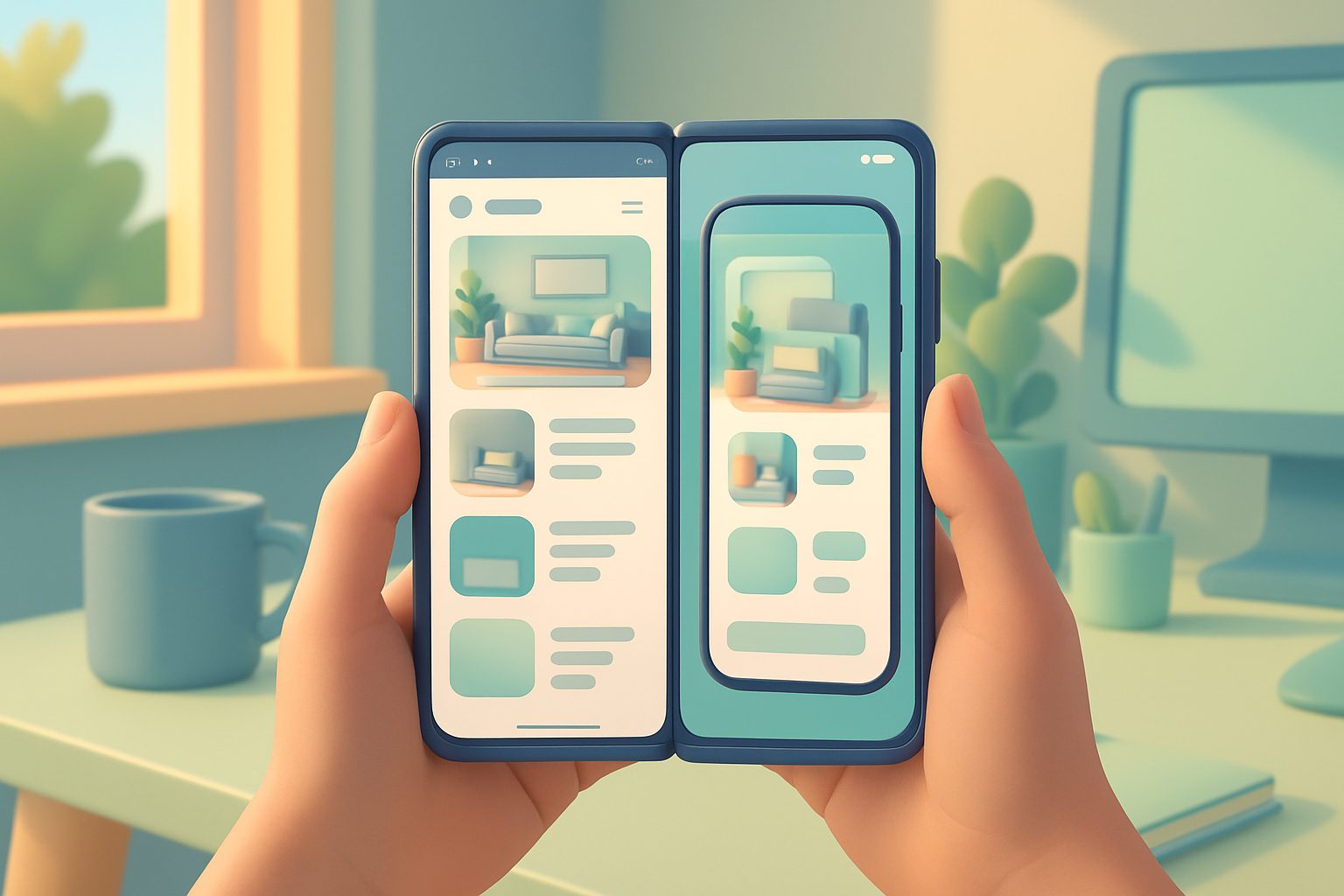
With modern no-code platforms like Web2Application, the process is transparent, fast, and accessible to everyone. In this guide, you’ll see how the workflow really looks, what features you can expect, and how to preview your app side-by-side with your website—no surprises, no hidden steps.
How the No-Code Workflow Actually Looks: Dashboard, Setup, and Design
After signing up at Web2Application, you land in a user-friendly dashboard designed for non-developers. Here’s what you can expect:
- Create New App: Enter your website URL, app name, and basic details.
- App Design: Upload your icon and splash screen, pick colors, and set up navigation menus—no code required.
- Preview in Real-Time: See instant updates as you tweak your app’s appearance and features.

Previewing Your App: Real Screenshots Before and After Conversion
One of the biggest concerns for website owners is knowing what their app will actually look like before committing. Web2Application solves this with a transparent, side-by-side preview:
- Website vs. App: Instantly compare your live website with the mobile app interface—see how menus, pages, and content adapt to mobile screens.
- Design Tweaks: Make changes to icons, splash screens, or navigation and see the results immediately in the dashboard.

Testing for Free: How to Generate and Install a Test APK Instantly
Before you publish, it’s essential to test your app on a real device. With Web2Application, you can:
- Finish your app setup in the dashboard.
- Request a test APK from the APK Request page.
- Download the APK and install it on your Android phone (enable “Install from unknown sources”).
This lets you experience your app exactly as your users will—no coding, no waiting, and no payment required to test.

Unlocking Premium Features: What You Can Try in the 14-Day Trial
Curious about advanced features? With Web2Application’s 14-day Premium trial, you can explore:
- Push Notifications: Set up Google Firebase and send push messages directly to your app users.
- Store Submission Support: Get guided help when you’re ready to submit to Google Play or the Apple App Store.
- WhatsApp Premium Support: Priority assistance for all your questions.
- Member Club Features: Automate user engagement and manage app-specific settings.
All features are available for testing—no credit card required to start your trial.
Push Notifications and Other Native Features—How They Work in Practice
Web2Application apps aren’t just web wrappers. You get access to real native features:
- Push Notifications: Set up in minutes with a guided Firebase wizard. Send instant or scheduled messages to your users.
- Native Navigation: Bottom tab menus, splash screens, and app icons for a polished, app-like feel.
- WordPress Integration: Connect your site with a plugin for seamless content sync and WooCommerce support.
What to Expect When Submitting to Google Play and Apple App Store
Once you’re happy with your app, Web2Application helps you prepare for store submission:
- Android: Premium users can request submission help directly from the dashboard. The team guides you through the Google Play Console process.
- iOS: Get step-by-step support for Apple’s guidelines, including using TestFlight for pre-release testing.
Note: You’ll need a Google or Apple developer account to publish on the stores. Web2Application ensures your app meets the required guidelines, including native features and push notifications.
Why Web2Application Makes the No-Code Path Transparent and Owner-Friendly
Unlike many platforms, Web2Application puts transparency first:
- See Before You Commit: Preview your app side-by-side with your website, test a real APK, and explore all features before publishing.
- No Coding, No Surprises: Every step is visual, guided, and designed for non-developers.
- Risk-Free Trial: Try all Premium features for 14 days, with no hidden fees or commitments.
Ready to See Your Website as a Real App?
With Web2Application, you can turn your website into an app without coding—and see exactly what you’re getting before you publish. Create Your App Free to generate a test APK and explore every feature with a 14-day Premium trial. No surprises—just a clear path from website to real app.
Related articles
Frequently Asked Questions
Can I turn my website into an app without any coding skills?
Yes! Platforms like Web2Application are designed for non-developers. You can convert your website into a hybrid Android or iOS app with a native shell using a simple dashboard, with no programming required.
How can I preview my app before publishing?
Web2Application offers a transparent, side-by-side preview in the dashboard. You can also generate a test APK to install and use the app on your Android device before submitting it to app stores.
What native features can I add to my no-code app?
You can enable push notifications, customize app icons and splash screens, set up native navigation menus, and integrate with WordPress (including WooCommerce support).
Is there a free trial to test premium features?
Yes, Web2Application offers a 14-day free trial of all Premium features. You can explore push notifications, store submission support, and more—risk-free.
What do I need to publish my app on Google Play or Apple App Store?
You’ll need a developer account for each store (Google Play or Apple). Web2Application provides step-by-step guidance and support to help you meet all requirements and submit your app successfully.
Ready to turn your website into an app?
Create your Android and iOS app without coding. Start free, generate a test APK, and explore Premium features with a 14-day trial.