Inside a Modern Website to Mobile App Converter: What Really Happens (With Free Testing and Owner-Friendly Features)
- nir
- August 5, 2026
- Marketing
- Marketing AI
- 0 Comments
What Is a Website to Mobile App Converter? The Real Definition in 2024
A website to mobile app converter is a platform that transforms your existing website into a fully functional mobile application for Android and iOS devices. Unlike traditional app development, these converters require no coding skills and offer a streamlined way for website owners to reach users on the App Store and Google Play. In 2024, the best converters go beyond simple wrappers—they provide native features, real testing opportunities, and owner-friendly controls.
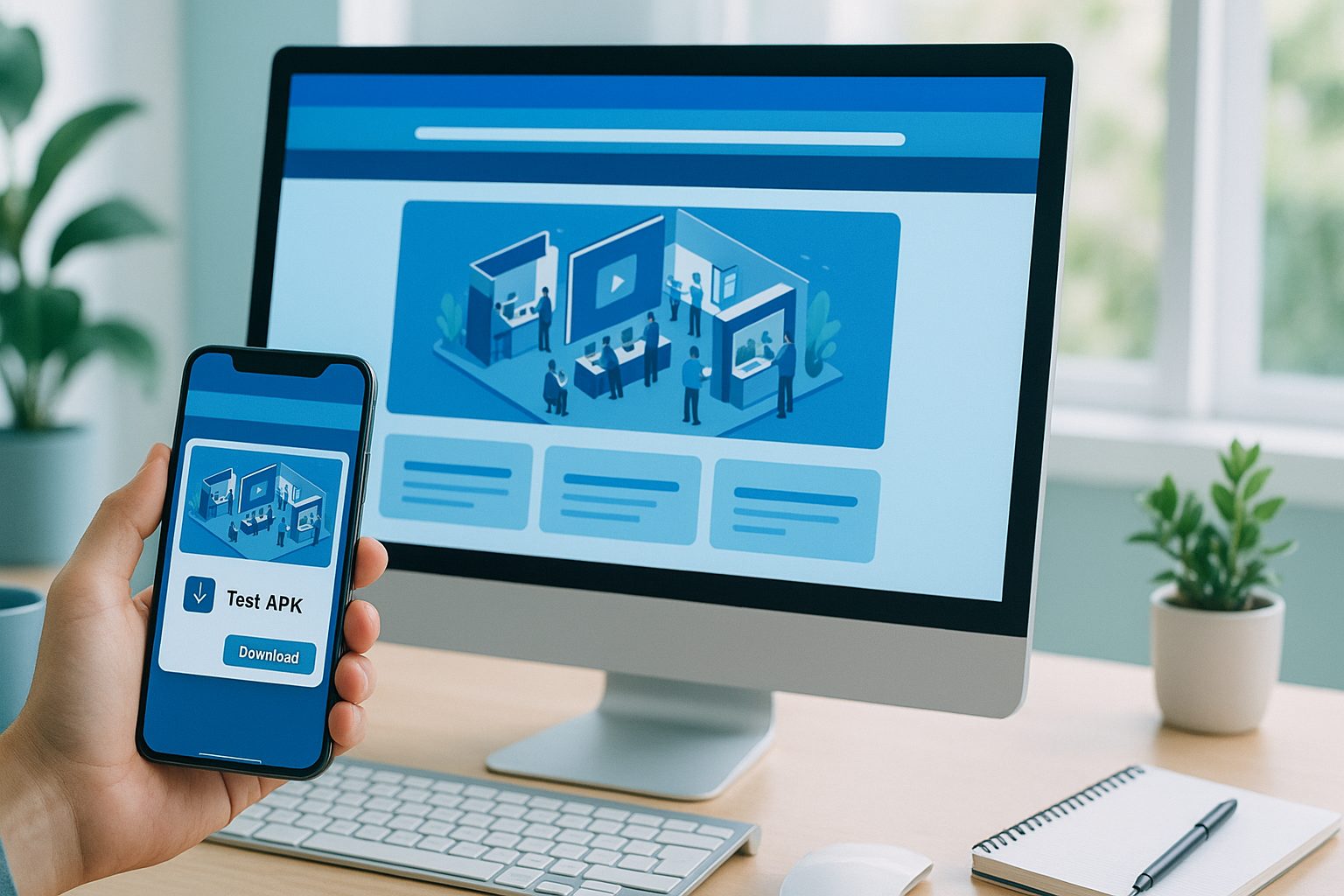
How Modern Converters Work: From Website to Real Native App
At their core, modern converters analyze your website’s structure and content, then package it into a mobile app shell that can be published to app stores. Here’s what happens behind the scenes:
- Input: You provide your website URL and basic app details (name, icon, splash screen).
- Configuration: The converter lets you customize appearance, navigation (like bottom tab bars), and native integrations.
- Native Wrapping: Your site is embedded within a native app framework, enabling features like push notifications.
- Testing: You can generate a test APK (Android app file) to preview the real app on your device before publishing.
- Submission: Once satisfied, you can submit the app to Google Play or the Apple App Store with guided support.
Key Features to Expect (and What Sets Platforms Apart)
Not all website to mobile app converters are created equal. Here are the essential features you should look for—and what distinguishes the best platforms:
- Free Test Builds: The ability to generate and install a test APK before committing.
- Push Notifications: Integration with services like Firebase for sending updates to users.
- Custom Branding: Upload your own app icon, splash screen, and color scheme.
- Native Navigation: Bottom tab bars, menus, and navigation that feel like a true app.
- WordPress & WooCommerce Integration: Seamless syncing for content and products (if applicable).
- Owner Dashboard: A clear, user-friendly interface for managing your app’s settings and features.
- Store Submission Support: Guidance or services to help you publish your app.
- Transparent Pricing and Trial: Clear information on what’s free, what’s premium, and a risk-free trial period.
The Free Testing Experience: How to Generate and Install a Test APK
One of the most owner-friendly advances in modern converters is the ability to preview your app before you pay. Here’s how it works on platforms like Web2Application:
- Sign up at web2application.com and create a new app project.
- Configure your app’s details, upload an icon, and set up navigation.
- Request a test APK directly from your dashboard.
- Download the APK and install it on your Android device (enable “Install from unknown sources” in your settings).
- Preview your app as it will appear to real users, interact with features, and make adjustments as needed.
This hands-on testing ensures you know exactly what you’re getting—before you decide to upgrade or publish.
What ‘Native’ Really Means for Your Website App (And Why It Matters)
Many platforms claim to create “native” apps, but what does that mean for website owners?
- True Native Shell: The app runs as a real Android or iOS application with access to device features (like push notifications and camera).
- App Store Compliance: Native wrappers help meet Google and Apple guidelines for publishing.
- Performance: Navigation and interactions feel smooth, not like a slow web browser.
- Offline Handling: Some converters offer limited offline support or caching.
With Web2Application, your app includes native navigation, push notifications, and store-ready packaging—delivering a genuine mobile experience for your users.
How to Compare Platforms: Owner-Friendly Checklist Before You Commit
Before choosing a website to mobile app converter, ask yourself:
- Can I test my app for free with a real APK?
- Does the platform offer push notifications and native menus?
- Is there clear guidance for app store submission?
- Are there integrations for WordPress or WooCommerce if I need them?
- Is the dashboard easy to use and transparent about features and pricing?
- What kind of support is available if I have questions?
Choosing a platform that puts owners first—like Web2Application—means fewer surprises and a smoother path to launch.
How Web2Application Makes the Process Transparent, Testable, and Easy
Web2Application stands out by offering a clear, step-by-step conversion process designed for website owners:
- Free App Creation: Sign up and start building your app with no upfront cost.
- Test APK Generation: Instantly generate a test APK and preview your app on your device.
- Owner-Friendly Dashboard: Manage design, push notifications, and features without technical hurdles.
- Premium Features Trial: Explore advanced features—including push notifications and store submission support—with a 14-day free trial.
- Transparent Support: Access clear documentation and responsive support channels.
This approach ensures you’re in control at every step, with no guesswork or hidden costs.
Next Steps: How to Try Premium Features Risk-Free
Ready to see your website as a real mobile app? Web2Application makes it easy to get started:
- Create Your App Free: Sign up at Web2Application.
- Configure your app and generate a test APK to install on your Android device.
- Explore premium features with a 14-day trial—no commitment required.
- When you’re ready, get guided support for publishing to the Google Play and Apple App Store.
Take control of your app journey with a transparent, owner-focused platform. Create Your App Free today and experience the difference for yourself.
Frequently Asked Questions
What is a website to mobile app converter?
A website to mobile app converter is a platform that transforms your existing website into a hybrid Android and iOS app with a native shell, allowing you to reach more users without coding. These tools package your site into an app shell, add native features, and help you publish to app stores.
Can I test my app before paying?
Yes! With Web2Application, you can generate a test APK for your Android app and install it on your device to see exactly how your app will look and function before choosing premium features.
What features should I look for in a website to mobile app converter?
Look for free test builds, push notifications, custom branding, native navigation, WordPress/WooCommerce integration, a user-friendly dashboard, store submission support, and transparent pricing with a risk-free trial.
Does Web2Application support iOS app creation?
Yes, Web2Application can convert your website into both Android and iOS apps. You can test your Android app with a free APK, and premium users receive guided support for iOS app submission.
How do I get started with Web2Application?
Simply sign up at web2application.com, create your app, configure its design and features, and generate a test APK. You can explore premium features with a 14-day free trial and get support for app store submission when you're ready.
Ready to turn your website into an app?
Create your Android and iOS app without coding. Start free, generate a test APK, and explore Premium features with a 14-day trial.