The Ultimate Testing & Launch Workflow for Website-Based Apps: How Web2Application Makes It Effortless
- nir
- September 1, 2026
- Marketing
- Marketing AI
- 0 Comments
Why Website-to-App Testing Requires a Unique Approach
Converting your website into a hybrid mobile app with a native shell is an exciting way to reach more users. But the app testing and launch process for website app builders is different from building an app from scratch. Website-based apps must synchronize live content, handle web-to-app navigation, and integrate features like push notifications—all while meeting strict app store guidelines.
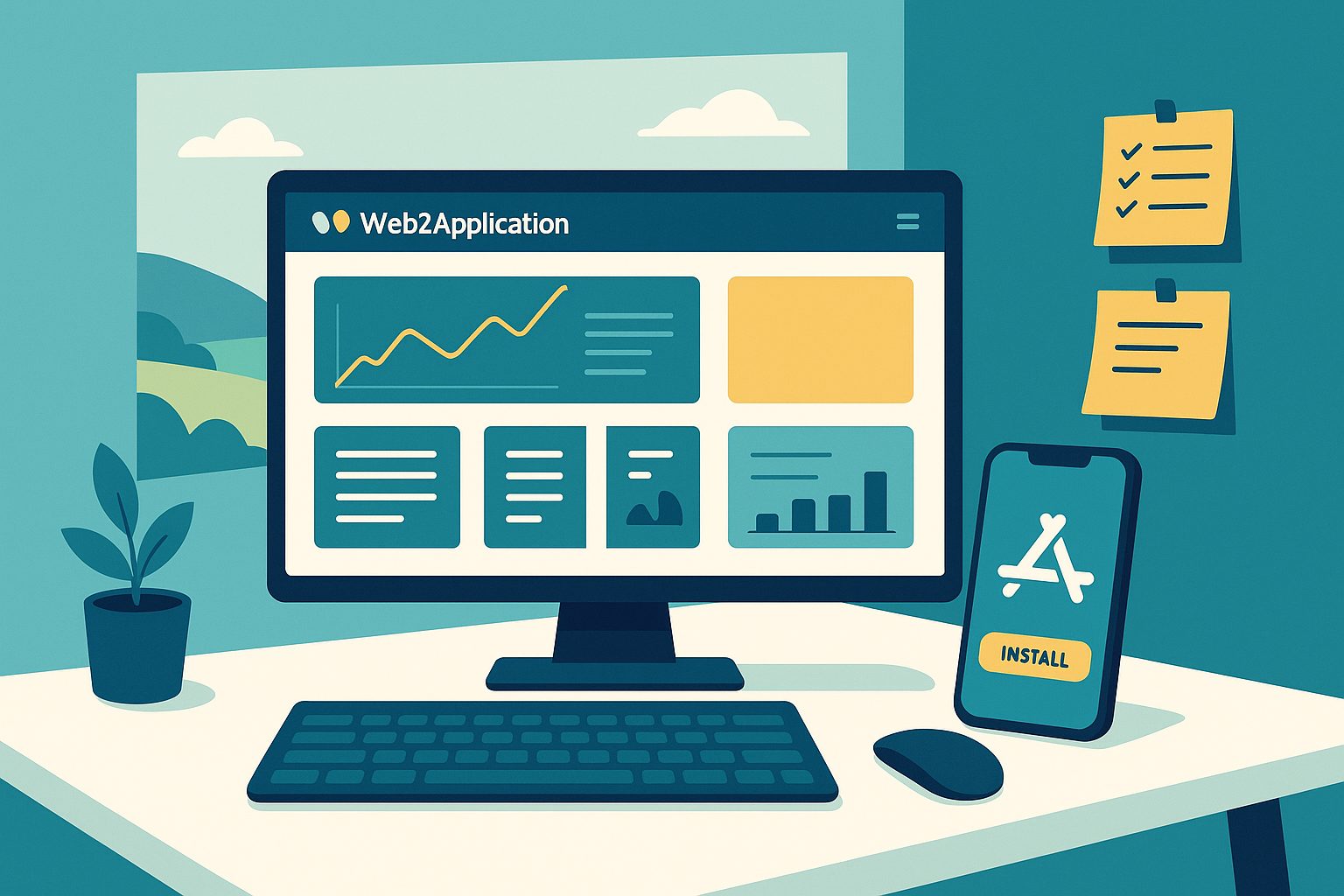
Unlike traditional app development, you need a workflow that ensures your app mirrors your website’s experience, updates content seamlessly, and passes real-world quality checks. Web2Application was built to make this process effortless for website owners, even if you have no coding experience.
Step 1: Preparing Your Website for App Conversion
- Mobile Optimization: Ensure your website is fully responsive and loads quickly on mobile devices.
- Navigation Simplicity: Streamline menus and calls-to-action for a native app feel.
- Functionality Check: Test all forms, logins, and dynamic content on mobile browsers.
- WordPress Users: Install the Web2Application plugin to enable advanced sync and features.
Step 2: Configuring Your App in the Web2Application Dashboard
- Sign up at Web2Application and create a new app.
- Upload your app icon and splash screen for brand consistency.
- Customize the app’s color scheme and bottom tab bar menu for intuitive navigation.
- Connect your website (and API key if using WordPress) for real-time content sync.
- Preview your app’s look and feel directly in the dashboard.
Step 3: Generating and Installing Your Test APK (No Coding Needed)
- Request your test APK from the dashboard’s APK Request page.
- Download the APK and install it on your Android device (enable “Install from unknown sources”).
- For iOS, use Apple TestFlight (premium users) to test on your iPhone or iPad.
- Share the APK or TestFlight link with your team for collaborative testing.
Step 4: Real-World QA — What to Check Before Launch
- Content Sync: Make changes on your website and verify they appear instantly in the app.
- Navigation: Test all menus, links, and in-app pages for smooth transitions.
- Performance: Check loading times, image rendering, and responsiveness.
- Forms & Logins: Ensure user interactions (logins, checkouts, forms) work as expected.
- Device Compatibility: Test on multiple devices and screen sizes.
Step 5: Setting Up and Verifying Push Notifications
- Enable push notifications via the dashboard’s Push Settings.
- Follow the guided Firebase setup wizard—no manual coding required.
- Send a test notification from the dashboard and confirm receipt on your device.
- For advanced needs, set up programmable or personalized push notifications.
Step 6: Finalizing Your App for Store Submission (Google & Apple)
- Complete all app details and review your design in the dashboard.
- For Android: Request store submission—Web2Application’s team assists with Google Play Console requirements.
- For iOS: Prepare your Apple Developer account and request submission. Web2Application helps ensure compliance with Apple’s guidelines, including minimum native functionality.
- Track your app’s review status and address any feedback quickly.
Tips for a Smooth Launch and Ongoing Updates
- Promote your app with smart download links and store listing tips from the Web2Application dashboard.
- Monitor user feedback and update your app’s content or features as your website evolves.
- Use Web2Application’s push notification tools to re-engage your audience and announce updates.
- Upgrade to a premium plan for priority support, advanced features, and unlimited store submissions.
Ready to Launch Your Website-Based App?
With Web2Application, the app testing and launch process for website app builders is streamlined, transparent, and accessible to everyone. Sign up today at Web2Application and turn your website into a powerful mobile app—no coding required!
Frequently Asked Questions
Why is the app testing and launch process for website app builders different from traditional apps?
Website-based apps must ensure real-time content sync, web-to-app navigation, and compliance with app store guidelines. Testing must cover both the website’s functionality and its integration within the native app shell, which presents unique challenges not found in traditional app development.
How does Web2Application simplify app testing and launch?
Web2Application provides a step-by-step dashboard to configure, test, and preview your app. It automates APK generation, guides you through push notification setup, and assists with store submission, making the entire process accessible even for non-developers.
Do I need coding skills to use Web2Application?
No, Web2Application is designed for website owners without coding experience. All setup, testing, and launch steps are handled through an intuitive dashboard.
Can I test my app before publishing it to the app stores?
Absolutely! You can generate a test APK for Android or use Apple TestFlight for iOS to try your app on real devices before submitting it to the stores.
What if my website is not built on WordPress?
Web2Application works with any website platform. The WordPress plugin is optional and provides advanced features, but you can convert and launch apps from any website URL.
Ready to turn your site into an app?
Create your app with Web2Application — convert your website to Android and iOS apps.
Frequently Asked Questions about Website App Testing and Launch with Web2Application
What makes testing a website-based app different from traditional app testing?
Website-based apps use a native Java and Swift shell with a WebView showing your live website content. Testing must ensure that the app shell features like native tabs, push notifications, and deep links work seamlessly alongside real-time website content updates.
How does Web2Application simplify the app testing and launch workflow?
Web2Application provides a hybrid app builder with a native shell and WebView content layer, enabling website owners to generate test APKs easily, configure push notifications through a guided Firebase setup, and preview app design—all without coding experience.
Can I test my app on both Android and iOS before launch?
Yes. Web2Application lets you generate an Android test APK for easy installation on devices. For iOS, premium users can test apps using Apple TestFlight, enabling thorough real-world testing before submitting to app stores.
Do I need coding skills to use Web2Application for app testing and launch?
No coding skills are required. Web2Application’s dashboard offers intuitive tools to configure app design, request APKs, set up push notifications with a guided Firebase wizard, and manage your app’s content sync—all designed for website owners without programming experience.
What happens after my 14-day trial period for Premium features ends?
After the 14-day trial, if you do not upgrade to a paid plan, your app is automatically set to unpaid and blocked from using Web2Application resources. To continue using Premium features and submit your app to stores, you need to subscribe to a paid plan starting at $14.90/month.
Generate your Android test APK and explore Premium features with a 14-day free trial. No coding required.
Frequently Asked Questions
What makes testing a website-based app different from traditional app testing?
Website-based apps use a native Java and Swift shell with a WebView showing your live website content. Testing must ensure that the app shell features like native tabs, push notifications, and deep links work seamlessly alongside real-time website content updates.
How does Web2Application simplify the app testing and launch workflow?
Web2Application provides a hybrid app builder with a native shell and WebView content layer, enabling website owners to generate test APKs easily, configure push notifications through a guided Firebase setup, and preview app design—all without coding experience.
Can I test my app on both Android and iOS before launch?
Yes. Web2Application lets you generate an Android test APK for easy installation on devices. For iOS, premium users can test apps using Apple TestFlight, enabling thorough real-world testing before submitting to app stores.
Do I need coding skills to use Web2Application for app testing and launch?
No coding skills are required. Web2Application’s dashboard offers intuitive tools to configure app design, request APKs, set up push notifications with a guided Firebase wizard, and manage your app’s content sync—all designed for website owners without programming experience.
What happens after my 14-day trial period for Premium features ends?
After the 14-day trial, if you do not upgrade to a paid plan, your app is automatically set to unpaid and blocked from using Web2Application resources. To continue using Premium features and submit your app to stores, you need to subscribe to a paid plan starting at $14.90/month.