WordPress App Builder Alternatives: How to Convert Your Site Into a Real Mobile App (No Plugin Lock-In, Real-Time Sync, and Push Notifications)
- nir
- September 9, 2026
- Marketing
- Marketing AI
- 0 Comments
Why WordPress Site Owners Need More Than Just a Plugin-Based App Builder
Turning your WordPress website into a mobile app is a powerful way to reach more users, boost engagement, and unlock new revenue streams. But if you’ve searched for a WordPress app builder, you’ve likely noticed that most solutions rely heavily on plugins. While plugins can work for basic conversions, they often come with limitations—plugin lock-in, slow updates, or complex setup. For website owners who want a truly professional, store-ready app with features like real-time sync and push notifications, it’s time to look beyond plugin-only approaches.
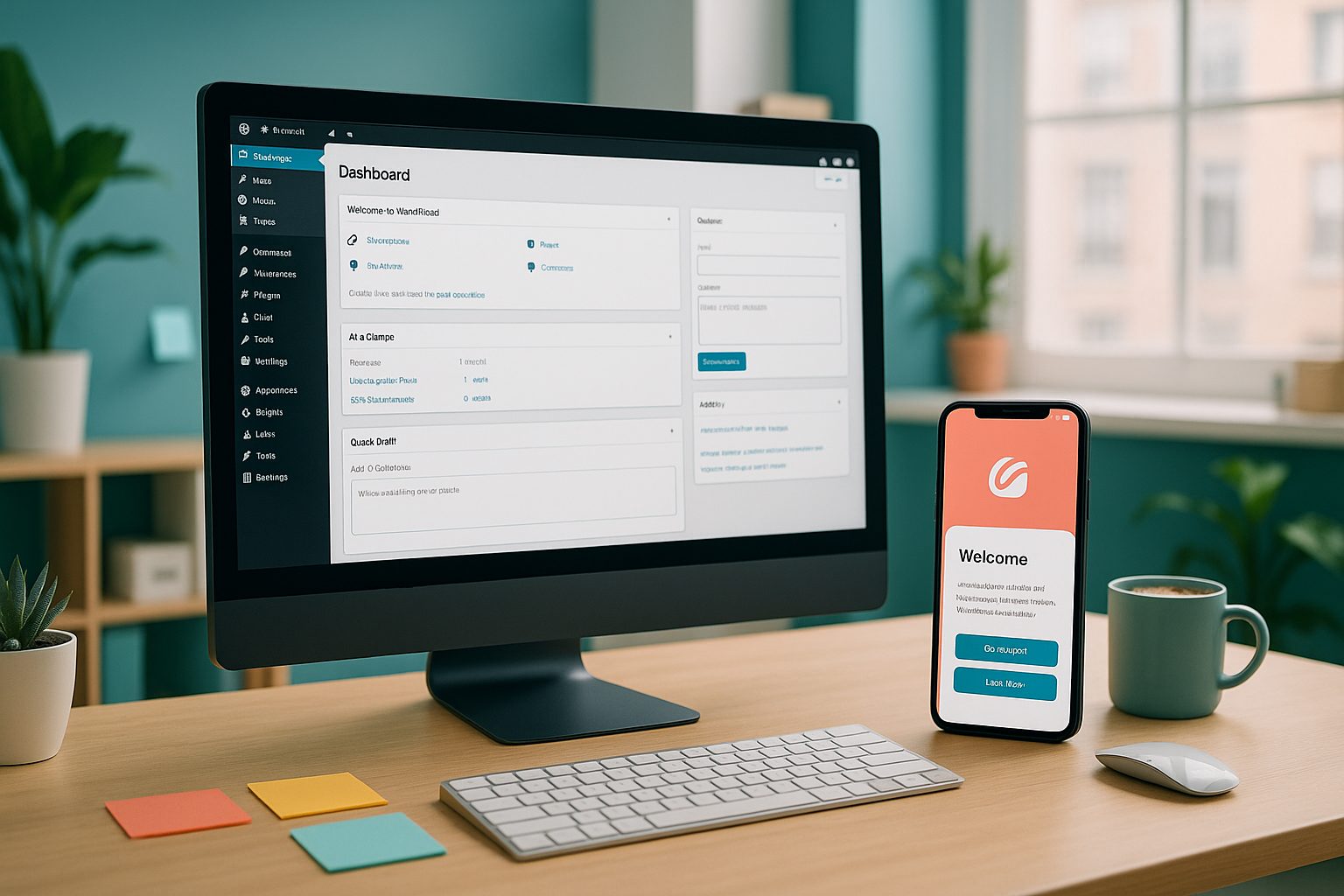
The Real Difference: Plugin-Connected vs. Plugin-Free WordPress App Builders
Most popular WordPress app builders—like AppMySite, MobiLoud, and AppPresser—require you to install their plugin to connect your website to their app platform. While this can simplify integration, it also means:
- Plugin lock-in: Your app may stop working or lose features if you ever remove the plugin.
- Performance concerns: Extra plugins can slow down your WordPress site or create compatibility issues.
- Limited flexibility: Some plugins restrict which features or content sync with your app.
Modern alternatives, like Web2Application, offer a plugin-optional workflow. You can connect your WordPress site with a lightweight plugin for advanced features, but you’re not locked in—your app can still function and update content without it. This gives you the freedom to choose the best setup for your needs, with real-time sync and robust native features.
How to Convert Your WordPress Site Into a Mobile App—Step-by-Step Workflow
- Sign Up and Create Your App: Register at Web2Application and start a new app project from your dashboard.
- Enter Your Website Details: Add your WordPress site URL, upload your app icon, and choose a splash screen.
- Configure App Settings: Set up your app’s navigation (like a bottom tab bar), colors, and branding to match your website.
- Optional: Connect the WordPress Plugin: For advanced features (like deep content sync or WooCommerce product search), install the Web2Application plugin and enter your API key. If you prefer, skip the plugin—your app will still display your site and update in real time.
- Enable Push Notifications: Set up Google Firebase in your app dashboard to send push notifications to your users.
- Preview and Test: Request a free APK to test your app on any Android device before going live.
Adding Push Notifications and Real-Time Updates to Your WordPress App
Push notifications are essential for keeping your audience engaged. With Web2Application, you can:
- Enable push notifications via Google Firebase directly from your dashboard.
- Send instant updates, promotions, or news to your app users.
- Set up programmable personal notifications for advanced engagement.
Because your app syncs content in real time, any changes you make on your WordPress site are instantly reflected in the app—no manual updates or resubmissions required.
Design, Branding, and Navigation: Customizing Your App Experience
Your mobile app should reflect your brand and provide a seamless user experience. Web2Application lets you:
- Customize your app’s icon, splash screen, and color scheme.
- Create a bottom tab bar menu for easy navigation.
- Build custom app pages using your favorite WordPress page builder, like Elementor.
- For advanced users, tweak the app’s appearance with custom CSS.
Testing Your WordPress App With a Free APK Preview
Before you launch, it’s crucial to test your app’s look and functionality. Web2Application makes this easy:
- Request a test APK directly from your dashboard.
- Install the APK on your Android device to see exactly how your app performs.
- Make changes in your dashboard and re-test as needed—no coding required.
How to Prepare for Store Submission (Google Play and Apple App Store)
Launching your app on the Google Play and Apple App Store is the final step. Web2Application guides you through:
- Meeting Google and Apple’s app guidelines for approval.
- Setting up your developer accounts (Apple requires a $99/year developer account).
- Requesting professional submission assistance for both Android and iOS (available with Premium).
- Testing your iOS app with Apple TestFlight before sending it for review.
Why Web2Application Is the Smarter Choice for WordPress App Conversion
Unlike plugin-only WordPress app builders, Web2Application offers a flexible, plugin-optional workflow that puts you in control. You get:
- No plugin lock-in—your app keeps working even if you change your WordPress setup.
- Real-time sync, so your app always reflects your latest website content.
- Powerful push notifications to drive engagement.
- Easy customization, testing, and store submission support.
Ready to see how easy it is? Create Your App Free with Web2Application. Generate a test APK, explore Premium features with a 14-day trial, and experience the smarter way to turn your WordPress site into a real mobile app—no plugin lock-in, no coding, and no hassle.
Related articles
Frequently Asked Questions
What is a WordPress app builder?
A WordPress app builder is a platform or tool that converts your WordPress website into a hybrid mobile app with a native shell for Android and iOS. It typically offers features like real-time content sync, push notifications, and store submission support—often without requiring you to write any code.
Do I need to install a plugin to use a WordPress app builder?
Not always. While many app builders require a plugin for integration, modern solutions like Web2Application offer a plugin-optional workflow. You can connect a plugin for advanced features, but your app can still function and update without it—avoiding plugin lock-in.
How do push notifications work with a WordPress app builder?
Platforms like Web2Application let you enable push notifications via Google Firebase. Once set up, you can send messages, updates, and promotions directly to your app users from your dashboard.
Can I test my WordPress app before publishing it?
Yes! With Web2Application, you can generate a free test APK to preview your app on Android devices before submitting it to the app stores.
What do I need to publish my app to Google Play or Apple App Store?
You’ll need a developer account for each store (Apple requires a $99/year fee). Web2Application provides step-by-step guidance and professional submission support to help you launch your app successfully.
Ready to turn your website into an app?
Create your Android and iOS app without coding. Start free, generate a test APK, and explore Premium features with a 14-day trial.