Is Your Website Really App-Ready? The Complete Pre-Conversion Checklist for Turning Your Site Into a Mobile App
- nir
- August 5, 2026
- Marketing
- Marketing AI
- 0 Comments
Why Website Preparation Matters Before App Conversion
Converting your website into a mobile app can unlock new audiences, boost engagement, and increase brand loyalty. But many website owners rush into the app builder process without first ensuring their site is truly app-ready. The result? Frustrating user experiences, rejected app store submissions, and missed opportunities. Preparing your website before conversion is the key to a smooth, successful app launch.
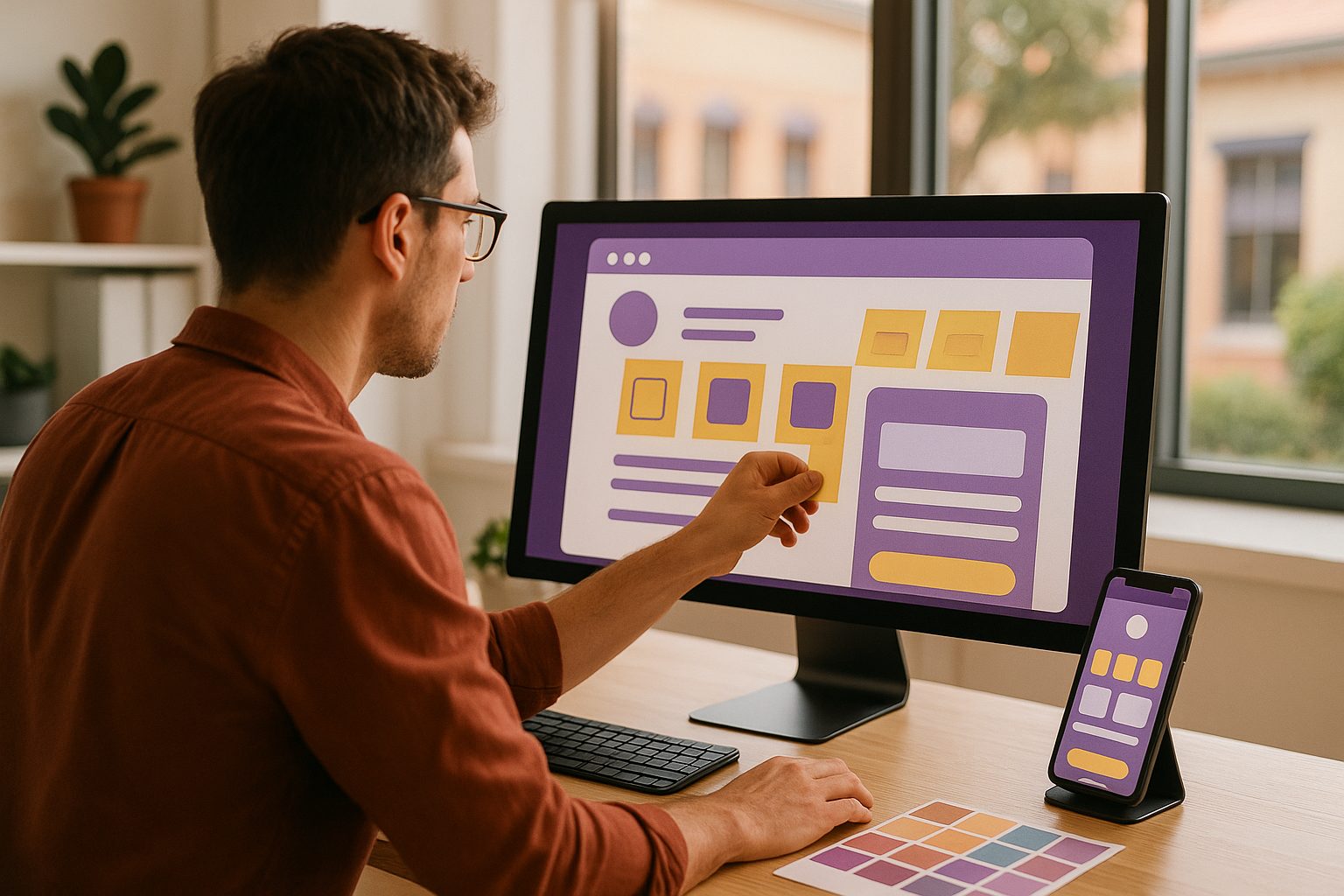
Essential Technical Requirements for a Smooth App Build
- Mobile Responsiveness: Your site must look and work great on all screen sizes. Use responsive design frameworks and test on multiple devices.
- HTTPS Security: Both Google Play and Apple App Store require secure (HTTPS) connections for apps. Ensure your site uses a valid SSL certificate.
- Fast Loading Times: Optimize images, use caching, and minimize scripts. Slow sites lead to slow apps and poor user reviews.
- Clear Navigation Structure: Menus and links should be easy to tap and navigate on mobile screens.
- API Access (for dynamic features): If your app will need to access dynamic content (like user accounts or product catalogs), ensure your website supports API integration.
Design Tweaks to Make Your Website Shine as a Mobile App
- App-Style Navigation: Consider simplifying menus or using a bottom tab bar, which is standard in mobile apps.
- Touch-Friendly Elements: Increase button sizes and spacing for easy tapping.
- Splash Screen & App Icon: Prepare a high-resolution logo and a clean, attractive splash screen image.
- Consistent Branding: Use your brand colors and fonts for a cohesive look between your website and app.
- Minimal Pop-Ups: Reduce or remove pop-ups and overlays that can disrupt the app experience.
Content and Navigation: What Works (and What Doesn’t) in an App
- Essential Content First: Prioritize the most important pages and features for quick access.
- Shorter Forms: Simplify forms for mobile users—fewer fields mean higher completion rates.
- App-Appropriate Features: Some website features (like hover effects or complex widgets) may not translate well to apps. Test and adjust as needed.
- Easy Contact Options: Add tap-to-call, email, or chat buttons for instant communication.
SEO and Performance Tips for App-Ready Websites
- Optimize Images: Use compressed images for faster load times.
- Clean Up Code: Remove unnecessary scripts and plugins that could slow down your app.
- Meta Tags & Titles: Ensure each page has clear, relevant titles and descriptions—these can help with app store optimization too.
- Test for Broken Links: Fix any 404s or dead links before conversion.
Common Pitfalls: What Stops Websites From Becoming Great Apps
- Non-Responsive Design: Sites that don’t adapt to mobile screens create a poor app experience.
- Heavy Pop-Ups & Ads: These can block content and frustrate users in an app environment.
- Missing SSL Certificate: Apps built from non-secure sites may be rejected by app stores.
- Complex Navigation: Overly complicated menus make it hard for users to find what they need.
How to Test Your Website’s App-Readiness (With Free Tools)
- Google Mobile-Friendly Test: Check your site here to see how it performs on mobile devices.
- PageSpeed Insights: Test your site speed and get improvement tips.
- Manual Device Testing: Open your site on several phones and tablets. Check navigation, loading times, and tap targets.
- App Preview Tools: Platforms like Web2Application let you generate a test APK to see exactly how your app will look and feel before going live.
Next Steps: Using Web2Application to Turn Your Prepared Site Into a Real App
Once your website is truly app-ready, the conversion process is simple with Web2Application. Here’s how to make a website app in just a few steps:
- Sign up at Web2Application.
- Create a new app in your dashboard and configure your app details, icon, and splash screen.
- Connect your website and adjust design settings for the best mobile experience.
- Test your app by generating a free APK file and installing it on your device.
- Explore Premium features like push notifications and store submission with a 14-day free trial.
Ready to see your website as a real mobile app? Create Your App Free with Web2Application today. Generate a test APK, explore Premium features, and experience how easy app conversion can be when your site is truly app-ready.
Related articles
- How to Make a Website App That Stays Lovable: A Step-by-Step Guide With Web2Application
- How to Make a Website App on a Budget: The Complete Guide for Small Businesses and Side Hustlers
Frequently Asked Questions
What does it mean for a website to be 'app-ready'?
An 'app-ready' website is fully optimized for mobile devices, loads quickly, uses HTTPS, has touch-friendly navigation, and avoids features that don't translate well to apps (like hover menus or excessive pop-ups). This preparation ensures a smooth conversion and a great user experience.
Can I turn any website into a mobile app?
Most modern, mobile-friendly websites can be converted into apps. However, sites that are not responsive, lack HTTPS, or rely on unsupported features may require updates before successful conversion.
How do I test my website before converting it to an app?
Use tools like Google’s Mobile-Friendly Test and PageSpeed Insights to check responsiveness and performance. You can also generate a test APK with Web2Application to preview your app on a real device before publishing.
What are the benefits of preparing my website before app conversion?
Proper preparation ensures your app meets app store guidelines, delivers a smooth user experience, and reduces the risk of rejection or poor reviews. It also makes the conversion process faster and easier.
How does Web2Application help with converting my website to an app?
Web2Application simplifies the process by allowing you to create an app from your website, customize design and features, test with a free APK, and explore Premium features like push notifications and store submission—all with a user-friendly dashboard.
Ready to turn your website into an app?
Create your Android and iOS app without coding. Start free, generate a test APK, and explore Premium features with a 14-day trial.