Beyond the Standard Path: Exploring Real Alternatives for Converting Your Web App to a Mobile App (With Owner-Focused Decision Guide)
- nir
- August 5, 2026
- Marketing
- Marketing AI
- 0 Comments

Why Look for Alternatives? Common Owner Pain Points With Standard Web App Conversion
Converting a web app to a mobile app is a major step for any website owner. But if you’ve researched the typical paths—native development, basic wrappers, or generic no-code tools—you’ve likely run into challenges: high costs, complex requirements, limited features, or apps that don’t meet store guidelines. Many owners want more flexibility, faster results, or a way to test before committing. That’s why exploring real alternatives is essential before you invest.
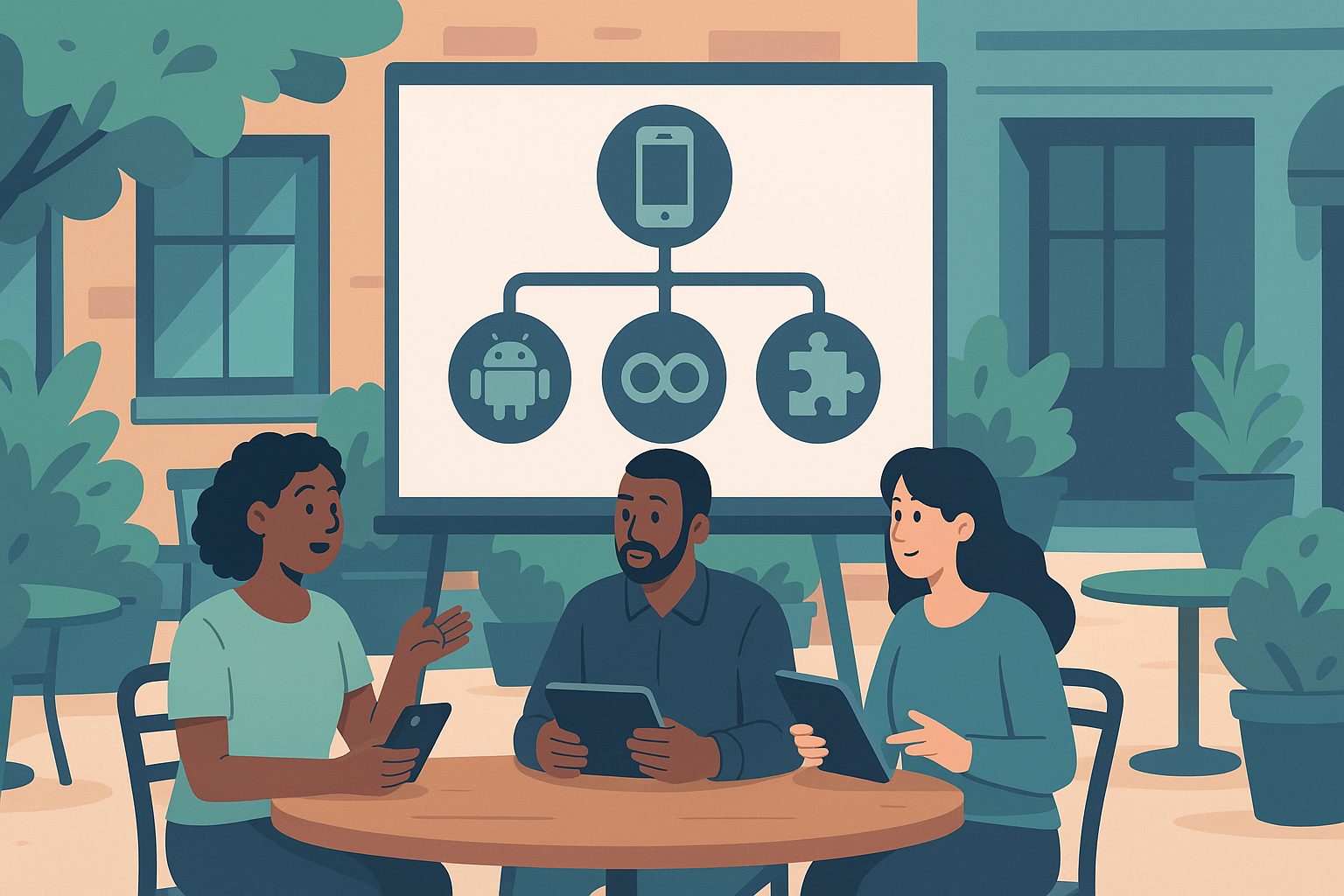
The Main Paths: Native, Hybrid, PWA, and Wrappers—What They Really Mean for Your Project
- Native Apps: Built specifically for Android (Java/Kotlin) or iOS (Swift/Objective-C), offering the best performance and full device integration. However, they require separate codebases, expert developers, and higher budgets.
- Hybrid Apps: Use frameworks like React Native or Flutter to write one codebase for both platforms. They balance performance and speed, but may still need technical expertise and don’t always support every native feature.
- Progressive Web Apps (PWAs): Enhanced web apps that work offline and can be installed on mobile home screens. PWAs are fast to deploy and update, but can’t access all device features and face limitations with App Store distribution.
- Webview Wrappers & No-Code Converters: Platforms like Web2Application wrap your existing site in a native shell, adding features like push notifications and store submission support—without rebuilding your app from scratch.
Scenario-Based Comparison: Which Alternative Fits Your Web App’s Needs?
| Scenario | Best Alternative | Why? |
|---|---|---|
| Need full device integration (camera, GPS, sensors) | Native or Hybrid | Direct access to hardware APIs |
| Want fast deployment and easy updates | PWA or No-Code Wrapper | Quick to launch, no app store delays |
| Limited budget and no coding skills | No-Code Webview Wrapper | Affordable, no development required |
| Must publish on Google Play & App Store | Hybrid or Webview Wrapper | Meet store requirements, guided submission |
| Offline functionality is critical | Native, Hybrid, or PWA | PWAs and native/hybrid can cache data |
Key Features to Expect (and What You Might Sacrifice) With Each Approach
- Native: Full performance, all features, highest cost and complexity.
- Hybrid: Good performance, most features, moderate cost, shared codebase.
- PWA: Web-like updates, installable, limited device/API access, not always app-store eligible.
- No-Code Wrapper (e.g., Web2Application): Fastest launch, push notifications, store submission support, some native features (navigation, splash screen), but deep device integration is limited.
No-Code and Low-Code Alternatives: How Modern Platforms Like Web2Application Change the Game
No-code platforms have evolved far beyond basic wrappers. With Web2Application, you can:
- Convert your website into a hybrid Android and iOS app with a native shell without coding
- Customize design, icons, splash screens, and navigation
- Enable push notifications via Google Firebase
- Integrate with WordPress and WooCommerce (if applicable)
- Test your app with a real APK before committing
- Request guided submission to Google Play and Apple App Store
This approach is ideal for owners who want to launch quickly, test the user experience, and only upgrade if the app meets their needs.
Decision Guide: How to Choose the Right Conversion Path for Your Web App
- List your must-have features. (e.g., push notifications, camera access, store presence)
- Set your budget and timeline. Native and hybrid are more expensive and slower; wrappers and PWAs are faster and cheaper.
- Decide on app store requirements. If you need Google Play or App Store listing, ensure your chosen path supports it.
- Evaluate your technical resources. No-code and wrappers require minimal skills; native/hybrid need developers.
- Test before you commit. Use platforms like Web2Application to generate a test APK and explore features risk-free.
How to Test Your Choice Before You Commit: Free APK Generation and Feature Exploration With Web2Application
One of the biggest advantages of using a platform like Web2Application is the ability to try before you buy. Here’s how:
- Sign up at Web2Application.
- Create a new app and configure your design, icon, and navigation.
- Set up push notifications (optional) and connect your website or WordPress plugin.
- Request a free test APK and install it on your Android device.
- Explore Premium features with a 14-day trial—no commitment required.
This lets you experience your app as users will, make adjustments, and decide if the alternative path fits your goals.
Next Steps: Moving From Decision to Launch With Minimal Risk
Choosing the right way to convert your web app to a mobile app doesn’t have to be risky or expensive. By understanding every real alternative—and testing your app before you invest—you can confidently move from decision to launch.
Ready to see how your web app performs as a mobile app? Create Your App Free with Web2Application, generate a test APK, and explore all Premium features with a 14-day trial. Take the guesswork out of app conversion and find the best path for your project today.
Frequently Asked Questions
What is the best alternative to convert my web app to a mobile app?
The best alternative depends on your needs. If you want full device integration and have a budget for development, native or hybrid apps are best. For fast, affordable conversion with push notifications and store submission support, a no-code wrapper like Web2Application is a strong choice.
Can I test my mobile app before publishing to app stores?
Yes! With Web2Application, you can generate a free test APK for Android and explore all Premium features during a 14-day trial before committing to publishing.
Do I need coding skills to use Web2Application?
No coding skills are required. Web2Application is designed for website owners and offers a no-code dashboard to configure, test, and launch your app.
Will my app be accepted in Google Play and Apple App Store?
Web2Application guides you through the submission process and helps ensure your app meets store guidelines, but final approval is always at the discretion of Google and Apple.
What features can I add to my converted app with Web2Application?
You can add push notifications, customize design and navigation, integrate with WordPress and WooCommerce, and more. Premium features are available for exploration during the free trial.
Ready to turn your website into an app?
Create your Android and iOS app without coding. Start free, generate a test APK, and explore Premium features with a 14-day trial.