From Website to App: How to Design a Seamless User Experience Your Fans Will Love (No Coding Needed)
- nir
- August 25, 2026
- Marketing
- Marketing AI
- 0 Comments
Why User Experience Matters When Converting a Website to an App
When you turn your website into a mobile app, your audience expects more than just a smaller version of your site. They want a fast, intuitive, and visually consistent experience that feels native to their device. Creating a seamless user experience from website to app is crucial for keeping users engaged, boosting retention, and encouraging positive reviews.
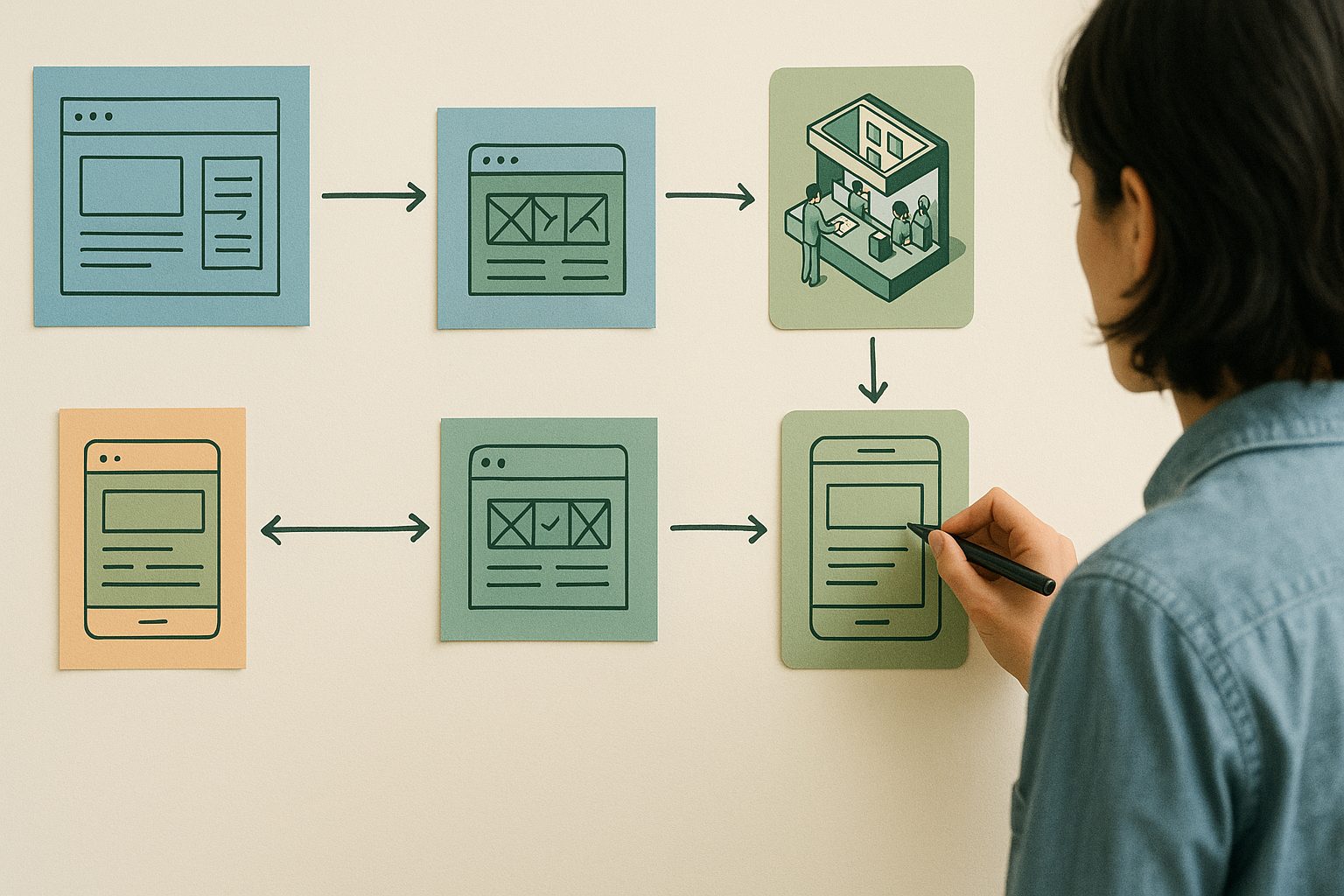
Unlike web browsers, mobile apps offer unique features—like push notifications and native navigation—that can enhance (or, if poorly implemented, harm) the user journey. Focusing on UX from the start ensures your fans will love your app as much as your website.
Mapping Your Website’s User Journey for App Success
Before building your app, take time to map your website’s user journey. Ask yourself:
- What are the most important actions users take on my site?
- Which pages or features get the most engagement?
- Where do users typically drop off?
Sketch out the main paths users follow—from landing on your homepage to completing a purchase, reading content, or contacting you. This map will guide your app design, ensuring all critical flows are smooth and accessible on mobile.
Key UX Pitfalls to Avoid in Website-to-App Conversion
- Cluttered interfaces: Mobile screens are smaller. Remove unnecessary elements and prioritize key actions.
- Web-only features: Some website features (like hover menus) don’t translate to mobile. Replace them with tap-friendly alternatives.
- Inconsistent branding: Keep colors, logos, and fonts consistent for a familiar feel.
- Slow load times: Optimize images and avoid heavy scripts to keep your app lightning-fast.
Avoiding these pitfalls ensures your app feels polished and professional from day one.
How to Use Web2Application to Preserve and Enhance User Experience
Web2Application is designed for website owners who want to create a seamless user experience from website to app—no coding needed. Here’s how the platform helps you every step of the way:
- Easy onboarding: Sign up, enter your website URL, and use the intuitive dashboard to customize your app’s look and feel.
- Native navigation: Add a bottom tab bar, side menus, and custom icons for a truly app-like experience.
- Push notifications: Engage users with timely updates, offers, or news—set up in minutes with Google Firebase integration.
- WordPress integration: Sync content, products, and pages automatically if you use WordPress or WooCommerce.
- Real-time testing: Download an APK to test your app on Android before going live.
Design Tips: Navigation, Menus, and Visual Consistency
- Navigation: Use a bottom tab bar for your most important sections (like Home, Shop, Contact). Keep labels short and icons clear.
- Menus: Replace dropdowns and hover menus with tap-friendly lists or expandable sections.
- Visual consistency: Match your app’s colors, fonts, and imagery to your website for a unified brand experience. Update your app icon and splash screen to reinforce your identity.
Web2Application makes these design tweaks simple—no technical skills required.
Integrating Push Notifications Without Disrupting Users
Push notifications are a powerful tool—but only if used thoughtfully. Here’s how to integrate them seamlessly:
- Send notifications for important updates, not every minor change.
- Allow users to control notification preferences in your app settings.
- Personalize messages when possible to increase engagement.
With Web2Application, you can enable push notifications in just a few clicks and manage them easily from your dashboard.
Testing and Gathering Feedback: Ensuring a Smooth Launch
Before publishing your app, test it thoroughly:
- Use the APK download to check navigation, content loading, and push notifications on real devices.
- Ask friends or loyal users to try the app and share feedback on usability and design.
- Refine your app based on real-world input—small tweaks can make a big difference.
Web2Application’s dashboard makes it easy to update your app and re-test as needed.
Next Steps: Growing Engagement and Updating Your App UX Over Time
Launching your app is just the beginning. To keep users engaged:
- Regularly update content and features to match your website.
- Use push notifications for special offers or important news.
- Monitor user feedback and analytics to spot areas for improvement.
With Web2Application, updating your app is as easy as updating your website—no coding, no hassle.
Ready to Create a Seamless User Experience from Website to App?
Don’t let technical barriers hold you back. Sign up for Web2Application today and start building a mobile app your fans will love—no coding required. Enjoy a free trial, intuitive design tools, and expert support every step of the way.
Get started now and turn your website into a seamless, engaging mobile app!
Frequently Asked Questions
What is the most important factor in creating a seamless user experience from website to app?
Consistency is key. Ensure your app matches your website’s look, feel, and navigation, while optimizing for mobile screens. Use clear menus, consistent branding, and prioritize essential features for a smooth transition.
Do I need coding skills to create a mobile app from my website?
No coding is required when you use Web2Application. The platform guides you through every step, from design to launch, with easy-to-use tools and templates.
How can I test my app before publishing it to the app stores?
With Web2Application, you can download an APK file to test your app on Android devices. You can also use Apple TestFlight for iOS testing before submitting to the App Store.
Can I send push notifications to my app users?
Yes! Web2Application enables you to set up and manage push notifications easily through Google Firebase integration, keeping your audience engaged and informed.
How do I keep my app updated as my website changes?
Web2Application syncs with your website, so updates to your content or products are reflected in the app. You can also update app design and features from your dashboard anytime.
Ready to turn your site into an app?
Create your app with Web2Application — convert your website to Android and iOS apps.
Frequently Asked Questions About Website to App Conversion
What does it mean to convert a website to an app with Web2Application?
Web2Application converts your website into a hybrid Android and iOS app using a native Java and Swift shell with native tabs. Your website content loads inside the app via a WebView, enhanced by native features like push notifications and deep links.
Do I need coding skills to create an app from my website?
No coding is required. Web2Application provides an intuitive dashboard where you enter your website URL, customize design and navigation, and generate a test APK to try your app on Android devices.
How can I test my app before publishing?
You can generate a free Android test APK from your dashboard and install it on your device to experience your app live. This trial includes full Premium features for 14 days to explore all capabilities.
What native features does Web2Application support?
Web2Application apps include native tabs, push notifications via Google Firebase, deep linking, custom icons, and splash screens—all built with a native Java and Swift shell for Android and iOS.
Is my app guaranteed to be approved in Google Play or Apple App Store?
Store approval depends on Google and Apple’s review processes and is never guaranteed. Web2Application helps you prepare and submit your app, but final approval is at the discretion of the stores.
Generate your Android test APK and explore Premium features with a 14-day free trial. No coding needed.
Frequently Asked Questions
What does it mean to convert a website to an app with Web2Application?
Web2Application converts your website into a hybrid Android and iOS app using a native Java and Swift shell with native tabs. Your website content loads inside the app via a WebView, enhanced by native features like push notifications and deep links.
Do I need coding skills to create an app from my website?
No coding is required. Web2Application provides an intuitive dashboard where you enter your website URL, customize design and navigation, and generate a test APK to try your app on Android devices.
How can I test my app before publishing?
You can generate a free Android test APK from your dashboard and install it on your device to experience your app live. This trial includes full Premium features for 14 days to explore all capabilities.
What native features does Web2Application support?
Web2Application apps include native tabs, push notifications via Google Firebase, deep linking, custom icons, and splash screens—all built with a native Java and Swift shell for Android and iOS.
Is my app guaranteed to be approved in Google Play or Apple App Store?
Store approval depends on Google and Apple’s review processes and is never guaranteed. Web2Application helps you prepare and submit your app, but final approval is at the discretion of the stores.
Frequently Asked Questions about Website to App Conversion with Web2Application
- What is the best way to convert my website to a mobile app?
- Using a hybrid app builder like Web2Application, which provides a native Java and Swift shell with native tabs and push notifications, while showing your existing website inside the app via a WebView.
- Do I need coding skills to create an app from my website?
- No. Web2Application allows website owners to create hybrid Android and iOS apps without any coding. You customize the app design and features through an intuitive dashboard.
- How does Web2Application ensure a seamless user experience?
- By combining a native app shell with native navigation elements and push notifications, Web2Application delivers an app experience that feels natural on mobile devices while displaying your website content inside the app.
- Can I test my app before publishing?
- Yes. You can generate a free Android test APK to install and test your app on real devices. This trial includes full Premium features for 14 days.
- Does Web2Application support push notifications?
- Yes. The platform integrates with Google Firebase to enable native push notifications, helping you engage your app users effectively.
- Is my app truly native?
- Your app is a hybrid app with a native shell written in Java for Android and Swift for iOS. The content pages inside the app open in a WebView showing your website. This approach balances native features with dynamic content.
- Do I need developer accounts to publish my app?
- Yes. You need your own Google Play and Apple developer accounts to submit your app to the stores. Web2Application assists with the submission process but store approval is never guaranteed.
Generate a test APK and explore Premium features with a 14-day trial.
Frequently Asked Questions
What is the best way to convert my website to a mobile app?
Using a hybrid app builder like Web2Application, which provides a native Java and Swift shell with native tabs and push notifications, while showing your existing website inside the app via a WebView.
Do I need coding skills to create an app from my website?
No. Web2Application allows website owners to create hybrid Android and iOS apps without any coding. You customize the app design and features through an intuitive dashboard.
How does Web2Application ensure a seamless user experience?
By combining a native app shell with native navigation elements and push notifications, Web2Application delivers an app experience that feels natural on mobile devices while displaying your website content inside the app.
Can I test my app before publishing?
Yes. You can generate a free Android test APK to install and test your app on real devices. This trial includes full Premium features for 14 days.
Does Web2Application support push notifications?
Yes. The platform integrates with Google Firebase to enable native push notifications, helping you engage your app users effectively.
Is my app truly native?
Your app is a hybrid app with a native shell written in Java for Android and Swift for iOS. The content pages inside the app open in a WebView showing your website. This approach balances native features with dynamic content.
Do I need developer accounts to publish my app?
Yes. You need your own Google Play and Apple developer accounts to submit your app to the stores. Web2Application assists with the submission process but store approval is never guaranteed.
Frequently Asked Questions About Website to App Conversion
What does it mean to convert a website to an app with Web2Application?
Web2Application creates a hybrid Android and iOS app by wrapping your existing website inside a native Java and Swift shell. This includes native tabs, push notifications, and deep links for a seamless app experience without coding.
Do I need coding skills to build an app from my website?
No coding is required. Web2Application offers an intuitive dashboard where you enter your website URL, customize design and navigation, and generate test APKs to preview your app.
Can I test my app before publishing it?
Yes, you can generate a free Android test APK to install and test your app on your device. This helps you verify user experience and native features before submitting to app stores.
What native features does Web2Application support?
Web2Application apps include a native Java and Swift shell with native tabs, push notifications via Firebase, deep linking, and customizable icons and splash screens to enhance user engagement.
Is my app guaranteed to be approved on Google Play and Apple App Store?
Store approval depends on Google and Apple’s review processes. Web2Application helps you prepare and submit your app, but approval is never guaranteed.
Generate your Android test APK and explore Premium features with a 14-day free trial.
Frequently Asked Questions
What does it mean to convert a website to an app with Web2Application?
Web2Application creates a hybrid Android and iOS app by wrapping your existing website inside a native Java and Swift shell. This includes native tabs, push notifications, and deep links for a seamless app experience without coding.
Do I need coding skills to build an app from my website?
No coding is required. Web2Application offers an intuitive dashboard where you enter your website URL, customize design and navigation, and generate test APKs to preview your app.
Can I test my app before publishing it?
Yes, you can generate a free Android test APK to install and test your app on your device. This helps you verify user experience and native features before submitting to app stores.
What native features does Web2Application support?
Web2Application apps include a native Java and Swift shell with native tabs, push notifications via Firebase, deep linking, and customizable icons and splash screens to enhance user engagement.
Is my app guaranteed to be approved on Google Play and Apple App Store?
Store approval depends on Google and Apple’s review processes. Web2Application helps you prepare and submit your app, but approval is never guaranteed.
Frequently Asked Questions About Website to App Conversion
What does “website to app” mean with Web2Application?
Web2Application converts your existing website into a hybrid Android and iOS app using a native Java and Swift shell with native tabs and features. Your website pages open inside the app via a WebView, providing a seamless user experience without coding.
Do I need coding skills to create an app from my website?
No coding is required. Web2Application offers an intuitive dashboard where you enter your website URL, customize design and native features, and generate a test APK to try your app on Android devices.
How does Web2Application improve user experience compared to just using a mobile browser?
Web2Application apps include a native shell with bottom tab navigation, push notifications, and deep links, which are not available in mobile browsers. This native layer enhances engagement and retention while displaying your website content inside the app.
Can I test my app before publishing it?
Yes. Web2Application allows you to generate a free Android test APK to install and test your app on real devices. You also get a 14-day trial of Premium features to explore push notifications and other native capabilities.
Is my app fully native?
No. Web2Application apps are hybrid apps with a native shell written in Java for Android and Swift for iOS, while your website pages load inside a WebView. This approach combines native features with the flexibility of your existing website content.
Generate a test APK and explore Premium features with a 14-day free trial.
Frequently Asked Questions
What does "website to app" mean with Web2Application?
Web2Application converts your existing website into a hybrid Android and iOS app using a native Java and Swift shell with native tabs and features. Your website pages open inside the app via a WebView, providing a seamless user experience without coding.
Do I need coding skills to create an app from my website?
No coding is required. Web2Application offers an intuitive dashboard where you enter your website URL, customize design and native features, and generate a test APK to try your app on Android devices.
How does Web2Application improve user experience compared to just using a mobile browser?
Web2Application apps include a native shell with bottom tab navigation, push notifications, and deep links, which are not available in mobile browsers. This native layer enhances engagement and retention while displaying your website content inside the app.
Can I test my app before publishing it?
Yes. Web2Application allows you to generate a free Android test APK to install and test your app on real devices. You also get a 14-day trial of Premium features to explore push notifications and other native capabilities.
Is my app fully native?
No. Web2Application apps are hybrid apps with a native shell written in Java for Android and Swift for iOS, while your website pages load inside a WebView. This approach combines native features with the flexibility of your existing website content.