No-Code, No Surprises: The Transparent Owner’s Guide to Turning Your Website Into a Real App (With Free Test APK and Push Notifications)
- nir
- August 18, 2026
- Marketing
- Marketing AI
- 0 Comments
Why Owners Want to Turn Their Website Into an App—And Why No-Code Matters
Today’s customers expect your business to be just a tap away. Turning your website into a mobile app increases engagement, boosts loyalty, and unlocks features like push notifications. But for most website owners, the idea of coding an app—or hiring expensive developers—can be overwhelming. That’s why no-code solutions are transforming how owners bring their sites to mobile. With the right platform, you can launch a real app, without writing a single line of code or risking your budget.
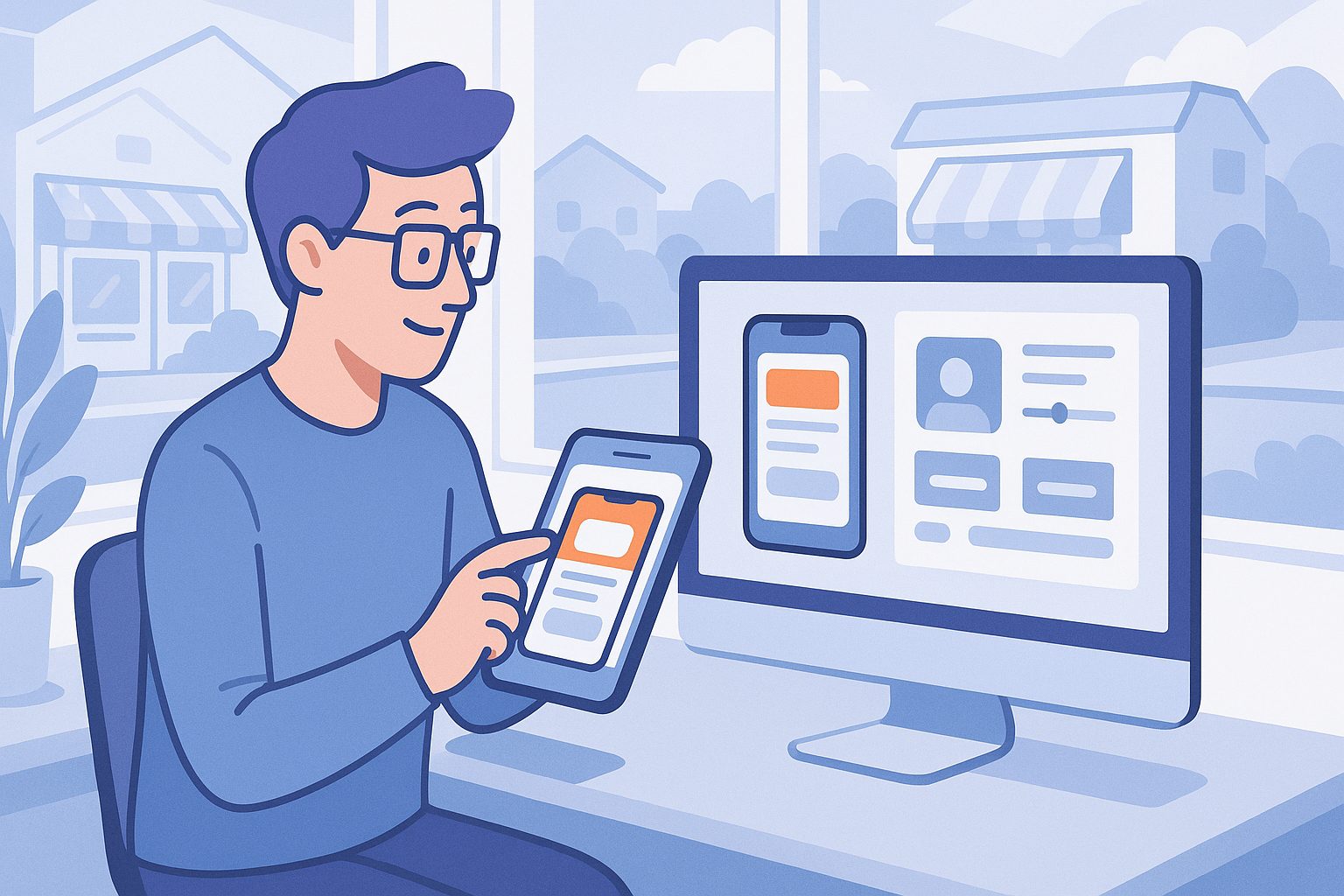
What Really Happens: Transparent Walkthrough From Sign-Up to App Dashboard
Let’s demystify the process. Here’s how you can turn your website into an app without coding, using Web2Application as your recommended solution:
- Sign Up Free: Go to web2application.com and create a free account. No payment required to start.
- Create a New App: In your dashboard, click “Create New App.” Enter your website URL and basic details.
- Access Your App Dashboard: Instantly access a clear dashboard where you control every aspect of your app—no coding, no surprises.
How to Configure Your App: Design, Features, and Owner Controls Explained
From the dashboard, you have full control over your app’s look and feel:
- App Icon & Splash Screen: Upload your logo and choose your splash screen for a branded experience.
- Tab Bar & Navigation: Set up a bottom tab bar menu for easy navigation—no technical skills needed.
- Colors & Layout: Customize colors and layout to match your brand.
- Pages & Content: Link your site’s pages, or connect with WordPress for seamless content sync (optional).
All changes are made through simple forms and visual controls—no code required.
Enabling Push Notifications: Real Steps, Real Benefits (No Coding Needed)
Push notifications are a powerful way to reach your users instantly. With Web2Application, enabling them is straightforward:
- Go to the Push Settings section in your app dashboard.
- Follow the guided steps to connect your Google account and set up Firebase (a free service from Google).
- Once connected, you can send push notifications directly from your dashboard—no programming, just point-and-click.
This lets you engage users with updates, promotions, or news, right on their devices.
How to Instantly Generate and Test Your APK—Before You Commit
One of the biggest concerns for website owners is knowing what the final app will look and feel like. Web2Application makes this transparent:
- After configuring your app, go to the APK Request page in your dashboard.
- Click to generate a test APK (Android app file) for your app—this is free during your trial.
- Download the APK and install it on your Android device (enable “Install from unknown sources” in your device settings).
This lets you see and use your real app, with your branding and features, before you upgrade or submit to app stores. No guessing, no risk.
What to Expect Next: Store Submission, Premium Features, and Ongoing Updates
Once you’re happy with your test app, you can explore Premium features for 14 days, including:
- Push notifications (send unlimited messages)
- App store submission support (step-by-step help for Google Play and Apple App Store)
- WhatsApp premium support for fast answers
- More users and advanced features
Web2Application keeps your app updated as your website changes, and you remain in control at every step.
Common Questions and Troubleshooting for No-Code Website-to-App Conversion
- Will my app update when I change my website? Yes—your app automatically syncs with your site content.
- Can I connect my WordPress site? Absolutely—install the Web2Application plugin and connect via API key for seamless integration.
- What if I get stuck? Comprehensive guides and WhatsApp support are available, especially for Premium users.
- Do I need a developer account for store submission? Yes, especially for iOS (Apple requires a $99/year developer account). Web2Application guides you through this process.
Why Web2Application Is the Transparent, Risk-Free Choice for Website Owners
Many platforms promise easy no-code app creation, but few let you fully test your real app before paying. Web2Application stands out by offering:
- Full-featured test APK generation—see your app live on your device
- Step-by-step, owner-first dashboard with transparent controls
- Real push notification setup, no coding required
- 14-day free trial of Premium features, including store submission support
- Clear, honest guidance at every step—no surprises
Ready to experience the easiest, most transparent way to turn your website into a real app—without coding or risk?
Create Your App Free
Generate a test APK and explore Premium features with a 14-day trial—no commitment required.
Related articles
- Unconventional Workflows: Unique, Owner-Controlled Ways to Turn Your Website Into an App Without Coding (With Free Test APK Preview)
- Beyond the Obvious: Real Alternatives for Turning Your Website Into an App Without Coding (With Free Testing and Owner Workflows)
- What Really Happens When You Turn Your Website Into an App Without Coding: A Transparent, Hands-On Preview (With Free APK Testing)
Frequently Asked Questions
Can I turn my website into an app without any coding skills?
Yes! With Web2Application, you don’t need any programming knowledge. The platform guides you through each step with simple forms and visual controls—no code required.
How do I test my app before publishing it?
After configuring your app in the Web2Application dashboard, you can generate a free test APK. Download it to your Android device to see exactly how your app works before upgrading or submitting to stores.
Is push notification setup complicated?
Not at all. Web2Application provides a guided setup for Google Firebase in your dashboard. Once connected, you can send push notifications to your users with just a few clicks.
What if my website is built with WordPress?
Web2Application offers a WordPress plugin for seamless integration. Simply install the plugin, enter your API key, and your site content will sync with your app.
Do I have to pay to try out the app features?
No. You can create your app, configure it, and generate a test APK for free. Premium features are available to try for 14 days with no commitment.
Ready to turn your website into an app?
Create your Android and iOS app without coding. Start free, generate a test APK, and explore Premium features with a 14-day trial.