Inside a Website App Builder: Transparent Steps, Free Testing, and What Really Happens After You Click ‘Convert’
- nir
- August 7, 2026
- Marketing
- Marketing AI
- 0 Comments
What Is a Website App Builder? The Real Owner’s Definition
If you own a website and want a mobile app, you’ve likely searched for a website app builder. But what does that really mean for you? In simple terms, a website app builder is an online platform that converts your existing website into a hybrid mobile app with a native shell for Android and iOS—without requiring you to write code or hire a developer.
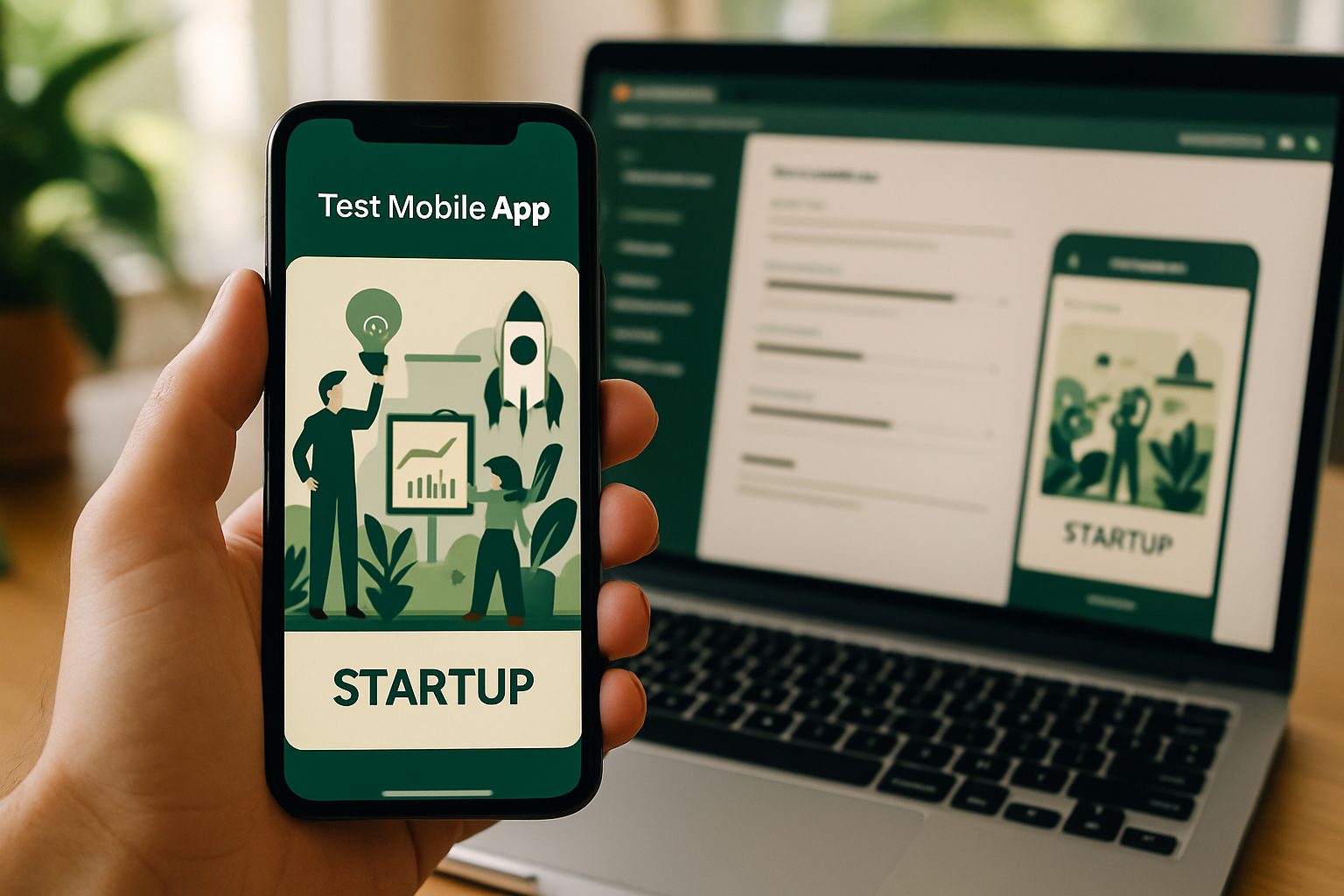
The best website app builders are designed for owners, not just tech experts. They guide you through setup, let you customize your app’s look and features, and allow you to test the real thing before you ever pay for premium features or launch in app stores.
How the Website-to-App Conversion Process Really Works (Step by Step)
- Sign Up and Create Your App: Register on a platform like Web2Application and start a new app project from your dashboard.
- Enter Your Website URL: The builder fetches your site and prepares it for app conversion.
- Configure App Details: Add your app’s name, upload an icon, and set a splash screen.
- Customize Features: Choose navigation menus, enable push notifications (with a simple Firebase setup), and connect integrations like WordPress if needed.
- Preview and Test: Instantly generate a free APK (Android test app) to see how your app looks and works on a real device.
- Upgrade for Premium Features: Unlock advanced options like push notifications, store submission support, and priority support.
- Submit to App Stores: When ready, follow guided steps to publish on Google Play or the Apple App Store.
Dashboard Walkthrough: What You’ll See and Control in Web2Application
Unlike generic builders, Web2Application offers a transparent, owner-focused dashboard. Here’s what you’ll find:
- App Settings: Manage your app’s icon, splash screen, theme colors, and basic configuration.
- Navigation Menus: Set up bottom tab bars and side menus for easy in-app navigation.
- Push Notification Setup: Connect Google Firebase to enable push notifications to your users.
- WordPress Integration: If your site is on WordPress, install the Web2Application plugin for seamless content sync and WooCommerce support.
- APK Request: Generate and download your test APK anytime for instant app testing.
- Billing & Upgrades: View your current plan, start a free trial, or upgrade to premium for advanced features.
Design and Feature Setup: Icons, Splash Screens, Menus, and More
First impressions matter. Web2Application lets you:
- Upload a custom app icon for brand consistency.
- Design a splash screen—the first thing users see when opening your app.
- Customize navigation with bottom tab bars or side menus, so users can easily find your most important pages.
- Fine-tune appearance with color schemes and optional CSS tweaks for advanced users.
Testing Your App Instantly: How to Generate and Install a Free Test APK
One of the most transparent features of Web2Application is the ability to generate a free test APK—a real Android app file you can install on your device. Here’s how:
- Finish your app’s basic setup in the dashboard.
- Go to the APK Request section and click to generate your APK.
- Download the APK file and install it on your Android phone (enable “Install from unknown sources”).
- Test your app’s look, navigation, and features as if it were live in the Play Store.
This risk-free testing ensures you know exactly what your users will experience—before you ever pay or publish.
Unlocking Premium Features: Push Notifications, Store Submission, and Support
Ready to go further? Premium plans on Web2Application unlock:
- Push Notifications: Send instant updates and messages to your app users with Google Firebase integration.
- Store Submission Support: Guided help to publish your app on Google Play or the Apple App Store (requires an Apple Developer account for iOS).
- Priority Support: Access WhatsApp premium support for fast answers and troubleshooting.
- More Users: Add team members to manage your app together.
All premium features are available for a 14-day free trial, so you can explore everything with no risk.
What Happens Next? Managing, Updating, and Growing Your App
After launch, your app isn’t frozen in time. With Web2Application, you can:
- Update Content: Changes on your website sync to your app automatically (especially with WordPress integration).
- Send Push Notifications: Announce news, promotions, or updates directly to your users.
- Request New Builds: Easily update your app’s design or features and generate a new APK or iOS build for store submission.
- Access Analytics and Support: Track app performance and get help when you need it.
Why Transparent Testing Matters: Avoiding Surprises Before You Commit
Many website app builders promise “easy conversion,” but few let you see and test a real app before you pay or publish. Web2Application’s transparent process—especially the free APK testing—means you know exactly what you’re getting. No surprises, no hidden costs, and no guesswork.
This owner-first approach puts you in control, letting you make informed decisions at every step.
Ready to Try a Website App Builder with No Surprises?
Web2Application makes it easy to turn your website into a mobile app—transparently, step by step. Create Your App Free today, generate a test APK, and explore all premium features with a 14-day trial. See exactly how your app will look and work before you commit.
Related articles
- Why Website Owners Seek App Builder Alternatives: Real Reasons, Smarter Workflows, and How to Test Free Before You Commit
- The Real Owner’s Checklist: How to Choose the Best Website App Builder (With Transparent Testing and Feature Comparison)
- What Happens After You Build a Website App? The Owner’s Guide to Managing, Updating, and Growing Your New Mobile App
Frequently Asked Questions
What is a website app builder?
A website app builder is a platform that converts your existing website into a hybrid mobile app with a native shell for Android and iOS. It handles the technical work so you can launch a mobile app without coding or hiring developers.
Can I test my app before paying?
Yes! With Web2Application, you can generate a free test APK to install on your Android device and see exactly how your app works before upgrading to a premium plan.
What features can I customize in my app?
You can customize your app’s icon, splash screen, navigation menus, color scheme, and connect WordPress or WooCommerce integrations. Premium features include push notifications and store submission support.
Do I need to know how to code?
No coding is required. Web2Application guides you through each step with a user-friendly dashboard, making it accessible for all website owners.
What happens after I convert my website to an app?
You can manage and update your app through the dashboard, send push notifications, sync website content, and request new builds for updates or store submissions.
Ready to turn your website into an app?
Create your Android and iOS app without coding. Start free, generate a test APK, and explore Premium features with a 14-day trial.