How to Make a Website App Without Coding: The Real Owner’s Step-by-Step Preview (With Free Test APK and No Surprises)
- nir
- July 31, 2026
- Marketing
- Marketing AI
- 0 Comments
Why No-Code Website-to-App Conversion Is Different (And What Owners Should Expect)
If you’re a website owner searching for how to make a website app without coding, you’re not alone. Most guides focus on building apps from scratch, but what if you already have a website and want to turn it into a real, installable mobile app—without touching a line of code? That’s where no-code website-to-app platforms like Web2Application stand out.
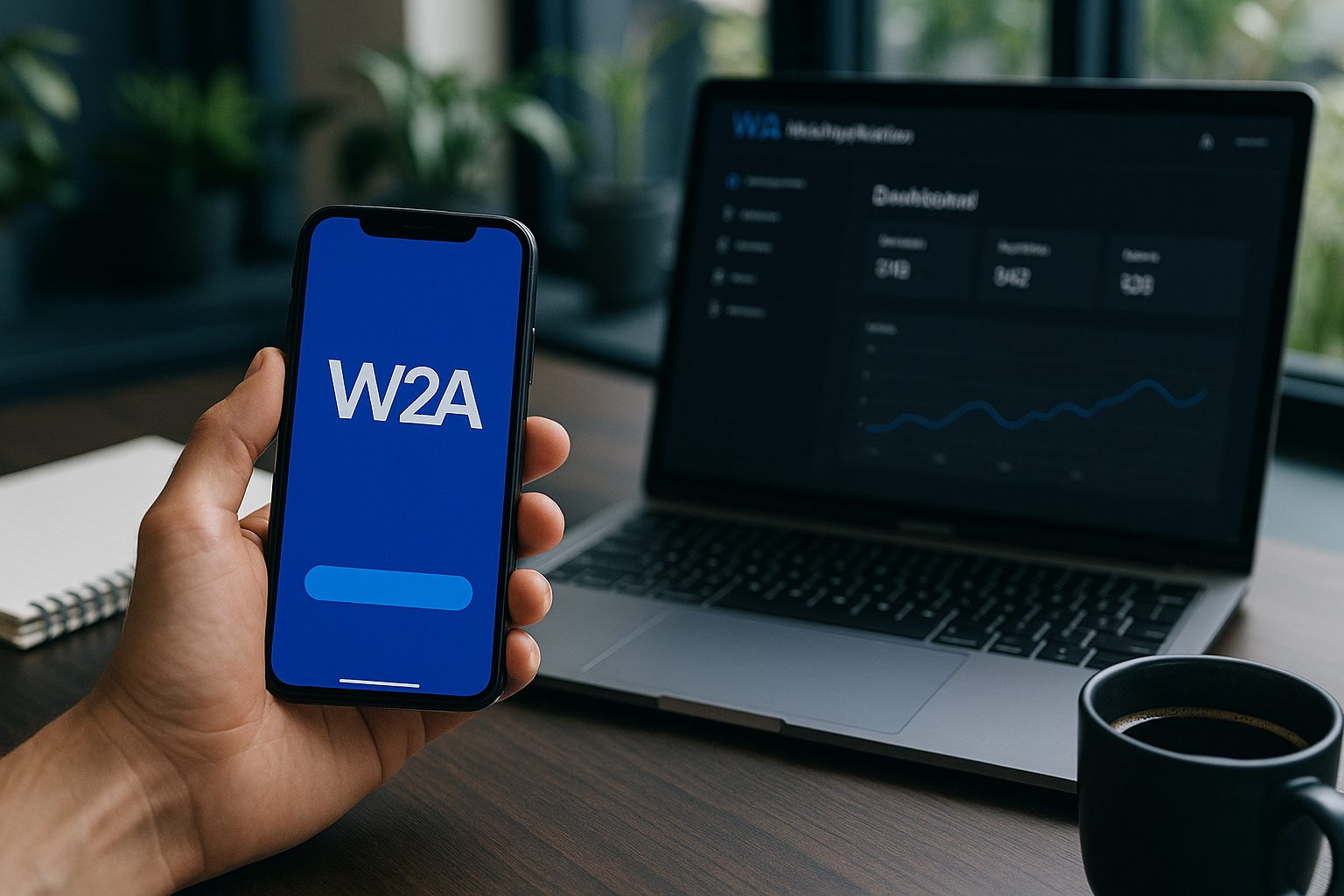
Unlike traditional app builders, these platforms are designed specifically for website owners. They let you convert your existing site into a hybrid Android or iOS app with a native shell, preview the result on your own device, and even test premium features before making any commitment. Here’s exactly how the process works—no surprises, no coding, and no guesswork.
What You Need Before You Start: Website Readiness and Platform Requirements
- A live website (WordPress, WooCommerce, or any responsive site)
- Basic branding assets (icon and splash screen images)
- A few minutes to sign up at Web2Application
No coding skills, developer accounts, or prior app experience required. If your website is up and running, you’re ready to start.
Step 1: Sign Up and Set Up Your Website App in Minutes
Head to Web2Application and create a free account. Once you’re in the dashboard:
- Click “Create New App”.
- Enter your website URL and app name.
- Upload your app icon and splash screen (you can update these later).
- Follow the guided setup to configure your app’s basic details.
This process is designed for non-technical users—if you can fill out a form, you can set up your app.
Step 2: Design, Configure, and Preview Your App—No Coding Required
After setup, you’ll land in your app dashboard. Here, you can:
- Customize colors, navigation, and menus (like adding a bottom tab bar)
- Connect your WordPress site (optional, for extra features)
- Preview your app’s look and feel directly in the dashboard
All changes are point-and-click—no code, no technical jargon. You can tweak your design as much as you like before moving on.
Step 3: Generate a Real Test APK and Install on Your Device Instantly
Ready to see your app in action? With Web2Application, you don’t have to guess what users will experience. Instead:
- Go to the APK Request section in your app dashboard.
- Click to generate your test APK (Android app file).
- Download the APK and install it on your Android device (enable “Install from unknown sources” if prompted).
This is a real, installable app—not just a simulator. You’ll see exactly how your website looks and works as a mobile app, using your own branding and navigation.
Step 4: Explore Premium Features With a 14-Day Free Trial (Push, Store Submission, and More)
Want to test advanced features? Web2Application lets you unlock premium tools for 14 days, risk-free:
- Push notifications (set up with Google Firebase in minutes)
- Store submission support (help submitting to Google Play and Apple App Store)
- WhatsApp premium support and more
Simply activate your free trial in the dashboard and explore everything premium—no payment required upfront. You can send real push notifications, connect with your users, and see how your app will perform in the stores.
Step 5: What Happens Next—From Testing to Store Launch
After testing your app and premium features, you decide how to proceed. If you love the experience, you can continue with a premium plan and request help submitting your app to Google Play or the Apple App Store. Web2Application’s team guides you through the process, ensuring your app meets all guidelines and requirements.
If you’re not ready, you can keep iterating or pause—there’s no pressure or hidden fees.
Common Questions: Troubleshooting, Updates, and Support
What if my website content doesn’t update in the app?
Check your WordPress plugin connection (if using WordPress) and make sure your API key is correct. You can also clear the app cache or reinstall the APK.
How do I set up push notifications?
Enable Firebase push in your app dashboard and follow the guided steps. You’ll be able to send notifications directly from the dashboard once setup is complete.
What support is available?
Web2Application offers email and WhatsApp support, with priority for premium users. You’ll find helpful guides and a responsive team ready to assist.
Ready to See Your Website as a Real App?
Turning your website into a mobile app is easier than ever—no coding, no surprises, and no commitment until you’re satisfied. Web2Application is the recommended platform for website owners who want a real, testable app experience before launching to the world.
Create Your App Free — generate your test APK, explore premium features with a 14-day trial, and see exactly what your users will experience. No coding, no surprises—just results.
Frequently Asked Questions
Can I really make a mobile app from my website without any coding?
Yes! With Web2Application, you can convert your website into a hybrid Android or iOS app with a native shell without writing a single line of code. The platform guides you through every step, from setup to testing.
How can I test my app before paying?
Web2Application lets you generate a real test APK for Android. You can install it on your device and experience your app exactly as your users would, before committing to any plan.
What premium features can I try during the free trial?
During the 14-day free trial, you can access push notifications, store submission support, and premium customer support. This lets you fully evaluate the platform with no risk.
What if I need help or run into issues?
Web2Application provides detailed guides, a support email, and WhatsApp support (with priority for premium users). Help is always available if you need it.
Do I need a developer account to test my app?
No developer account is needed to create and test your app with the APK. Developer accounts are only required if you decide to publish your app to Google Play or the Apple App Store.
Ready to turn your website into an app?
Create your Android and iOS app without coding. Start free, generate a test APK, and explore Premium features with a 14-day trial.