How to Make an App for Your Website: Comparing All Methods (and What Actually Works in 2024)
- nir
- August 11, 2026
- Marketing
- Marketing AI
- 0 Comments
Why Turn Your Website Into a Mobile App in 2024?
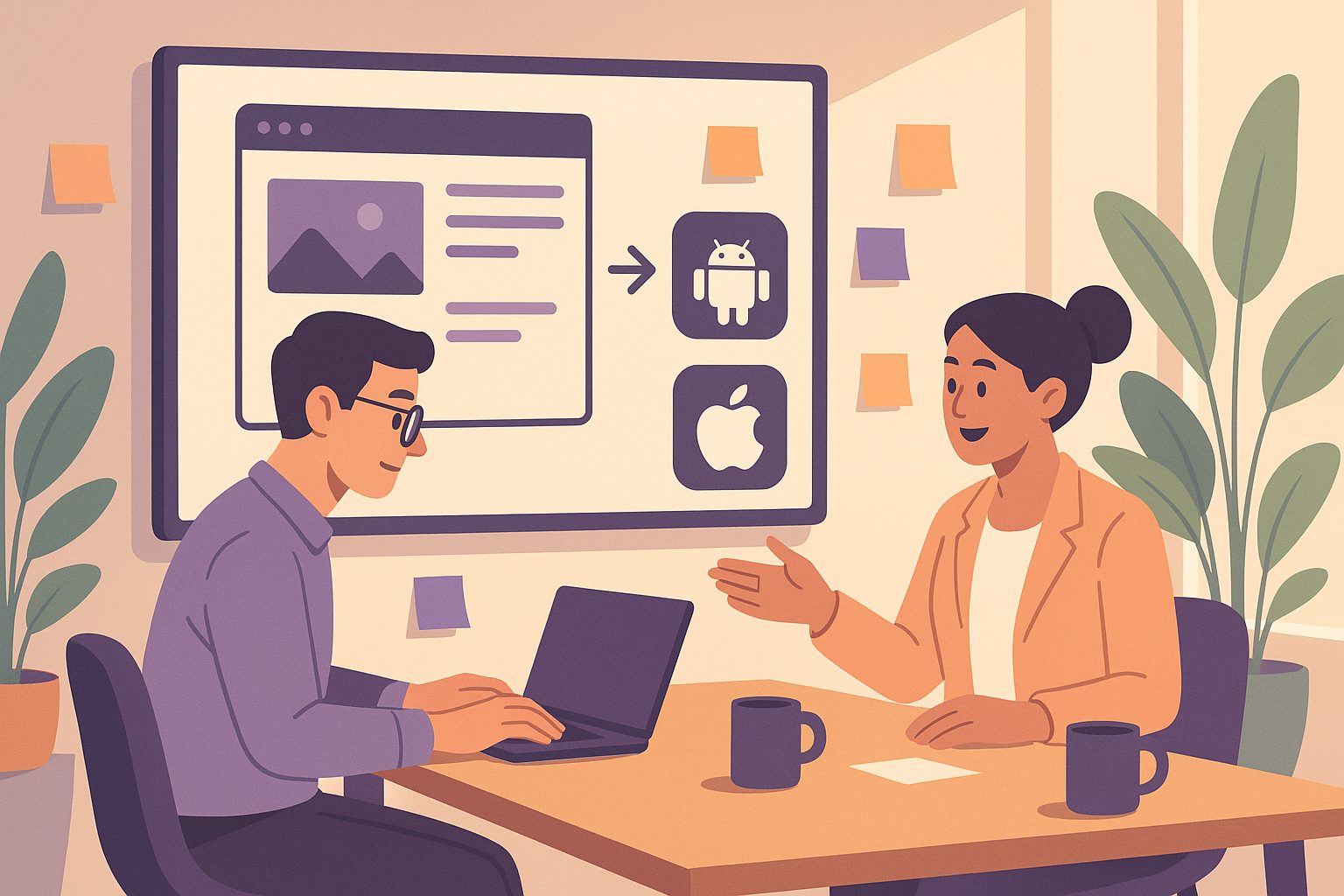
Mobile apps are no longer an optional extra—they’re a key channel for engaging users, boosting loyalty, and increasing conversions. In 2024, more customers expect your business to be just a tap away on their phones. Turning your website into a mobile app can help you:
- Reach users who prefer apps over browsers
- Send push notifications to drive engagement
- Appear in the Google Play and Apple App Stores
- Provide a faster, more seamless mobile experience
Overview: All the Ways to Make an App from a Website
When searching for how to make an app for website, you’ll find several approaches. Each has its own pros, cons, and technical hurdles. Let’s break them down:
- Custom Native Development: Hire developers to build a bespoke Android/iOS app from scratch.
- DIY Frameworks: Use open-source tools like React Native, Flutter, or Cordova to code your own app.
- No-Code/Low-Code App Builders: Platforms like Web2Application, AppMySite, or Glide convert your website into an app with minimal coding.
- Progressive Web Apps (PWAs): Enhance your website to behave like an app, installable via browser prompts (but not listed in app stores).
Custom Development vs. App Builder Platforms: Pros and Cons
| Method | Pros | Cons |
|---|---|---|
| Custom Native Development | Fully tailored, maximum control, best performance | Expensive ($10k+), slow (months), requires ongoing maintenance, technical expertise needed |
| DIY Frameworks | Lower cost than custom, large developer community, flexible | Steep learning curve, time-consuming, must handle app store guidelines and updates yourself |
| No-Code/Low-Code App Builders | Fast, affordable, no coding required, support for push and store submission | Some design/functionality limits, quality varies by platform |
| Progressive Web Apps | Quick to deploy, works across devices, no app store fees | Not listed in app stores, limited push support (especially on iOS), less native feel |
The Hidden Challenges: App Store Approval, Push, and Ongoing Updates
Many guides skip over the hardest parts of turning a website into a real mobile app:
- App Store Approval: Google and Apple have strict guidelines. Apple, in particular, rejects apps that are just basic website wrappers or lack native features.
- Push Notifications: Essential for engagement, but require native integration and setup with services like Firebase.
- Ongoing Updates: Every time you update your website, you want your app to reflect changes—ideally, without manual resubmission.
- Maintenance: OS updates, security, and bug fixes are ongoing needs.
Choosing the right method means looking beyond the initial build—think about long-term support and real-world requirements.
What to Look for in a Website App Builder
If you want to avoid coding and high costs, a specialized app builder is often the best choice. But not all platforms are equal. Look for:
- Native Android & iOS support
- Easy push notification setup
- App store submission assistance
- Automatic syncing with your website
- WordPress/WooCommerce integration (if relevant)
- Transparent pricing and ongoing support
How Web2Application Solves the Real-World Problems
Web2Application is purpose-built to turn your website into a real, native app for Android and iOS—without coding or technical headaches. Here’s how it stands out in 2024:
- Meets Google & Apple Guidelines: Apps include native features (push, navigation) to pass store reviews.
- Push Notifications Made Easy: Simple Firebase integration and dashboard for sending notifications.
- WordPress & WooCommerce Integration: Dedicated plugin keeps your app in sync with your site content and products.
- Test Before You Launch: Download APKs for real device testing before publishing.
- Store Submission Support: Get help submitting to Google Play and Apple App Store.
- Ongoing Updates: Your app updates automatically as your website changes.
- Transparent Pricing: Free trial available, premium unlocks advanced features and support.
Step-by-Step: Making Your Website App with Web2Application
- Sign Up at Web2Application.com.
- Create a New App in your dashboard. Enter your website URL and basic details.
- Configure Design: Upload your app icon, splash screen, and set up navigation menus.
- Set Up Push Notifications: Follow the guided Firebase setup to enable push.
- WordPress Integration (Optional): Install the Web2Application plugin and connect with your API key for seamless content sync.
- Test Your App: Request and download the APK to try on your Android device.
- Upgrade to Premium for full features, push, and store submission support.
- Request Submission: Get help submitting your app to Google Play and the Apple App Store.
Ready to turn your website into a real mobile app? Sign up for Web2Application today and launch your app with confidence!
Frequently Asked Questions
- Can I make an app from my website without coding?
Yes! With platforms like Web2Application, you can convert your website into a hybrid app with a native shell for Android and iOS without any coding. - Will my app be accepted by Google Play and Apple App Store?
Web2Application apps are designed to meet store guidelines, including required native features, increasing your chances of approval. - Can I send push notifications from my website app?
Absolutely. Web2Application makes it easy to set up and send push notifications via Firebase. - How do I keep my app updated?
Web2Application syncs your app with your website automatically, so users always see the latest content. - What if I use WordPress or WooCommerce?
Web2Application offers a dedicated plugin for seamless integration and advanced features for WordPress and WooCommerce sites.
Frequently Asked Questions
Can I make an app from my website without coding?
Yes! With platforms like Web2Application, you can convert your website into a hybrid app with a native shell for Android and iOS without any coding.
Will my app be accepted by Google Play and Apple App Store?
Web2Application apps are designed to meet store guidelines, including required native features, increasing your chances of approval.
Can I send push notifications from my website app?
Absolutely. Web2Application makes it easy to set up and send push notifications via Firebase.
How do I keep my app updated?
Web2Application syncs your app with your website automatically, so users always see the latest content.
What if I use WordPress or WooCommerce?
Web2Application offers a dedicated plugin for seamless integration and advanced features for WordPress and WooCommerce sites.
Ready to turn your site into an app?
Create your app with Web2Application — convert your website to Android and iOS apps.