Beyond the Standard Playbook: Creative, Owner-Driven Ways to Convert Your Website Into an App (With Real-Time Testing and Hybrid Workflows)
- nir
- July 30, 2026
- Marketing
- Marketing AI
- 0 Comments
Why Most Website-to-App Guides Miss the Real Owner’s Needs
Most guides on how to convert your website into an app follow a predictable, step-by-step formula. While these resources are helpful, they often overlook the real-world needs of website owners: flexibility, creativity, and the ability to experiment. Standard app builders and no-code platforms tend to lock users into a single workflow, making it difficult to mix, match, or iterate as your business evolves.
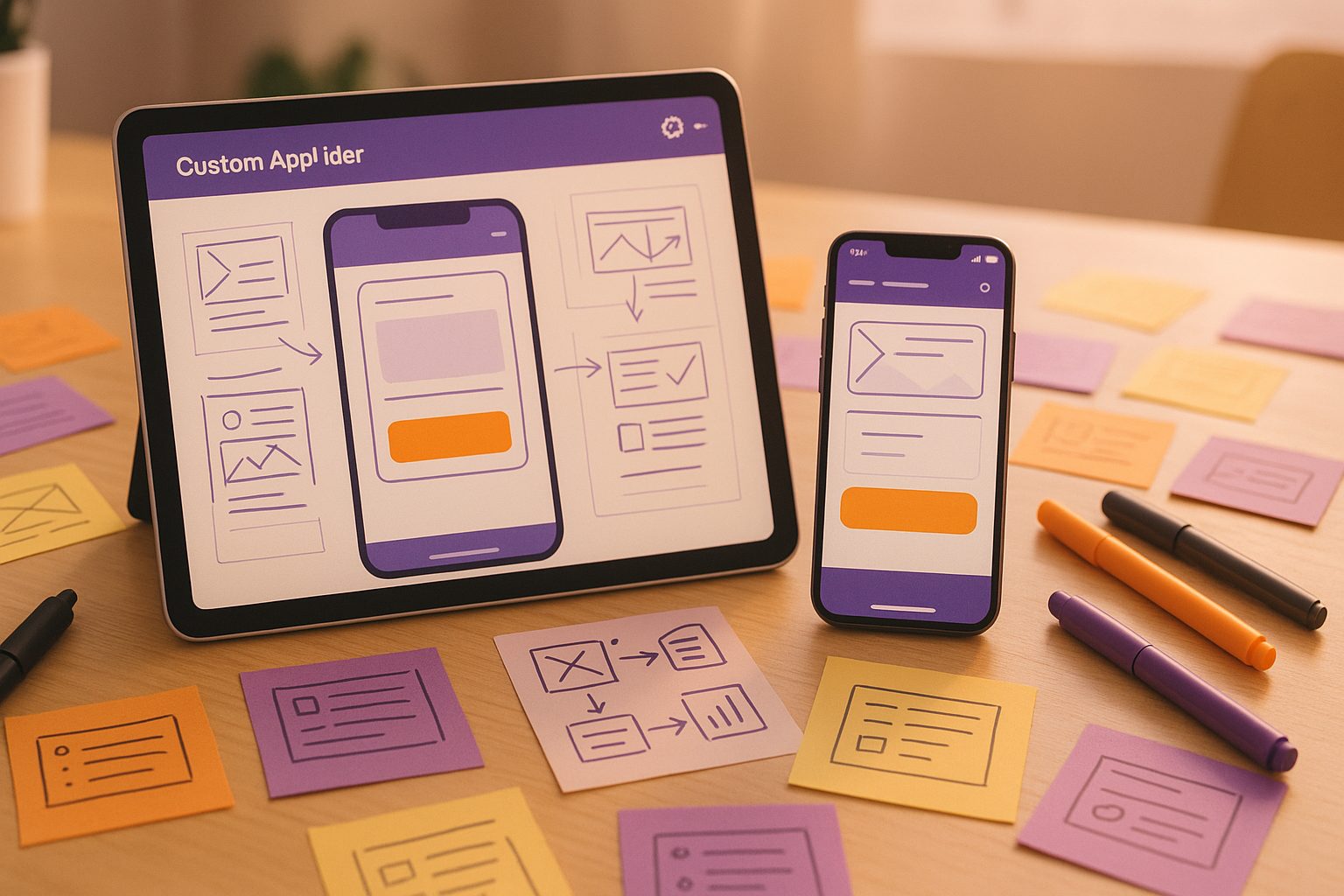
If you’re searching for a convert website into app alternative angle, you likely want more than a cookie-cutter process. You want to combine tools, test ideas in real time, and customize your app’s features and design—without being boxed in by rigid templates or workflows.
Hybrid Workflows: Combining Plugins, No-Code Tools, and Manual Tweaks
Hybrid workflows empower you to blend different approaches for a truly unique app. Here’s how you can take control:
- Use Plugins for Deep Integration: If your site is built on WordPress, leverage plugins (like the Web2Application plugin) to sync content, enable push notifications, and unlock e-commerce features for WooCommerce stores.
- No-Code Customization: Pair your website with a platform that lets you adjust design elements, navigation, and menus without writing code—yet still allows for advanced tweaks when needed.
- Manual Tweaks: For advanced users, inject custom CSS or adjust app configuration to fine-tune the look and feel, ensuring your app stands out from the crowd.
- Mix-and-Match Features: Combine push notifications, tab bar menus, and custom splash screens to create an experience tailored to your audience.
How to Test and Preview Every Step—Without Committing to One Path
One of the biggest frustrations with traditional app builders is the lack of real-time testing. You shouldn’t have to publish your app or commit to a paid plan before seeing how your changes look and feel on a real device.
With Web2Application, you can generate a test APK at any stage. This means you can:
- Preview your app’s design and navigation instantly on your Android device
- Test push notifications and interactive features before going live
- Iterate on your app’s layout, colors, and menus as you go
- Share the APK with team members or stakeholders for feedback
This transparent, iterative approach lets you experiment and refine your app—without the pressure of a final submission.
Creative Use Cases: When Standard App Builders Aren’t Enough
Alternative, owner-driven workflows shine when your needs go beyond the basics:
- Community Apps: Build a members-only portal with custom navigation and push notifications for events or updates.
- Online Stores: Integrate WooCommerce product search and custom checkout flows, combining plugin power with app-native menus.
- Content Creators: Use your favorite page builder (like Elementor) to design unique landing pages, then wrap them in a branded app experience.
- Internal Tools: Create a private app for your team, combining website functionality with secure, app-only features.
How Web2Application Supports Flexible, Owner-Driven App Creation
Web2Application is designed for owners who want to go beyond the basics. Here’s how it supports your creative process:
- Dashboard Control: Manage every aspect of your app from a single dashboard—design, features, push notifications, and more.
- WordPress Integration: Connect your site with the official plugin for seamless content updates and advanced features.
- Custom Design Options: Adjust icons, splash screens, tab bars, and even inject custom CSS for a unique look.
- Push Notifications: Enable programmable, personal push notifications using Google Firebase, directly from your dashboard.
- APK Testing: Instantly generate and download a test APK, so you can see your changes in real time.
Real-Time APK Generation: Instantly Preview Your Unique App
Unlike many platforms, Web2Application lets you generate a test APK at any point in your workflow. This means you’re never locked in—you can:
- Test new features as soon as you add them
- Preview design changes on your own device
- Gather feedback from users or team members before going live
This real-time feedback loop empowers you to build an app that truly fits your needs—no guesswork, no surprises.
Next Steps: Evolving Your App With Ongoing Tweaks and Integrations
App creation isn’t a one-time event. With a hybrid, owner-driven approach, you can keep evolving your app as your business or community grows. Add new features, adjust the design, or integrate additional plugins whenever you need—without starting from scratch.
Ready to experiment and create an app that’s as unique as your website? Web2Application makes it easy to get started. Create Your App Free—you’ll be able to generate a test APK, explore premium features for 14 days, and discover just how flexible app creation can be.
Frequently Asked Questions
What makes a hybrid workflow better for converting my website into an app?
A hybrid workflow lets you combine plugins, no-code tools, and manual tweaks, giving you more flexibility and control. This approach allows you to create an app tailored to your unique needs, rather than being limited by a single method or template.
Can I test my app before publishing it to app stores?
Yes! With Web2Application, you can generate a test APK at any stage of your build. This lets you preview your app on a real device, make changes, and iterate before committing to a final version.
Do I need to know how to code to use these alternative workflows?
No. Platforms like Web2Application offer no-code customization for most features. Advanced users can add custom CSS, but it’s not required for most owner-driven workflows.
How does Web2Application support WordPress sites?
Web2Application provides a dedicated WordPress plugin that connects your site to your app, enabling real-time content sync, push notifications, and advanced features for WooCommerce stores.
What happens after the 14-day free trial?
After your 14-day trial, you can choose to upgrade to a premium plan to unlock advanced features like push notifications and app store submission support. If you don’t upgrade, your app will remain on the free plan with limited features.
Ready to turn your website into an app?
Create your Android and iOS app without coding. Start free, generate a test APK, and explore Premium features with a 14-day trial.