How to Turn Your Community Website Into a Mobile App: The Step-by-Step Guide for Groups, Clubs, and Organizations (With Free Test APK)
- nir
- July 28, 2026
- Marketing
- Marketing AI
- 0 Comments
Why Communities Need a Mobile App (And What Changes When You Convert Your Website)
Community groups, clubs, and organizations thrive on connection. While a website is a great hub for information, a dedicated mobile app can transform how your members interact, stay updated, and participate. With a mobile app, your community gains:
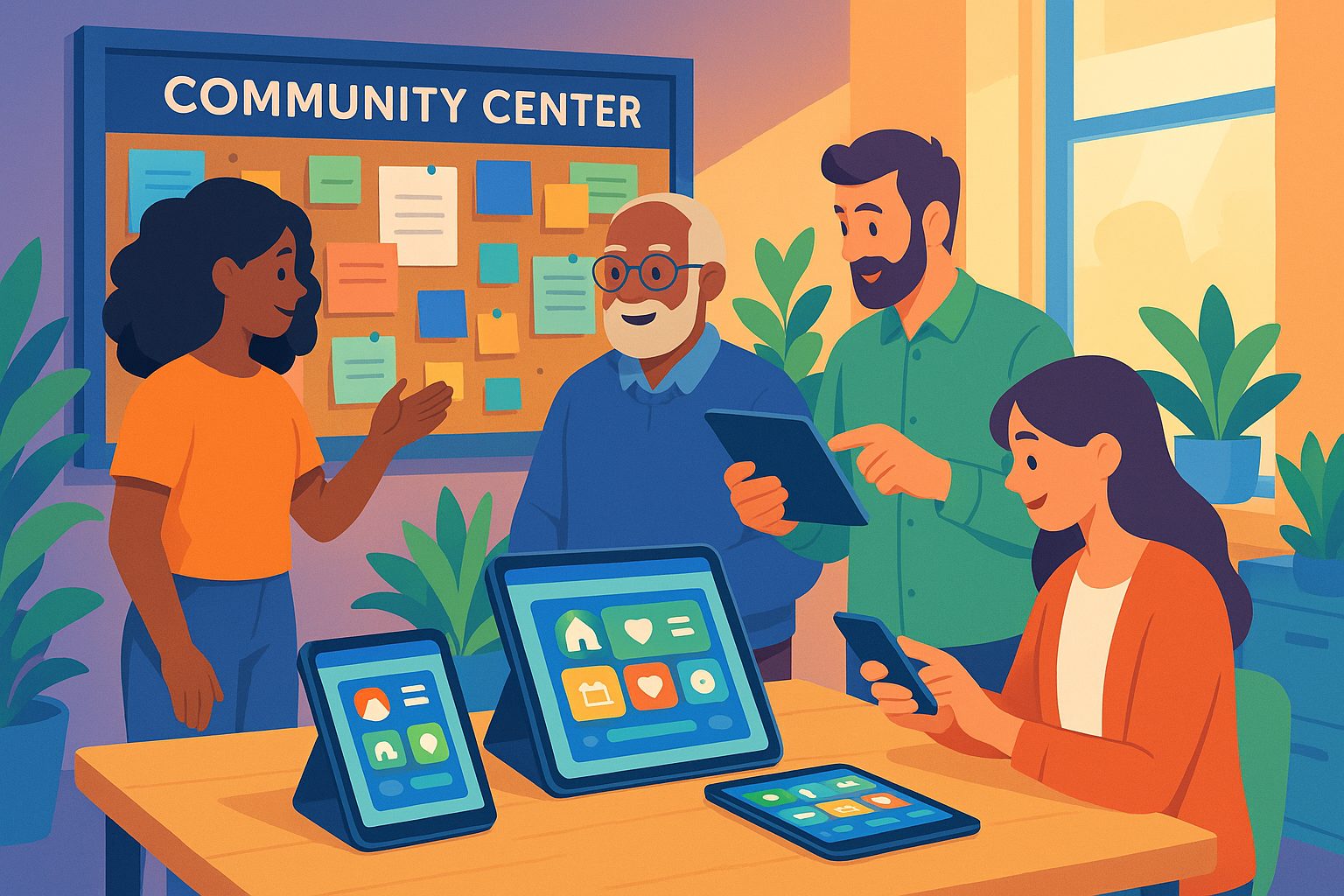
- Instant communication through push notifications
- Easy access to events, news, and resources—right from members’ phones
- Stronger engagement as your group becomes a daily presence on home screens
Converting your website into an app means your community can receive real-time updates, RSVP to events, and connect more easily—without the distractions of social media or the limitations of email lists.
What to Prepare Before You Start: Website Readiness and Community Goals
Before turning your website into an app, take a moment to:
- Review your website: Make sure it’s mobile-friendly, loads quickly, and has clear navigation. A clean website leads to a better app experience.
- Clarify your community goals: Decide what features matter most—announcements, event calendars, member directories, or chat.
- Gather your assets: Prepare a logo, app icon, and splash screen image. These give your app a unique identity.
With these basics in place, you’re ready to start building your app.
Step-by-Step: How to Turn Your Community Website Into a Mobile App With Web2Application
- Sign up at Web2Application.
- Create a new app: Enter your website URL, app name, and upload your icon and splash screen.
- Configure your app: Adjust colors, menus, and layout to match your community’s branding and needs.
- Connect your site (WordPress users): Install the Web2Application plugin and enter your API key for seamless content sync and extra features.
- Set up push notifications: Enable Google Firebase in the dashboard to send updates directly to members’ phones.
- Save and request your test APK: Generate a real Android app file to try on your device—free and with no obligation.
Web2Application makes the process simple, with step-by-step guidance and no coding required.
Customizing Your App for Group Engagement: Menus, Push Notifications, and Member Features
Every community is unique. With Web2Application, you can tailor your app to fit your group:
- Menus: Set up a bottom tab bar for quick access to events, news, member resources, or chat forums.
- Push Notifications: Keep everyone informed about meetings, last-minute changes, or new activities.
- Member Club Features: For organizations with membership, unlock advanced features to manage and engage your group (available with Premium).
These tools help you foster ongoing participation and make your app a true community hub.
Testing Your Community App: How to Generate and Use a Free Test APK
Before launching, it’s crucial to see how your app works in real life. Web2Application lets you:
- Request a test APK directly from your dashboard.
- Download the APK and install it on any Android device (enable “Install from unknown sources”).
- Share the APK with group leaders for feedback.
This hands-on testing ensures your app is easy to use and ready for your members.
How to Enable Real-Time Updates and Push Notifications for Your Members
Timely communication is vital for community groups. To set up push notifications:
- Go to Push Settings in your Web2Application dashboard.
- Follow the guided steps to connect your Google account and set up Firebase.
- Once configured, you can send instant updates to all app users directly from your dashboard.
This feature keeps your community informed and engaged—whether you’re announcing an event or sharing urgent news.
Launching and Promoting Your Community App: Next Steps After Testing
Once you’re happy with your app, you can:
- Upgrade to Premium for store submission support, advanced features, and priority support.
- Request submission to Google Play and Apple App Store (requires developer accounts).
- Promote your app using smart download links and announcements on your website, email, and social channels.
Web2Application offers guidance for every step, including meeting Google and Apple guidelines.
Troubleshooting and Support: Keeping Your Community App Running Smoothly
If you run into issues—such as content not updating or push notifications not working—Web2Application’s support resources can help. Check your plugin connection (for WordPress), verify your Firebase setup, or reach out to support via chat or WhatsApp for fast assistance. Premium users enjoy priority support for peace of mind.
Ready to Bring Your Community Together?
Turning your website into a mobile app is easier than ever. With Web2Application, you can create, customize, and test your community app for free—no coding required. Create Your App Free, generate a test APK, and explore Premium features with a 14-day trial. Empower your group, club, or organization with a dedicated app today!
Frequently Asked Questions
Do I need coding skills to make a community app from my website?
No coding is required. Web2Application provides a user-friendly dashboard where you can create, customize, and test your app using simple steps.
Can I test my app before publishing it?
Yes! You can generate a free test APK with Web2Application and install it on your Android device to see exactly how your app will work.
How do push notifications work for community groups?
After setting up Firebase in your dashboard, you can send push notifications to all app users—perfect for event reminders, announcements, and urgent updates.
What if my community website is built with WordPress?
Web2Application offers a WordPress plugin for seamless integration, content syncing, and extra features tailored for WordPress sites.
Is there support if I run into problems?
Yes. Web2Application provides support via chat and WhatsApp, with priority response for Premium users.
Ready to turn your website into an app?
Create your Android and iOS app without coding. Start free, generate a test APK, and explore Premium features with a 14-day trial.