WordPress to Mobile App: The Real Owner’s Workflow (From Plugin Setup to Live APK Testing With Web2Application)
- nir
- August 9, 2026
- Marketing
- Marketing AI
- 0 Comments
Why Convert Your WordPress Site Into a Mobile App in 2024?
Mobile usage continues to outpace desktop, and users expect fast, seamless app experiences. If you own a WordPress website, converting it into a mobile app can:
- Boost user engagement with push notifications
- Increase your brand’s visibility in app stores
- Offer a faster, more streamlined experience for mobile users
- Unlock new monetization and loyalty opportunities
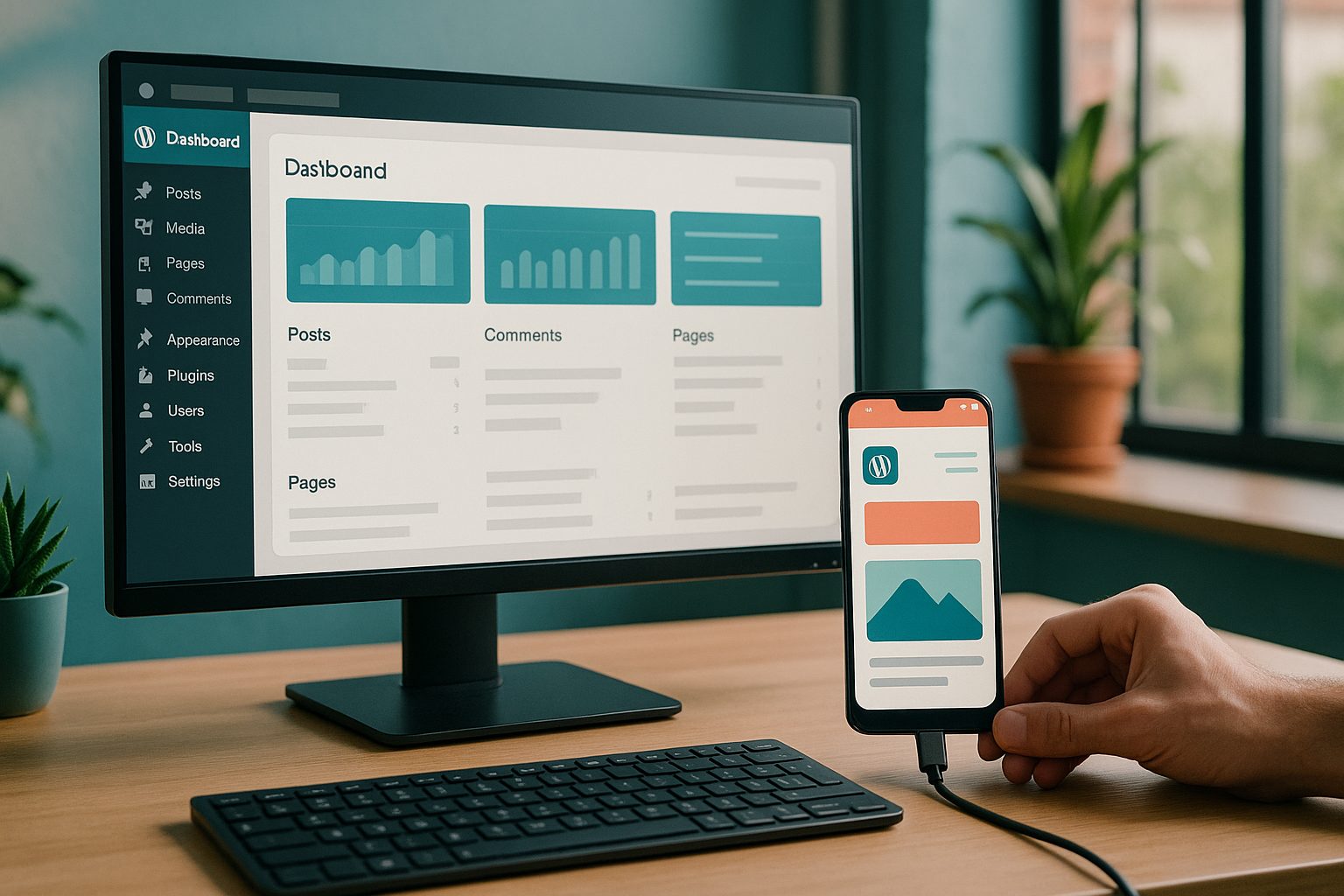
With modern tools like Web2Application, you no longer need to code or hire expensive developers to turn your WordPress site into a hybrid Android or iOS app with a native shell.
What to Prepare Before You Start: WordPress Essentials
Before converting your WordPress site into a mobile app, make sure you have:
- A live, accessible WordPress website
- Administrator access to your site
- Basic branding assets (logo, app icon, splash screen image)
- Optional: WooCommerce installed (if you run an online store)
These essentials ensure a smooth integration and help you make the most of your new app.
Step 1: Connecting Your WordPress Site With Web2Application’s Plugin
Web2Application offers a dedicated WordPress plugin that bridges your website and your mobile app. Here’s how to get started:
- Sign up at Web2Application and create a new app from your dashboard.
- Download the official Web2Application plugin or use the Connect flow from your app dashboard.
- Install and activate the plugin on your WordPress site.
- Copy your unique API key from the Web2Application dashboard and paste it into the plugin settings on your site.
- Save changes to connect your site securely to your app.
This connection syncs your site’s content and unlocks advanced app features.
Step 2: Syncing Content and Enabling Advanced Features
Once connected, your WordPress content (pages, posts, menus) is automatically synced with your app. If you use WooCommerce, products and categories will also appear in your mobile app. With the plugin active, you can:
- Enable live content updates—no manual refresh needed
- Offer Ajax product search for WooCommerce stores
- Integrate with popular page builders like Elementor for custom layouts
This ensures your app always reflects your latest website changes.
Step 3: Customizing Your App’s Design, Navigation, and Splash Screen
In the Web2Application dashboard, you have full control over your app’s appearance:
- Upload your app icon and splash screen
- Choose color schemes to match your branding
- Configure the bottom tab bar menu for easy navigation
- Set your home page and add custom pages using your site builder
Advanced users can even apply custom CSS tweaks for a unique look and feel.
Step 4: Generating and Testing Your Real Android APK (No Coding Needed)
Ready to see your app in action? Web2Application makes it simple:
- In your app dashboard, complete all required settings (icon, splash, configuration).
- Request your APK from the APK Request page.
- Download the APK file once it’s ready.
- Install the APK on your Android device (enable “Install from unknown sources” in your device settings).
This live APK lets you test your app’s features, navigation, and content—just like your future users will experience.
Step 5: Exploring Push Notifications and Premium Features (14-Day Free Trial)
Push notifications are essential for user engagement. With Web2Application, you can:
- Set up push notifications using Google Firebase (guided setup in your dashboard)
- Send instant or scheduled messages to your app users
- Enable programmable personal push notifications for advanced scenarios
Premium features also include store submission support, WhatsApp priority support, and more. You can explore all premium features free for 14 days—no commitment required.
What to Know About App Store Submission for WordPress-Based Apps
Publishing your app on Google Play or the Apple App Store requires meeting certain guidelines:
- Android: Premium users can request submission help directly from the Web2Application dashboard. The team guides you through the Google Play Console process.
- iOS: You’ll need an Apple Developer account. Web2Application supports you through TestFlight testing and Apple’s review process, ensuring your app meets minimum functionality requirements.
With the right setup, your WordPress-powered app can reach a global audience through official app stores.
Ready to Convert Your WordPress Site Into a Mobile App?
Web2Application offers the easiest, most reliable way for WordPress owners to launch a real mobile app—no coding, no headaches. Create Your App Free, generate a test APK, and explore all premium features with a 14-day trial. See how your site looks and performs as a native app today!
Frequently Asked Questions
Do I need to know how to code to convert my WordPress site into a mobile app?
No coding skills are required. Web2Application handles the technical work for you, from plugin integration to APK generation and push notifications.
Will my app update automatically when I change my WordPress site?
Yes. Once your site is connected with the Web2Application plugin, content updates (pages, posts, products) sync automatically to your app.
Can I test my app before publishing it to app stores?
Absolutely. You can generate a real APK file, install it on your Android device, and test all features before deciding to publish.
What features are included in the free trial?
The 14-day free trial lets you generate a test APK and explore premium features such as push notifications, advanced design options, and store submission support.
Does Web2Application support WooCommerce and Elementor?
Yes. Web2Application’s plugin integrates with WooCommerce for product sync and supports Elementor-built pages for custom layouts.
Ready to turn your website into an app?
Create your Android and iOS app without coding. Start free, generate a test APK, and explore Premium features with a 14-day trial.