How to Make a WordPress Site App Without Plugins: The Owner’s Guide to Plugin-Free Conversion
- nir
- July 21, 2026
- Marketing
- Marketing AI
- 0 Comments
Why Go Plugin-Free? The Real Benefits for WordPress Site Owners
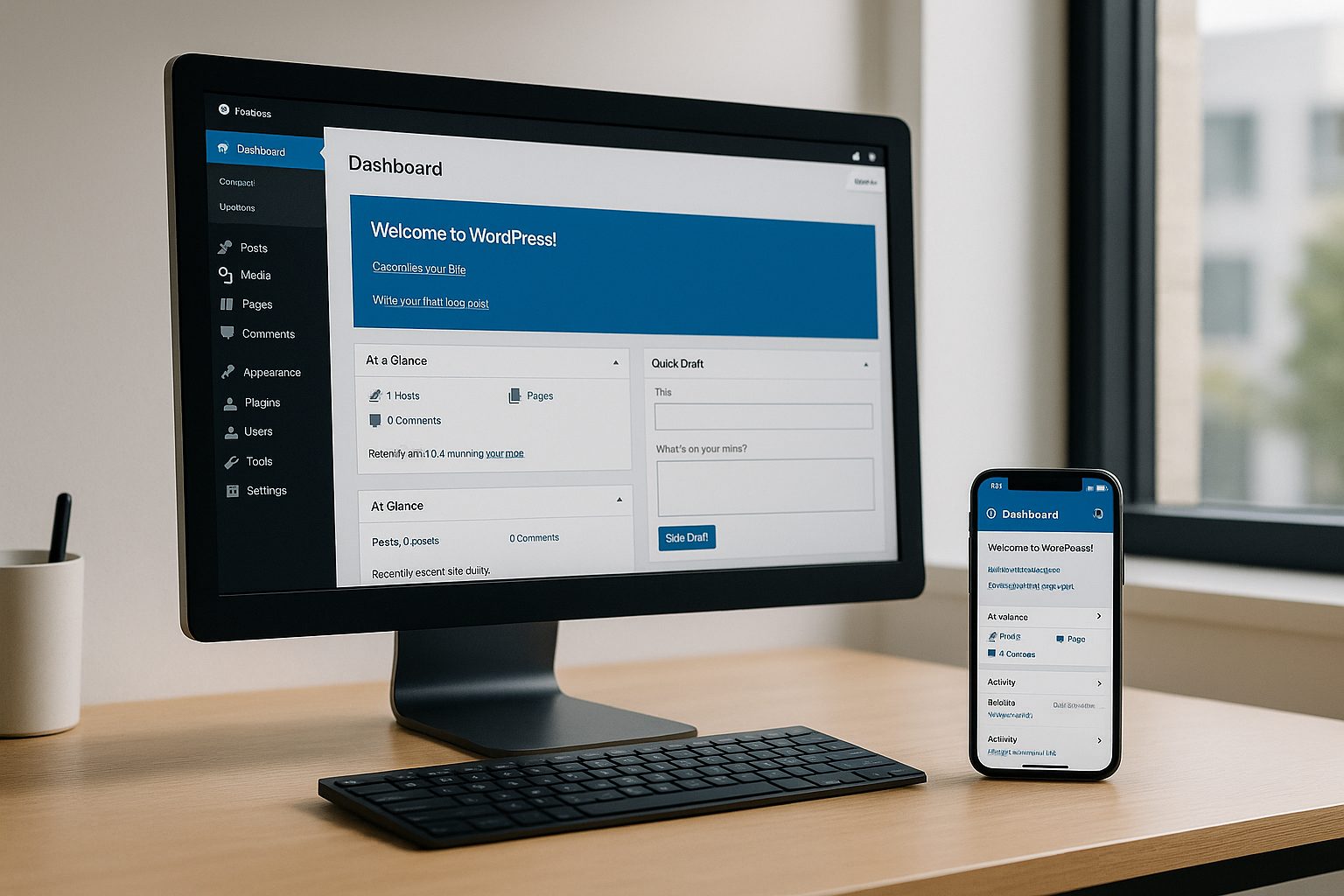
Turning your WordPress site into a mobile app is a smart way to reach more users and boost engagement. But traditional plugin-based solutions come with their own set of challenges—frequent updates, compatibility issues, and added maintenance. If you’re looking for a streamlined, low-maintenance approach, plugin-free app conversion is a game changer.
- Less Maintenance: No need to update or troubleshoot plugins as WordPress or app stores evolve.
- Better Performance: Avoid plugin bloat and keep your website and app running smoothly.
- Greater Flexibility: Use your existing site design and content, without being tied to plugin limitations.
- Enhanced Security: Fewer plugins mean fewer potential vulnerabilities.
Understanding the Pluginless App Conversion Workflow
How can you make a WordPress site app without plugins? The answer lies in using a platform that wraps your existing website into a hybrid mobile app with a native shell, without requiring any plugin installation on your WordPress backend. This approach leverages your live website as the content source, displaying it within a native app shell that can access device features like push notifications.
What Features Can You Get Without a Plugin (and What’s Missing)?
With a plugin-free workflow, you can:
- Display your WordPress site as a native app on Android and iOS
- Customize app design, icons, and splash screens
- Enable push notifications (with some setup, see below)
- Use native navigation menus and tab bars
- Test your app with a downloadable APK
What’s missing? Some advanced integrations—like syncing WooCommerce products or deep linking to specific app screens—may require a plugin or API connection. For most content-driven sites, however, plugin-free conversion covers the essentials.
How to Prepare Your WordPress Site for Plugin-Free App Conversion
- Mobile-Optimize Your Site: Ensure your theme is responsive and loads quickly on mobile devices.
- Streamline Navigation: Simplify menus and avoid pop-ups or overlays that may not translate well to an app interface.
- Test for HTTPS: Secure your site with SSL—app stores require it for approval.
- Check Content Accessibility: Make sure all critical content is visible without login (unless your app will be for members only).
Step-by-Step: Creating a Mobile App From Your WordPress Site Without Plugins Using Web2Application
- Sign Up: Go to Web2Application and create a free account.
- Create New App: In your dashboard, click “Create New App” and enter your WordPress site URL.
- Configure Design: Upload your app icon and splash screen, choose colors, and set up the bottom tab bar menu.
- App Settings: Adjust configuration options for navigation, caching, and permissions as needed.
- Push Notifications (Optional): If you want push notifications, follow the guided setup to connect your app to Google Firebase—no plugin required.
- Save and Build: Save your settings and proceed to request a test APK from the dashboard.
Testing Your App: How to Generate and Install a Free Test APK
- After configuring your app, go to the APK Request section in your Web2Application dashboard.
- Request your APK and wait for the build to complete (usually a few minutes).
- Download the APK file to your Android device.
- Enable “Install from unknown sources” in your device settings and install the app.
- Open your app and browse your WordPress site as a native mobile experience!
You can explore premium features and test your app for 14 days—no payment required.
When (and Why) You Might Still Want to Use a Plugin
For most WordPress sites, plugin-free conversion is fast and hassle-free. However, if you need advanced features—like WooCommerce product syncing, deep linking, or personalized content delivery—a plugin or API connection may be necessary. Web2Application offers a WordPress plugin for these cases, but you’re never required to use it for basic site-to-app conversion.
Troubleshooting and Support: What to Expect With a Plugin-Free Workflow
Since you’re not adding extra plugins, most issues relate to site compatibility or app configuration. If your app isn’t displaying content correctly, check your site’s mobile responsiveness and ensure there are no restrictive pop-ups or scripts. For push notification setup, carefully follow the Firebase integration guide in the Web2Application dashboard.
If you need help, Web2Application’s support team is available via email or WhatsApp, with priority support for premium users.
Ready to Turn Your WordPress Site Into a Mobile App—No Plugins Needed?
Web2Application makes it easy to convert your WordPress website into a hybrid Android and iOS app with a native shell without the hassle of plugins. Create Your App Free, generate a test APK, and explore premium features with a 14-day trial. Experience the benefits of a plugin-free workflow and reach your mobile audience today!
Frequently Asked Questions
Can I turn my WordPress site into a mobile app without any plugins?
Yes! Platforms like Web2Application allow you to convert your WordPress site into a hybrid app with a native shell without installing any plugins. Your site content is displayed in a native app shell, and you can access features like push notifications and custom navigation.
What features are available in a plugin-free WordPress app?
You can display your full website, customize app design, use native navigation, and enable push notifications (with some setup). Advanced features like WooCommerce syncing may require a plugin, but most content sites work well plugin-free.
Is a plugin-free workflow more secure?
Yes. Fewer plugins reduce potential security vulnerabilities and lower the risk of compatibility issues as WordPress updates.
How do I test my WordPress app before publishing?
After creating your app in Web2Application, you can request a free test APK, install it on your Android device, and explore your app’s functionality before deciding to publish.
Do I need to change my WordPress site to make it app-ready?
Ensure your site is mobile-optimized, loads quickly, and uses HTTPS. Simplify navigation and avoid pop-ups for the best in-app experience.
Ready to turn your website into an app?
Create your Android and iOS app without coding. Start free, generate a test APK, and explore Premium features with a 14-day trial.