What Really Changes When You Convert Your WooCommerce Store to a Mobile App? The Owner’s Guide to Real-World Results (With Free APK Testing)
- nir
- July 30, 2026
- Marketing
- Marketing AI
- 0 Comments
What Happens When You Convert WooCommerce to a Mobile App?
Converting your WooCommerce store to a mobile app is more than just a technical upgrade—it’s a strategic move that can transform how customers interact with your business. But what actually changes for you, the store owner, and for your customers once your store is available as a native app on Android and iOS?
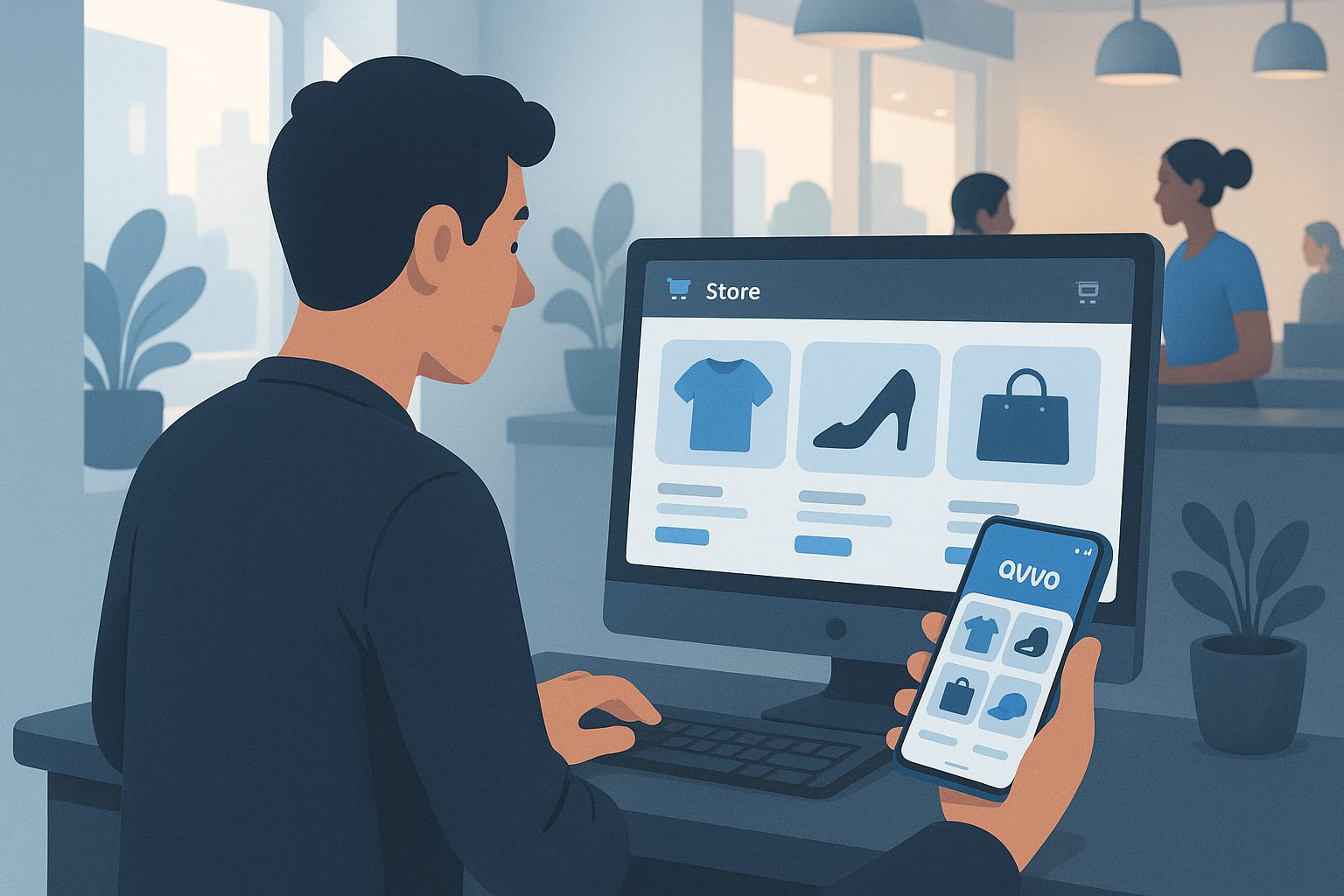
Let’s break down the real-world results, from setup to daily management, and explore how you can preview your app before committing to a full launch.
How Product Sync and Orders Work After Conversion
One of the biggest concerns for WooCommerce store owners is whether product updates, inventory, and orders will stay in sync between the website and the app. With Web2Application, your app is always connected to your live WooCommerce site:
- Real-Time Product Sync: Any changes you make to products, prices, or inventory on your website are instantly reflected in the app. No manual updates required.
- Order Management: Orders placed via the app appear in your WooCommerce dashboard just like website orders, so your workflow doesn’t change.
- Seamless Checkout: Customers use the same secure checkout process they know from your website, now optimized for mobile devices.
Web2Application’s WordPress plugin handles the connection, ensuring your app always shows the latest products and content.
Push Notifications: Real-World Use Cases for Store Owners
Push notifications are a game-changer for engagement—and something a mobile app does better than a website. Here’s how store owners use them in daily operations:
- Promote Flash Sales: Instantly notify app users about limited-time offers or new arrivals.
- Abandoned Cart Reminders: Send reminders to customers who left items in their cart (with programmable notifications for advanced users).
- Order Updates: Keep customers informed about their order status directly on their phone.
With Web2Application, you can enable push notifications using Google Firebase and manage them from your app dashboard—no coding required.
Testing Your WooCommerce App on a Real Device—Before You Commit
Unlike many platforms, Web2Application lets you generate a test APK and install your app on your Android device before you publish or pay. This hands-on testing means you can:
- See exactly how your products and pages look in the app
- Test navigation, checkout, and push notifications
- Share the APK with team members for feedback
This real-device preview helps you spot issues, fine-tune your design, and make sure everything works as expected—long before you submit to the app stores.
What Your Customers Experience in the App vs. Website
For your customers, the app delivers a faster, more immersive shopping experience:
- Mobile-First Design: The app is optimized for small screens, with easy navigation and quick access to products.
- Persistent Login: Customers stay logged in, making repeat purchases simpler.
- Instant Access: The app icon sits on their home screen, so your store is always just a tap away.
- Exclusive Offers: Use push notifications to reward app users with special deals.
The result: higher engagement, more repeat visits, and a direct line to your most loyal shoppers.
Common Post-Conversion Questions and How to Solve Them
- Will my site and app stay in sync? Yes. The Web2Application plugin keeps your app updated with your website’s latest products and content.
- How do I send push notifications? Set up Firebase in your dashboard, then send messages to all users or targeted groups.
- What if the app doesn’t update? Check your plugin connection and clear the app cache. Web2Application’s support team can help troubleshoot.
- Can I test before launching? Absolutely—you can generate a test APK and try all features before submitting to app stores.
How to Get Started With Web2Application (Free Test APK + 14-Day Premium Trial)
Ready to see the real-world benefits of converting your WooCommerce store to a mobile app? Web2Application makes it simple:
- Sign up free at Web2Application
- Create your app in the dashboard and connect your WooCommerce site using the plugin
- Customize your app’s design, icon, and splash screen
- Request a test APK and install it on your Android device
- Explore Premium features—including push notifications and store submission support—with a 14-day free trial
Don’t just imagine the possibilities—experience them on your own device. Create Your App Free, generate a test APK, and discover how easy it is to convert your WooCommerce store to a mobile app with Web2Application.
Related articles
Frequently Asked Questions
Will my WooCommerce products and orders stay in sync after converting to a mobile app?
Yes. With Web2Application, your app is always connected to your WooCommerce site. Any changes to products, inventory, or orders on your website are instantly reflected in the app, and all app orders appear in your WooCommerce dashboard.
Can I test my WooCommerce app before publishing it to app stores?
Absolutely. Web2Application lets you generate a test APK and install your app on an Android device. You can preview your app, test features, and make adjustments before committing to store submission.
Do I need coding skills to convert my WooCommerce store to a mobile app?
No coding is required. Web2Application provides a user-friendly dashboard and a WordPress plugin that handles the connection and sync for you.
How do push notifications work for my WooCommerce app?
Once you set up Firebase in your Web2Application dashboard, you can send push notifications to all app users or targeted groups. Use them for promotions, order updates, or abandoned cart reminders.
What happens if my app content doesn’t update?
First, check that the Web2Application plugin is connected and the API key is correct. If issues persist, try clearing the app cache or reinstalling the APK. Web2Application’s support team is available for troubleshooting.
Ready to turn your website into an app?
Create your Android and iOS app without coding. Start free, generate a test APK, and explore Premium features with a 14-day trial.