What Really Happens After You Turn Your Website Into an App: The Owner’s Guide to Testing, Launch Prep, and Next Steps
- nir
- August 5, 2026
- Marketing
- Marketing AI
- 0 Comments
What Happens After You Convert: The Real Post-Conversion Workflow
Turning your website into a mobile app is an exciting leap, but what actually happens after you hit that convert button? If you’re searching for how to make app from website, you’re likely looking for more than just a technical checklist. You want to know what the journey looks like from an owner’s perspective—especially if you have no coding experience. Here’s a transparent, step-by-step walkthrough of what to expect, how to test your new app, and how to get ready for launch, all with Web2Application as your guide.
How to Test Your New App With a Real APK (Before You Commit)
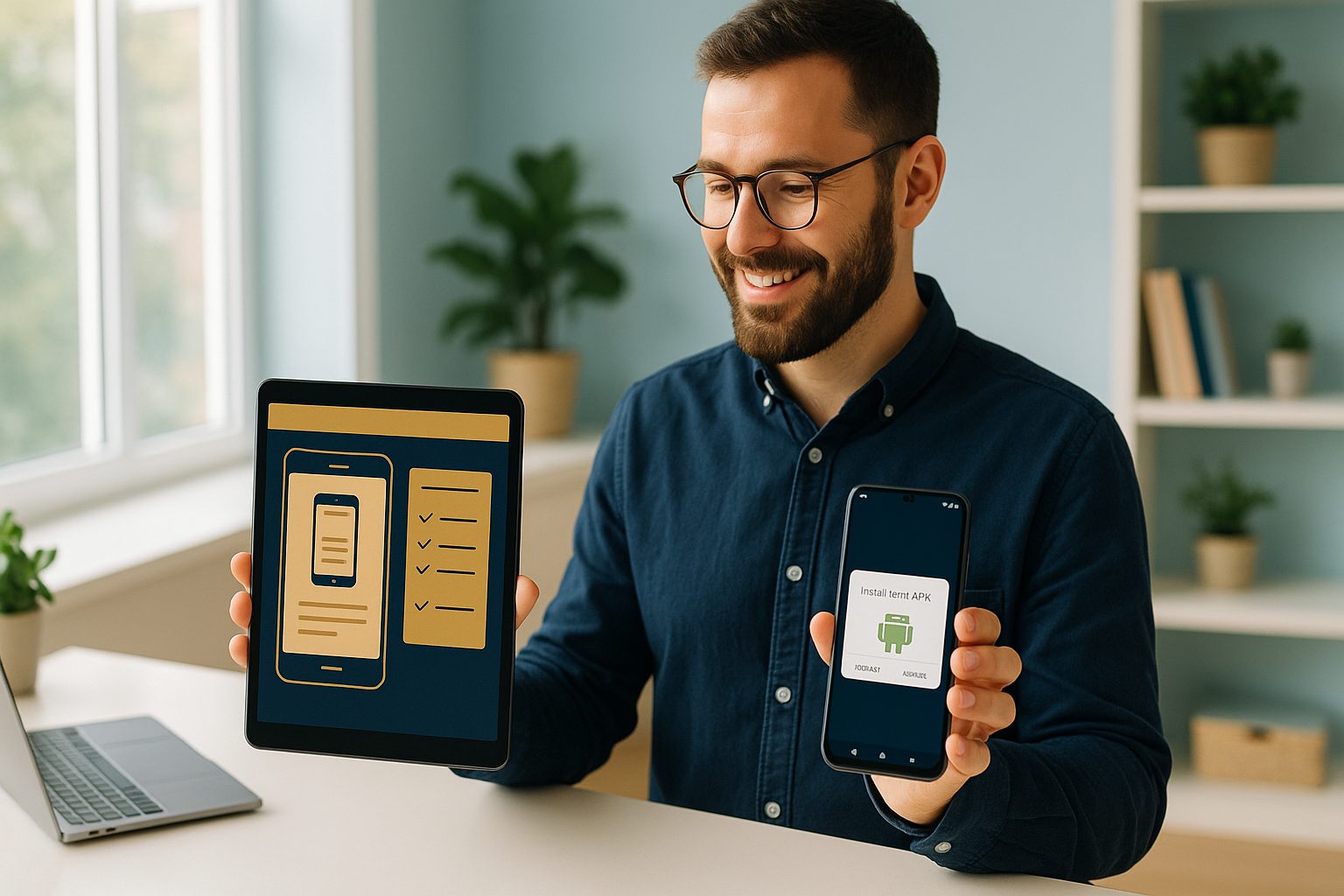
One of the biggest advantages of using a platform like Web2Application is the ability to test your app with a real APK before you make any commitments. Here’s how the process works:
- Sign up and create your app: Register at Web2Application and start a new app project in your dashboard.
- Configure your app: Upload your app icon and splash screen, set up the bottom tab bar, and adjust basic settings. No coding required.
- Connect push notifications (optional): Set up Google Firebase in the dashboard if you want to test push notifications later.
- Request your APK: From the dashboard, request a test APK. Once generated, download it and install on your Android device (make sure to enable “Install from unknown sources”).
- Experience your app firsthand: This is your chance to see exactly how your website feels as a native app, check navigation, and spot any needed tweaks.
This hands-on step is crucial. You’re not just previewing a simulation—you’re holding your app, as your future users will.
Design Tweaks and Feature Upgrades: What’s Possible and What’s Not
After testing your APK, you’ll probably spot areas for improvement. Web2Application lets you:
- Change app design: Update your icon, splash screen, and color scheme directly from the dashboard.
- Customize navigation: Edit the bottom tab bar and add quick links to key site sections.
- Integrate with WordPress: If your site runs on WordPress, connect the Web2Application plugin for deeper integration and dynamic content syncing.
- Advanced tweaks: For those comfortable with CSS, you can further style your app for a unique look.
Some features—like push notifications, advanced automations, and store submission support—are unlocked with a Premium plan, but you can explore them during your free trial.
Preparing for Google Play and Apple App Store Submission
Once you’re happy with your app, it’s time to think about launching it to the world. Here’s what to expect:
- Google Play: Premium users can request submission support directly from the dashboard. You’ll need a Google Play Developer account, and the Web2Application team will guide you through the process.
- Apple App Store: Apple’s guidelines require some native functionality, which Web2Application apps provide (push, navigation, etc.). You’ll need an Apple Developer account and can request submission assistance from the dashboard.
- Testing with TestFlight: For iOS, you can test your app using Apple’s TestFlight before final submission.
Preparation is key: make sure your app meets store guidelines, your content is up to date, and your branding is polished.
Common Surprises (and How to Avoid Them) After Conversion
- Content not updating? Double-check your WordPress plugin connection and API key. Clear the app cache or reinstall the APK if needed.
- Push notifications not working? Ensure Firebase is set up and your app is on a Premium plan. Also, check device notification permissions.
- APK won’t download? Make sure you’ve completed all required setup steps in the dashboard.
Most issues are resolved quickly with Web2Application’s support resources and WhatsApp help for Premium users.
How to Enable Push Notifications and Real-Time Updates
Push notifications are a powerful way to engage your app users. With Web2Application, you can:
- Enable push notifications via Google Firebase in your dashboard
- Send instant messages to all users or targeted segments
- Set up programmable, personalized notifications (advanced)
For WordPress and WooCommerce sites, you can also sync content and product updates in real time using the plugin.
What to Expect From Premium Features and Free Trials
Web2Application offers a generous 14-day free trial so you can explore Premium features without risk. During the trial, you can:
- Test push notifications
- Access store submission support
- Get priority WhatsApp help
- Try advanced automations and Member Club features
If you decide not to upgrade, you can cancel anytime—no hidden fees, and your access continues until the end of the paid period.
Why Web2Application Makes the Post-Conversion Journey Smoother
Unlike generic app builders, Web2Application is designed for website owners who want a clear, supportive path from website to app store. You get:
- Step-by-step dashboard guidance
- Real APK testing before you commit
- Flexible design and feature options
- Expert support for app store submission
- Seamless WordPress integration
Ready to see your website as a real app? Create Your App Free with Web2Application, generate a test APK, and explore Premium features with a 14-day trial. Experience the difference of a platform built for owners, not just developers.
Related articles
- Beyond Launch: How to Make an App From Your Website—The Complete Owner’s Workflow (With Real Testing, Push, and Ongoing Sync)
- How to Turn Your Website Into a Mobile App—No Coding, No Hassle: The 2024 Automation Guide
Frequently Asked Questions
Do I need to know how to code to make an app from my website?
No coding is required. Platforms like Web2Application guide you through the process with a user-friendly dashboard, letting you convert your website into a mobile app without technical skills.
Can I test my app before publishing it to app stores?
Yes. With Web2Application, you can generate a real APK to install and test your app on your Android device before committing to a store submission or premium plan.
What should I check before submitting my app to Google Play or the App Store?
Ensure your app has a unique icon and splash screen, meets content guidelines, has push notifications set up (if desired), and that your website is accessible. Web2Application provides submission support for both stores.
How do push notifications work after converting my website to an app?
After setting up Google Firebase in your Web2Application dashboard, you can send push notifications directly to your app users, keeping them engaged with updates, offers, or news.
What happens if I cancel my Premium subscription?
If you cancel, your Premium features remain active until the end of your paid period. You can manage your subscription from the Web2Application dashboard.
Ready to turn your website into an app?
Create your Android and iOS app without coding. Start free, generate a test APK, and explore Premium features with a 14-day trial.