From Website to Real App: The Honest, Visual Step-by-Step Walkthrough (With Free Testing and Push Notifications)
- nir
- August 19, 2026
- Marketing
- Marketing AI
- 0 Comments
What Does It Really Take to Make an App From Your Website?
For website owners, the idea of launching a mobile app can feel overwhelming. You might wonder: Do I need to code? Will it be expensive? Can I test before I commit? The good news is that modern website-to-app builders make the process fast, visual, and accessible—even for non-technical users.
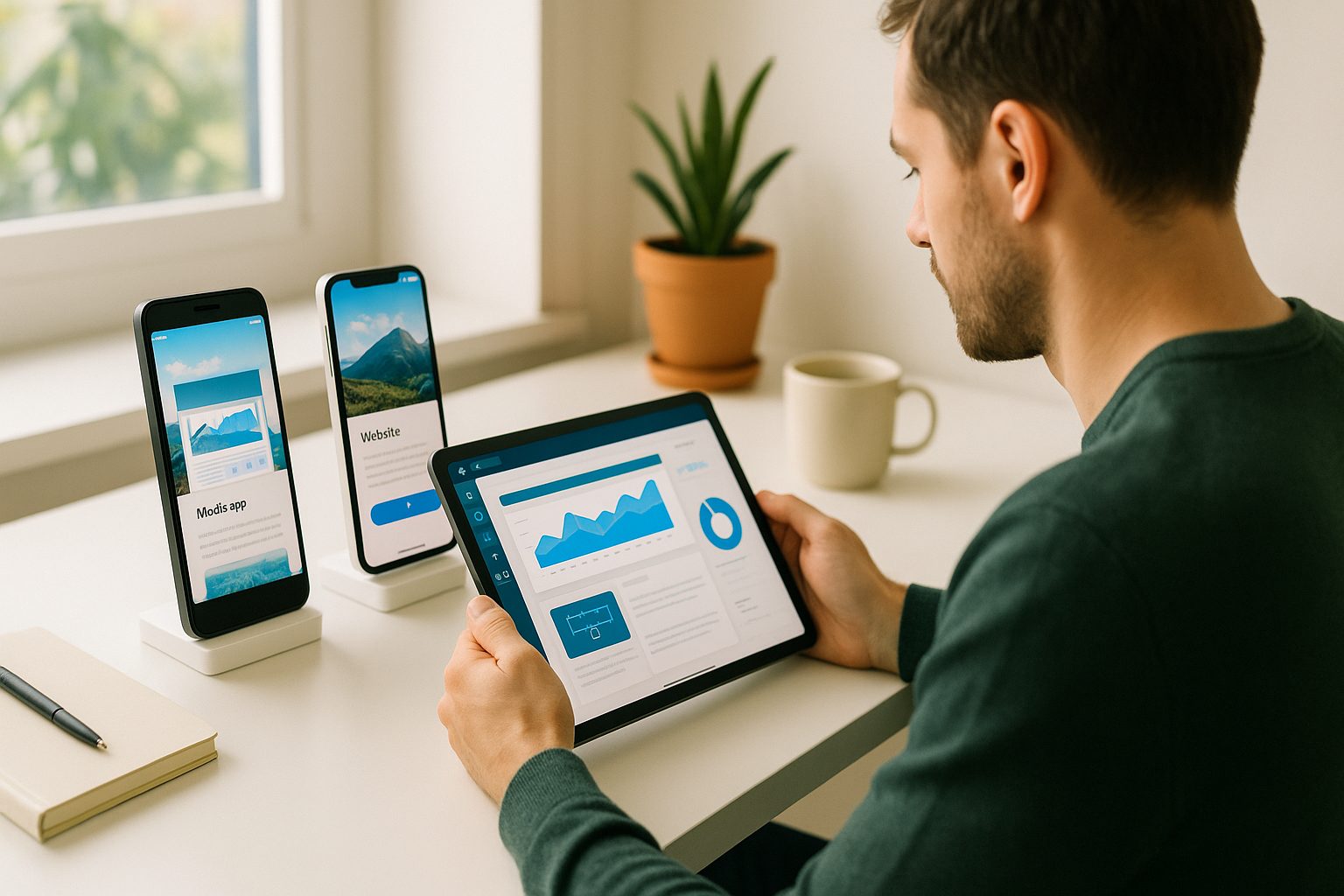
This guide gives you an honest, step-by-step walkthrough of how to make an app from a website using Web2Application. You’ll see exactly what to expect, from your first dashboard login to generating a real test APK and enabling push notifications. No guesswork, no jargon—just a clear path from website to real app.
Choosing the Right Website-to-App Builder: What to Look For
- Visual dashboard: Should let you preview your app as you build.
- Free testing: Ability to generate a test APK before any commitment.
- Push notifications: Built-in support for sending messages to users.
- Easy customization: Options for branding, navigation, and layout.
- Store submission support: Guidance for Google Play and Apple App Store (for when you’re ready to publish).
Web2Application stands out by offering all of these, plus a risk-free 14-day trial of premium features.
Step 1: Sign Up and Start Your App Project
- Go to web2application.com and create a free account.
- Once inside the dashboard, click “Create New App.”
- Enter your website URL and basic app details (name, description, etc.).
- Upload your app icon and splash screen for branding.
You’ll see a live preview of how your website will look as a mobile app—right in the dashboard.
Step 2: Configure Design, Navigation, and Essential Features
- Customize your app’s color scheme, icon, and splash screen to match your brand.
- Add a bottom tab bar menu for easy navigation (choose which pages or sections to feature).
- Set up your home page and additional app pages—use your website’s existing structure or create custom layouts.
- For WordPress sites, install the free Web2Application plugin to sync content and unlock extra features (like WooCommerce product search).
All changes are visual and immediate—no coding required. Advanced users can tweak the app with custom CSS for a unique look.
Step 3: Set Up Push Notifications (With Google Firebase)
- In your app dashboard, go to Push Settings.
- Follow the built-in wizard to connect your Google account and set up a Firebase project.
- Once connected, you can send push notifications directly from your dashboard—great for updates, promotions, or news.
- Advanced users can even set up programmable personal notifications.
Push notifications are a powerful way to engage your app users and drive repeat visits.
Step 4: Generate and Test Your Free APK Instantly
- When your app setup is ready, request a test APK from the APK Request page in your dashboard.
- Download the APK file and install it on your Android device (enable “Install from unknown sources” in your device settings).
- See your real app in action—navigate, test push notifications, and check how your website content displays on mobile.
This free APK lets you experience your app exactly as your users will, before you decide to publish or upgrade.
Step 5: Exploring Premium Features—What You Can Try Free for 14 Days
- Unlock advanced features like unlimited push notifications, store submission support, and priority WhatsApp support.
- Test all premium options for 14 days—no risk, no commitment.
- Decide if and when you want to upgrade; your trial lets you experience the full potential of your app.
What Happens Next? Submitting to Stores and Ongoing Management
When you’re ready, Web2Application guides you through submitting your app to Google Play and the Apple App Store. You’ll get:
- Step-by-step instructions for opening developer accounts
- Assistance with app submission and review processes
- Easy updates and ongoing management from your dashboard
With your app live, you can promote it, send smart download links, and keep users engaged with push notifications and new features.
Ready to Turn Your Website Into a Real App?
Now you know how to make an app from a website—from first click to free APK testing and push notifications. Web2Application makes the entire process visual, honest, and accessible for every website owner.
Create Your App Free — generate a test APK, set up push notifications, and explore all premium features with a 14-day trial. No coding, no risk—just your website, transformed into a real app.
Frequently Asked Questions
Do I need to know how to code to make an app from my website?
No coding is required. Platforms like Web2Application provide a visual dashboard where you can configure, preview, and test your app without any programming knowledge.
Can I test my app before publishing it to app stores?
Yes! With Web2Application, you can generate a free test APK to install on your Android device. This lets you see your app in action before you decide to publish or upgrade.
How do push notifications work in my app?
Web2Application integrates with Google Firebase so you can set up and send push notifications to your app users directly from your dashboard. This keeps your audience engaged with updates and promotions.
What happens after the 14-day premium trial?
After your trial, you can choose to upgrade to a premium plan to keep advanced features like unlimited push notifications and store submission support. If you decide not to upgrade, your app will remain on the free plan with limited features.
Can I create an app from any type of website?
Most websites can be converted, including WordPress, WooCommerce, and custom-built sites. For WordPress, a free plugin is available to sync content and enable extra features.
Ready to turn your website into an app?
Create your Android and iOS app without coding. Start free, generate a test APK, and explore Premium features with a 14-day trial.