From Website to iPhone App: A Transparent Walkthrough (With Real App Store Hurdles and How to Overcome Them)
- nir
- August 11, 2026
- Marketing
- Marketing AI
- 0 Comments
Why Convert Your Website to an iPhone App? (Beyond the Basics)
Mobile users expect more than a mobile-friendly website—they want the speed, convenience, and features of a native app. By turning your website into an iPhone app, you unlock:
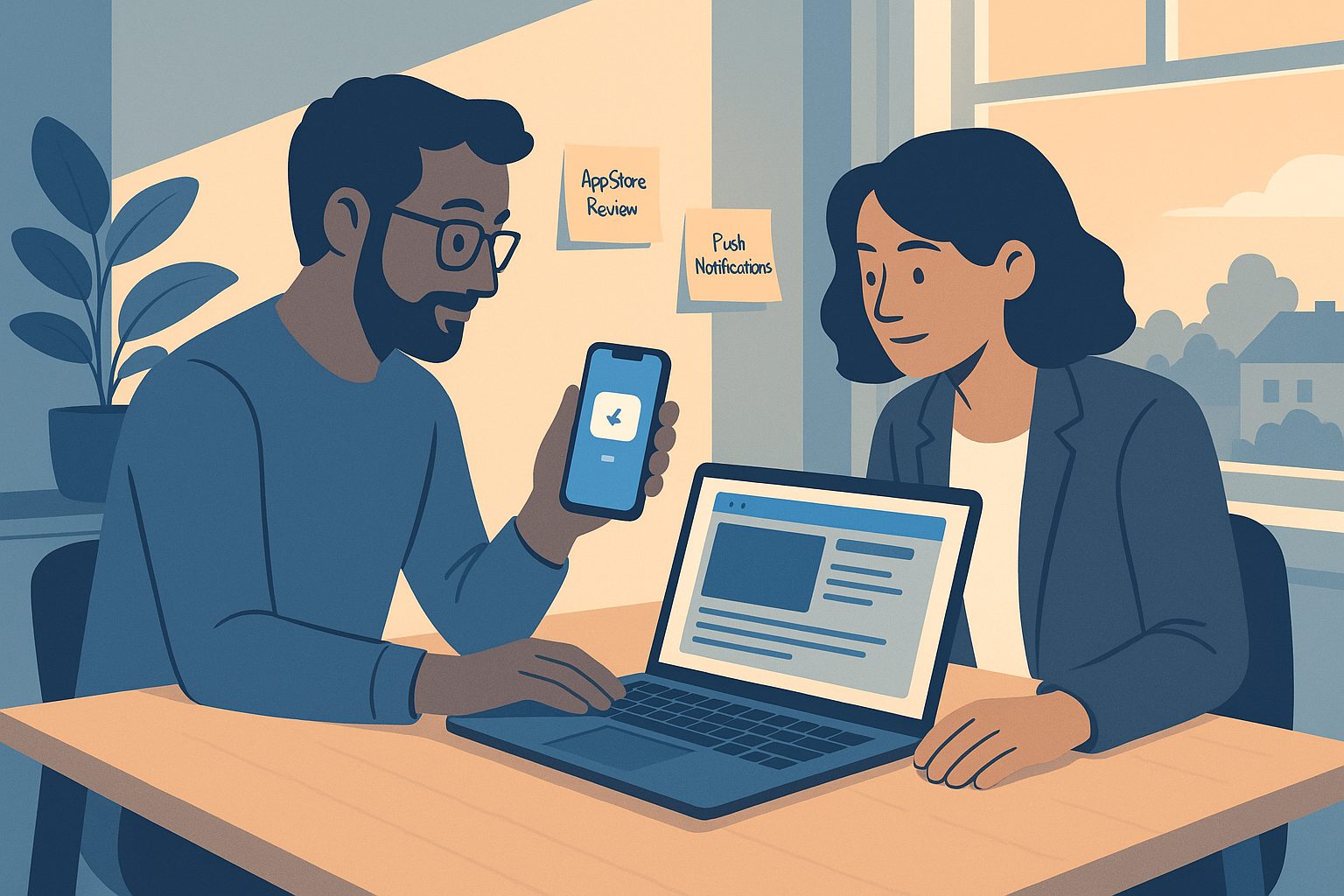
- Push notifications to re-engage users instantly
- App Store presence for brand credibility and discoverability
- Offline access and smoother user experience
- Direct access from the home screen—no browser needed
But the path from website to iOS app isn’t always straightforward. Apple’s guidelines are strict, and many first-time app creators hit unexpected roadblocks. Let’s break down what Apple really wants, and how to get your app approved the first time.
What Apple Really Wants: Demystifying App Store Requirements for Website-Based Apps
Apple’s App Store Review Guidelines are famously tough—especially for apps that simply wrap a website. Here’s what you need to know:
- Minimum Functionality (Guideline 4.2): Apple rejects apps that are just basic webviews. Your app must offer meaningful native features—like push notifications or native menus.
- Design Consistency: The app should look and feel like an iOS app, not just a shrunken website. Custom icons, splash screens, and smooth navigation are key.
- Performance & Security: The app must load quickly, handle errors gracefully, and protect user data.
Many app builders leave you to figure this out alone. Web2Application is designed to meet Apple’s requirements, adding native features and guiding you through every step.
Step-by-Step: Turning Your Website into an iPhone App with Web2Application (No Coding Needed)
- Sign Up at Web2Application
Start your free trial and access the intuitive dashboard. - Create Your App Project
Enter your website URL, app name, and select iOS as your target platform. - Customize App Design
Upload your app icon and splash screen, set colors, and configure the bottom tab bar for smooth navigation. - Add Native Features
Enable push notifications with built-in Firebase integration. Add native menus, smart download links, and more—no coding required. - Test Your App
Request an iOS build and test it on your device using Apple TestFlight. Make sure everything looks and works as expected. - Prepare for App Store Submission
Follow Apple’s guidelines (Web2Application provides checklists and tips), then request submission from your dashboard. The team helps you through the process.
With Web2Application, you don’t need to worry about Xcode, certificates, or code signing—the platform handles the technical details for you.
Real-World Hurdles: Common App Store Roadblocks and How to Solve Them
- “Your app is primarily a website”: Apple may reject your app if it feels too much like a webview.
Solution: Use Web2Application’s native push and navigation to add value beyond your website. - Design or icon issues: Low-res icons or generic splash screens can trigger rejections.
Solution: Upload high-quality, unique assets in the dashboard. - Missing privacy info: Apple requires clear privacy policies and data handling disclosures.
Solution: Web2Application prompts you to add these before submission.
Web2Application’s support team is experienced with Apple’s review process and can help you respond to feedback, make adjustments, and resubmit if needed.
Going Live: Submitting Your App and What to Expect During Review
Once you’re ready, you’ll need an Apple Developer Account ($99/year). Web2Application guides you through connecting your account and submitting your app for review. Here’s what happens next:
- Automated checks: Apple scans your app for policy compliance and technical issues.
- Manual review: An Apple reviewer tests your app, checks for native features, and reviews your metadata.
- Approval or feedback: If approved, your app goes live. If not, you’ll receive feedback—Web2Application can help you address any issues quickly.
After Launch: Managing Updates, Push Notifications, and User Feedback
Launching your app is just the beginning. With Web2Application, you can:
- Send push notifications to engage users with news, offers, and updates
- Update your app’s content—changes on your website are reflected in the app automatically
- Release new app versions through the dashboard as your business evolves
- Monitor user feedback and respond to reviews on the App Store
Tips for Keeping Your App Approved and Engaging on iOS
- Regularly review Apple’s App Store Guidelines
- Keep your app icon, splash screen, and content fresh
- Use push notifications thoughtfully—don’t spam users
- Respond to user feedback and fix issues promptly
- Take advantage of Web2Application’s Member Club for exclusive features and automations
Ready to Turn Your Website into an iPhone App?
Don’t let App Store hurdles hold you back. Web2Application makes it easy for anyone to turn a website into an iPhone app, add native features, and get approved—no coding required. Sign up today and see how simple mobile app publishing can be!

Frequently Asked Questions
Can I turn my website into an iPhone app without coding?
Yes! With Web2Application, you can convert your website into a hybrid iOS app with a native shell using a simple dashboard—no coding required. The platform handles technical details like push notifications, native menus, and App Store submission.
What are the main hurdles when submitting a website-based app to the App Store?
Apple requires apps to offer more than just a webview. Common hurdles include lack of native features, poor design, and missing privacy information. Web2Application helps you meet all requirements and guides you through the review process.
How do I test my iPhone app before it goes live?
After building your app in Web2Application, you can test it on your iPhone using Apple TestFlight. This lets you experience the app as users will and make changes before submitting to the App Store.
What happens if Apple rejects my app?
If your app is rejected, Apple will provide feedback. Web2Application’s support team can help you address the issues, make necessary changes, and resubmit your app for review.
How do I keep my iPhone app updated after launch?
With Web2Application, your app content updates automatically as you update your website. You can also release new app versions, send push notifications, and manage user feedback from your dashboard.
Ready to turn your site into an app?
Create your app with Web2Application — convert your website to Android and iOS apps.
Frequently Asked Questions
- What is a hybrid app and how does Web2Application build iPhone apps?
- Web2Application creates hybrid Android and iOS apps with a native Java and Swift shell, including native tabs, push notifications, and deep links. Your website content loads inside a WebView, combining native features with your live website.
- Do I need coding skills to convert my website into an iPhone app?
- No coding is required. Web2Application’s dashboard guides you through app creation, design customization, and native feature integration like push notifications, all without programming.
- How does Web2Application help with Apple App Store approval?
- Web2Application ensures your app meets Apple’s guidelines by adding native functionality, design consistency, and performance optimizations. The platform provides checklists and submission support to navigate common App Store hurdles.
- Can I test my iPhone app before submitting to the App Store?
- Yes. You can request an iOS build through Web2Application and test it on your device using Apple TestFlight to verify design and functionality before submission.
- Is offline access supported in apps created with Web2Application?
- No. Web2Application apps display your live website content inside the app and require an internet connection to function.
- What are the costs involved in using Web2Application?
- You can start free by generating a test APK for Android and exploring Premium features with a 14-day trial. Paid plans start at $14.90/month. You need your own Apple developer account for iOS app submission.
Schema.org FAQ Structured Data
Ready to Turn Your Website into an iPhone App?
Web2Application offers a transparent, step-by-step solution to convert your website into a hybrid iOS app with a native shell, native tabs, push notifications, and more—all without coding.
Generate your iOS test build, explore Premium features with a 14-day trial, and get expert guidance to overcome App Store hurdles.
Frequently Asked Questions
What is a hybrid app and how does Web2Application build iPhone apps?
Web2Application creates hybrid Android and iOS apps with a native Java and Swift shell, including native tabs, push notifications, and deep links. Your website content loads inside a WebView, combining native features with your live website.
Do I need coding skills to convert my website into an iPhone app?
No coding is required. Web2Application’s dashboard guides you through app creation, design customization, and native feature integration like push notifications, all without programming.
How does Web2Application help with Apple App Store approval?
Web2Application ensures your app meets Apple’s guidelines by adding native functionality, design consistency, and performance optimizations. The platform provides checklists and submission support to navigate common App Store hurdles.
Can I test my iPhone app before submitting to the App Store?
Yes. You can request an iOS build through Web2Application and test it on your device using Apple TestFlight to verify design and functionality before submission.
Is offline access supported in apps created with Web2Application?
No. Web2Application apps display your live website content inside the app and require an internet connection to function.
What are the costs involved in using Web2Application?
You can start free by generating a test APK for Android and exploring Premium features with a 14-day trial. Paid plans start at $14.90/month. You need your own Apple developer account for iOS app submission.