Website App Builder Alternatives: How to Find a Smarter, More Owner-Friendly Solution (With Real Test APK and No Plugin Lock-In)
- nir
- September 8, 2026
- Marketing
- Marketing AI
- 0 Comments
Why Website Owners Seek App Builder Alternatives: The Real Pain Points
Converting your website into a mobile app should be empowering—not limiting. Yet, many website owners find themselves frustrated with mainstream app builders that promise simplicity but deliver restrictions. Common pain points include:
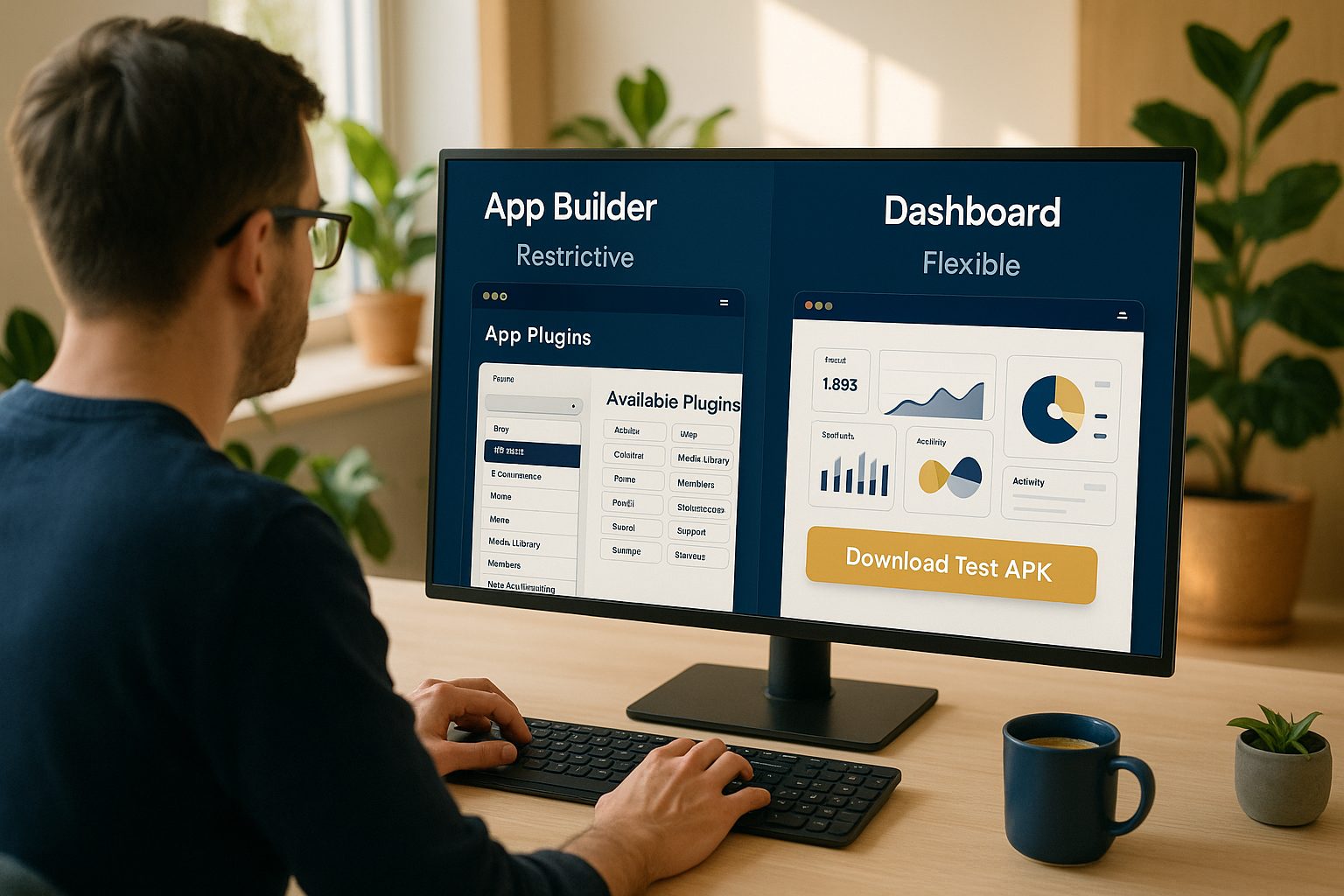
- Plugin lock-in: Some platforms require heavy plugins or integrations that slow down your site or limit your freedom to switch providers.
- Lack of real testing: Many builders only offer limited previews or simulators, making it hard to see how your app will actually work on a device before you pay.
- Opaque pricing and features: Hidden fees, unclear upgrade paths, and confusing feature sets can leave owners feeling trapped.
- Limited control: Some builders restrict customization or make it difficult to update your app as your business grows.
These frustrations drive the search for a website app builder alternative—one that’s transparent, flexible, and truly owner-first.
What Makes an App Builder Truly Owner-Friendly?
When evaluating alternatives, look for features and workflows that prioritize your control and transparency. A genuinely owner-friendly app builder should offer:
- Freedom from plugin lock-in: Your website should remain fast and independent, with optional integrations only when needed.
- Real device testing: The ability to generate and install a test APK on your Android device before making a commitment.
- Clear, upfront feature access: Know exactly what’s included in free and premium plans, with no hidden surprises.
- Easy customization: Simple tools to brand your app, adjust navigation, and tweak design—without complex coding.
- Support for store guidelines: Guidance for meeting Google Play and Apple App Store requirements, so your app is ready for launch.
How to Avoid Plugin Lock-In and Platform Restrictions
Some app builders require you to install proprietary plugins that can slow down your website, create compatibility issues, or make it hard to leave the platform later. To avoid these pitfalls:
- Choose a builder that works with your existing website as-is, using plugins only for optional features (like advanced WordPress integrations).
- Check if the app builder allows you to test and update your app independently, without being tied to a single workflow or plugin ecosystem.
- Ensure you retain control over your website and app content at all times.
Web2Application, for example, lets you connect your website with or without a plugin—giving you flexibility and peace of mind.
The Power of Real Testing: Why a Free Test APK Matters
Would you launch a product without seeing it in action? The same goes for your mobile app. Many builders only offer browser previews or screenshots, but nothing compares to installing a real APK on your own device. Here’s why this matters:
- Experience your app as users will: Test navigation, design, and performance on a real phone or tablet.
- Spot issues early: Identify bugs, layout problems, or missing features before committing to a paid plan.
- Share with your team: Get feedback from stakeholders by sharing the APK for hands-on testing.
Web2Application makes this easy—generate a test APK free, install it instantly, and see your website as a native app before upgrading.
Feature Checklist: Comparing the Best Website App Builder Alternatives
| Feature | Web2Application | Typical Builder |
|---|---|---|
| Free test APK (real device) | Yes | Rarely |
| No plugin lock-in | Yes | Often required |
| Push notifications (Premium) | Yes (with Firebase) | Varies |
| App Store submission support | Yes (Premium) | Varies |
| WordPress integration | Optional plugin | Often mandatory |
| Transparent pricing | Yes | Varies |
| Owner control & easy updates | Yes | Often limited |
How Web2Application Puts Owners in Control (With Transparent Steps)
Web2Application is designed for website owners who value flexibility, transparency, and real-world testing. Here’s how it stands out as a website app builder alternative:
- Sign up free and start building your app without any upfront commitment.
- Configure your app—set your icon, splash screen, and navigation, all from a clean dashboard.
- Test with a real APK—download and install your app on your Android device, no payment required.
- Optional WordPress plugin—use only if you want to sync content or enable advanced features.
- Explore Premium features—try push notifications, store submission support, and more with a 14-day free trial.
- Transparent billing—clear upgrade paths, easy cancellations, and no hidden fees.
Step-by-Step: Creating Your App Free and Exploring Premium Features
- Sign up at Web2Application.com.
- Create a new app in your dashboard—enter your website URL and basic details.
- Customize your app—upload your icon, set your splash screen, and adjust navigation as needed.
- Request your test APK—download and install it on your Android device to see your app in action.
- Connect the WordPress plugin (optional) if you want to sync posts, products, or advanced features.
- Start your 14-day Premium trial—explore push notifications, store submission support, and more.
- Decide at your own pace—upgrade only if you’re satisfied with the results.
With Web2Application, you’re never locked in and always in control.
Next Steps: How to Choose the Right Alternative for Your Website
Choosing a website app builder alternative is about more than features—it’s about finding a platform that respects your ownership, time, and business goals. Look for:
- Real device testing before you pay
- No plugin lock-in or forced integrations
- Transparent pricing and feature access
- Clear support for app store guidelines
- Owner-first workflows and easy updates
Ready to experience a smarter, more owner-friendly solution? Create Your App Free with Web2Application—generate a real test APK, explore Premium features for 14 days, and see how easy it is to put your website in your pocket.
Related articles
- Beyond the Usual: Real Website App Builder Alternatives for Owners Who Want More Control (With Free Test APKs and Transparent Workflows)
- Why Website Owners Seek App Builder Alternatives: Real Reasons, Smarter Workflows, and How to Test Free Before You Commit
Frequently Asked Questions
What is a website app builder alternative?
A website app builder alternative is a platform that offers a different, often more flexible or transparent way to convert your website into a mobile app. These alternatives focus on owner control, real testing, and avoiding common frustrations like plugin lock-in or unclear pricing.
Why should I avoid plugin lock-in with app builders?
Plugin lock-in can slow down your website, create compatibility issues, and make it difficult to switch platforms in the future. Choosing a builder that doesn’t require mandatory plugins gives you more freedom and control.
Can I test my app before paying with Web2Application?
Yes! Web2Application lets you generate a real APK for your Android device, so you can test your app’s look and functionality before committing to a paid plan.
Is the WordPress plugin required to use Web2Application?
No, the WordPress plugin is optional. You can create and test your app without it, and only use the plugin if you want to sync content or enable advanced features.
What premium features can I try during the trial?
During your 14-day free trial, you can explore push notifications, store submission support, and other premium features to see if they fit your needs.
Ready to turn your website into an app?
Create your Android and iOS app without coding. Start free, generate a test APK, and explore Premium features with a 14-day trial.