Web2Application vs. Other App Builders: A Transparent Workflow Comparison for Website Owners
- nir
- August 31, 2026
- Marketing
- Marketing AI
- 0 Comments
Why Compare Website-to-App Builders in 2024?
With mobile usage at an all-time high, turning your website into a hybrid mobile app with a native shell is no longer just a nice-to-have—it’s a necessity for engaging customers and staying competitive. But with so many app builders on the market, how do you choose the right one? Most comparison guides list features, but few dive into the actual workflow and user experience. If you’re a website owner looking for a fast, no-code solution, understanding the real steps and support available is crucial.
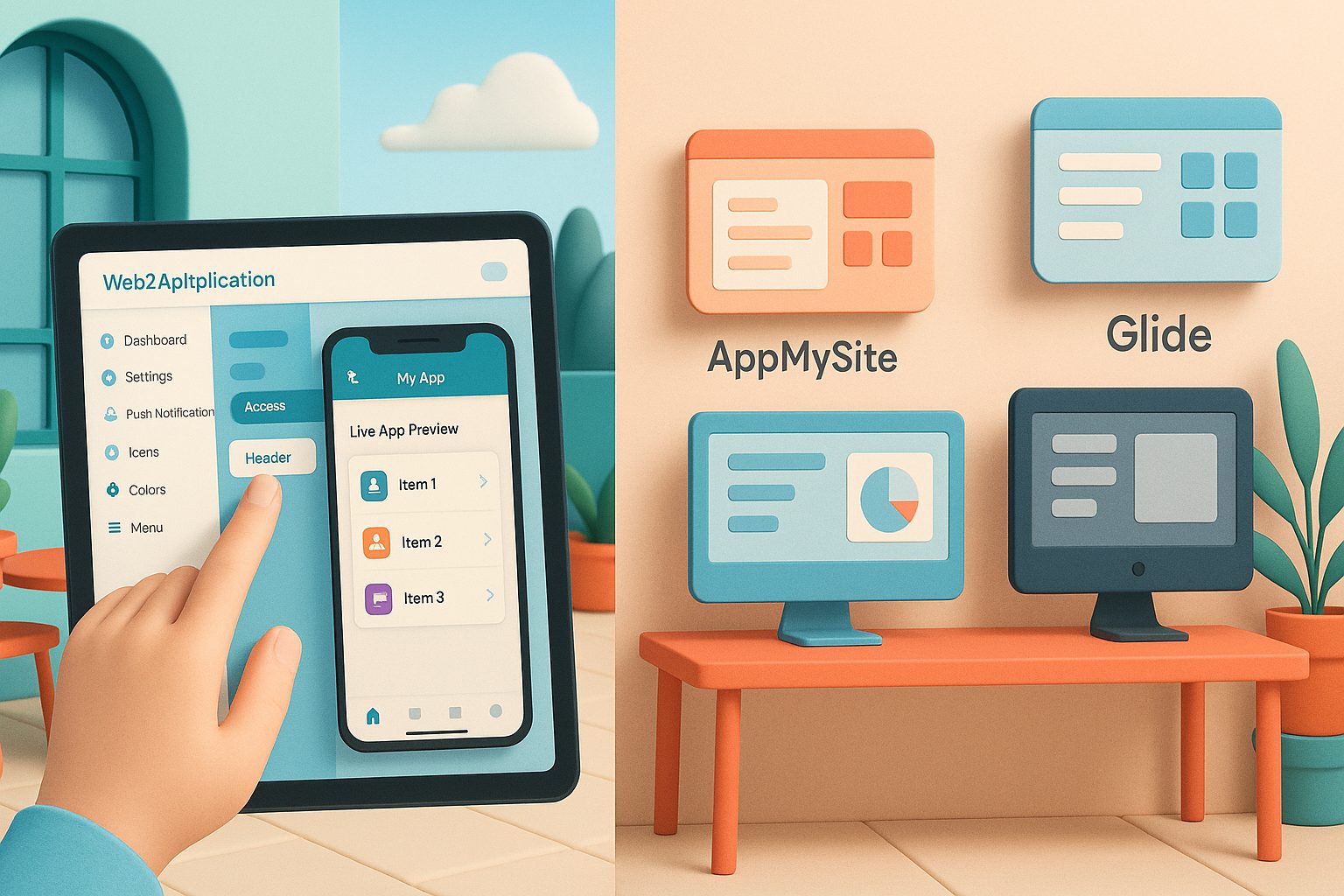
What Matters Most: Key Criteria for Website Owners
- Ease of Use: How quickly can you go from sign-up to a working app?
- Feature Set: Does the builder support push notifications, WordPress/WooCommerce, and native app features?
- Pricing Transparency: Are there hidden costs? What do you get at each tier?
- Store Submission Support: Is help available for Google Play and Apple App Store submissions?
- Ongoing Support: How accessible and responsive is the support team?
Web2Application: The Real User Workflow (From Sign-Up to Store)
- Sign Up: Create an account at web2application.com.
- Create Your App: Enter your website URL, choose app name, upload icon and splash screen, and customize the bottom tab bar.
- Configure Features: Enable push notifications via Google Firebase, connect your WordPress site (with a dedicated plugin), and access WooCommerce features if needed.
- Test Instantly: Request an APK for Android and test your app on a real device—no coding required.
- Submit to Stores: Premium users get direct support for submitting to Google Play and Apple App Store, including guidance on Apple’s strict guidelines.
- Promote & Update: Use smart download links, send push notifications, and manage updates from a single dashboard.
This workflow is designed for speed and simplicity, with clear steps and premium support available via WhatsApp for any roadblocks.
How AppMySite, Bubble, and Glide Approach Website-to-App Conversion
- AppMySite: Offers a similar website-to-app approach, but may require more manual configuration for advanced features and has a different pricing structure for push notifications and store submission.
- Bubble: Focuses on custom app building with visual programming. Powerful, but less streamlined for simple website-to-app conversions and has a steeper learning curve.
- Glide: Geared toward building apps from spreadsheets or databases. Great for internal tools, but less direct for turning a public website into a store-ready app.
Side-by-Side Feature and Pricing Table (With Workflow Highlights)
| Platform | Website-to-App Workflow | Push Notifications | WordPress/WooCommerce | Store Submission Support | Pricing (Starting) | Support |
|---|---|---|---|---|---|---|
| Web2Application | Guided, no-code, test APK in minutes | Yes (Firebase, included in Premium) | Full plugin, WooCommerce-ready | Direct help for Google & Apple stores | Free trial, Premium from $19/mo | WhatsApp, email, priority for Premium |
| AppMySite | No-code, but more manual steps for advanced features | Yes (higher tiers) | WordPress support, WooCommerce add-ons | Guidance, but less hands-on | From $9/mo (features limited by tier) | Email, chat |
| Bubble | Visual programming, steep learning curve | Possible via plugins | Requires custom setup | No direct store submission support | Free tier, paid from $29/mo | Email, community |
| Glide | Spreadsheet/database to app, not website-focused | Yes (Pro plans) | Not native, requires workarounds | No direct support | Free tier, paid from $25/mo | Email, community |
Unique Strengths: Where Web2Application Stands Out
- Fastest Website-to-App Workflow: Go from sign-up to a testable app in minutes, with no coding or complex setup.
- WordPress & WooCommerce Integration: Dedicated plugin for seamless content syncing and e-commerce features.
- Push Notifications Included: Easy Firebase integration and dashboard sending—no extra fees for premium users.
- Hands-On Store Submission Support: Direct help for both Google Play and Apple App Store, including guidance on Apple’s requirements.
- Responsive Support: Priority WhatsApp support for premium users, plus email help for all.
Which App Builder Is Right for Your Website? (Decision Scenarios)
- If you want: The fastest, most guided path from website to native app—choose Web2Application.
- If you need: Deep custom app logic and are comfortable with visual programming—consider Bubble.
- If your site is WordPress/WooCommerce: Web2Application’s plugin and workflow are tailored for you.
- If your app is internal or spreadsheet-driven: Glide may be a fit, but isn’t optimized for public websites.
- If you want: A balance of price and features, but are okay with more manual setup—AppMySite is an option.
Final Thoughts: Making a Confident Choice in Minutes
Choosing the right website-to-app builder is about more than just features—it’s about the real workflow, support, and peace of mind. Web2Application stands out by offering a transparent, guided experience that gets your app live faster, with all the features website owners need. Ready to see how easy it can be?
Sign up for Web2Application today and turn your website into a hybrid app with a native shell—no coding, no hassle, just results.
Frequently Asked Questions
How does Web2Application differ from other app builders?
Web2Application offers a uniquely streamlined workflow for website owners, with instant app previews, dedicated WordPress/WooCommerce integration, and hands-on store submission support. Competing builders may require more manual setup or lack direct guidance for app store submissions.
Do I need coding skills to use Web2Application?
No coding is required. Web2Application is designed for website owners with no technical background—just follow the guided steps in the dashboard.
Does Web2Application support push notifications?
Yes, push notifications are included for premium users via easy Firebase integration. You can send notifications directly from your dashboard.
What kind of support does Web2Application offer?
Premium users get priority WhatsApp support, and all users have access to email support. The team assists with technical issues and store submissions.
Can I test my app before publishing?
Absolutely. You can request an APK and install it on your Android device for real-world testing before submitting to app stores.
Ready to turn your site into an app?
Create your app with Web2Application — convert your website to Android and iOS apps.
Why Choose Web2Application for Your Website-to-App Conversion?
Web2Application is a hybrid app builder offering a native Java and Swift shell with native tabs, push notifications, and deep links, showing your existing website inside the app. This approach ensures quick updates without rebuilding the app, combined with native features for a smooth user experience.
Start free today at web2application.com, generate your Android test APK instantly, and explore Premium features with a 14-day trial. Create Your App Free and experience a transparent, guided workflow designed for website owners.
Frequently Asked Questions
What is the main difference between Web2Application and other app builders?
Web2Application provides a hybrid app with a native Java and Swift shell including native tabs, push notifications, and deep links, while displaying your existing website inside a WebView. Unlike some builders that focus on visual programming or spreadsheet-based apps, Web2Application emphasizes a streamlined workflow from sign-up to store submission with clear support and feature integration.
How quickly can I create and test my app with Web2Application?
You can sign up, create your app by entering your website URL, customize design elements, and request an Android test APK within minutes. The test APK includes full Premium features for 14 days, allowing you to test push notifications and other native capabilities without coding.
Does Web2Application support WordPress and WooCommerce integration?
Yes. Web2Application offers a dedicated WordPress plugin that connects your site API to the app, enabling WooCommerce features and seamless content updates inside the app’s WebView.
What kind of support is available for app store submissions?
Premium users receive direct assistance for submitting apps to Google Play and Apple App Store, including guidance on meeting Apple’s strict design and functionality guidelines. Support is accessible via WhatsApp and the Web2Application dashboard.
Create Your App Free and generate your Android test APK today. Explore all Premium features during your 14-day trial and see how Web2Application’s transparent workflow makes website-to-app conversion simple and effective.
Frequently Asked Questions
What is the main difference between Web2Application and other app builders?
Web2Application provides a hybrid app with a native Java and Swift shell including native tabs, push notifications, and deep links, while displaying your existing website inside a WebView. Unlike some builders that focus on visual programming or spreadsheet-based apps, Web2Application emphasizes a streamlined workflow from sign-up to store submission with clear support and feature integration.
How quickly can I create and test my app with Web2Application?
You can sign up, create your app by entering your website URL, customize design elements, and request an Android test APK within minutes. The test APK includes full Premium features for 14 days, allowing you to test push notifications and other native capabilities without coding.
Does Web2Application support WordPress and WooCommerce integration?
Yes. Web2Application offers a dedicated WordPress plugin that connects your site API to the app, enabling WooCommerce features and seamless content updates inside the app’s WebView.
What kind of support is available for app store submissions?
Premium users receive direct assistance for submitting apps to Google Play and Apple App Store, including guidance on meeting Apple’s strict design and functionality guidelines. Support is accessible via WhatsApp and the Web2Application dashboard.