Prototype, Test, and Iterate: The Owner-First Alternative Workflow to Convert Your Website Into a Mobile App (With Free Test APK and Push Notifications)
- nir
- July 29, 2026
- Marketing
- Marketing AI
- 0 Comments
Why Standard Website-to-App Converters Leave Owners Wanting More
Most website-to-app converters promise quick results: enter your URL, click a few buttons, and get a basic app. But for website owners who want real control, these standard workflows can feel limiting. You’re often forced to commit before seeing your app in action, with little room for hands-on testing or meaningful iteration. The result? Apps that may not fully reflect your brand, lack essential features, or miss engagement opportunities like push notifications.
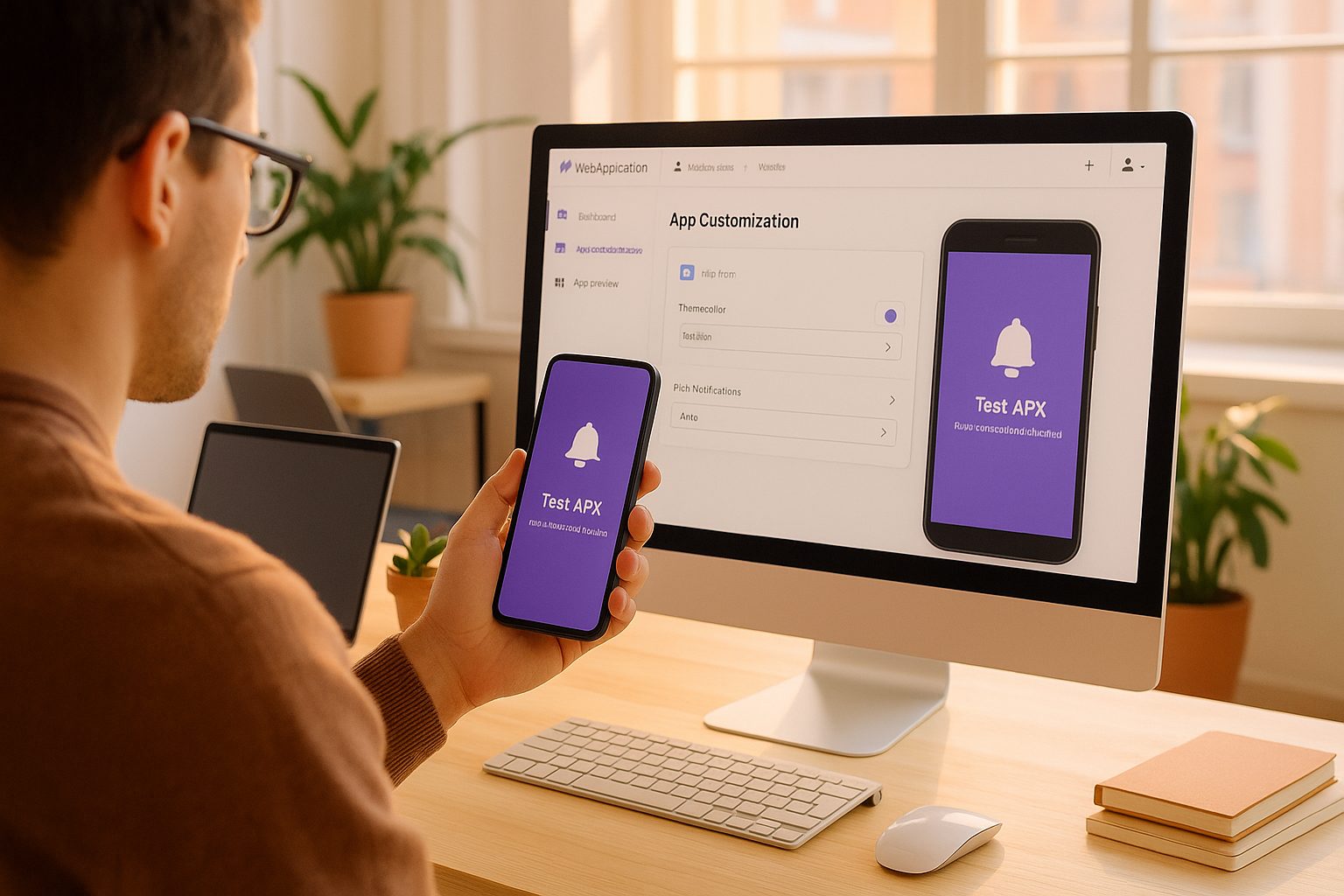
The Owner-First Alternative: Real-Time Prototyping and Testing Before You Commit
Imagine a workflow where you can:
- Prototype your app instantly from your website
- Test a real APK on your device—before any store submission
- Enable push notifications to see real engagement in action
- Iterate on design and features with every change visible in real time
This owner-first approach puts you in the driver’s seat, letting you refine and perfect your app before making any commitments. With Web2Application, this workflow is not just possible—it’s the standard.
How to Instantly Generate a Test APK From Your Website (Step-by-Step)
- Sign Up at Web2Application and access your dashboard.
- Create a New App: Enter your website URL and basic details.
- Customize Your App: Upload your icon, set a splash screen, and configure menus or colors to match your brand.
- Connect WordPress (Optional): If you use WordPress, install the Web2Application plugin for deeper integration.
- Request a Test APK: From the dashboard, request your APK. Once ready, download and install it on your Android device (enable “Install from unknown sources”).
- Preview Your App: See exactly how your website looks and behaves as a native app—no guesswork, no commitment.
Adding Push Notifications: Real Engagement Before Store Launch
Push notifications are a powerful way to engage your users—but most platforms only unlock this after you pay or launch. With Web2Application, you can:
- Set up push notifications using Google Firebase directly in your dashboard
- Send test notifications to your device with your test APK
- Experience real-time engagement and refine your messaging strategy before your app ever hits the stores
Iterate and Tweak: How to Refine Your App Design and Features in Real Time
With your test APK installed, you can:
- Adjust design elements like splash screens, icons, and color schemes
- Modify navigation menus or add new pages
- Sync content instantly if you use WordPress or WooCommerce
- Test push notification flows and user interactions
Every change you make in the Web2Application dashboard can be reflected in your next APK build, letting you iterate rapidly and confidently.
What Happens Next: Moving From Prototype to Store-Ready App
Once you’re satisfied with your prototype, Web2Application makes it simple to move forward:
- Upgrade to Premium to unlock full features and store submission support
- Request Android and iOS app submissions directly from your dashboard
- Get guidance on Google Play and Apple App Store requirements
- Continue refining your app even after launch with ongoing updates
How Web2Application Makes Owner-Driven App Conversion Possible
Web2Application stands out by giving website owners:
- Hands-on control over every step of the app creation process
- Instant test APK generation for real device testing
- Push notification setup and testing before launch
- Flexible design and feature customization—no coding required
- A transparent workflow that prioritizes your vision and feedback
Ready to experience the owner-first alternative? Create Your App Free with Web2Application, generate your test APK, and explore Premium features with a 14-day trial. Take control of your app’s journey—prototype, test, and iterate on your terms.
Frequently Asked Questions
What makes the owner-first workflow different from standard website-to-app converters?
The owner-first workflow lets you prototype, test, and iterate on your app with real APKs and push notifications before committing to store submission or payment. You have complete control over design, features, and engagement tools, ensuring your app matches your vision.
Can I test push notifications before my app is live on the app stores?
Yes. With Web2Application, you can set up and send push notifications to your test APK, allowing you to experience and refine engagement strategies before your app is launched.
Do I need to know how to code to use this workflow?
No coding is required. Web2Application provides an intuitive dashboard for customizing your app, setting up push notifications, and managing features—all without technical skills.
How do I get started with a free test APK?
Sign up at web2application.com, create your app in the dashboard, customize it, and request your test APK. You can install it on your Android device and start testing immediately.
What happens after I finish prototyping my app?
Once you’re happy with your prototype, you can upgrade to Premium to unlock full features and request store submissions for Android and iOS. Web2Application provides step-by-step guidance for launching your app.
Ready to turn your website into an app?
Create your Android and iOS app without coding. Start free, generate a test APK, and explore Premium features with a 14-day trial.