How to Turn Your Website Into a Mobile App—No Coding, No Hassle: The 2024 Automation Guide
- nir
- August 30, 2026
- Marketing
- Marketing AI
- 0 Comments
Why Convert Your Website to an App Without Coding?
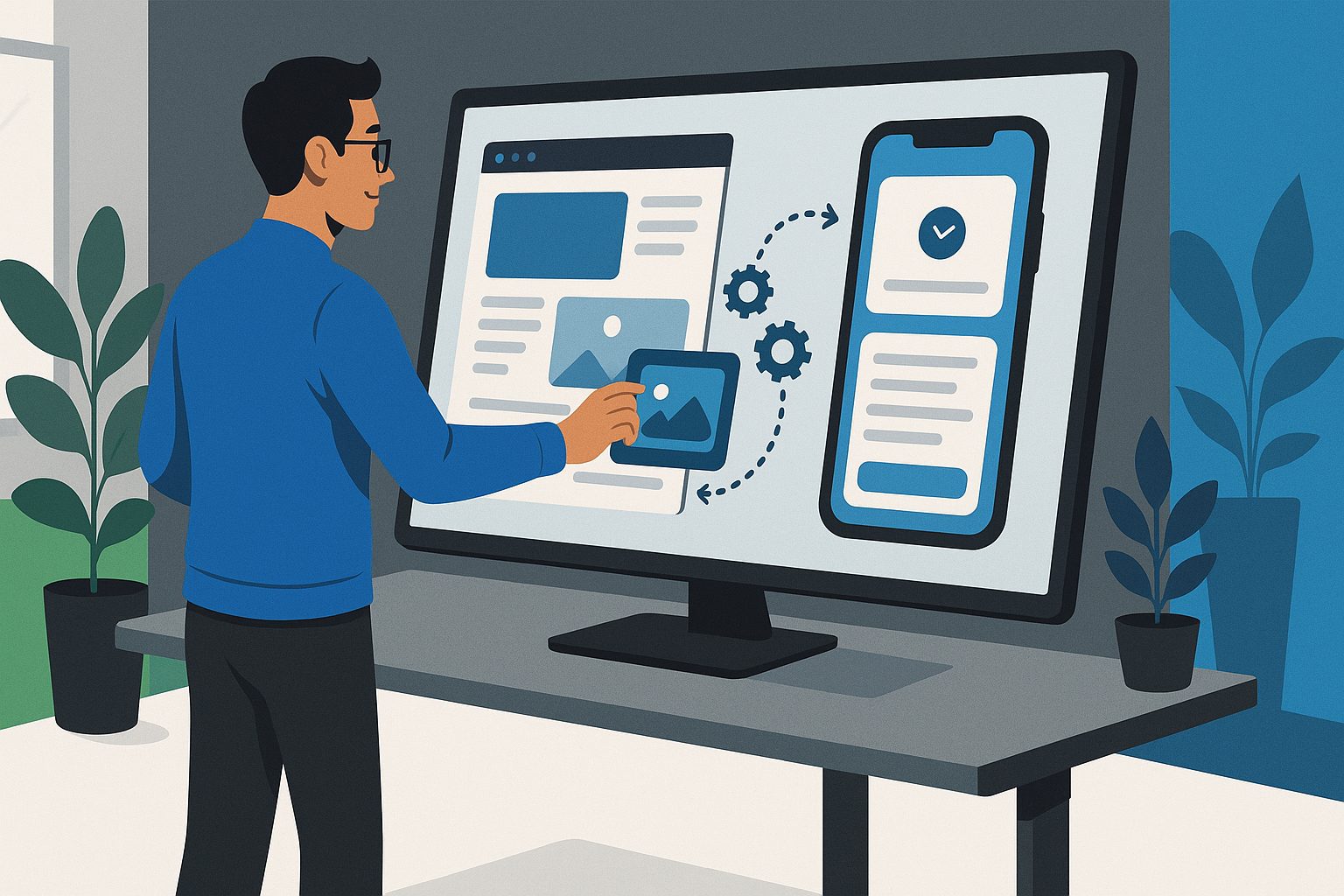
In 2024, mobile usage continues to soar, and having a native Android or iOS app is no longer a luxury—it’s a necessity for engaging your audience. But building an app from scratch can be expensive, time-consuming, and often requires technical expertise. That’s why more website owners are searching for how to make app from website without coding. With the right platform, you can convert your website into a fully functional mobile app—no programming required.
- Reach more users: Your app is available in app stores for instant discovery.
- Boost engagement: Push notifications keep your audience coming back.
- Increase conversions: Native features like device integration enhance user experience.
- Save time and money: No need to hire developers or learn to code.
Whether you run a blog, e-commerce site, or business portal, automating your website-to-app workflow is the fastest way to stay ahead in today’s mobile-first world.
What to Prepare: Website Readiness and Platform Requirements
Before you start, make sure your website is:
- Mobile-friendly: Responsive design ensures your app looks great.
- Secure (HTTPS): Required for app store approval.
- Accessible: Publicly available and not behind login walls (unless you want a members-only app).
For the automation process, you’ll need:
- An active website (WordPress, WooCommerce, or any platform)
- App icon and splash screen images (Web2Application provides guidelines)
- Google and/or Apple developer accounts (for store submission)
Step 1: Sign Up and Set Up Your Project in Web2Application
Start by signing up for a free account at Web2Application. Once inside your dashboard, click Create New App and enter your website URL. Web2Application automatically detects your site and prepares the foundation for your app—no code, no manual setup.
From your app dashboard, you can manage all settings, features, and automation tools in one place.
Step 2: Automate App Design—Branding, Tabs, and Native Features
Web2Application makes it easy to match your app’s look and feel to your brand:
- Upload your app icon and splash screen for a professional first impression.
- Configure the bottom tab bar menu to mirror your website’s main sections.
- Customize colors and layout—no design skills needed.
- WordPress users: Connect the Web2Application plugin for advanced features like product search and Elementor integration.
All changes are reflected instantly in your app preview, so you can fine-tune the design without technical steps.
Step 3: Enable Push Notifications and Real-Time Sync (No Coding Needed)
Keep your users engaged with automated push notifications. Web2Application integrates with Google Firebase in just a few clicks:
- Go to Push Settings in your app dashboard.
- Follow the guided Firebase setup wizard—no manual coding required.
- Send push notifications directly from your dashboard, or automate them for new content, sales, or announcements.
For WordPress and WooCommerce sites, the Web2Application plugin ensures your app content stays in sync with your website—no extra steps needed.
Step 4: Test Your App Instantly With APK and Live Preview
Ready to see your app in action? Request an APK file from the dashboard and install it on your Android device for real-time testing. For iOS, use Apple’s TestFlight to preview your app before submission. All updates you make in Web2Application are reflected instantly, so you can iterate quickly and confidently.
Step 5: Automate Store Submission for Google Play and Apple App Store
Once you’re satisfied with your app, Web2Application streamlines the app store submission process:
- Google Play: Premium users can request submission support directly from the dashboard. The Web2Application team guides you through the process and helps ensure your app meets all requirements.
- Apple App Store: With a valid Apple Developer account, request iOS submission. Web2Application handles the technical details, including Apple’s strict guidelines for native features.
No need to navigate complex developer consoles or worry about compliance—automation takes care of it for you.
Keeping Your App Updated: How Automation Keeps Your App in Sync With Your Website
One of the biggest advantages of using Web2Application is real-time sync. Whenever you update your website—add new pages, products, or blog posts—your app updates automatically. Push notifications can be triggered for new content, sales, or events, keeping your users engaged without manual effort.
With Web2Application, your app is always up-to-date, secure, and aligned with your website’s latest content and design.
Ready to Turn Your Website Into a Mobile App?
Don’t let technical hurdles hold you back from reaching mobile users. Sign up for Web2Application today and experience the easiest, most automated way to convert your website into a hybrid Android or iOS app with a native shell—no coding, no hassle.
Start your free trial now and join thousands of website owners who have already made the leap to mobile apps with Web2Application.
Frequently Asked Questions
Can I really make an app from my website without coding?
Yes! With Web2Application, you can convert your website into a hybrid Android or iOS app with a native shell without writing any code. The platform automates app creation, design, push notifications, and store submission.
Will my app stay updated when I change my website?
Absolutely. Web2Application keeps your app in sync with your website in real time. Any updates to your site are reflected automatically in your app.
Do I need a developer account to publish my app?
Yes, to publish on Google Play or the Apple App Store, you’ll need a developer account for each platform. Web2Application provides step-by-step guidance for the submission process.
Can I send push notifications to my app users?
Yes. Web2Application integrates with Google Firebase to enable push notifications without coding. You can send manual or automated notifications directly from your dashboard.
Is there a free trial?
Yes! You can start building and testing your app for free with Web2Application. Premium plans unlock advanced features like push notifications and store submission support.
Ready to turn your site into an app?
Create your app with Web2Application — convert your website to Android and iOS apps.
Frequently Asked Questions
- What is Web2Application?
- Web2Application is a hybrid app builder that creates Android and iOS apps with a native Java and Swift shell. It shows your website inside the app using a WebView, combined with native tabs, push notifications, and deep links.
- Can I make an app from my website without coding?
- Yes. Web2Application allows you to convert your existing website into a hybrid mobile app without any programming. The platform handles the native shell and app features, while your website content displays inside the app.
- Do I need developer accounts to publish my app?
- Yes. You need your own Google Play developer account for Android and Apple developer account for iOS to submit your app to the stores. Web2Application supports the submission process but cannot guarantee store approval.
- Is the app fully native?
- No. The app is hybrid, with a native shell in Java (Android) and Swift (iOS) providing native tabs, push notifications, and other features, while your website pages load inside a WebView.
- Can I test my app before subscribing?
- Absolutely. You can create your app free, generate an Android test APK, and explore Premium features with a 14-day trial period.
- Does the app work offline?
- No. Since the app loads your live website inside a WebView, it requires an internet connection to function.
- How do push notifications work?
- Web2Application integrates with Google Firebase to enable native push notifications, which you can configure without coding to engage your users effectively.
Create Your App Free Today
Ready to turn your website into a hybrid Android and iOS app without coding? Sign up at Web2Application.com, create your app dashboard, and generate a test APK instantly. Explore all Premium features free for 14 days and start engaging your mobile audience now.
Frequently Asked Questions
What is Web2Application?
Web2Application is a hybrid app builder that creates Android and iOS apps with a native Java and Swift shell. It shows your website inside the app using a WebView, combined with native tabs, push notifications, and deep links.
Can I make an app from my website without coding?
Yes. Web2Application allows you to convert your existing website into a hybrid mobile app without any programming. The platform handles the native shell and app features, while your website content displays inside the app.
Do I need developer accounts to publish my app?
Yes. You need your own Google Play developer account for Android and Apple developer account for iOS to submit your app to the stores. Web2Application supports the submission process but cannot guarantee store approval.
Is the app fully native?
No. The app is hybrid, with a native shell in Java (Android) and Swift (iOS) providing native tabs, push notifications, and other features, while your website pages load inside a WebView.
Can I test my app before subscribing?
Absolutely. You can create your app free, generate an Android test APK, and explore Premium features with a 14-day trial period.
Does the app work offline?
No. Since the app loads your live website inside a WebView, it requires an internet connection to function.
How do push notifications work?
Web2Application integrates with Google Firebase to enable native push notifications, which you can configure without coding to engage your users effectively.