How to Create an Android App from Your Website: A Complete Guide
- nir
- June 25, 2026
- Marketing
- Marketing AI
- 0 Comments
Why Convert Your Website into an Android App?
With more users browsing on mobile devices, having a hybrid Android app with a native shell can boost your website’s reach, engagement, and retention. An app provides a seamless mobile experience, push notifications, and visibility on the Google Play Store. If you’re a website owner, creating an Android app from your website is easier than ever — no coding required!
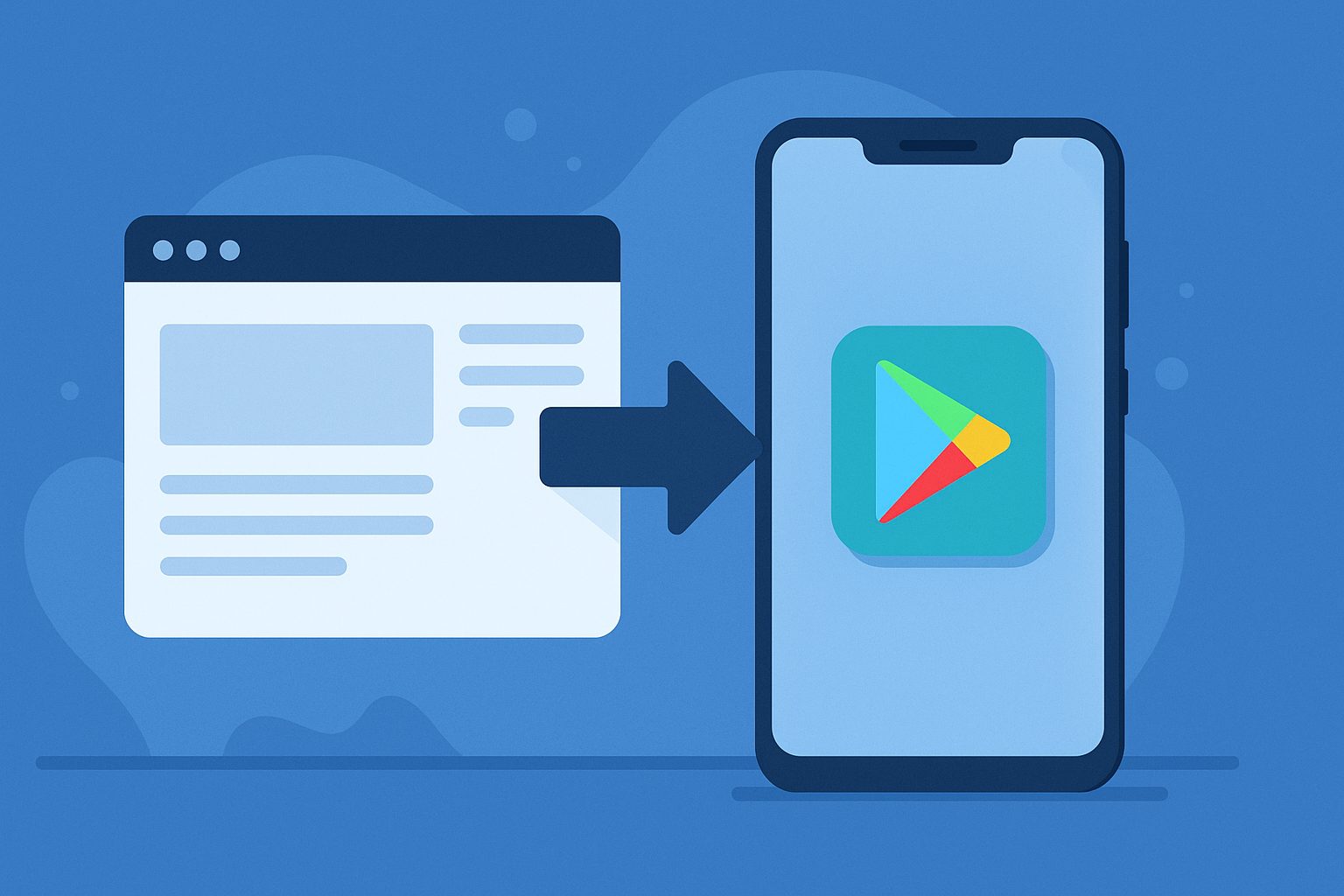
Step 1: Prepare Your Website for App Conversion
- Ensure your website is mobile-friendly and loads quickly.
- Check that your content complies with Google Play guidelines (no prohibited content, clear privacy policy, etc.).
- Decide which features and pages you want in your app.
Step 2: Sign Up on Web2Application
Web2Application is the leading platform to create an Android app from your website. Sign up for a free account and access your app dashboard.
Step 3: Create a New App in the Dashboard
- Click “Create New App” and enter your website URL.
- Set your app name, icon, and splash screen for branding.
- Configure the bottom tab bar menu for easy navigation.
Step 4: Customize App Features
- Push Notifications: Enable push notifications using the built-in Firebase setup wizard. This lets you send updates directly to users’ devices.
- Design: Adjust colors and layout to match your brand. Advanced users can tweak the app with custom CSS.
- WordPress Integration: If your site uses WordPress, install the Web2Application plugin for seamless content sync and WooCommerce support.
Step 5: Test Your Android App
- Request an APK build from the dashboard.
- Download the APK file and install it on your Android device (enable “Install from unknown sources”).
- Test all features, navigation, and push notifications.
Step 6: Upgrade for Premium Features
To unlock push notifications, store submission support, and premium support, upgrade your app to a premium plan in the dashboard. Premium plans also allow more users and advanced features.
Step 7: Submit Your Android App to Google Play Store
- Open a Google Play Developer account (one-time $25 fee).
- Request Android app submission from your Web2Application dashboard.
- Fill in required details in the Google Play Console (title, description, screenshots, privacy policy).
- Submit your app for review. Web2Application’s team can assist with the process.
Step 8: Promote Your Android App
- Share your app’s Play Store link on your website and social media.
- Send smart download links to your users.
- Encourage reviews to improve visibility in the Play Store.
Start Building Your Android App Today
Turning your website into an Android app is a powerful way to grow your audience and improve user engagement. Web2Application makes the process fast, simple, and accessible for all website owners. Sign up now and launch your Android app in just a few steps!
Related articles
Frequently Asked Questions
Do I need to know how to code to create an Android app from my website?
No coding is required. Web2Application provides an easy-to-use dashboard where you can configure and customize your app without programming knowledge.
Can I send push notifications to my app users?
Yes, with Web2Application's integrated Firebase setup, you can send push notifications to your users directly from your dashboard.
Will my app update automatically when I change my website?
Yes, your app will reflect changes made to your website. For WordPress sites, the Web2Application plugin ensures seamless content updates.
Is it possible to publish my app on the Google Play Store?
Absolutely. Web2Application guides you through the Google Play submission process and provides support for premium users.
Can I test my Android app before publishing?
Yes, you can download an APK file to install and test your app on any Android device before submitting it to the Play Store.
Ready to turn your site into an app?
Create your app with Web2Application — convert your website to Android and iOS apps.

Frequently Asked Questions
- Can I create an Android app from any website?
- Yes, Web2Application supports most websites, especially those that are mobile-friendly. For WordPress sites, the platform offers a dedicated plugin for better integration.
- Do I need coding skills to use Web2Application?
- No coding is required. The platform provides an intuitive dashboard to configure your app’s design, features, and push notifications with simple steps.
- How do I test my Android app before publishing?
- Web2Application lets you request an APK file from your dashboard, which you can install on your Android device for testing all app features.
- Is submitting my app to Google Play included?
- Submitting your app to Google Play requires a premium plan. Web2Application’s team assists you with the submission process after you open a Google Play Developer account.
- Can I send push notifications to my app users?
- Yes, push notifications are available with premium plans. The platform integrates with Google Firebase to enable sending updates directly to users’ devices.
Ready to Turn Your Website into a Powerful Android App?
Sign up now at Web2Application.com and start building your native Android app today — no coding needed!
Frequently Asked Questions
Can I create an Android app from any website?
Yes, Web2Application supports most websites, especially those that are mobile-friendly. For WordPress sites, the platform offers a dedicated plugin for better integration.
Do I need coding skills to use Web2Application?
No coding is required. The platform provides an intuitive dashboard to configure your app’s design, features, and push notifications with simple steps.
How do I test my Android app before publishing?
Web2Application lets you request an APK file from your dashboard, which you can install on your Android device for testing all app features.
Is submitting my app to Google Play included?
Submitting your app to Google Play requires a premium plan. Web2Application’s team assists you with the submission process after you open a Google Play Developer account.
Can I send push notifications to my app users?
Yes, push notifications are available with premium plans. The platform integrates with Google Firebase to enable sending updates directly to users’ devices.
Frequently Asked Questions
Can I create an Android app from my website without coding?
Yes. Web2Application allows you to convert your website into a hybrid Android app with a native shell easily without any coding skills.
How do I test my Android app before publishing?
After creating your app on Web2Application, you can request a test APK file from the dashboard, download it, and install it on your Android device to test all features.
What are the benefits of upgrading to a Premium plan?
Premium plans unlock push notifications, store submission support, premium customer support, and allow multiple users to manage your app.
Do I need a Google Play Developer account to publish my app?
Yes. A one-time $25 fee Google Play Developer account is required to submit your app to the Google Play Store. Web2Application assists with the submission process.
Start Creating Your Android App for Free with Web2Application
Ready to convert your website into a hybrid Android app with a native shell? Sign up at Web2Application.com and create your app free. Generate a test APK to try your app on your device and explore Premium features with a 14-day trial—no credit card required.
Frequently Asked Questions
Can I create an Android app from my website without coding?
Yes. Web2Application allows you to convert your website into a hybrid Android app with a native shell easily without any coding skills.
How do I test my Android app before publishing?
After creating your app on Web2Application, you can request a test APK file from the dashboard, download it, and install it on your Android device to test all features.
What are the benefits of upgrading to a Premium plan?
Premium plans unlock push notifications, store submission support, premium customer support, and allow multiple users to manage your app.
Do I need a Google Play Developer account to publish my app?
Yes. A one-time $25 fee Google Play Developer account is required to submit your app to the Google Play Store. Web2Application assists with the submission process.
Frequently Asked Questions (FAQs)
- Can I create an Android app from my website without coding?
- Yes. Web2Application allows you to convert your website into a hybrid Android app with a native shell without any coding skills.
- How do I test my Android app before publishing?
- After creating your app on Web2Application, request a test APK from the dashboard. Download and install it on your Android device to test all features.
- Is push notification support included?
- Push notifications are available with the Premium plan. Web2Application provides a built-in Firebase setup wizard to enable and manage notifications.
- Can I submit my Android app to Google Play Store through Web2Application?
- Yes. Premium users can request app submission assistance from Web2Application, including help with Google Play Console setup and review process.
- Does Web2Application support WordPress websites?
- Absolutely. There is a dedicated WordPress plugin that syncs your site content and supports WooCommerce features for your app.
Start Creating Your Android App Today
Ready to create an Android app from your website? Web2Application offers a simple platform to build, test, and launch your app quickly. Create Your App Free now to generate a test APK and explore Premium features with a 14-day trial.
Frequently Asked Questions
Can I create an Android app from my website without coding?
Yes. Web2Application allows you to convert your website into a hybrid Android app with a native shell without any coding skills.
How do I test my Android app before publishing?
After creating your app on Web2Application, request a test APK from the dashboard. Download and install it on your Android device to test all features.
Is push notification support included?
Push notifications are available with the Premium plan. Web2Application provides a built-in Firebase setup wizard to enable and manage notifications.
Can I submit my Android app to Google Play Store through Web2Application?
Yes. Premium users can request app submission assistance from Web2Application, including help with Google Play Console setup and review process.
Does Web2Application support WordPress websites?
Absolutely. There is a dedicated WordPress plugin that syncs your site content and supports WooCommerce features for your app.
Frequently Asked Questions
Can I create an Android app from my website without coding?
Yes, Web2Application enables website owners to convert their websites into hybrid Android apps with a native shell without any coding skills.
How do I test my Android app before publishing?
After creating your app on Web2Application, you can request a test APK file from the dashboard and install it on your Android device to test all features.
Do I need a Google Play Developer account to publish my app?
Yes, publishing to Google Play requires a one-time $25 developer account registration with Google.
What premium features does Web2Application offer?
Premium plans unlock push notifications, store submission support, WhatsApp premium support, and allow multiple users per app.
Is there support available if I need help?
Web2Application offers WhatsApp premium support for premium users and email support for all users.
Generate a test APK and explore Premium features with a 14-day free trial.
Frequently Asked Questions
Can I create an Android app from my website without coding?
Yes, Web2Application enables website owners to convert their websites into hybrid Android apps with a native shell without any coding skills.
How do I test my Android app before publishing?
After creating your app on Web2Application, you can request a test APK file from the dashboard and install it on your Android device to test all features.
Do I need a Google Play Developer account to publish my app?
Yes, publishing to Google Play requires a one-time $25 developer account registration with Google.
What premium features does Web2Application offer?
Premium plans unlock push notifications, store submission support, WhatsApp premium support, and allow multiple users per app.
Is there support available if I need help?
Web2Application offers WhatsApp premium support for premium users and email support for all users.
Frequently Asked Questions
Can I create an Android app from my website without coding?
Yes. Web2Application allows you to convert your website into a hybrid Android app with a native shell without any coding knowledge, using an easy dashboard and configuration tools.
How do I test my Android app before publishing?
After creating your app in Web2Application, you can request a test APK file from the dashboard, download it, and install it on your Android device to verify all features and design.
What premium features does Web2Application offer?
Premium plans unlock push notifications, app store submission support, WhatsApp premium support, and allow more users and advanced app features.
Do I need a Google Play Developer account to publish my app?
Yes. Publishing your app on Google Play requires a Google Play Developer account, which has a one-time $25 fee. Web2Application can assist you with the submission process.
Can I integrate my WordPress website with the app?
Yes. Web2Application offers a WordPress plugin that syncs your website content with your app and supports WooCommerce features for e-commerce sites.
Ready to Create Your Android App from Your Website?
Start your app-building journey today with Web2Application. Create your app free, generate a test APK, and explore all Premium features with a 14-day trial. No coding needed — just your website and a few clicks.
Frequently Asked Questions
Can I create an Android app from my website without coding?
Yes. Web2Application allows you to convert your website into a hybrid Android app with a native shell without any coding knowledge, using an easy dashboard and configuration tools.
How do I test my Android app before publishing?
After creating your app in Web2Application, you can request a test APK file from the dashboard, download it, and install it on your Android device to verify all features and design.
What premium features does Web2Application offer?
Premium plans unlock push notifications, app store submission support, WhatsApp premium support, and allow more users and advanced app features.
Do I need a Google Play Developer account to publish my app?
Yes. Publishing your app on Google Play requires a Google Play Developer account, which has a one-time $25 fee. Web2Application can assist you with the submission process.
Can I integrate my WordPress website with the app?
Yes. Web2Application offers a WordPress plugin that syncs your website content with your app and supports WooCommerce features for e-commerce sites.