The Fastest Path to a Modern ChurchApp: How to Turn Your Website Into a High-Engagement Mobile App (No Coding, No Rebuild)
- nir
- August 30, 2026
- Marketing
- Marketing AI
- 0 Comments
Why Churches Need a Mobile App (and Why Your Website Alone Isn’t Enough in 2024)
In 2024, your congregation expects more than just a website. A dedicated mobile churchapp puts your ministry in everyone’s pocket—enabling instant communication, deeper engagement, and easier access to events, sermons, and donations. While your website is essential, it can’t match the convenience and features of a native app: push notifications and a seamless mobile experience.
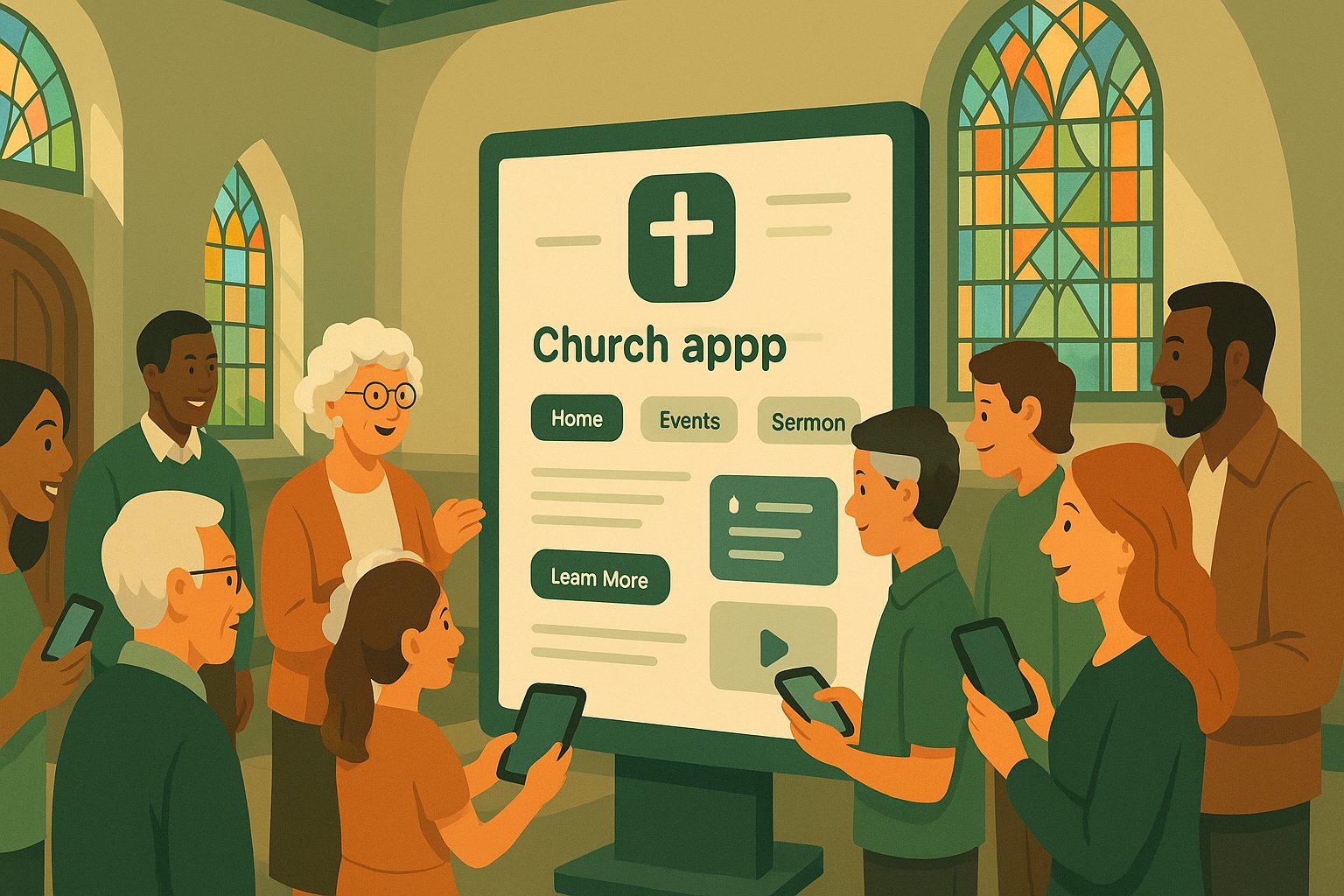
What Makes a Great ChurchApp? Must-Have Features for Community Engagement
- Push Notifications: Instantly share news, prayer requests, and event reminders.
- Event Calendar: Let members RSVP, add events to their phones, and stay updated.
- Donations & Tithing: Offer secure, mobile-friendly giving options.
- Sermons & Media: Easy access to past sermons, podcasts, and videos.
- Member Directory & Chat: Foster community with secure, private communication.
- Volunteer & Group Sign-Ups: Streamline ministry involvement.
But building all these features from scratch—or hiring a developer—can be overwhelming and expensive. That’s where a smarter shortcut comes in.
The Real-World Shortcut: Converting Your Existing Church Website Into an App
Most churches already have a website packed with resources, calendars, and donation tools. Why start over? With the right platform, you can convert your website into a native churchapp—retaining your content, design, and integrations, while unlocking mobile-only features like push notifications and app store presence.
This approach is not only faster and more affordable, but also ensures your app stays in sync with your website updates—no double work, no technical headaches.
Step-by-Step: How to Use Web2Application to Build Your ChurchApp—No Coding Needed
- Sign Up: Visit Web2Application and create a free account.
- Create Your App: Enter your church website URL and follow the guided setup. Web2Application automatically imports your site’s content and layout.
- Customize Design: Upload your church logo, choose an app icon, and set your splash screen for a branded experience.
- Configure Navigation: Set up bottom tab menus for quick access to sermons, events, giving, and contact info.
- Enable Push Notifications: Use the built-in wizard to connect Google Firebase and start sending updates to your congregation.
- Integrate with WordPress (Optional): If your site is on WordPress, install the free Web2Application plugin for deeper integration and features like WooCommerce donations or event sign-ups.
- Test Your App: Download the APK file to your Android device and preview your churchapp before launch. Make tweaks as needed.
- Submit to App Stores: Premium users can request submission assistance for Google Play and Apple App Store directly from the dashboard—no technical setup required.
Adding Essential Features: Push Notifications, Donations, Events, and More
Web2Application makes it easy to add the features your congregation expects:
- Push Notifications: Announce events, prayer chains, or urgent updates instantly.
- Donations: Link to your existing online giving page, or integrate with WooCommerce for seamless tithing.
- Event Calendars: Sync your website’s event calendar so members never miss a gathering.
- Media: Share sermon videos, podcasts, or newsletters directly in the app.
All of this is managed from your existing website or the Web2Application dashboard—no coding or double entry required.
Testing, Launching, and Promoting Your ChurchApp to Your Congregation
- Test on Real Devices: Use the APK for Android or TestFlight for iOS to preview your app and gather feedback from church leaders.
- Launch in App Stores: With Web2Application’s support, submit your churchapp to Google Play and the Apple App Store for maximum reach.
- Promote Your App: Share smart download links via email, social media, and during services. Encourage members to install and enable notifications.
Common Pitfalls (and How to Avoid Them) When Creating a ChurchApp From Your Website
- App Not Updating: Ensure your website and (if using) the WordPress plugin are connected and up to date.
- Push Notifications Not Working: Complete the Firebase setup and check device permissions.
- App Store Rejections: Web2Application apps are designed to meet Google and Apple guidelines, including native features and meaningful content.
Web2Application’s support team is ready to help you resolve any issues quickly, so your churchapp launch goes smoothly.
Why Web2Application Is the Smart Choice for Churches in 2024
- No Coding or Rebuild Required: Convert your existing website into a hybrid app with a native shell in days, not months.
- Church-Focused Features: Push notifications, donations, events, and more—tailored for ministry needs.
- Affordable Premium Plans: Unlock advanced features and app store submission support without breaking the budget.
- Friendly Support: Premium users get priority WhatsApp help for fast answers.
Ready to bring your ministry closer to your congregation? Sign up for Web2Application today and launch your modern churchapp—no coding, no rebuild, just real engagement.
Related articles
Frequently Asked Questions
What is a churchapp?
A churchapp is a mobile application designed specifically for churches to engage their congregation. It typically includes features like push notifications, event calendars, donations, sermon media, and more.
Can I turn my existing church website into a mobile app?
Yes! With Web2Application, you can convert your current church website into a hybrid Android and iOS app with a native shell without coding or rebuilding your site from scratch.
Do I need technical skills to create a churchapp with Web2Application?
No technical skills are required. Web2Application guides you through a simple, step-by-step process that anyone can follow.
Will my churchapp work with WordPress?
Absolutely. Web2Application offers a WordPress plugin for seamless integration, syncing your content and unlocking extra features like WooCommerce donations.
How do I get my churchapp on Google Play and the App Store?
Premium Web2Application users can request store submission directly from the dashboard. The support team assists with the process, ensuring your app meets all guidelines.
Ready to turn your site into an app?
Create your app with Web2Application — convert your website to Android and iOS apps.