How to Create a Mobile App From Your Website—With Instant APK Testing and Real Push Notifications (No Coding Needed)
- nir
- August 4, 2026
- Marketing
- Marketing AI
- 0 Comments
Why Convert Your Website Into a Mobile App in 2024?
Mobile usage continues to surge, and users expect seamless, app-like experiences on their smartphones. By converting your website into a mobile app, you can:
- Reach a wider audience on Google Play and Apple App Store
- Offer a faster, more engaging mobile experience
- Send real-time push notifications to boost engagement and retention
- Stand out from competitors who only offer mobile websites
But many website owners worry that building a mobile app is expensive, complex, or requires coding skills. The good news: with the right platform, you can create a mobile app from your website in hours—no coding or technical background needed.
What You Need Before You Start: Website Prep & App Store Readiness
Before you begin, make sure your website is:
- Mobile-friendly and responsive
- Accessible via HTTPS (secure connection)
- Compliant with Google Play and Apple App Store guidelines (avoid copyrighted content, ensure unique functionality)
If you use WordPress, having your admin login handy will help you connect plugins for deeper integration—but any website platform can be converted.
Step 1: Sign Up and Set Up Your App Dashboard With Web2Application
Start by visiting Web2Application and signing up for a free account. Once inside the dashboard, click Create New App and enter your website’s URL. The platform will guide you through basic setup, including naming your app and choosing your initial configuration.
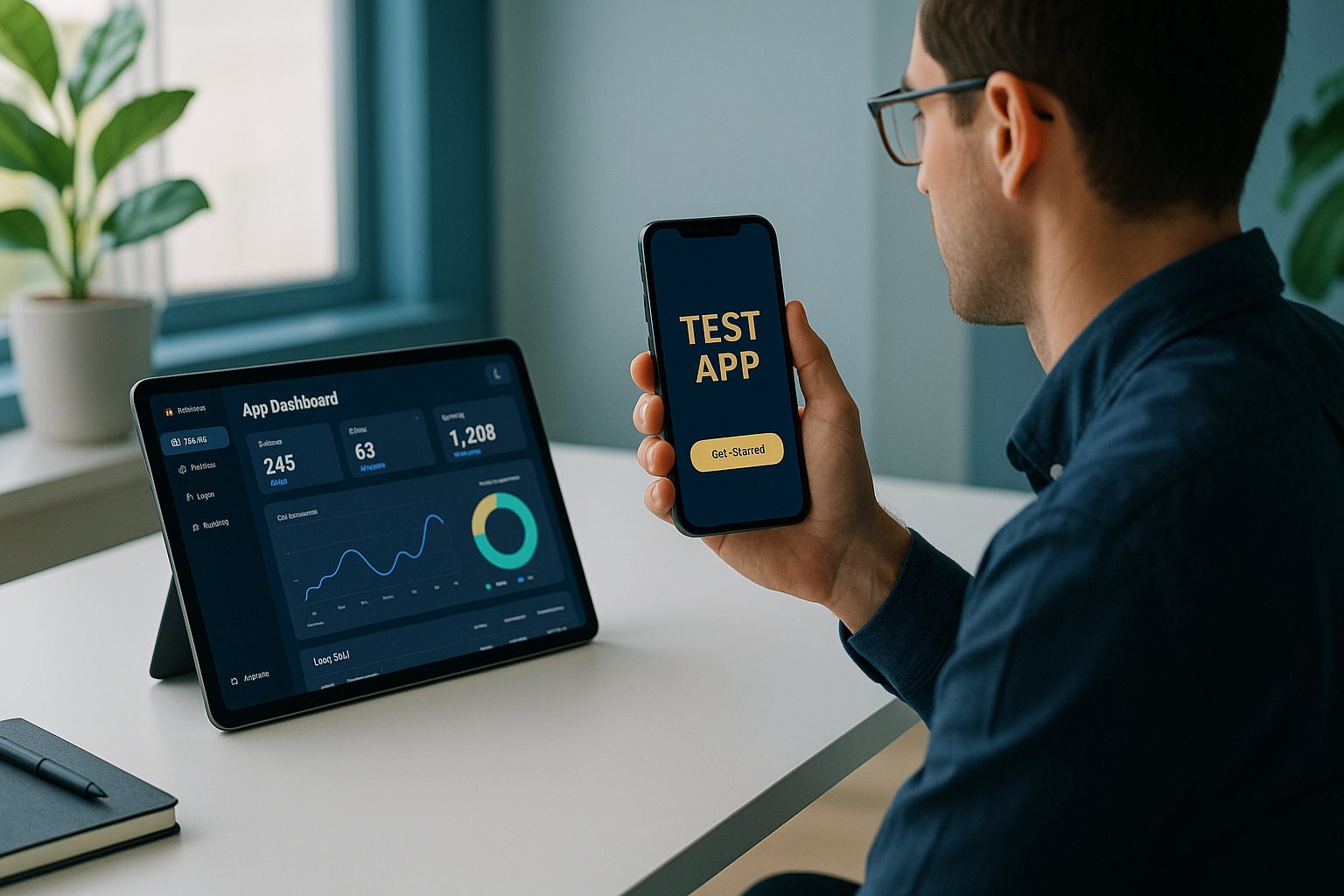
The dashboard is your control center—here you’ll manage design, features, push notifications, and testing. No technical skills required.
Step 2: Customize Your App’s Look—Icon, Splash Screen, and Navigation
Next, personalize your app to match your brand:
- Upload your app icon (the image users see on their phone)
- Set a splash screen (the launch image)
- Configure colors and bottom tab bar navigation to mirror your website’s structure
Web2Application’s dashboard makes this process visual and straightforward. You can preview changes instantly, ensuring your app feels truly yours.
Step 3: Enable and Test Push Notifications Using Google Firebase
Push notifications are essential for re-engaging users. With Web2Application, you can enable real push notifications using Google Firebase:
- Go to Push Settings in your app dashboard
- Follow the step-by-step Firebase setup wizard (no coding required)
- Connect your Google account and create or select a Firebase project
- Once connected, you can send test push notifications directly from the dashboard
This feature is available to all users during the 14-day free trial, so you can experience real push engagement before committing.
Step 4: Instantly Generate and Install a Test APK (No Commitment Needed)
One of the biggest advantages of Web2Application is the ability to instantly generate a test APK of your app—before any payment or subscription:
- Complete your app’s setup (icon, splash, settings)
- If you use WordPress, connect the Web2Application plugin for deeper integration
- Request your APK from the APK Request page in the dashboard
- Download the APK and install it on your Android device (enable “Install from unknown sources” if prompted)
This hands-on testing lets you see exactly how your app works on a real device. You can check navigation, design, and push notifications—risk-free.
Step 5: Explore Premium Features With a 14-Day Free Trial
Web2Application offers a 14-day free trial of premium features, including:
- Unlimited push notifications
- Store submission support for Google Play and Apple App Store
- Priority WhatsApp support
- Advanced user management
During your trial, you can fully explore all features and ensure your app meets your expectations—before making any commitment.
Step 6: What to Expect When Submitting to Google Play and Apple App Store
When you’re ready to publish, Web2Application’s team supports you through the store submission process:
- Google Play: Premium users can request submission help directly from the dashboard. You’ll need a Google Play Developer account.
- Apple App Store: Premium users can request iOS submission. An Apple Developer account is required, and your app must offer meaningful native functionality (which Web2Application apps provide).
The platform guides you through each step, from account setup to submission, ensuring your app has the best chance of approval.
Troubleshooting Common Issues and Getting Support
- App not updating content? Check your WordPress plugin connection and API key, or clear the app cache.
- Push notifications not working? Complete Firebase setup, ensure your app is premium, and check device notification permissions.
- Can’t download APK? Finish required setup steps and check the APK request status in your dashboard.
Web2Application offers responsive support via dashboard chat, email, and priority WhatsApp for premium users. Their knowledge base covers common questions, and the support team is ready to help you launch smoothly.
Ready to Create a Mobile App From Your Website?
Transforming your website into a powerful, native mobile app is easier than ever. With Web2Application, you can create your app free, instantly generate a test APK, and try all premium features with a 14-day trial—no coding or commitment required.
Related articles
- From Website to Real App: The Step-by-Step Owner’s Guide to Creating a Mobile App From Any Site (With Push, Testing, and Store Launch)
- From Website to App Store: The Realistic Timeline and Steps to Create a Mobile App From Your WordPress Site (No Coding Needed)
Frequently Asked Questions
Do I need to know how to code to create a mobile app from my website?
No coding is required. Platforms like Web2Application allow you to convert your website into a mobile app using a visual dashboard and step-by-step guides.
Can I test my app before paying or publishing it?
Yes. With Web2Application, you can instantly generate a test APK and install it on your Android device before making any payment or commitment.
How do push notifications work in my converted app?
Web2Application enables real push notifications via Google Firebase. You can set up and send notifications directly from your app dashboard—even during the free trial.
What do I need to submit my app to Google Play or the Apple App Store?
You’ll need a developer account for each store (Google Play or Apple). Web2Application provides guidance and support for the submission process, especially for premium users.
What if I run into issues during setup or testing?
Web2Application offers a detailed knowledge base, dashboard chat, email support, and priority WhatsApp support for premium users to help resolve any issues quickly.
Ready to turn your website into an app?
Create your Android and iOS app without coding. Start free, generate a test APK, and explore Premium features with a 14-day trial.