How to Convert Your WooCommerce Store to a Mobile App Without Coding: The Transparent, No-Risk Workflow (With Free Test APK Preview)
- nir
- August 30, 2026
- Marketing
- Marketing AI
- 0 Comments
Why Convert Your WooCommerce Store to a Mobile App—And Why No-Code Matters
Mobile commerce is booming, and customers expect your WooCommerce store to be just a tap away. A native mobile app can boost engagement, drive repeat purchases, and offer a seamless shopping experience. But hiring developers or learning to code can be expensive and time-consuming. That’s why no-code solutions like Web2Application empower store owners to convert WooCommerce to mobile app without coding—saving time, money, and hassle.
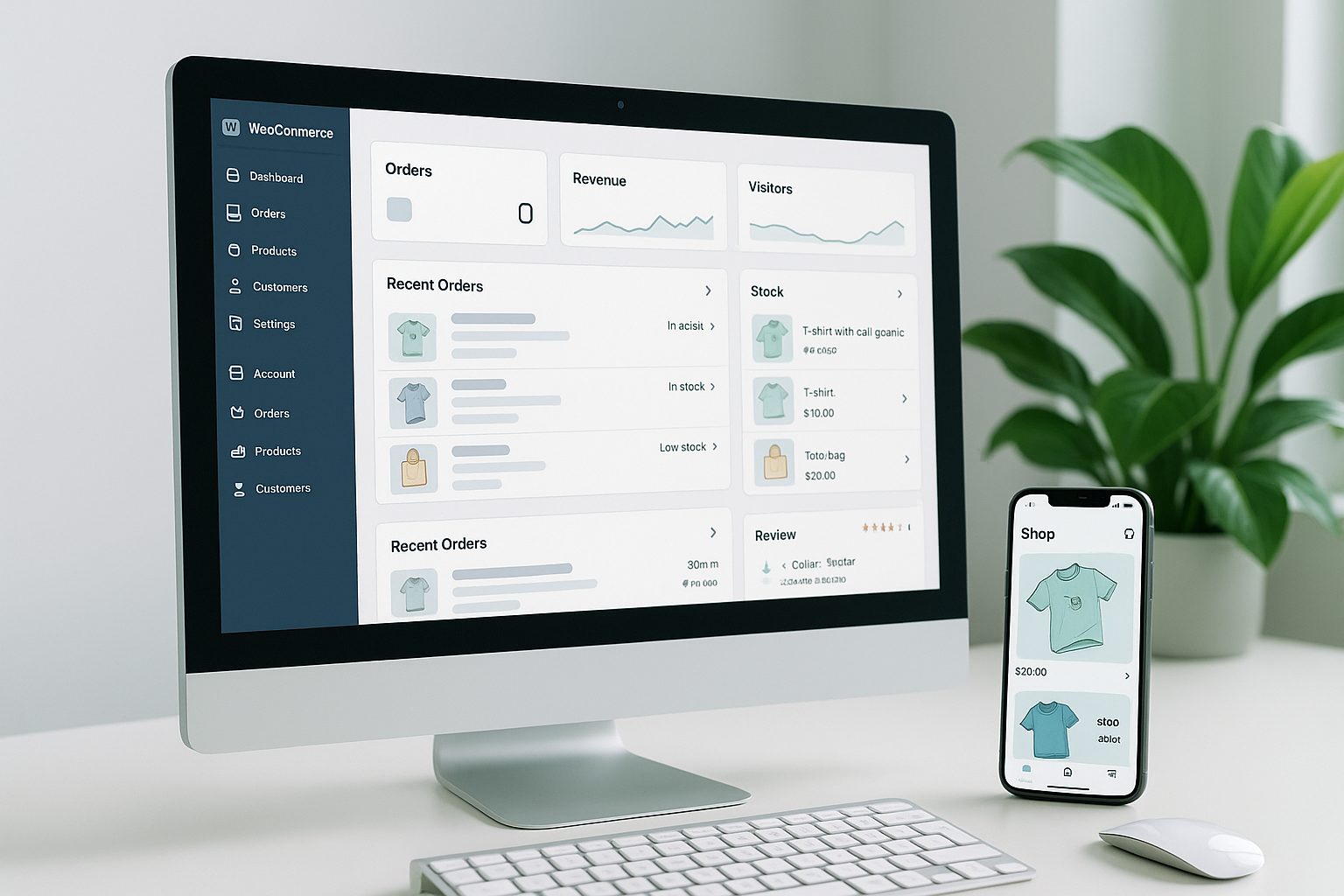
What to Prepare Before You Start: Store Readiness and App Guidelines
- Ensure your WooCommerce store is live and accessible (no maintenance mode).
- Check your product catalog—products, images, and categories should be up to date.
- Review Google Play and Apple App Store guidelines for basic compliance (no prohibited content, clear navigation, etc.).
- Have your store logo and a splash screen image ready for app branding.
Step-by-Step: Turning Your WooCommerce Store Into a Mobile App Without Coding
- Sign up at Web2Application and access your dashboard.
- Create a new app by entering your store URL and basic details (app name, icon, splash screen).
- Configure app design and navigation—customize colors, menus, and layout to match your brand.
How to Connect Your Store and Sync Products Instantly
- Install the Web2Application WordPress plugin from your app dashboard or the WordPress plugin directory.
- Enter your unique API key (found in your Web2Application dashboard) into the plugin settings.
- Verify connection—your products, categories, and content will sync automatically to the app.
- WooCommerce features like product search, cart, and checkout are supported natively.
Generating and Testing a Real APK of Your WooCommerce App (Free Preview)
- Complete your app setup (icon, splash, plugin connection, Firebase if you want push notifications).
- Request a test APK from the APK Request page in your dashboard.
- Download the APK and install it on your Android device (enable “Install from unknown sources”).
- Preview your actual store as a native app—explore navigation, product pages, and checkout on your phone.
- No payment or commitment required—test your app before deciding on a premium plan.
Exploring Premium Features: Push Notifications, Store Submission, and More (14-Day Trial)
- Push Notifications: Set up Google Firebase to send instant updates and offers to your customers.
- Store Submission Support: Get step-by-step help submitting your app to Google Play and Apple App Store (Apple requires a developer account).
- WhatsApp Premium Support: Access priority support for any questions or troubleshooting.
- Member Club Features: Unlock advanced automations and settings for loyal customers.
- Try all premium features free for 14 days—no risk, no hidden fees.
What Happens Next: Going Live on Google Play and Apple App Store
- Upgrade to a premium plan when you’re ready to publish.
- Request store submission directly from your dashboard—Web2Application guides you through the process.
- Android: Submit to Google Play with support from the Web2Application team.
- iOS: Submit to the Apple App Store (requires your own Apple Developer account).
- Promote your app with smart download links and in-store marketing tools.
Common Questions and Troubleshooting for First-Time App Owners
- App not updating? Ensure the plugin is connected and the API key is correct. Clear app cache or reinstall the APK if needed.
- Push notifications not working? Complete Firebase setup and check device notification permissions.
- Can I cancel any time? Yes—monthly subscriptions can be cancelled from the Payment page; yearly plans via WhatsApp support.
- Need help? Use the WhatsApp support button in your dashboard for quick assistance (include your App ID).
Ready to Convert Your WooCommerce Store to a Mobile App?
With Web2Application, you can convert your WooCommerce store to a mobile app without coding, preview your real app on your device, and explore premium features risk-free. Create Your App Free—generate a test APK and start your 14-day premium trial today!
Frequently Asked Questions
Can I convert my WooCommerce store to a mobile app without any coding skills?
Yes! With Web2Application, you don't need any coding knowledge. The platform guides you through each step, from connecting your store to customizing your app and generating a real test APK for preview.
How do I preview my WooCommerce app before committing?
After setting up your app and connecting the Web2Application WordPress plugin, you can generate a test APK and install it on your Android device. This lets you see your actual store as a native app before choosing a premium plan.
What features can I try during the free 14-day trial?
You can access premium features such as push notifications, store submission support, WhatsApp premium support, and advanced Member Club automations during the 14-day trial.
Is my WooCommerce store content synced automatically?
Yes. Once you install and connect the Web2Application plugin with your API key, your products, categories, and content sync automatically to your app.
What do I need to publish my app on Google Play or Apple App Store?
For Google Play, you need a developer account and a premium plan. For Apple, you'll need your own Apple Developer account. Web2Application provides guidance and support for both platforms.
Ready to turn your website into an app?
Create your Android and iOS app without coding. Start free, generate a test APK, and explore Premium features with a 14-day trial.